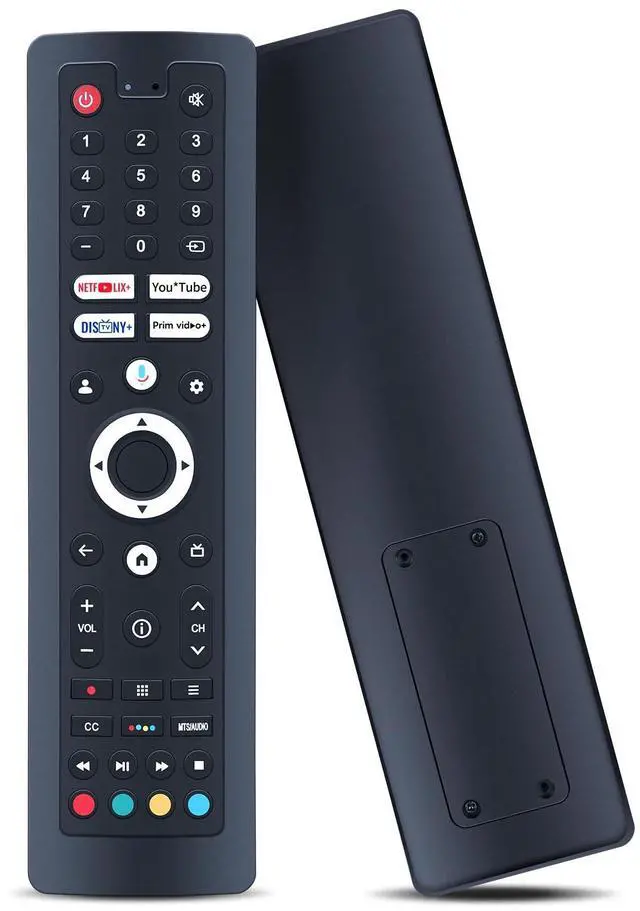
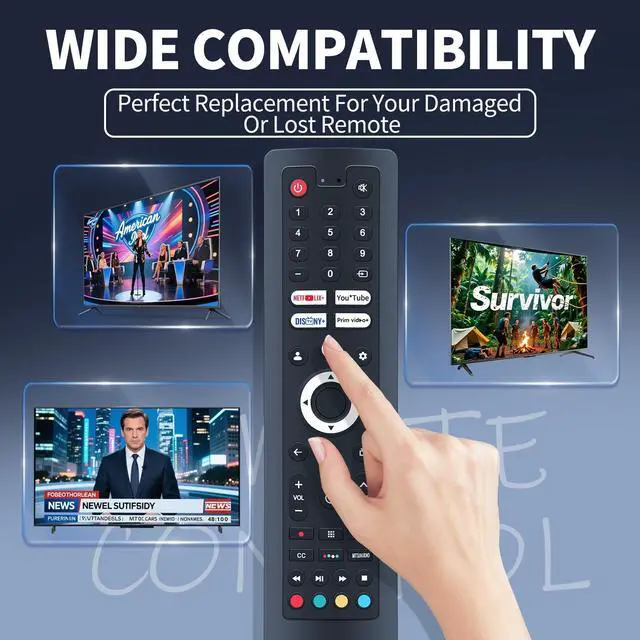
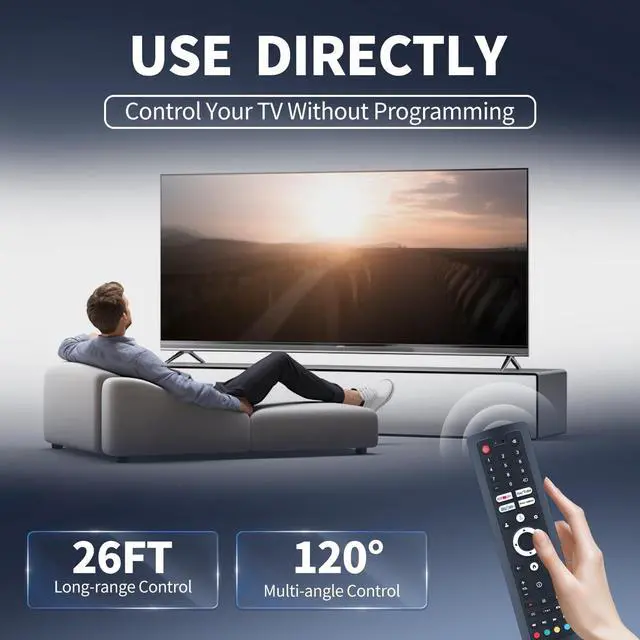
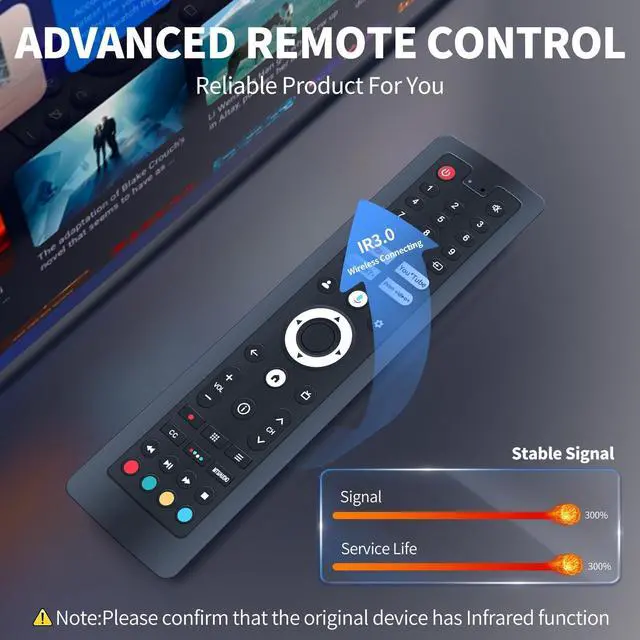
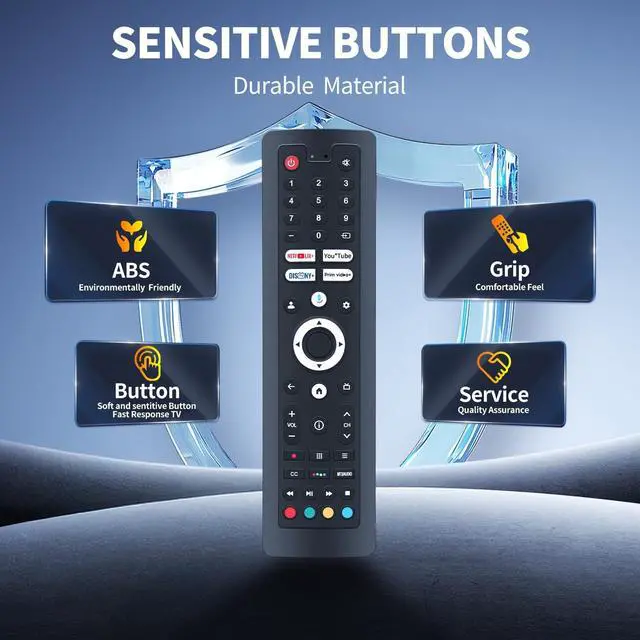
Compatible ModelsFQOUG voice replacement remote control is only for Google TV Deck-series Pool-series: Deck Pro 2.0, Pool Pro 2.0, Deck Pro 2.0 QLED, Pool Pro 2.0 QLED, Garden Series Outdoor TV. Supported Models: OT43A2KHGD, OT55A2KHGD, OT65A2KHGD, OT75A2KHGD, OQ43A2KHGD, OQ55A2KHGD, OQ65A2KHGD, OQ75A2KHGD, OT43A2KHGF, OT55A2KHGF, OT65A2KHGF, OT75A2KHGF, OQ43A2KHGF, OQ55A2KHGF, OQ65A2KHGF, OQ75A2KHGF (usually on the back of the TV)
Not CompatibleNot for Linux and Android outdoor TV, not compatible with Deck, Pool, Deck Pro, Pool Pro, Pool Pro QLED Series Outdoor TV.
How to Pairing a New Remote MethodPress [POWER] button to turn on the TV. Press and hold the [BACK] and [HOME] button together for 3-5 seconds, the indicator light flashes and enters the pairing status, after the pairing is successful, the indicator light will go out.
How to Connected New Remote with A Paired RemotePress[HOME] buttons, then select [SETTING-Remotes accessories] Select Add accessory then press OK b
+
+
Overview
Specs
Reviews
Any questions? Our AI beta will help you find out quickly.
Try me now
FQOUG Voice Replacement Remote Control Compatible with Sylvox Deck Pro 2.0, Pool Pro 2.0, QLED 2.0 Google Outdoor TV Series
Learn more about the Detailed Specifications
Additional Information
First Listed on Newegg
June 12, 2026
There are no reviews yet.
Do you own this product?
Warranty & Returns
Warranty, Returns, And Additional Information
Warranty
Please contact the Seller directly for warranty information. Warranty information may also be found on the Manufacturer's website.