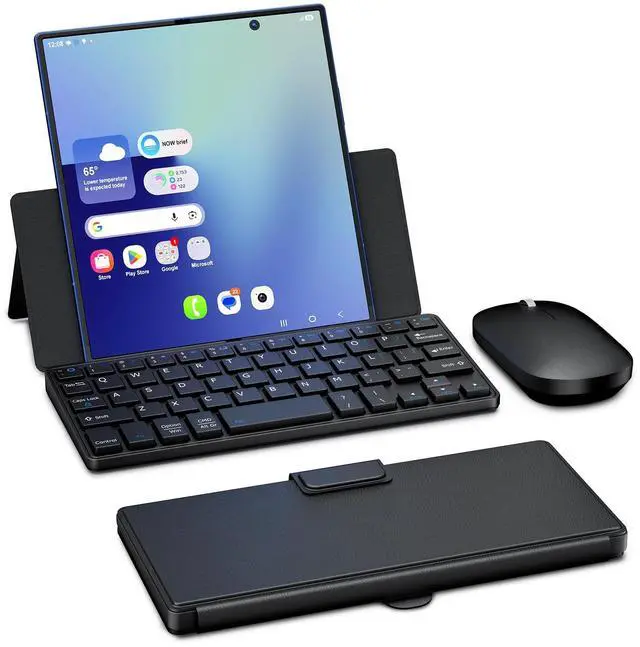
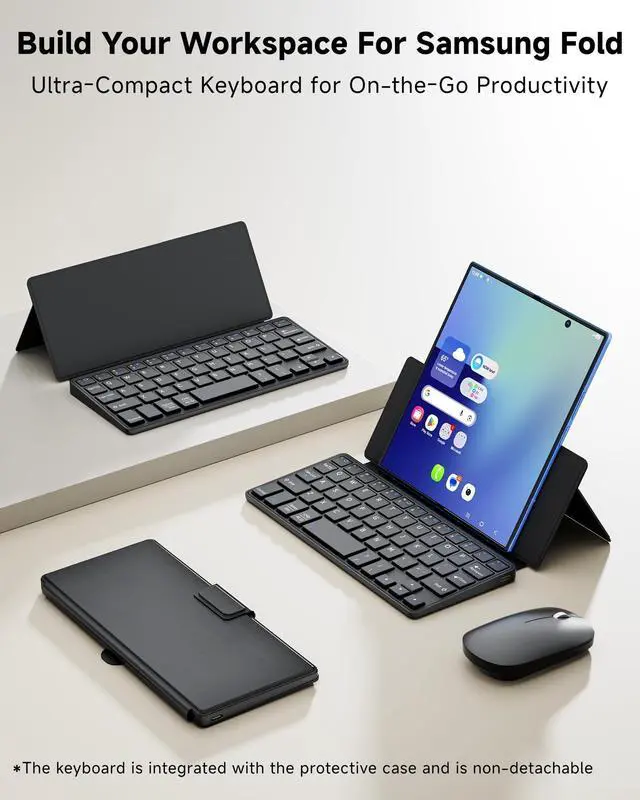
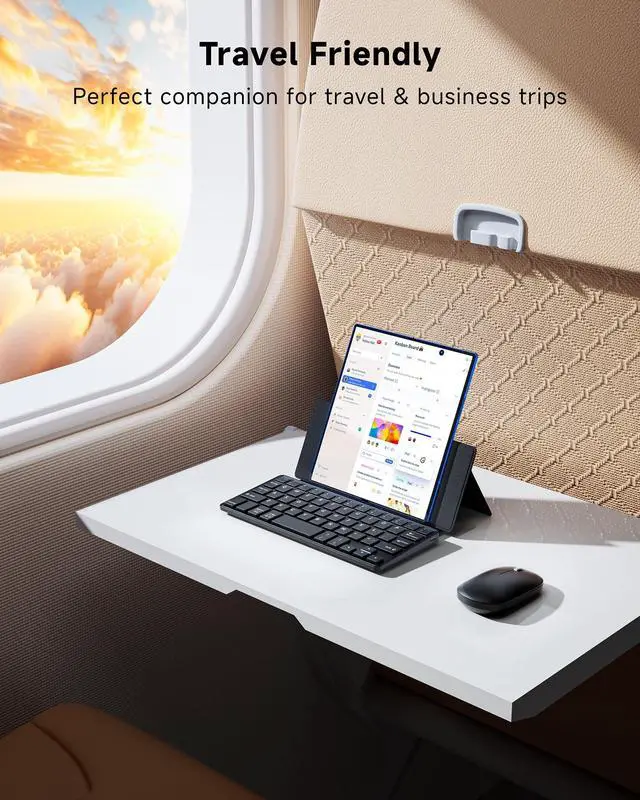
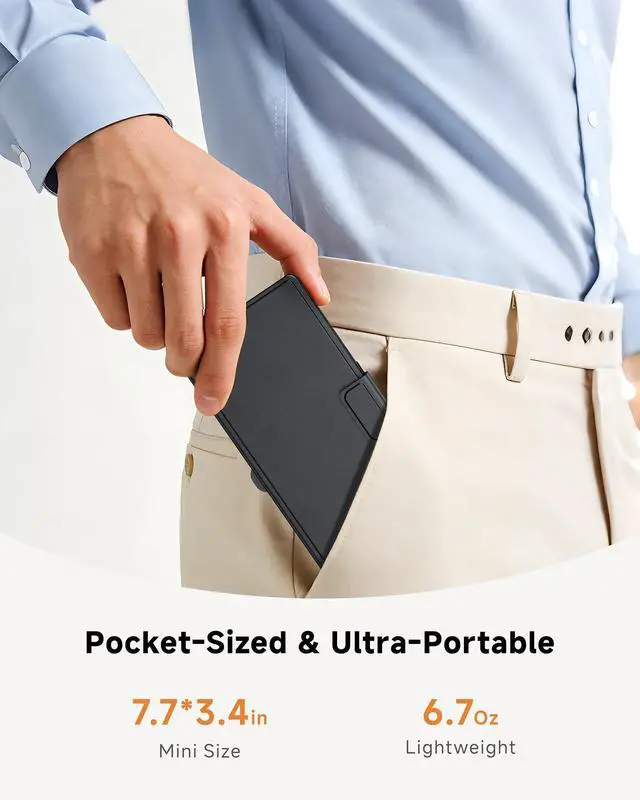
On-the-Go Mobile Office: Perfect Fit for Samsung Galaxy Z Fold 7/6/5/4/3 Series, also widely compatible with iPad Mini, iPhone and most smartphones, this foldable phone-sized keyboard ensures a perfect fit and seamless connection. It collapses to pocket size for effortless on-the-go typing and mobile work.
Package includes: 1 x Small Bluetooth Keyboard, 1 x Slim Wireless Mouse, 1X Type C Cable, 1 x User Manual ^^
Compact Design & Smooth Typing: Compact in design, this keyboard still delivers well-separated keys and a smooth & comfortable typing experience. Ultra-slim, lightweight, and rechargeablethis keyboard is so portable it fits in your pocket or your bag without adding extra bulk. Its just 7.73. 40.6 and 6.7O z., making it ideal for travelers, note-takers, or anyone who needs quick typing without a full-size keyboard.
^^ Dual Bluetooth Support: This mini keyboard features Dual Bluetooth Channels, allowing you to pair 1 or 2 devices simultaneously. After two devices are successfully connected, you can switch between your Galaxy Z Fold and a second device instantly with the shortcut "FN+1" or "FN+2", and the corresponding indicator light will light up.
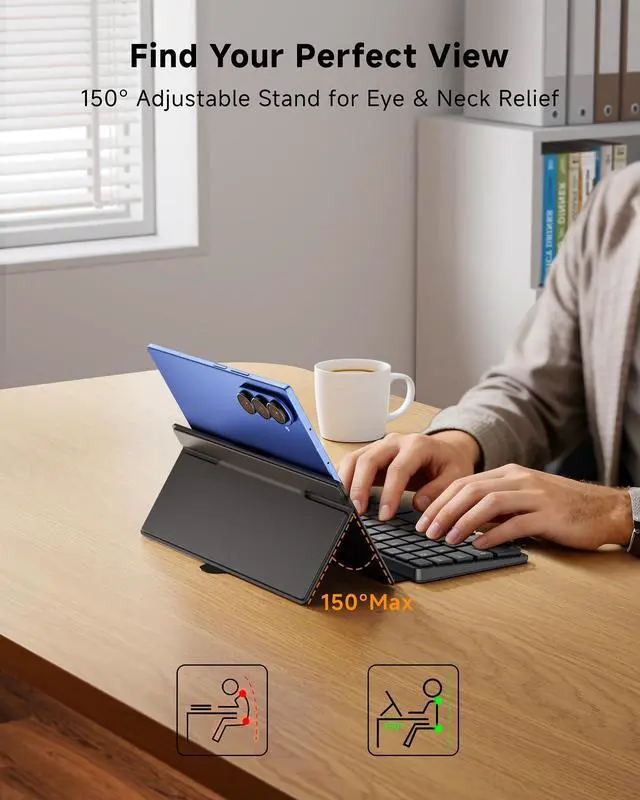
^^ Adjustable Viewing Stand: The build-in kickstand allows you to adjust your Galaxy Z Fold to any angle you prefer. Whether you're typing emails, watching videos or drawing, the foldable keyboard stand adjusts smoothly and stays firmly in place, providing a stable and comfortable viewing experience.
^^ Stylish Leather Case: Premium folio-style leather finish delivers a luxury look and all-around protection for keyboard. Pair it with the included silent mouse, and the keyboard-case-mouse combo transforms your Galaxy Z Fold into a fully functional mini laptopabsolute must-have accessories for Z Fold users.
^^ Warm Tips: If Bluetooth connection fails or is unstable, please reset and reconnect as follows: Remove "Wireless Keyboard" from your device's Bluetooth list, then turn off the keyboard Turn on the keyboard, press and hold the first and last keys on the top row until all indicator lights flash The Bluetooth indicator will flash rapidly to enter pairing mode automatically. If not, press Fn + 1 or Fn + 2 On your device, search for and select "Wireless Keyboard" to connect





 here!
here!