Your Browsing History
Meet Your Seller
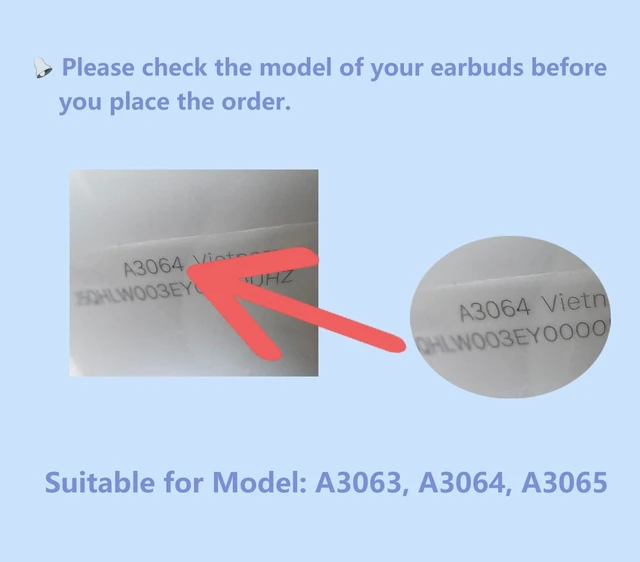
Siatron OEM Right Single Earbud for Pod Pro 3st Generation, Model A3063 A3064 3065, Genuine Right Earbud Only, Compatible with Original AirPods Pro 3 A3122 Charging Case
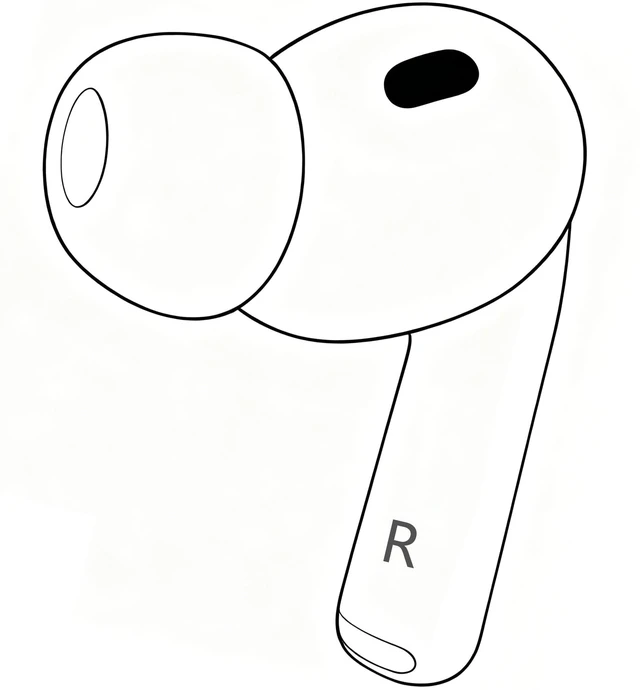
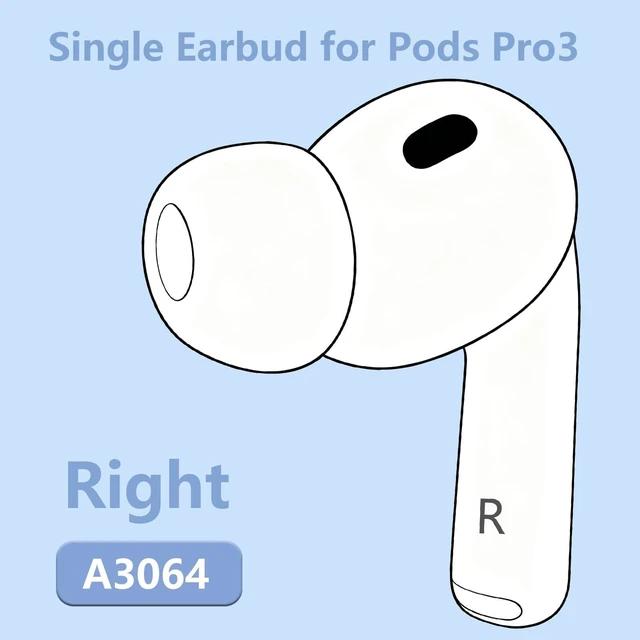
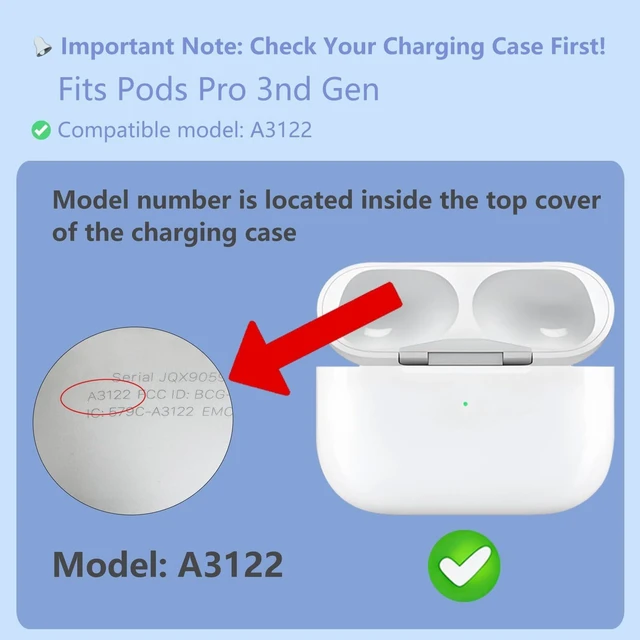
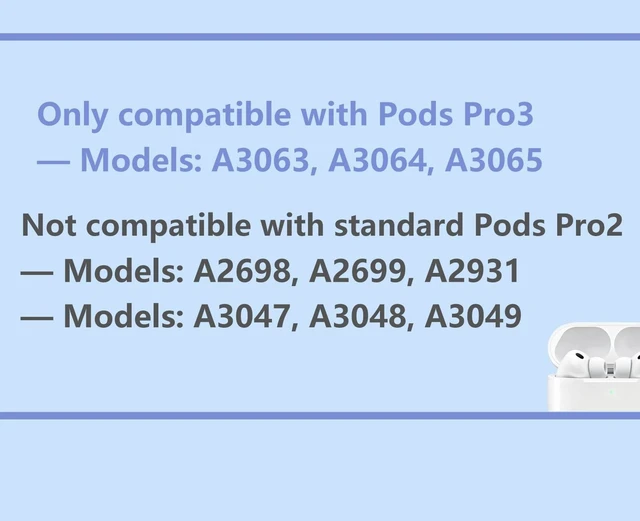
- Single Earbud Replacement: This product is a replacement Right earbud exclusively for Pods Pro3 (Model A3064); compatible with the charging case of the same generation (Model A3122).
- Model: Pods Pro3. After successful pairing, it supports all functions including active noise cancellation and transparency mode.
- Function: Fully matching the original product in performance and quality, it provides a stable and reliable replacement solution for Pods Pro3 noise-canceling earphones.
- Operation Instructions: Pairing is required for first use. Place the new earbud and your original earbuds into the charging case and charge for one full hour, then follow the connection steps for the new earbud to complete pairing.
- Pairing Instructions 1. Delete the previous earbud pairing record from your devices Bluetooth list. 2. Charge the earbud for at least 30 minutes and place your iPhone or iPad close by. 3. Open the charging case lid, then quickly double-tap the sensor area below the indicato
+
+
Overview
Specs
Reviews
Any questions? Our AI mode will help you find out quickly.
Try me now
Single Earbud Replacement: This product is a replacement Right earbud exclusively for Pods Pro3 (Model A3064); compatible with the charging case of the same generation (Model A3122).
^^ Model: Pods Pro3. After successful pairing, it supports all functions including active noise cancellation and transparency mode.
^^ Function: Fully matching the original product in performance and quality, it provides a stable and reliable replacement solution for Pods Pro3 noise-canceling earphones.
^^ Operation Instructions: Pairing is required for first use. Place the new earbud and your original earbuds into the charging case and charge for one full hour, then follow the connection steps for the new earbud to complete pairing. ^^ Pairing Instructions 1. Delete the previous earbud pairing record from your devices Bluetooth list. 2. Charge the earbud for at least 30 minutes and place your iPhone or iPad close by. 3. Open the charging case lid, then quickly double-tap the sensor area below the indicator light. A flashing white light confirms successful pairing. 4. If pairing fails, extend the charging time. It is recommended to charge overnight and retry. 5. Should any issues occur during use, please contact us for after-sales support at any time.

^^ Model: Pods Pro3. After successful pairing, it supports all functions including active noise cancellation and transparency mode.
^^ Function: Fully matching the original product in performance and quality, it provides a stable and reliable replacement solution for Pods Pro3 noise-canceling earphones.
^^ Operation Instructions: Pairing is required for first use. Place the new earbud and your original earbuds into the charging case and charge for one full hour, then follow the connection steps for the new earbud to complete pairing. ^^ Pairing Instructions 1. Delete the previous earbud pairing record from your devices Bluetooth list. 2. Charge the earbud for at least 30 minutes and place your iPhone or iPad close by. 3. Open the charging case lid, then quickly double-tap the sensor area below the indicator light. A flashing white light confirms successful pairing. 4. If pairing fails, extend the charging time. It is recommended to charge overnight and retry. 5. Should any issues occur during use, please contact us for after-sales support at any time.
Warranty & Returns
Warranty, Returns, And Additional Information
Warranty
- Please contact the Seller directly for warranty information. Warranty information may also be found on the Manufacturer's website.
- CONTACT
Return Policies
- Return for refund within: 30 days
- Return for replacement within: 30 days
- This item is covered by SmartJoy Shop Return Policy
Manufacturer Contact Info
- For a directory of all our manufacturers, please click below.
- Manufacturers Directory
LOADING...