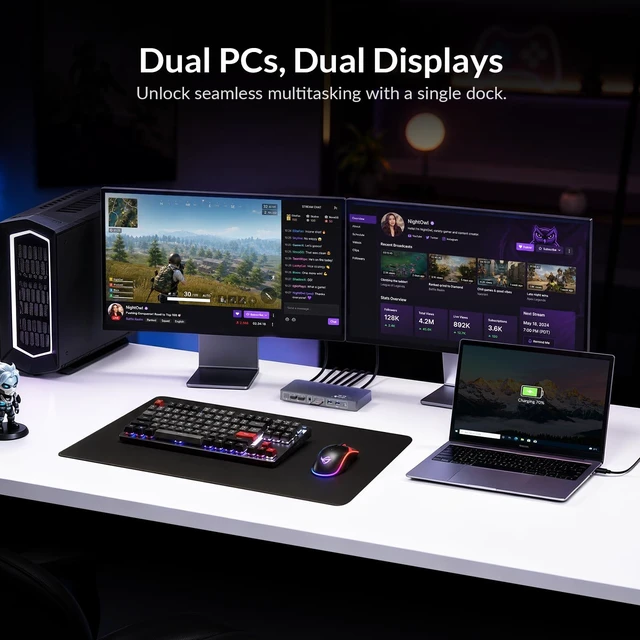
Switch Laptop & Desktop Across 2 MonitorsTurn one desk into a shared workstation for your USB-C work laptop and desktop PC. This dual monitor KVM docking station lets both computers share the same monitors, keyboard, mouse and USB peripherals, so you can switch from work to gaming or personal use with one buttonwithout swapping cables or changing monitor inputs. ^^ 8K@60Hz & 4K@165Hz for High-Refresh GamingGet high-resolution productivity and smoother gaming through HDMI 2.1 and DisplayPort connectivity. The desktop video path supports up to 8K@60Hz or 4K@165Hz, letting you keep a high-performance monitor setup for both everyday work and PC gaming.
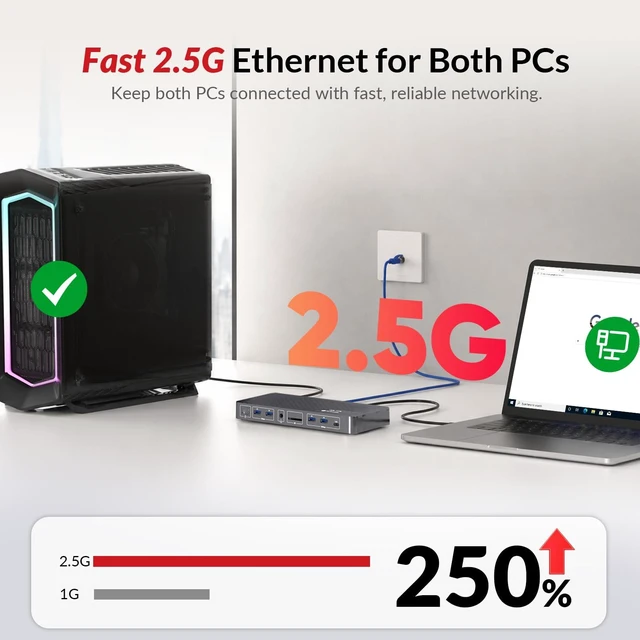
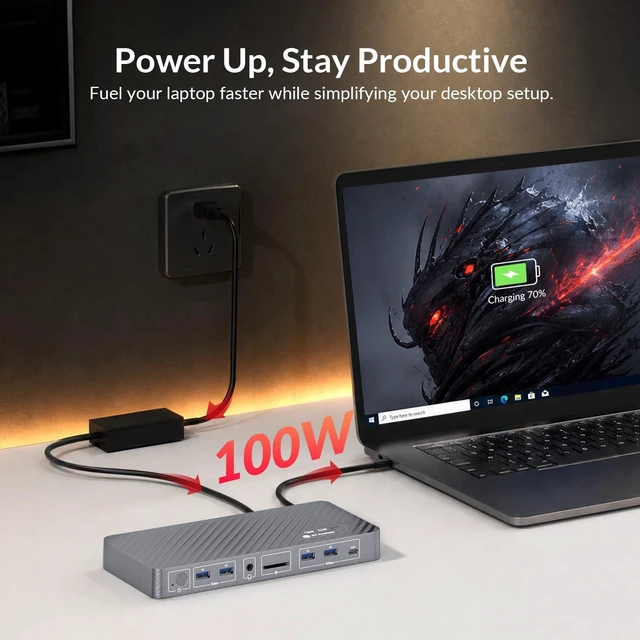
Actual resolution and refresh rate depend on your graphics card, displays and cables. ^^ KVM Switch + USB C Dock in OneCombine dual-monitor KVM switching and laptop docking in a single desktop setup. Connect a compatible laptop through one full-featured USB C host cable for video, data and charging, while the desktop connects through HDMI, DisplayPort and USB. Both computers stay connected to the same displays and peripherals, reducing cable changes and the need for separate KVM and docking devices. ^^ 100W Laptop Charging & 2.5G b EthernetPower a compatible USB-C laptop with up to 100W charging while adding fast 2.5G b wired networking to your desk.
Ideal for video calls, VPN access, NAS workflows, large file transfers and other bandwidth-heavy tasks, it helps create a faster, cleaner workstation with fewer separate adapters and connections. ^^ Dual Monitor ProductivityUse the same two monitors with either your laptop or desktop for spreadsheets, coding, design, editing and multitasking. Compatible Windows laptops can support up to dual 4K@60Hz extended displays when the USB-C host supports the required DP 1.4 a, DSC and MST capabilities, giving you more screen space without rebuilding your desk setup. ^^ 10Gbps USB & Shared Desk PeripheralsShare keyboards, mice, external SSDs, webcams, headsets and other USB devices between both computers without reconnecting them each time.
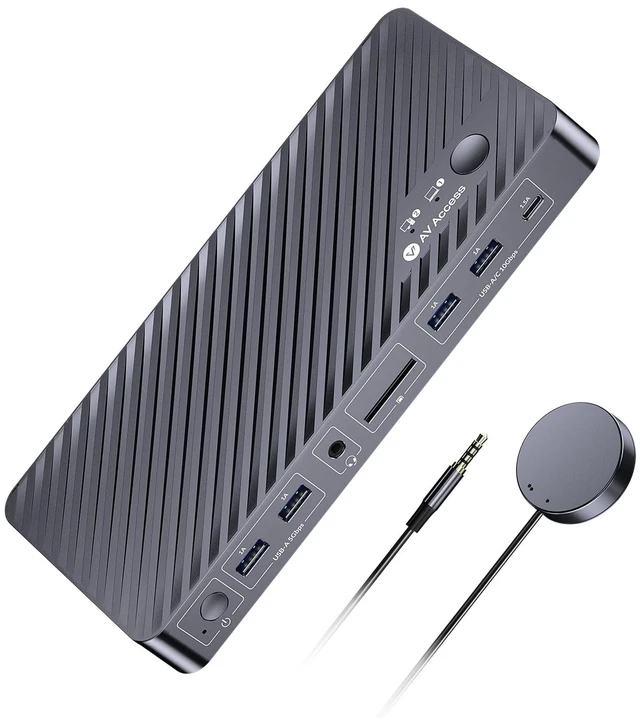
With 5 USB-A ports, 1 USB-C data port, an SDXC card reader and a 3.5 mm headset jack, the dock supports USB data speeds up to 10Gbps for fast storage and everyday desktop accessories. ^^ Check USB-C Laptop Compatibility Before BuyingLaptop video requires a USB-C or Thunderbolt port with DisplayPort Alt Mode. Dual extended displays on Windows also require compatible MST support and sufficient DisplayPort bandwidth. macOS does not support MST, so two monitors connected through the laptop USB-C input will mirror the same content instead of operating as two independent extended displays.




 here!