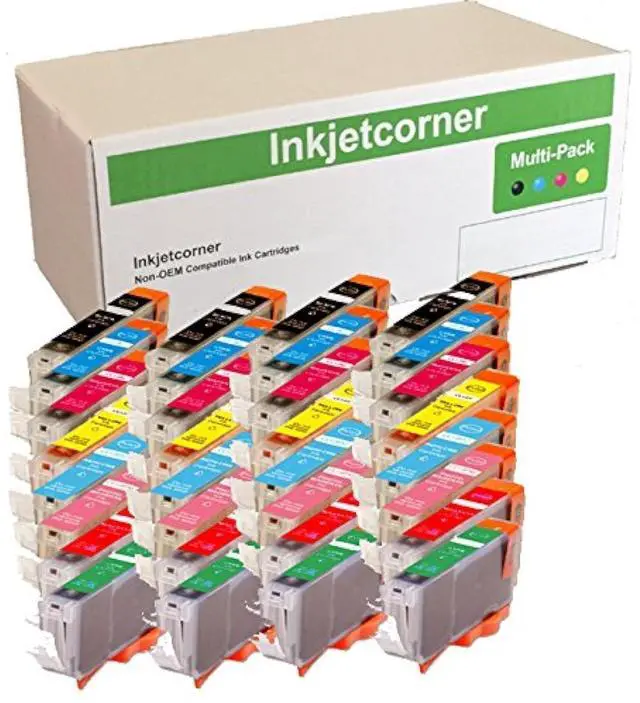
Inkjetcorner inkjet cartridges for your printers are built to meet the same original specifications and performance standards as the OEM cartridges.
Compatible with the following printers: Pixma Pro9000, Pro9000 Mark IIHow to install /
Replace new ink cartridge: Step
1: Pull off tape (if any) the yellow/clear sealing tape on top of the cartridge. If there are no tape on the top, proceed to
Step 2Step 2: Turn cartridge upside down and remove the orange cap/bracket off the cartridgeStep 3: Insert the cartridge into the corresponding slot and push down on the cartridge until you hear a click soundStep 4: This Step is optional. Run a Printhead clean on the cartridge. this will flush out residue leftover from previous useNOTE: The cartridges may not light up due to latest driver update. However, you will be able to continue to print and the ink levels will display





 here!
here!