

Your Browsing History

Meet Your Seller

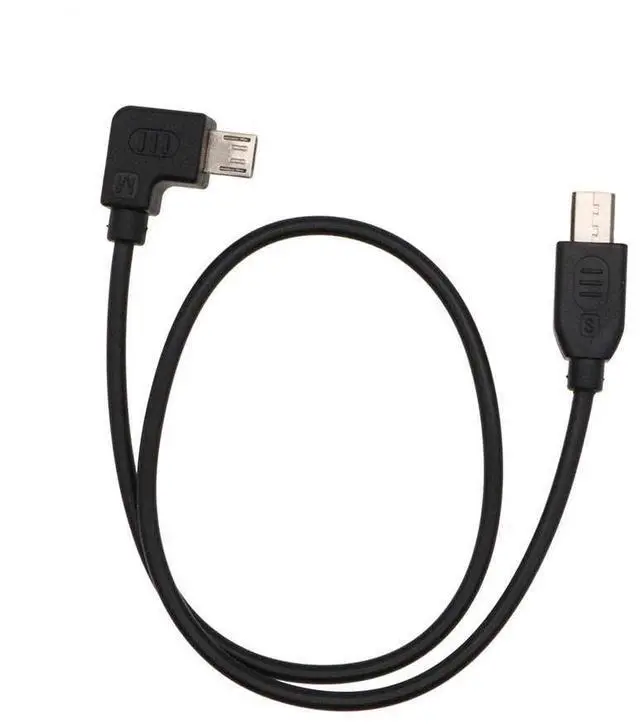
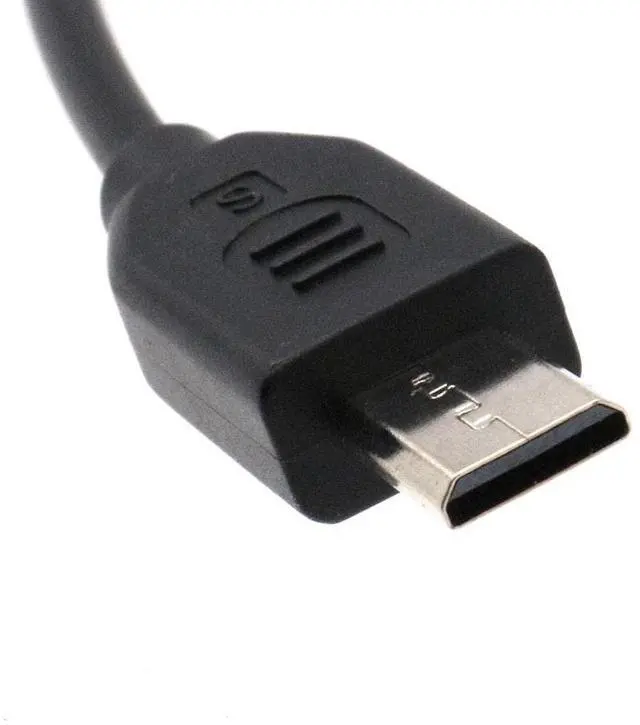
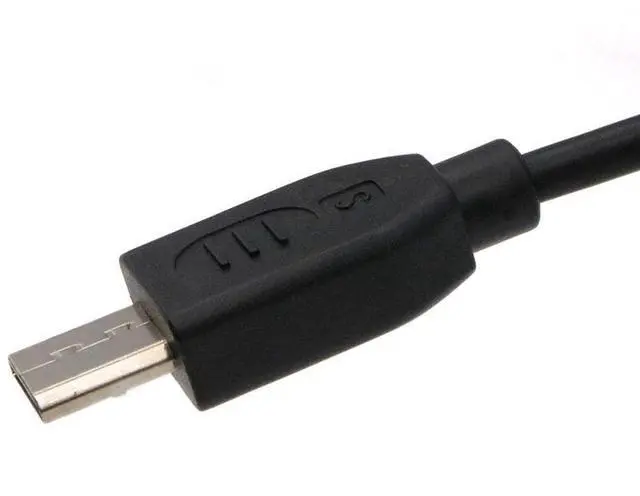
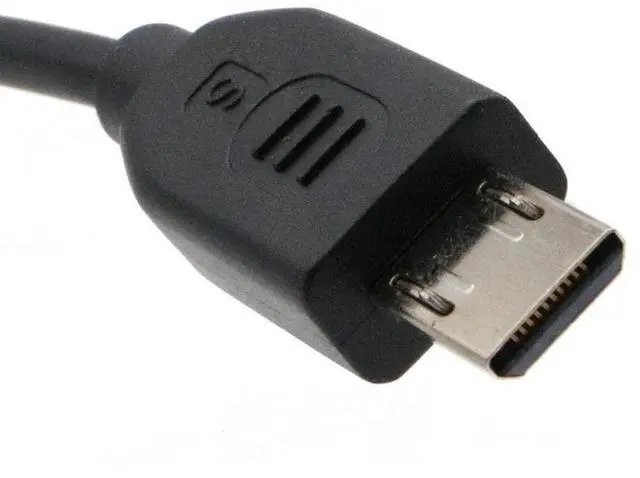
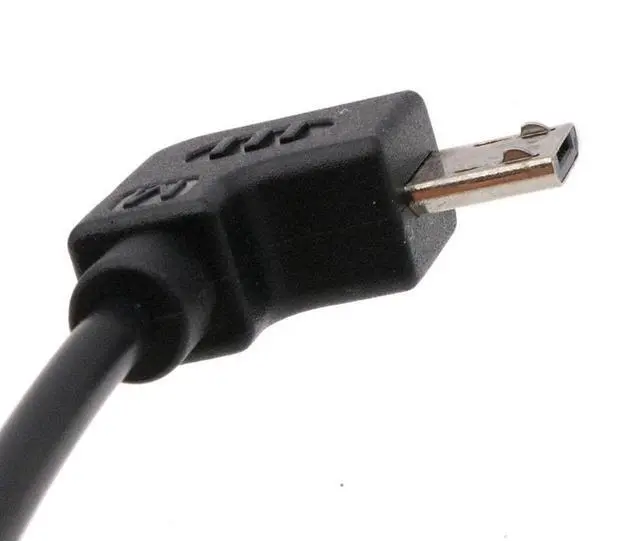


LingoFoto for Zhiyun Crane 2 for Weebill S Control and Charger Cable, Micro USB to Multi Camera Control Cable for Sony A7S, A7S2, A77, A77M2, A9, A6000, A6300 40CM (Straight)
- Control and ChargeThis cable is used to connect your camera and stabilizer which can avoid shaking in order to record the moving moment. Support shutter, video and zoom function. At the same time, you can use this cable for charging.
- CompatibleStraight Control cable is suitable for zhiyun Crane, Crane-m, Crane-Plus, Crane2, for Weebill S stabilizer; Suitable for Sony camera: for Sony A7S, A7S2, A77, A77M2, A9, A6000, A6300
- LengthThis cable total length is 40cm.
- MaterialIt is made of high quality material PVC which means it used for long time and it is much safe
- Package included1* Camera Control Cable for Sony (Micro USB- Multi)
+
+
Overview
Specs
Reviews

Any questions? Our AI mode will help you find out quickly.
Try me now
Description: This cable is used to connect your camera and stabilizer which can avoid shaking in order to record the moving moment. At the same time, you can use this cable for charging. This cable total length is 40cm. It is made of high quality material PVC which means it used for long time and it is much safe. Upwards Control Cable suitable for zhiyun crane2; for
Weebill S stabilizerCamera: For Sony A7S, A7S2, A77, A77M2, A9, A6000, A6300How to connect1. Please connect with PC or App, choose "So ny" at the stabilizer setting page, then save the parameter2. Connect the ""Micro USB with your stabilizer and the other side connect with the multi interface of camera3. Stabilizer should be turn on before the camera. Otherwise the stabilizer may have no effect4. When you connect the cable to your camera, Set the "USB Connection" function of the camera to "Computer Remote". The specific setting method is as follows: Select "menu"-Select "Settings" -select "USB connection"- select "computer remote control. How to operate1.
Shutter: clicking along power button means photography one time2.
Making video: double click ""power button"", double click again ending making video3.
Focus: push the hand rip up and downStraight control cable is
Suitable for:
Stabilizer: Suitable for zhiyun crane2, for
Weebill SCamera: for Sony A7S, A7S2, A77, A77M2, A9, A6000, A6300Package
included: 1* Camera Control Cable for Sony (Micro
USB- Multi)Note: camera and stabilizer are not included, connection cable only.
Weebill S stabilizerCamera: For Sony A7S, A7S2, A77, A77M2, A9, A6000, A6300How to connect1. Please connect with PC or App, choose "So ny" at the stabilizer setting page, then save the parameter2. Connect the ""Micro USB with your stabilizer and the other side connect with the multi interface of camera3. Stabilizer should be turn on before the camera. Otherwise the stabilizer may have no effect4. When you connect the cable to your camera, Set the "USB Connection" function of the camera to "Computer Remote". The specific setting method is as follows: Select "menu"-Select "Settings" -select "USB connection"- select "computer remote control. How to operate1.
Shutter: clicking along power button means photography one time2.
Making video: double click ""power button"", double click again ending making video3.
Focus: push the hand rip up and downStraight control cable is
Suitable for:
Stabilizer: Suitable for zhiyun crane2, for
Weebill SCamera: for Sony A7S, A7S2, A77, A77M2, A9, A6000, A6300Package
included: 1* Camera Control Cable for Sony (Micro
USB- Multi)Note: camera and stabilizer are not included, connection cable only.
Warranty & Returns
Warranty, Returns, And Additional Information
Warranty
- Please contact the Seller directly for warranty information. Warranty information may also be found on the Manufacturer's website.
- CONTACT
Return Policies
- Return for refund within: 30 days
- Return for replacement within: 30 days
- This item is covered by Luhang Return Policy
Manufacturer Contact Info
- For a directory of all our manufacturers, please click below.
- Manufacturers Directory
LOADING...
LOADING...