

Your Browsing History
- Free 30-day Returns
$46.99

Meet Your Seller

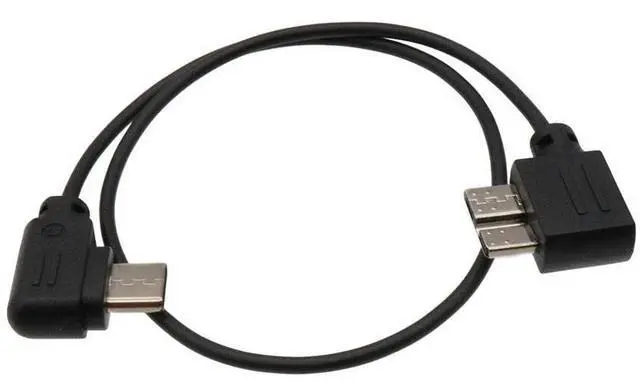
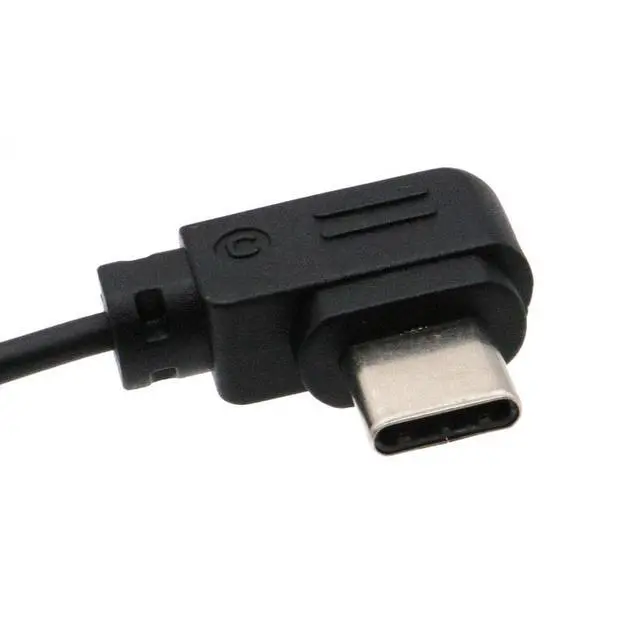
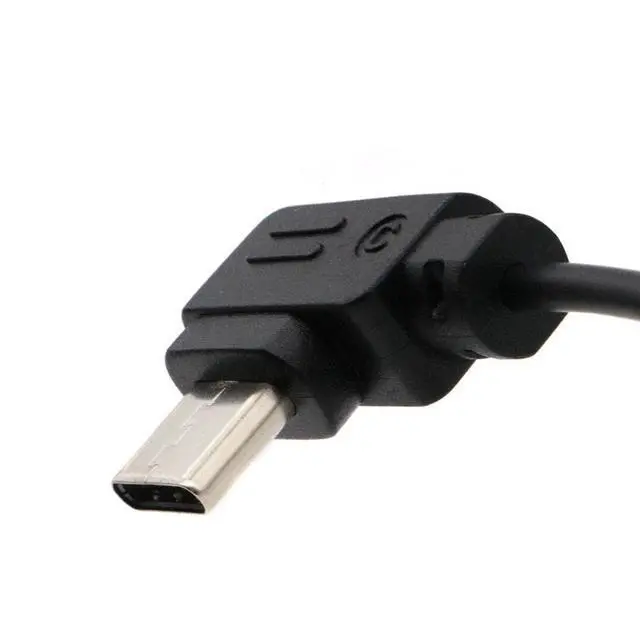
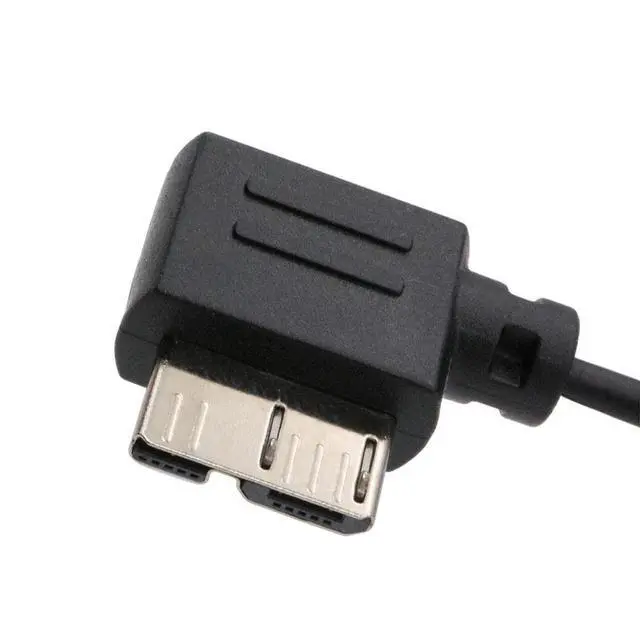
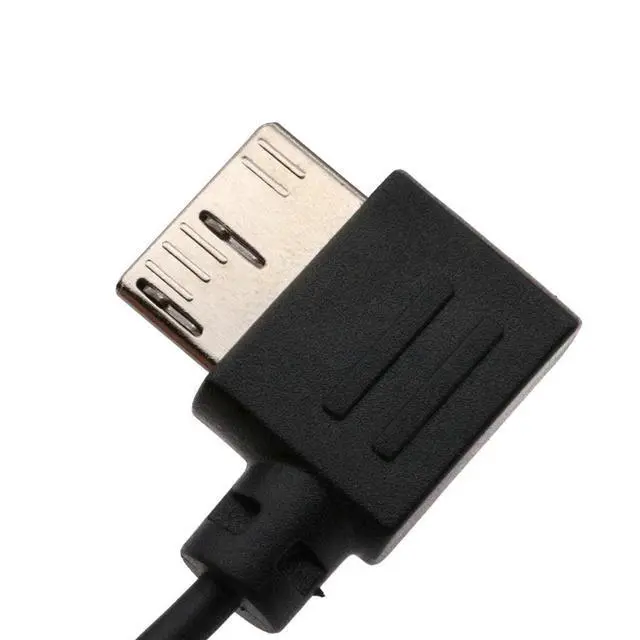


LingoFoto USB 3.0 to Type-C USB-C Camera Control Cable for ZHIYUN Crane 3 LAB & for Canon EOSR RP for Nikon Z6 Z7 for Panasonic GH5 GH5S for BMPCC 4K/ Z CAM E2
- FunctionThis camera control cable is used to connect your camera and ZHIYUN Crane 3 LAB stabilizer for camera control. To control the camera's video recording and photo functions, as well as digital zoom function.
- CompatibleCamera Shutter Release Cable is suitable for ZHIYUN Crane 3 LAB stabilizer only; Suitable for some cameras with Type-C port, such as for E0S R, for Panasonic GH5/GH5S, for NIK0N Z6/Z7, etc.
- LengthThis usb 3.0 to Type-C Control Cable total length is 33cm.
- MaterialUSB 3.0 to USB-C Control Cable is made of high quality material PVC which means it used for long time and it is much safe
- ConvenientLightweight and Durable, easy to carry.
+
+
Overview
Specs
Reviews

Any questions? Our AI mode will help you find out quickly.
Try me now
IntroductionIt connects the stabilizer to specified cameras to control the cameraLightweight and Durable, easy to carry and storeIt may enable the stabilizer to control compatible cameras by
GRIP to: 1. Take photos (not for BMPCC 4K/6k/Z CAM E2)2. Start/stop recording video3. Aperture, shutter speed, ISO adjustment4. Half press to activate auto focus mode of the camera (not for BMPCC 4K/6K/Z CAM E2)5. Digital follow focus (not for GH5/GH5S/BMPCC 4K/6K/Z
CAM E2)Note: Above functions depends on the camera and stabilizer, not our cable. Only 'Take photos' & 'Start/Stop Recording' functions works for some old cameras.
SpecificationColor:
BlackMaterial: PVC
Length: About 13 inch = 33cmOne
End: USB 3.0, to
be precise: Micro-B USB 3.0 maleAnother
End: Type-C, also called
USB-CManufacturer: third-party, not original from for ZHIYUN, replace 'USB 3.0 to Type-C'How to use1. Connect the cable to Camera and Stabilizer2. Turn on the stabilizer and select specified camera in the setting3. Switch on the camera4. If not work, re-start the stabilizer first and turn on the cameraWhen it is connected to
Panasonic camera: 1. When the dialog page is displayed, select the PC (Tether) mode. 2. Switch the built-in focusing mode switch to MF to use the electronic focusing function. 3. Switch the built-in focus mode switch of the body to AFS/AFF/AFC, etc., and trigger the automatic focusing of the camera through the camera control button. 4.
Attention: When the camera is playing back, triggering the electric focus may cause the camera to crash. Suitable forFor ZHIYUN Crane 3 LAB stabilizer onlySome of cameras with Type-C port, such as for E0S R, for Panasonic GH5/GH5S, for NIK0N Z6/Z7, etc. For Blackmagic Design (BMPCC) 4K/6K, Z CAM E2, etc. Package Include1 X Control Cable
GRIP to: 1. Take photos (not for BMPCC 4K/6k/Z CAM E2)2. Start/stop recording video3. Aperture, shutter speed, ISO adjustment4. Half press to activate auto focus mode of the camera (not for BMPCC 4K/6K/Z CAM E2)5. Digital follow focus (not for GH5/GH5S/BMPCC 4K/6K/Z
CAM E2)Note: Above functions depends on the camera and stabilizer, not our cable. Only 'Take photos' & 'Start/Stop Recording' functions works for some old cameras.
SpecificationColor:
BlackMaterial: PVC
Length: About 13 inch = 33cmOne
End: USB 3.0, to
be precise: Micro-B USB 3.0 maleAnother
End: Type-C, also called
USB-CManufacturer: third-party, not original from for ZHIYUN, replace 'USB 3.0 to Type-C'How to use1. Connect the cable to Camera and Stabilizer2. Turn on the stabilizer and select specified camera in the setting3. Switch on the camera4. If not work, re-start the stabilizer first and turn on the cameraWhen it is connected to
Panasonic camera: 1. When the dialog page is displayed, select the PC (Tether) mode. 2. Switch the built-in focusing mode switch to MF to use the electronic focusing function. 3. Switch the built-in focus mode switch of the body to AFS/AFF/AFC, etc., and trigger the automatic focusing of the camera through the camera control button. 4.
Attention: When the camera is playing back, triggering the electric focus may cause the camera to crash. Suitable forFor ZHIYUN Crane 3 LAB stabilizer onlySome of cameras with Type-C port, such as for E0S R, for Panasonic GH5/GH5S, for NIK0N Z6/Z7, etc. For Blackmagic Design (BMPCC) 4K/6K, Z CAM E2, etc. Package Include1 X Control Cable
Warranty & Returns
Warranty, Returns, And Additional Information
Warranty
- Please contact the Seller directly for warranty information. Warranty information may also be found on the Manufacturer's website.
- CONTACT
Return Policies
- Return for refund within: 30 days
- Return for replacement within: 30 days
- This item is covered by mafengkeji Return Policy
Manufacturer Contact Info
- For a directory of all our manufacturers, please click below.
- Manufacturers Directory
LOADING...