

Your Browsing History

Meet Your Seller

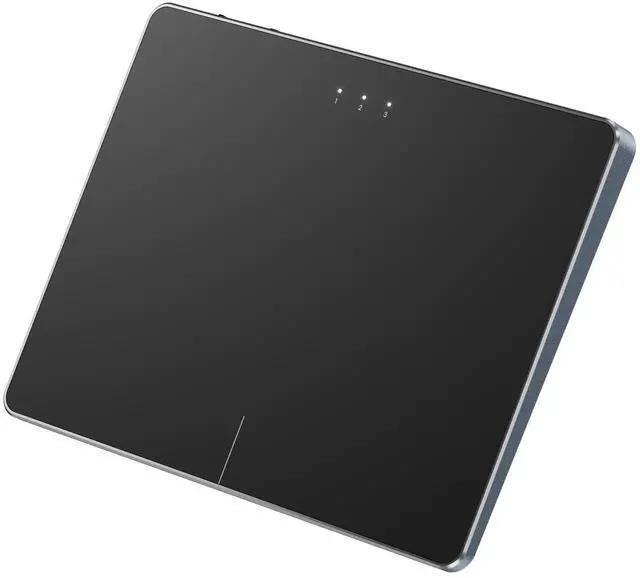


ProtoArc Bluetooth Trackpad for Windows 10/11, T1 Plus Large High-Precision Touchpad, Wireless Trackpad Mouse with Multi-Gesture Support for Computer/Desktop/Laptop, Grey Black
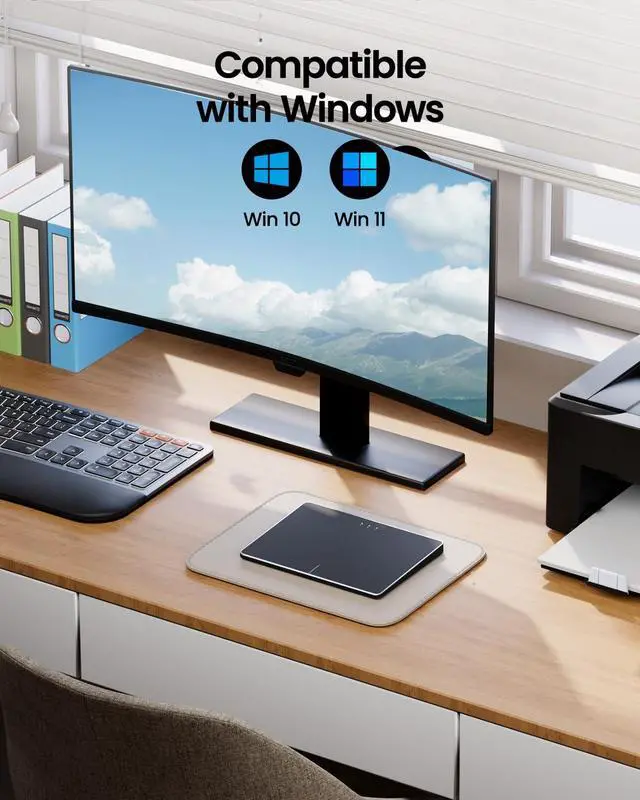
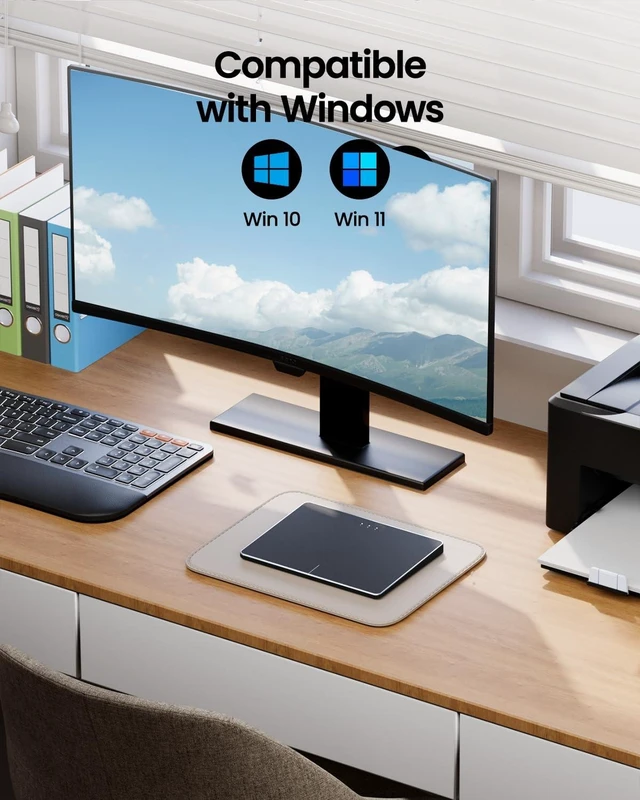
- Windows Only: The Large Wireless Trackpad is compatible with Windows 11, Windows 10, PC, laptops and desktop computers. Note: Not compatible with Mac/Chrome OS/Linux. Not recommended for use on other systems. Some touchpad gestures or functions may be missing and and when connecting to Bluetooth, the touchpad will repeatedly disconnect and reconnect
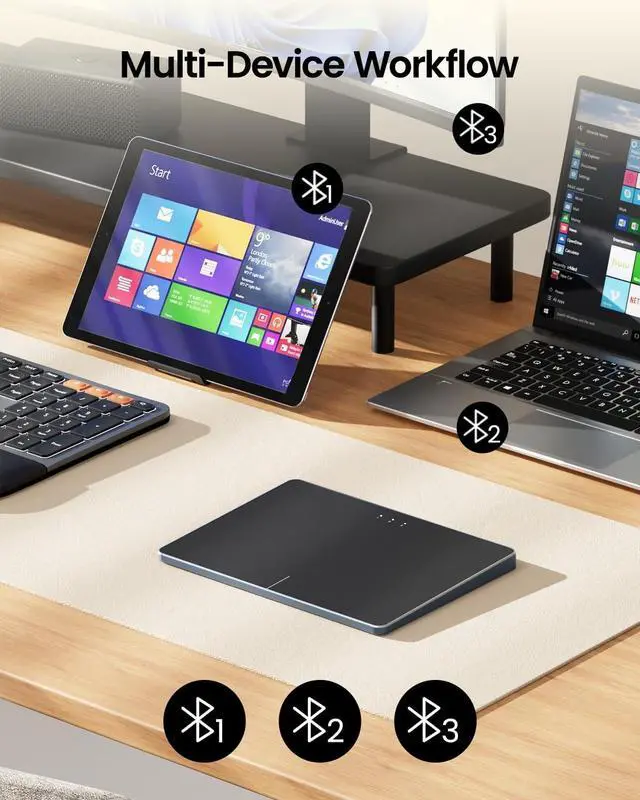
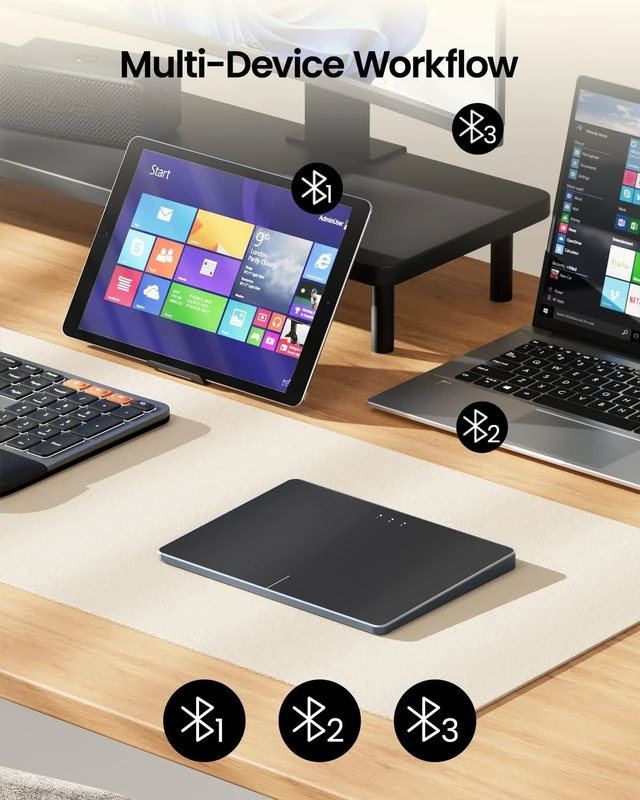
- Bluetooth Connection Only: Our Bluetooth trackpad can connect to three different devices simultaneously via three Bluetooth channels. Simply press the mode switch button to jump between your laptop, PC, or tablet. Note: Connection is established solely through Bluetooth. Ensure that your Windows 10/11 device supports Bluetooth connectivity
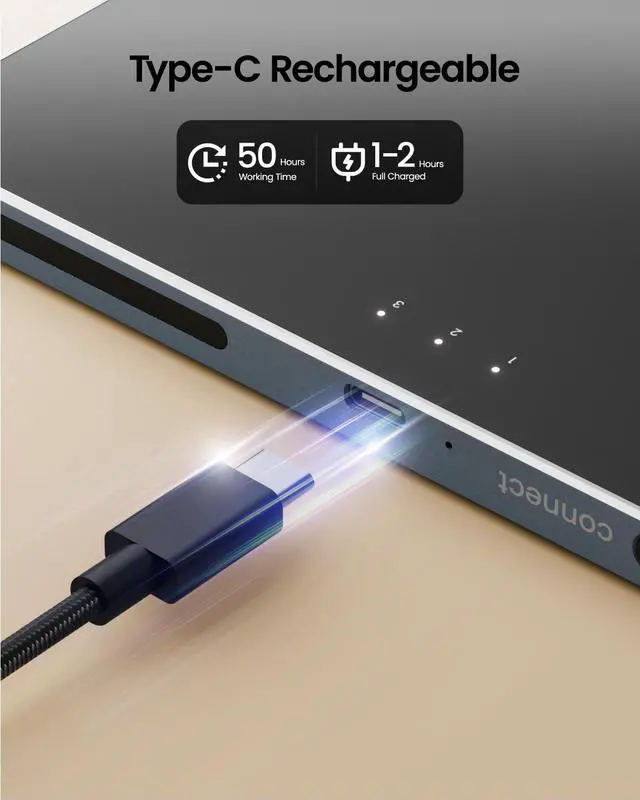
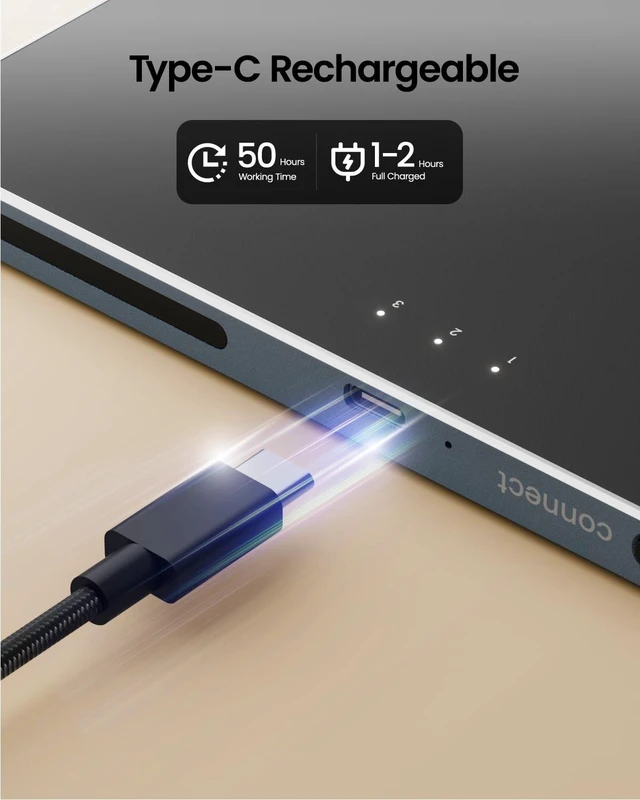
- Type-C Fast Charging: The T1 Plus bluetooth touchpad features a rechargeable 500mAh lithium battery that delivers up to 50 hours of use on a single charge. Recommend using the included Type-C cable for quick and convenient charging
- Warm Tips on how to adjust the cursor speed of the touchpad: Afte
+
+
Overview
Specs
Reviews

Any questions? Our AI mode will help you find out quickly.
Try me now
Windows Only: The Large Wireless Trackpad is compatible with Windows 11, Windows 10, PC, laptops and desktop computers.
Note: Not compatible with Mac/Chrome OS/Linux. Not recommended for use on other systems. Some touchpad gestures or functions may be missing and and when connecting to Bluetooth, the touchpad will repeatedly disconnect and reconnect ^^
Bluetooth Connection Only: Our Bluetooth trackpad can connect to three different devices simultaneously via three Bluetooth channels. Simply press the mode switch button to jump between your laptop, PC, or tablet.
Note: Connection is established solely through Bluetooth. Ensure that your Windows 10/11 device supports Bluetooth connectivity ^^
Type-C Fast Charging: The T1 Plus bluetooth touchpad features a rechargeable 500mAh lithium battery that delivers up to 50 hours of use on a single charge. Recommend using the included Type-C cable for quick and convenient charging ^^ Warm Tips on how to adjust the cursor speed of the touchpad: After the computer device is connected to the T1 Plus wireless touchpad, Via Windows Settings Bluetooth & other devices Touchpad Modify "Cursor speed" in the system settings, Tip: Test small incremental changes to find your ideal speed for productivity ^^ Extra Large
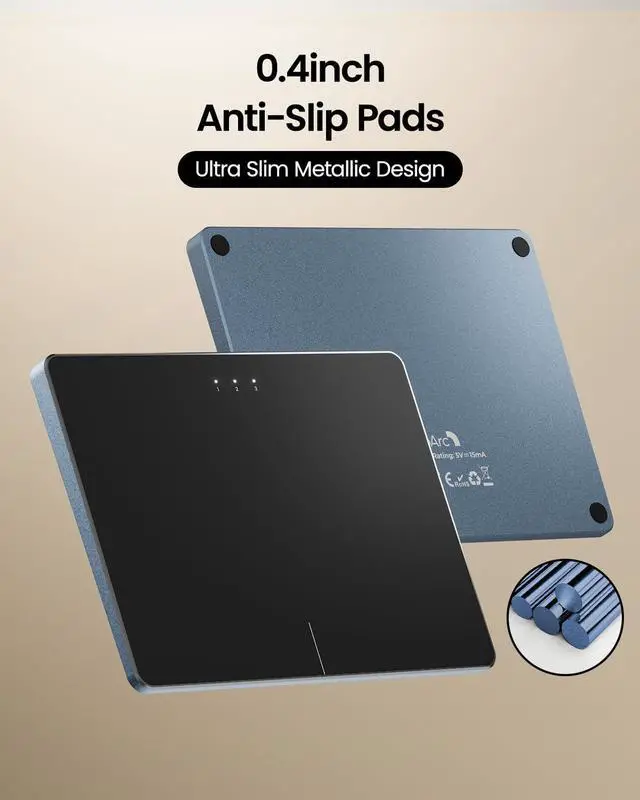
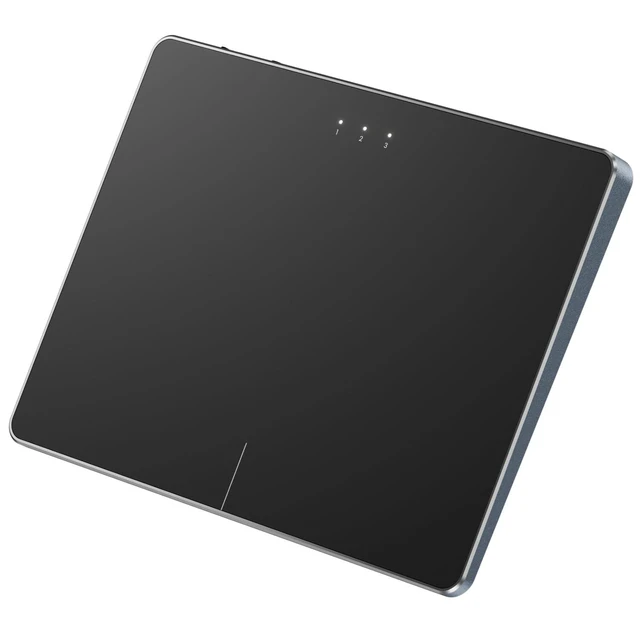
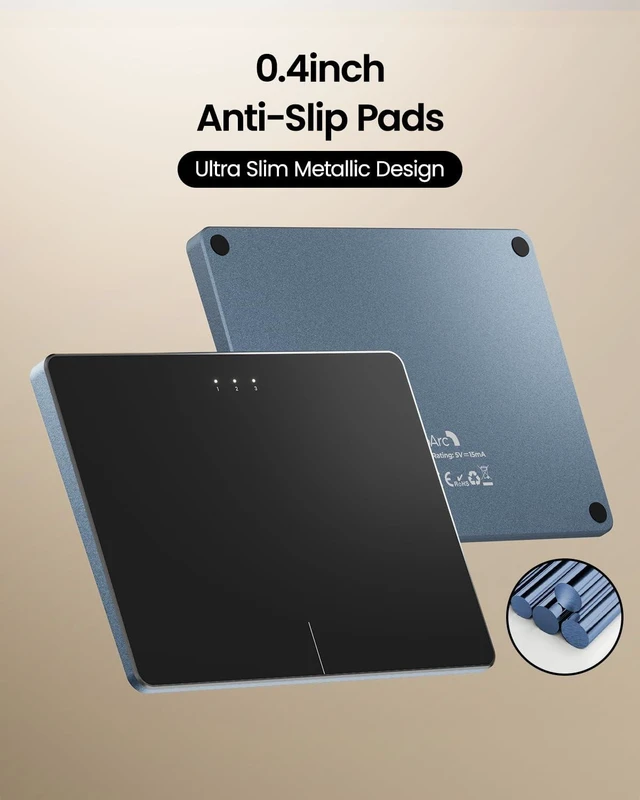
Metal Touchpad: 6.4 -inch large touchscreen, measuring 6.4 * 4.8 * 0.4 inches, combined with an ultra-smooth surface, provides a more comfortable and efficient user experience for performing a variety of operations ^^ Convenient left and right physical clicks: Our wireless trackpad supports physical clicks of the left and right buttons at the bottom to realize the left and right mouse button functions. It also supports full-area single-click to realize the left mouse button function and two-finger single-tap for right mouse clicks, which is convenient for you to select text/documents and drag large areas easily ^^
Highly Precise Multi-Touch Control: The T1 Plus supports multi-gesture operations with up to four-finger gestures, offering smoother and more intuitive control than traditional laptop touchpads. Enjoy seamless actions like tapping, scrolling, and zooming with quick, responsive precision ^^
Note: The T1 Plus Wireless touchpad does not include a DPI adjustment feature. However, you can adjust cursor movement sensitivity via: Open Windows Settings Navigate to Bluetooth & other devices Select Touchpad. Adjust the Cursor speed slider to match your preference (slower faster) ^^
Note: This is a wireless touchpad that does not support wired mode. The Type-c charging cable is only for charging and cannot be connected to a computer to achieve wired touch function.
^^ Note: Bluetooth
only: connect via Bluetooth only. don't support connect wirelessly with usb receiver
Note: Not compatible with Mac/Chrome OS/Linux. Not recommended for use on other systems. Some touchpad gestures or functions may be missing and and when connecting to Bluetooth, the touchpad will repeatedly disconnect and reconnect ^^
Bluetooth Connection Only: Our Bluetooth trackpad can connect to three different devices simultaneously via three Bluetooth channels. Simply press the mode switch button to jump between your laptop, PC, or tablet.
Note: Connection is established solely through Bluetooth. Ensure that your Windows 10/11 device supports Bluetooth connectivity ^^
Type-C Fast Charging: The T1 Plus bluetooth touchpad features a rechargeable 500mAh lithium battery that delivers up to 50 hours of use on a single charge. Recommend using the included Type-C cable for quick and convenient charging ^^ Warm Tips on how to adjust the cursor speed of the touchpad: After the computer device is connected to the T1 Plus wireless touchpad, Via Windows Settings Bluetooth & other devices Touchpad Modify "Cursor speed" in the system settings, Tip: Test small incremental changes to find your ideal speed for productivity ^^ Extra Large
Metal Touchpad: 6.4 -inch large touchscreen, measuring 6.4 * 4.8 * 0.4 inches, combined with an ultra-smooth surface, provides a more comfortable and efficient user experience for performing a variety of operations ^^ Convenient left and right physical clicks: Our wireless trackpad supports physical clicks of the left and right buttons at the bottom to realize the left and right mouse button functions. It also supports full-area single-click to realize the left mouse button function and two-finger single-tap for right mouse clicks, which is convenient for you to select text/documents and drag large areas easily ^^
Highly Precise Multi-Touch Control: The T1 Plus supports multi-gesture operations with up to four-finger gestures, offering smoother and more intuitive control than traditional laptop touchpads. Enjoy seamless actions like tapping, scrolling, and zooming with quick, responsive precision ^^
Note: The T1 Plus Wireless touchpad does not include a DPI adjustment feature. However, you can adjust cursor movement sensitivity via: Open Windows Settings Navigate to Bluetooth & other devices Select Touchpad. Adjust the Cursor speed slider to match your preference (slower faster) ^^
Note: This is a wireless touchpad that does not support wired mode. The Type-c charging cable is only for charging and cannot be connected to a computer to achieve wired touch function.
^^ Note: Bluetooth
only: connect via Bluetooth only. don't support connect wirelessly with usb receiver
Warranty & Returns
Warranty, Returns, And Additional Information
Warranty
- Please contact the Seller directly for warranty information. Warranty information may also be found on the Manufacturer's website.
- CONTACT
Return Policies
- Return for refund within: 30 days
- Return for replacement within: 30 days
- This item is covered by Artbloont Return Policy
Manufacturer Contact Info
- For a directory of all our manufacturers, please click below.
- Manufacturers Directory
LOADING...