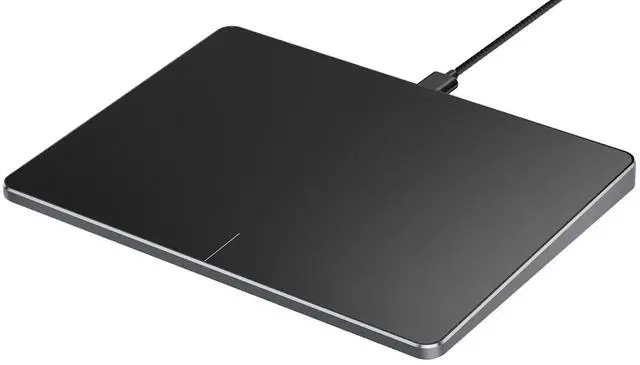
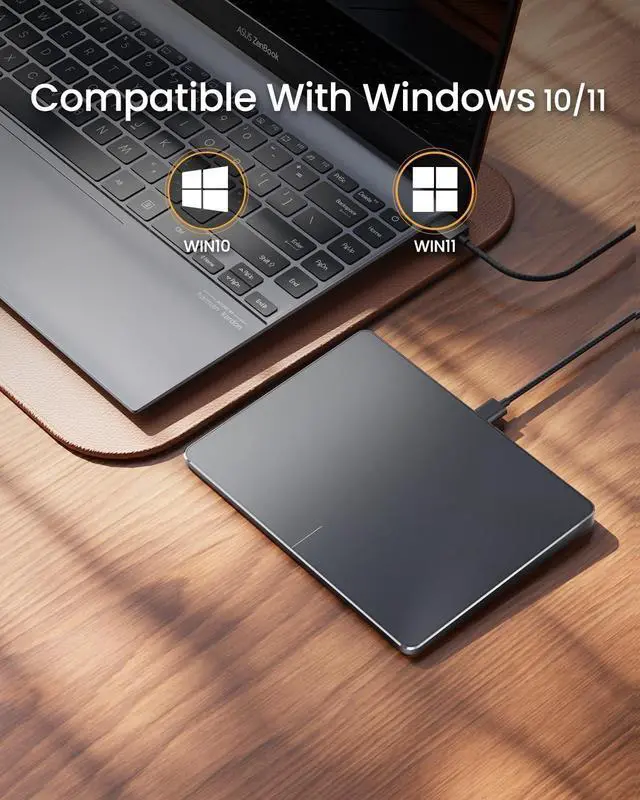
Windows Only: The Large Wired Trackpad for Windows10/11 is compatible with Windows 11, Windows 10, PC, laptops and desktop computers.
Note: Not compatible with Mac/Chrome OS/Linux. Not recommended for use on other systems. Some touchpad gestures or functions may be missing ^^ Convenient left and right physical clicks: The wired trackpad supports physical clicks of the left and right buttons at the bottom to realize the left and right mouse button functions. It also supports full-area single-click to realize the left mouse button function and two-finger single-tap for right mouse clicks, which is convenient for you to select text/documents and drag large areas easily ^^ How to drag files and select text: Double-click with one finger + hold/slide to drag files or select text ^^
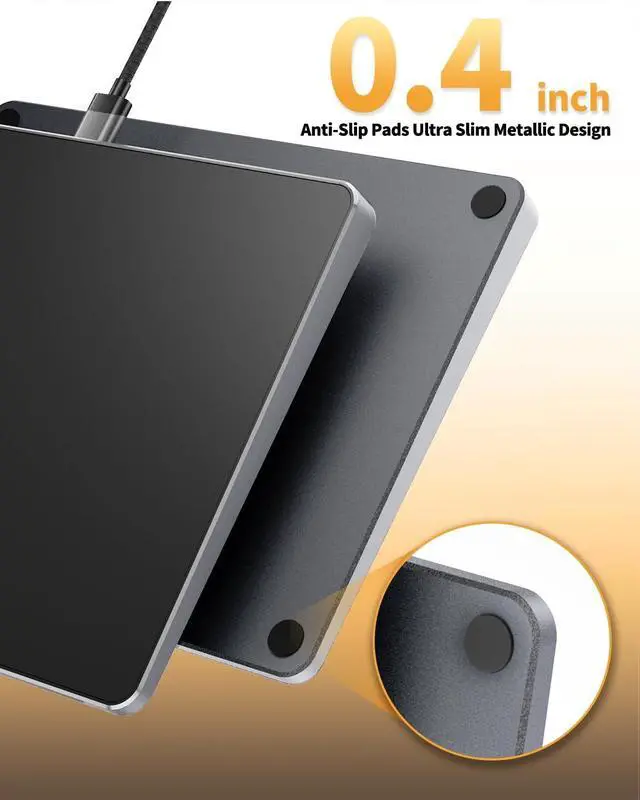
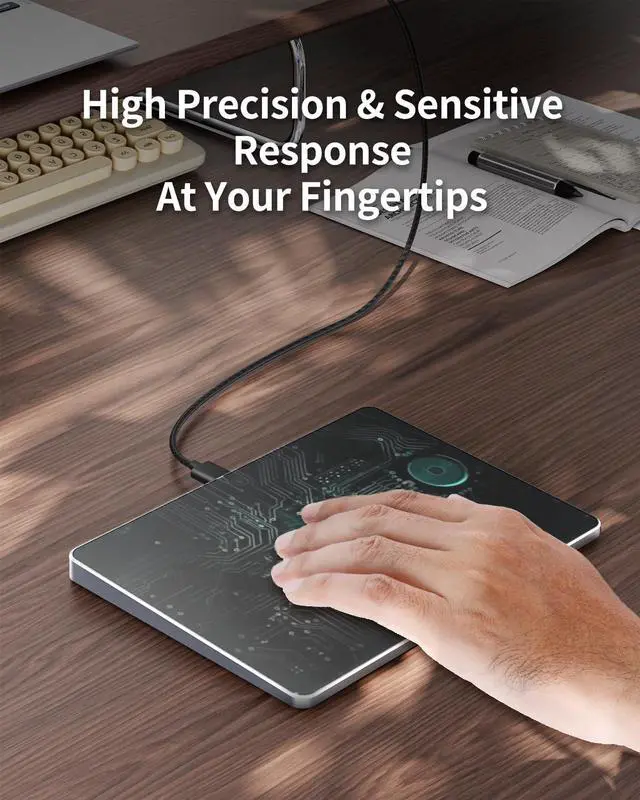
Multiple gestures support: The touchpad supports multiple gestures and supports up to four-finger operation, which is smoother than the laptop touchpad operation. Fast and sensitive response, at your fingertips. Multiple functions, including smooth screen clicks, scrolling up and down pages, pinching to enlarge photos, etc. ^^ How to adjust the touchpad cursor speed: Open "Windows Settings" "Bluetooth and other devices" "Touchpad". Adjust the "Cursor Speed" slider to suit your preference (slower faster) ^^ Extra Large
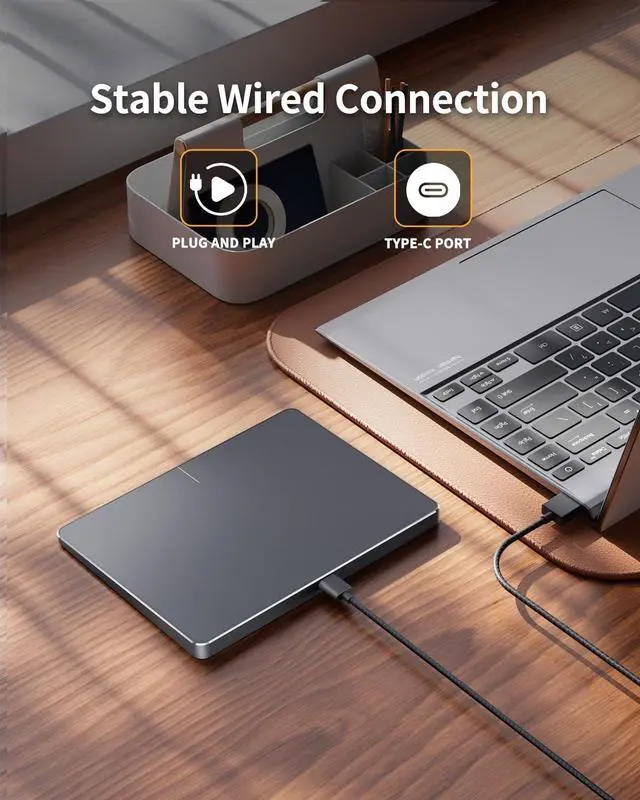
Metal Touchpad: Large 6.4 inch touch screen, size 6.4 * 4.8 * 0.4 inches, thickness 0.19 in- 0.39 in, compared with the traditional touch pad is even thinner ^^ Plug and Play, Stable
USB C Connection: Simply plug the USB cable into the USB port of your computer and the touchpad is ready to use, no additional drivers required. The USB C cable's reliable and stable connection allows you to use it easily without any connection issues ^^
Note: If you disable the built-in touchpad on your laptop, any external wired or wireless touchpad you connect will usually also be disabled and fail to work properly.