Your Browsing History
Meet Your Seller
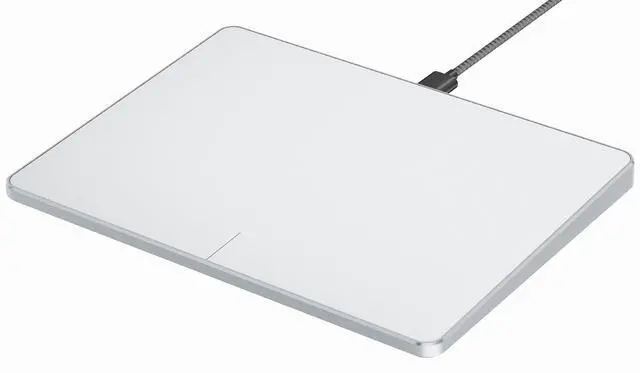
ProtoArc Wired USB Trackpad Mouse for Windows 10/11, Large High-Precision Touchpad Mouse, Multi-Gesture with Ultra Slim Portable Aluminum Trackpad for Computer/Desktop/Laptop, White and Silver
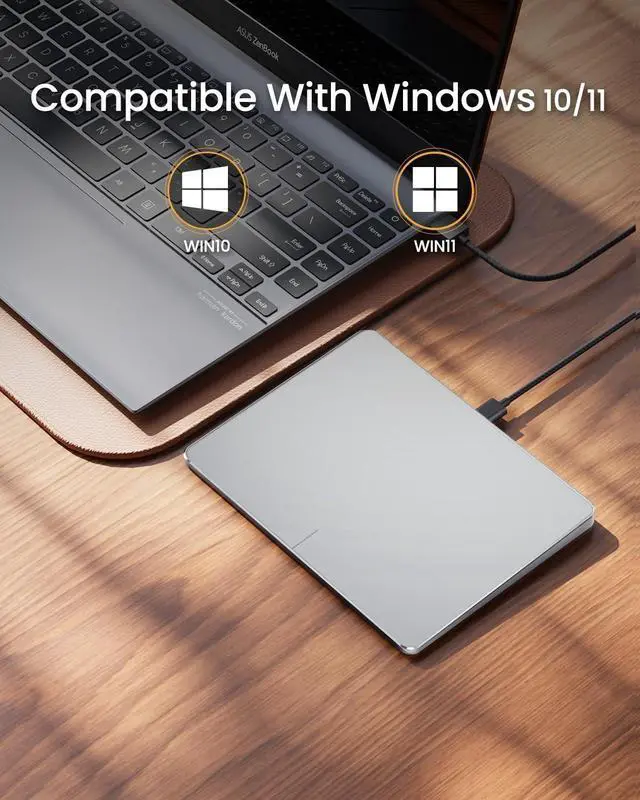
- Windows Only: The Large Wired Trackpad for Windows10/11 is compatible with Windows 11, Windows 10, PC, laptops and desktop computers. Note: Not compatible with Mac/Chrome OS/Linux. Not recommended for use on other systems. Some touchpad gestures or functions may be missing
- Convenient Physical Buttons: The touchpad features physical left and right buttons at the bottom, functioning like mouse buttons. It also supports single-finger clicks for left-clicking and two-finger taps for right-clicking, allowing for easy text and document selection and drag-and-drop operations
- File Drag and Drop & Text Selection: Double-tap and hold with one finger, then slide to drag files or select text
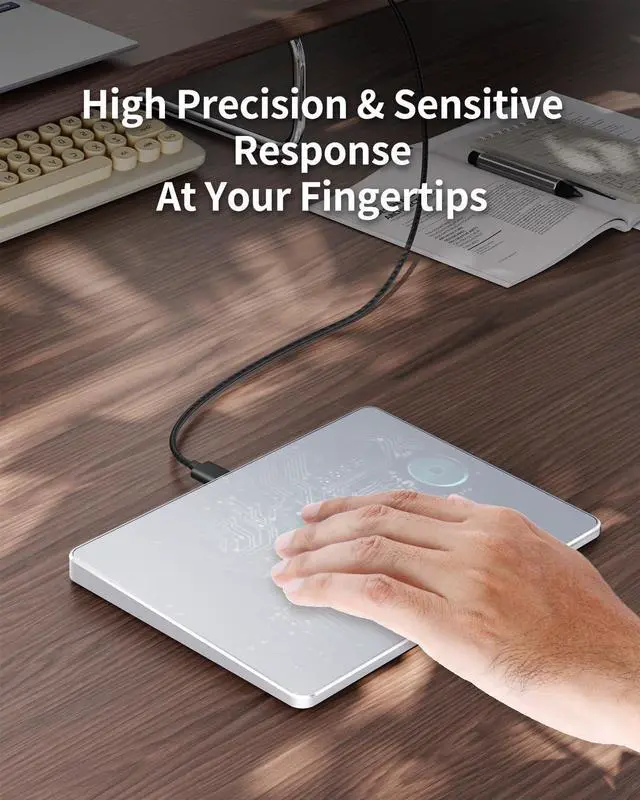
- Multi-Gesture Support: The touchpad supports various gestures, recognizing up to four fingers. It offers rapid and sensitive response, providing a smoother user experience than typical laptop touchpads. It supports common functions including clicking, scrolling up and down, and pinch-to-zoom for image
+
+
Overview
Specs
Reviews
Any questions? Our AI beta will help you find out quickly.
Try me now
Windows Only: The Large Wired Trackpad for Windows10/11 is compatible with Windows 11, Windows 10, PC, laptops and desktop computers.
Note: Not compatible with Mac/Chrome OS/Linux. Not recommended for use on other systems. Some touchpad gestures or functions may be missing ^^
Convenient Physical Buttons: The touchpad features physical left and right buttons at the bottom, functioning like mouse buttons. It also supports single-finger clicks for left-clicking and two-finger taps for right-clicking, allowing for easy text and document selection and drag-and-drop operations ^^ File Drag and Drop &
Text Selection: Double-tap and hold with one finger, then slide to drag files or select text ^^
Multi-Gesture Support: The touchpad supports various gestures, recognizing up to four fingers. It offers rapid and sensitive response, providing a smoother user experience than typical laptop touchpads. It supports common functions including clicking, scrolling up and down, and pinch-to-zoom for images ^^
Adjust Cursor Speed: Open "Windows Settings" "Bluetooth & other devices" "Touchpad, " and drag the "Cursor Speed" slider to adjust the speed to your preference (slow fast).
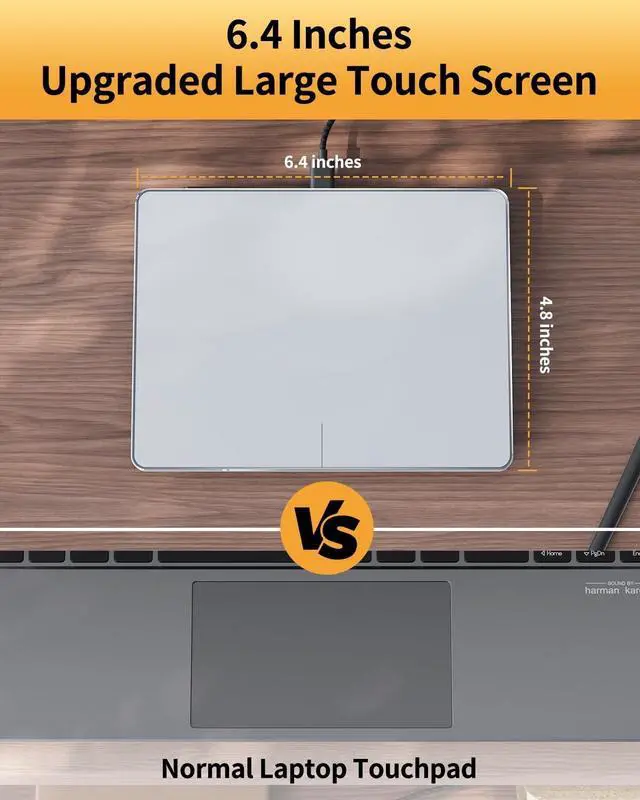
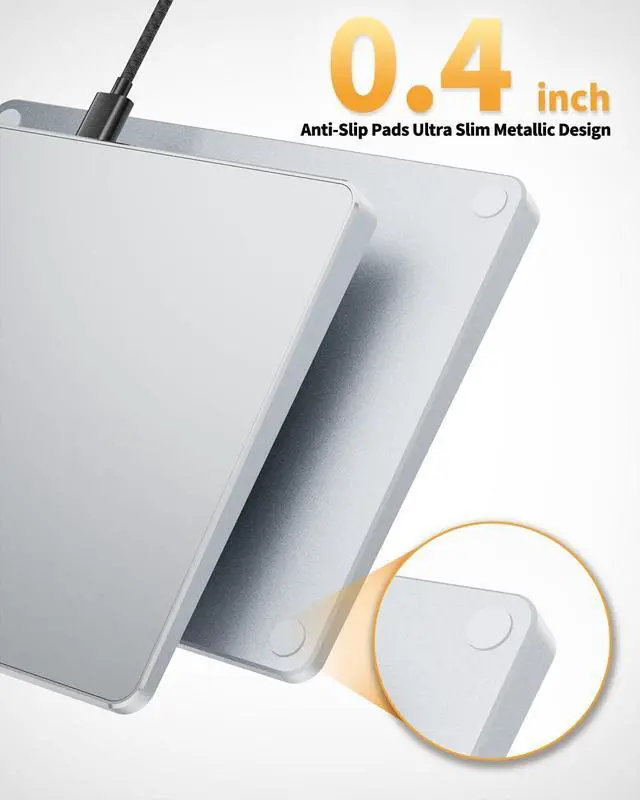
^^ Large Metal Touchpad: The touch area reaches 6.4 inches (approximately 16.3 cm), measuring 6.4 4.8 0.4 inches, with a thickness between 0.19 and 0.39 inches, compared with the traditional touch pad is even thinner ^^ Plug and Play, Stable
Connection: Simply connect to your computer's USB port via a USB-C cable to use; no additional drivers are required. The stable and reliable connection allows you to easily enjoy a smooth operating experience

Note: Not compatible with Mac/Chrome OS/Linux. Not recommended for use on other systems. Some touchpad gestures or functions may be missing ^^
Convenient Physical Buttons: The touchpad features physical left and right buttons at the bottom, functioning like mouse buttons. It also supports single-finger clicks for left-clicking and two-finger taps for right-clicking, allowing for easy text and document selection and drag-and-drop operations ^^ File Drag and Drop &
Text Selection: Double-tap and hold with one finger, then slide to drag files or select text ^^
Multi-Gesture Support: The touchpad supports various gestures, recognizing up to four fingers. It offers rapid and sensitive response, providing a smoother user experience than typical laptop touchpads. It supports common functions including clicking, scrolling up and down, and pinch-to-zoom for images ^^
Adjust Cursor Speed: Open "Windows Settings" "Bluetooth & other devices" "Touchpad, " and drag the "Cursor Speed" slider to adjust the speed to your preference (slow fast).
^^ Large Metal Touchpad: The touch area reaches 6.4 inches (approximately 16.3 cm), measuring 6.4 4.8 0.4 inches, with a thickness between 0.19 and 0.39 inches, compared with the traditional touch pad is even thinner ^^ Plug and Play, Stable
Connection: Simply connect to your computer's USB port via a USB-C cable to use; no additional drivers are required. The stable and reliable connection allows you to easily enjoy a smooth operating experience
Warranty & Returns
Warranty, Returns, And Additional Information
Warranty
- Please contact the Seller directly for warranty information. Warranty information may also be found on the Manufacturer's website.
- CONTACT
Return Policies
- Return for refund within: 30 days
- Return for replacement within: non-replaceable
- This item is covered by FoundationSurge Return Policy
Manufacturer Contact Info
- For a directory of all our manufacturers, please click below.
- Manufacturers Directory
LOADING...