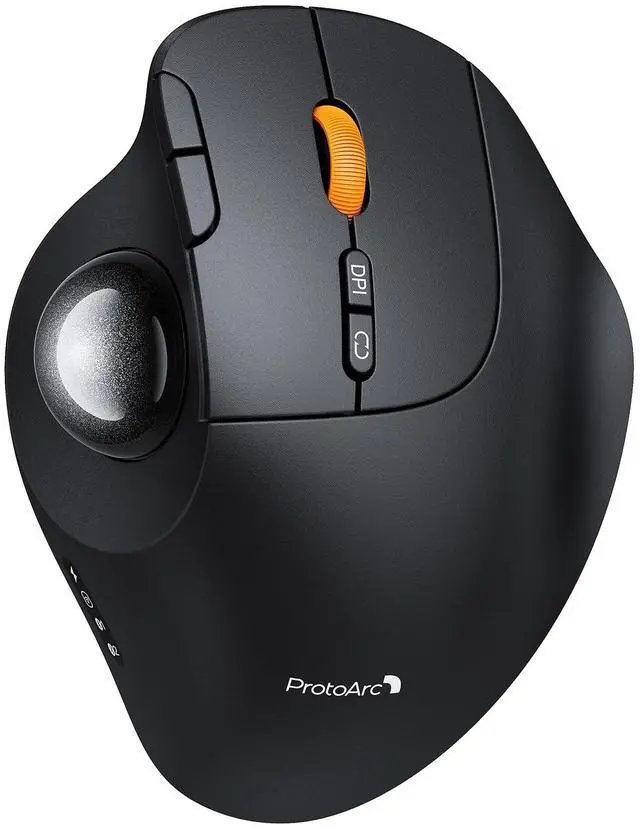
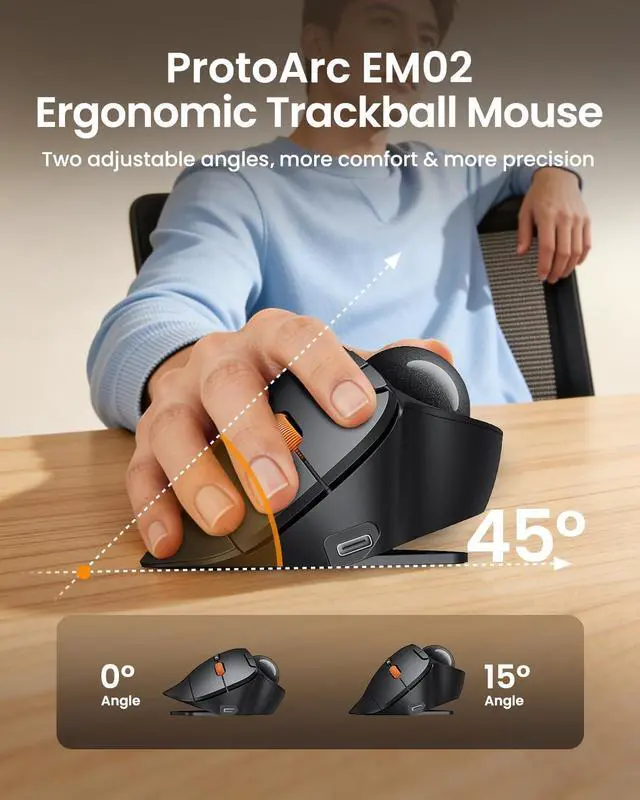
Adjustable Tilt Angle: With its customizable hinge, you can easily set the trackball to a flat 0 or a tilted 15 position. This ergonomic adjustment helps maintain a natural hand posture, reducing strain and providing personalized comfort throughout the day.
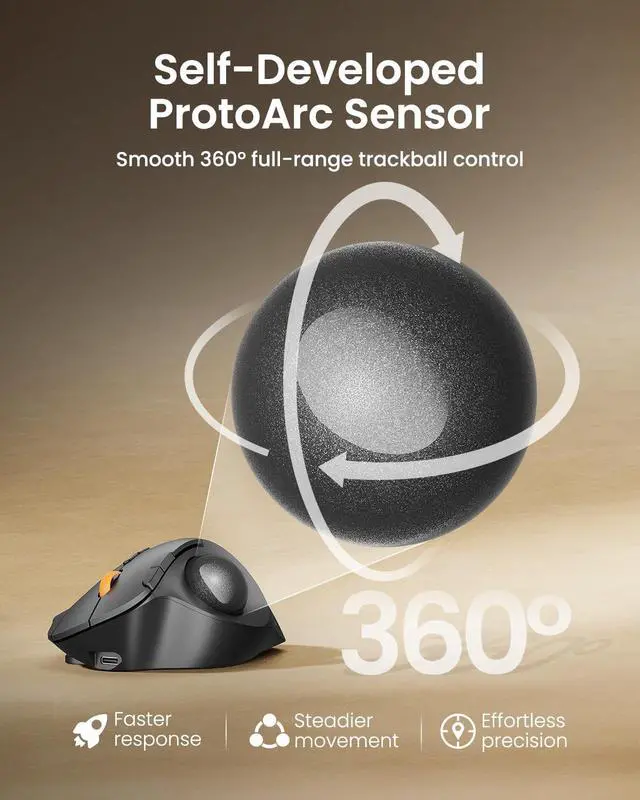
^^ Precise Trackball Control: Navigate efficiently without moving your wristsimply roll the trackball for smooth, accurate cursor control. Ideal for tight or cluttered workspaces, it minimizes fatigue and maximizes productivity even in limited desk areas.
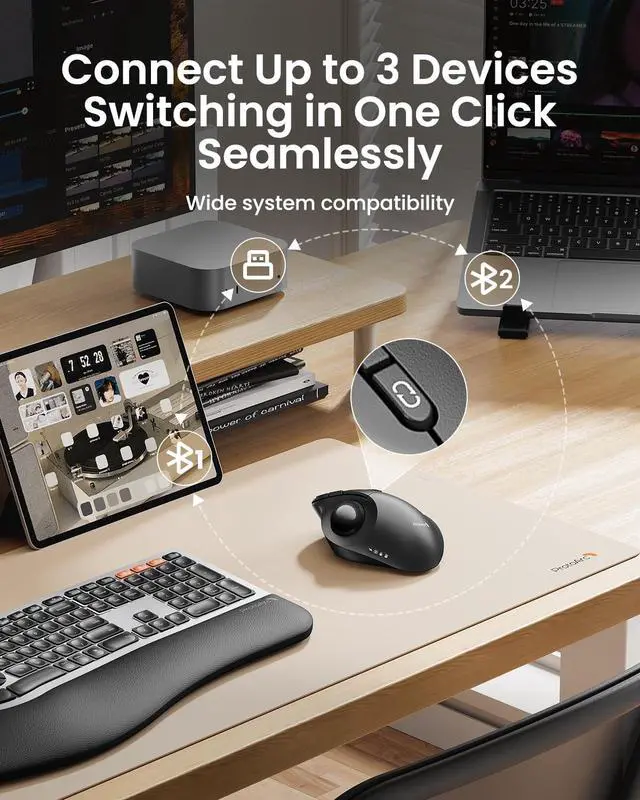
^^ Multi-Device Connectivity: Seamlessly connect via 2.4GH z wireless or Bluetooth and switch between devices with one button. Offers broad compatibility across systems (note: forward/backward buttons are not compatible with Mac OS). ^^ USB-C Rechargeable with
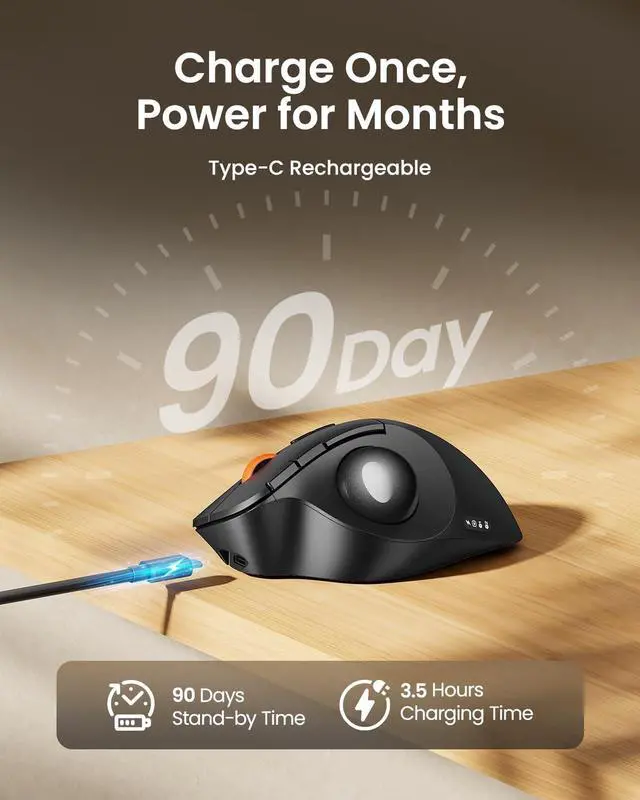
Extended Standby: Features a convenient USB-C charging port and an impressive 90-day standby time on a full charge. Enjoy long-lasting performance with minimal need for recharging, ensuring reliable use day after day. ^^ Quiet Clicks &
Adjustable DPI: Equipped with quiet-touch buttons, perfect for late-night work without disturbing others. Five adjustable DPI settings (200/400/800/1200/1600) allow you to fine-tune cursor speed, helping you adapt smoothly to trackball use and match your workflow precision.
^^ Warm Tips: Since it takes a learning curve to get used to the control method when using our trackball mouse for the first time, it may cause inconvenience to your mouse grip, you can experiment with different hand positions to find what is most comfortable for you. We recommend that you take 1-2 weeks to get used to it, as many users find that it will help reduce the pressure and pain on your wrist caused by long-term use of the mouse and improve comfort.





 here!
here!