Windows 10/11
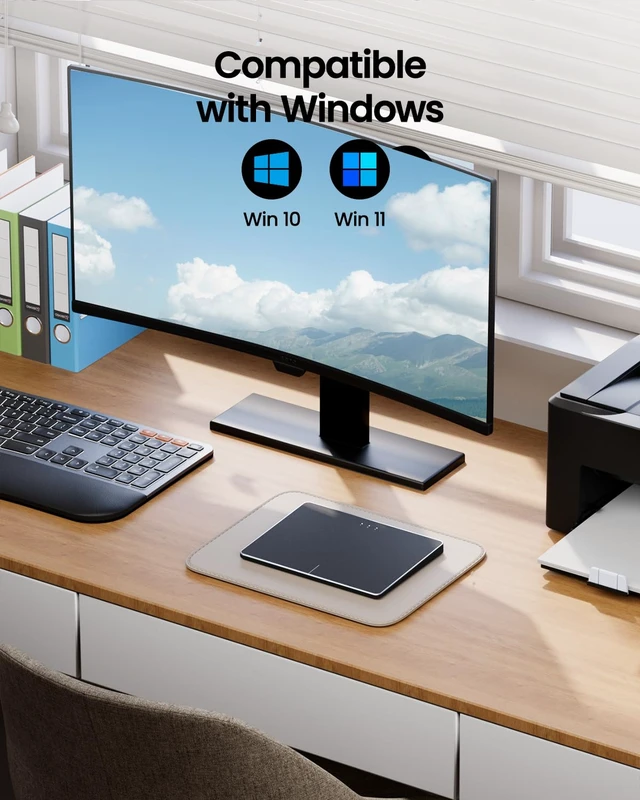
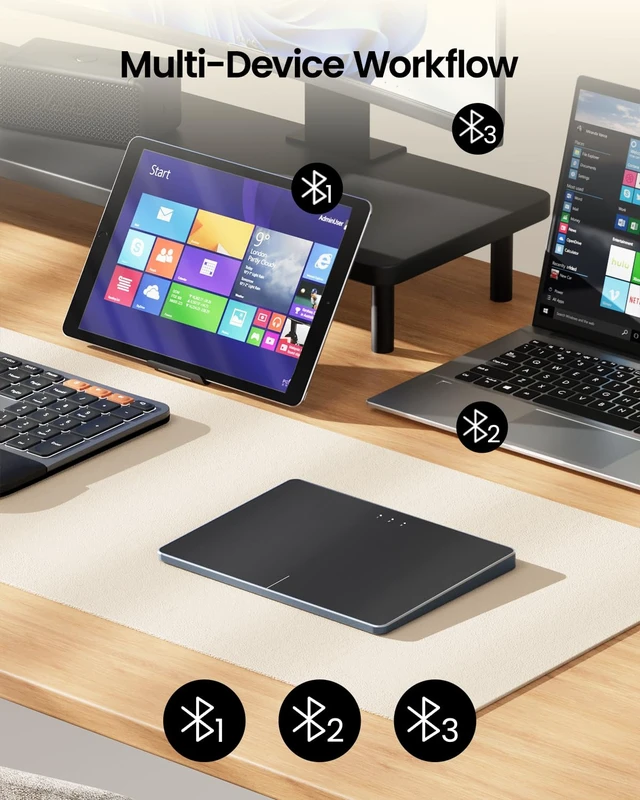
Only: The T1 Plus wireless trackpad is designed exclusively for Windows 11 and Windows 10 (PC, laptop, desktop), Not compatible with Mac, Chrome OS, or Linux. Using it on unsupported systems may cause: Missing or malfunctioning gestures and Repeated Bluetooth disconnections and reconnections ^^ Bluetooth Connection Only No USB Receiver or wired mode: Connects to up to 3 devices simultaneously via three Bluetooth channels, and Press the mode switch button to jump between laptop, PC, or tablet, The Type-c charging cable is only for charging and cannot be connected to a computer to achieve wired touch function ^^
TypeC Fast Charging: Builtin 500mAh rechargeable battery, Up to 50 hours of use on a full charge, Use the included TypeC cable for quick charging and the charging cable is for charging only does not support wired touchpad mode ^^
Adjust Cursor Speed: This trackpad does not have a builtin DPI adjustment.
To change cursor speed: Go to Windows Settings Bluetooth & other devices Touchpad Modify "Cursor speed" in the system settings, Tip: Test small incremental changes to find your ideal speed for productivity ^^ Extra Large
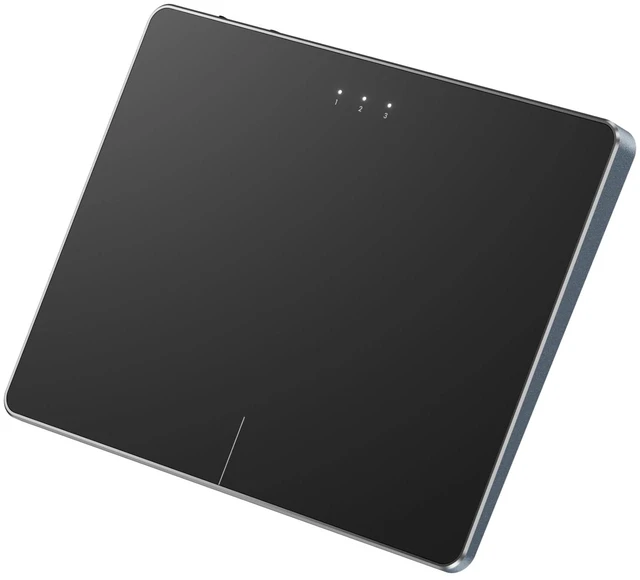
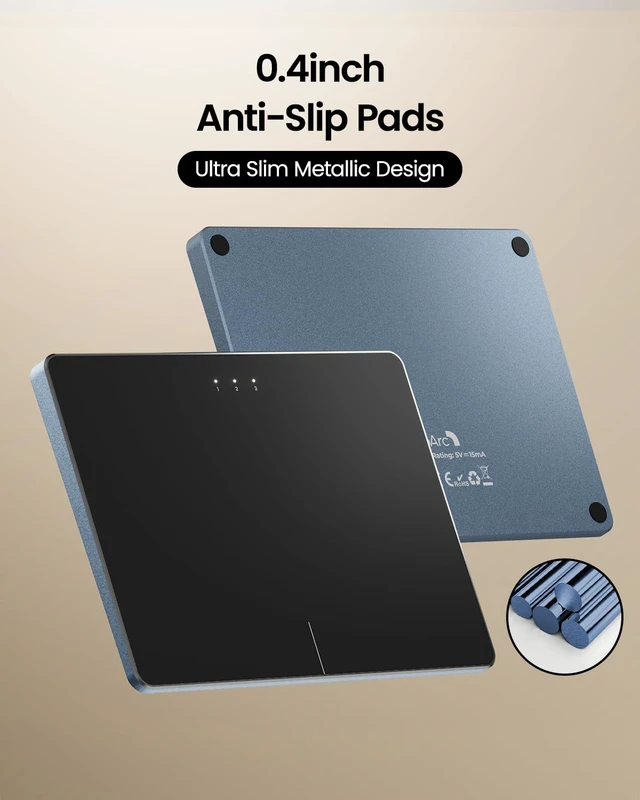
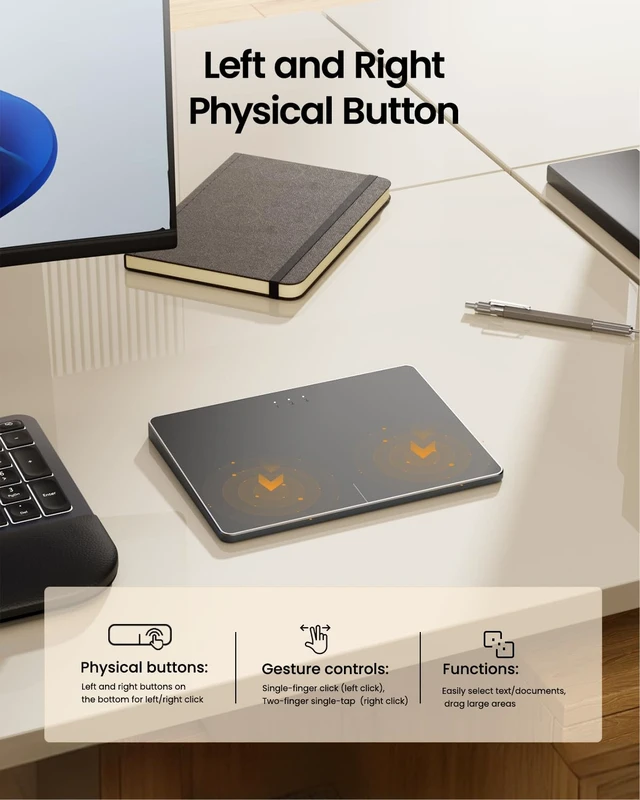
Metal Touchpad: 6.4 -inch large touchscreen, measuring 6.4 * 4.8 * 0.4 inches, combined with an ultra-smooth surface, provides a more comfortable and efficient user experience for performing a variety of operations ^^ Convenient Left & Right Physical Clicks Our wireless trackpad has two physical left/right buttons at the bottom for precise, clickfeel mouse operations. Singlefinger tap works as left click, and twofinger tap as right click. This gives you the best of both worlds: physical buttons for confident clicking, and light taps for quick actions. Easily select text, drag large areas, and rightclick without ever lifting your finger simple, efficient, and mistakefree ^^
Highly Precise Multi-Touch Control: The T1 Plus supports multi-gesture operations with up to four-finger gestures, offering smoother and more intuitive control than traditional laptop touchpads. Enjoy seamless actions like tapping, scrolling, and zooming with quick, responsive precision ^^ If you disable the built-in touchpad on your laptop, any external wired or wireless touchpad you connect will usually also be disabled and fail to work properly




 here!