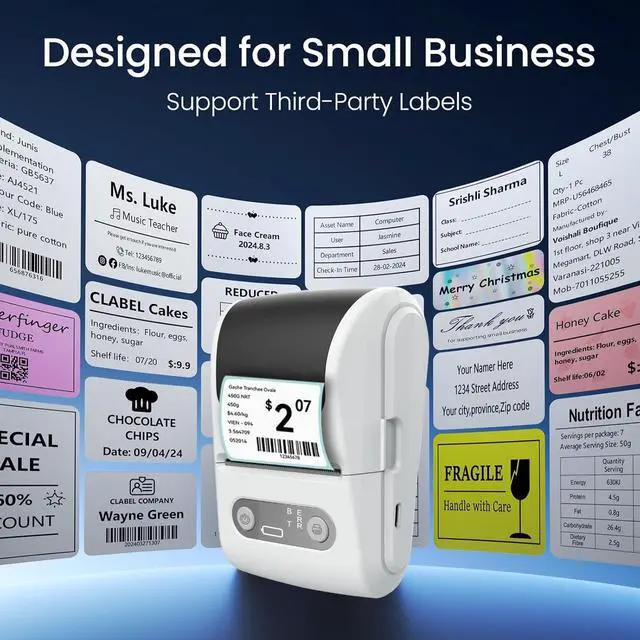
Product Description
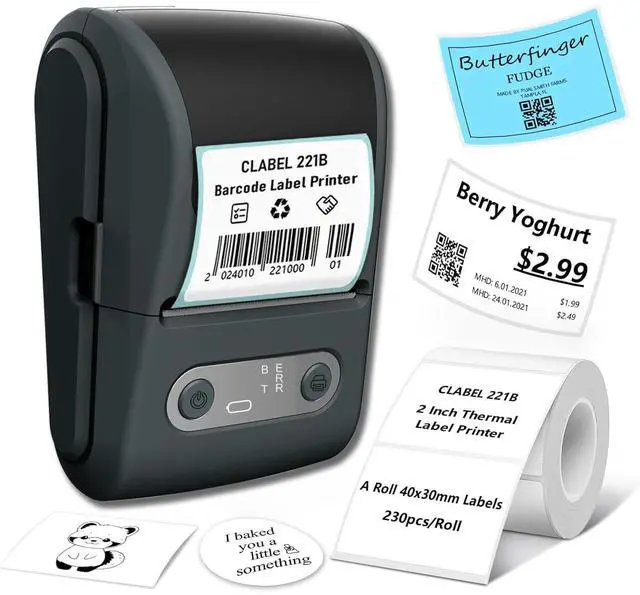
Experience efficient and versatile labeling with the Portable Label Maker.
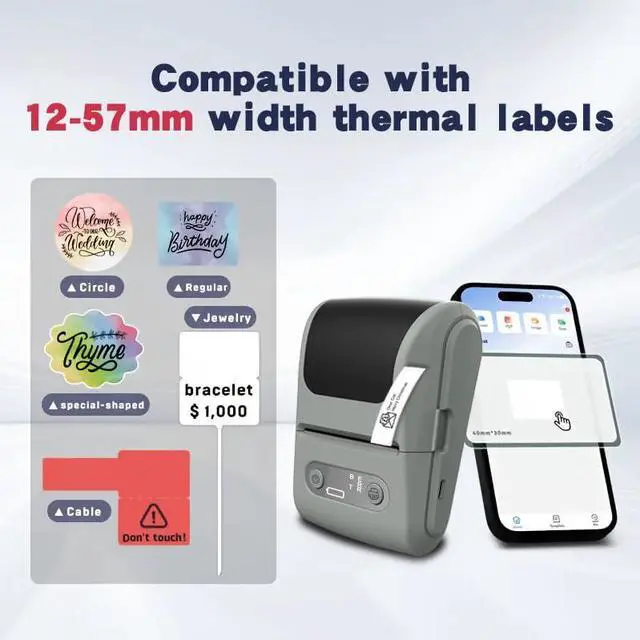
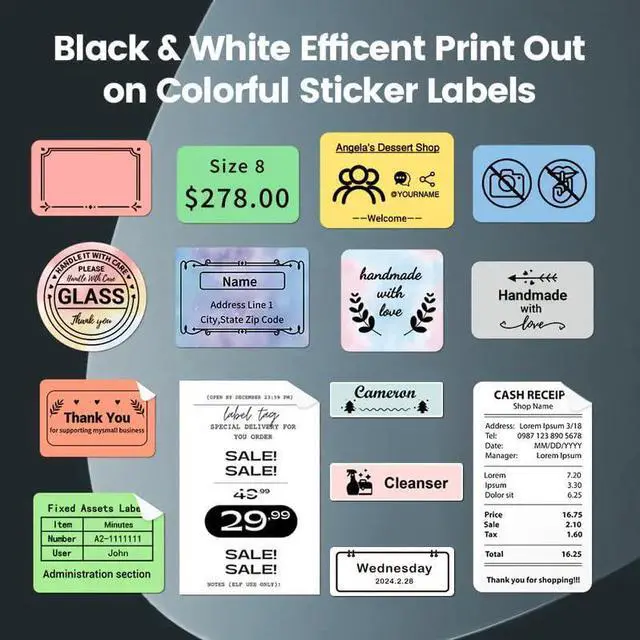
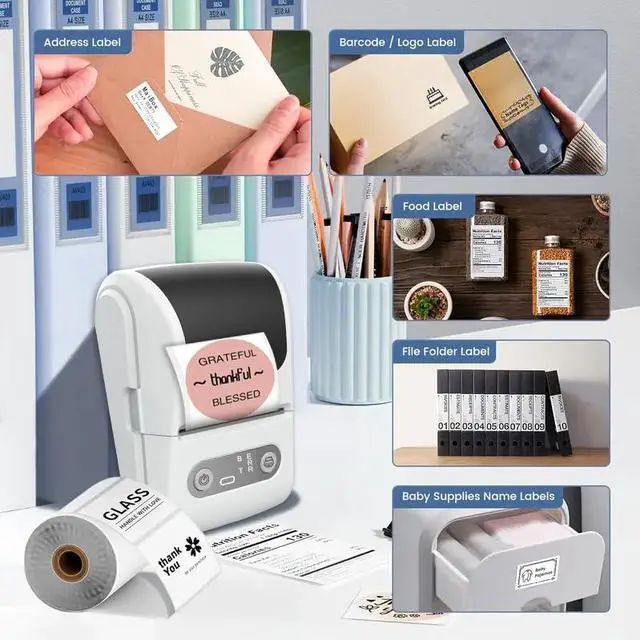
Designed for compatibility with a wide range of label sizes, shapes, and purposes, this printer offers wireless connectivity for seamless mobile integration. Its inkless printing technology ensures hassle-free operation, while the high-speed printing and long-lasting battery make it perfect for both business and home use.
Upgrade your labeling experience with the Portable Label Printer - where efficiency meets versatility.
Product Information
Product Name: Thermal Printer
Model Name: Thermal Printer-X10
Model Number: X10
Color: Black/White/Grey
Size: 125x90x60mm
Item Weight: 270g
Power Supply: USB
Connectivity: Bluetooth
Printing Method: Thermal Printing
Max Paper Size Selection: 57mm*50mm
Battery Capacity: 1200mAh
Material: Plastics
Control Method: App
Power Source: Battery Powered
Special Feature: Portable, Compact, Lightweight
Before Using:
1. Select printing paper with a core diameter greater than 12mm before use;
2.
Paper size selection: 57mm * 50mm (Max width *Max diameter);
3. There is a selection of paper type in the APP. Please ensure that the selected paper type is consistent with the paper used.
Printer Paper Loading Tutorial
1. Press and hold the "Switch Handle buttons on both sides to open the paper cover upwards;
2. Push the Paper Compartment Baffle to the left, place the label paper into the paper bin, and have the printing side facing down;
3. Slide the paper compartment baffle Inwards to secure the label paper. Pull the first paper out. Make sure it sticks out of the paper exit.
Close the paper compartment and long-press the Power Button to turn the printer on.