• $50.99
  • Free 30-day Returns
  • Price alert
    Shop it at NeweggBusiness.

    Meet Your Seller

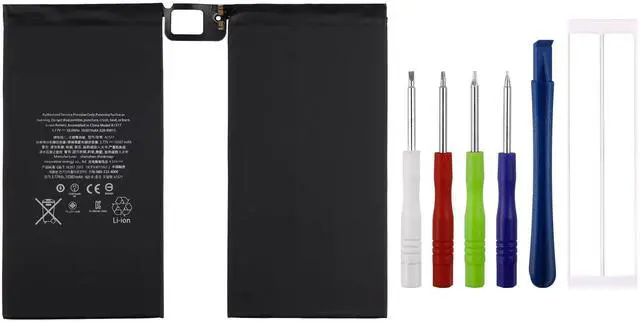
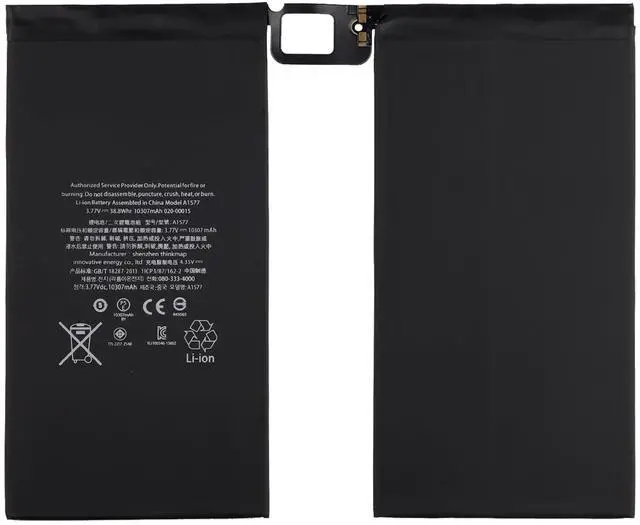
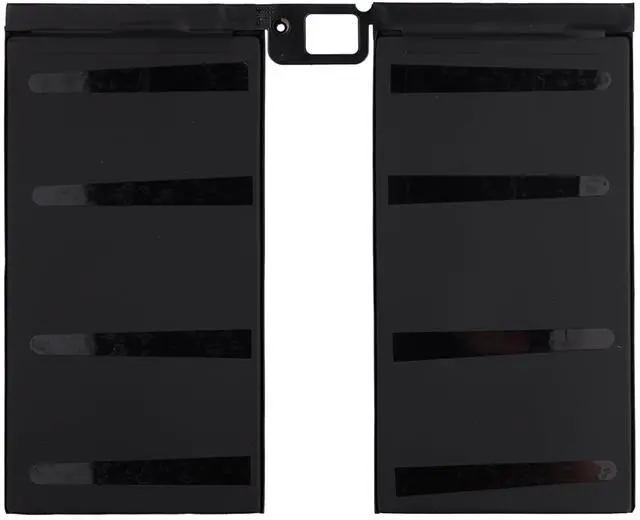
    SWARK New A1577 Rechargeable Battery Compatible Apple iPad Pro 12.9 1st Gen Wi-Fi/Cellular A1584 A1652 Upgraded Repair Tools Kit

    • More CapacityModel battery:A1577. Larger capacity and longer life.This battery prolongs the phone service time, you can use the high capacity battery directly without bothering about running out of power and shut down some apps all the time.
    • Compatible model Apple iPad Pro 12.9 1st Gen Wi-Fi/Cellular A1584 A1652 ML0F2LL/A ML0F2B/A ML0F2CL/A ML0F2FD/A ML0F2TY/A ML0G2LL/A ML0G2B/A ML0G2CL/A ML0G2FD/A ML0G2TY/A. Guarantee compatibility and give your phone a new lease of life. Please check your phone model carefully before buying.
    • Easy InstallationIt is easy to replace old battery with brandnew battery. Please turn off your phone prior to replacement, carefully disconnect your old battery and then connect your new battery to the mainboard, please ensure battery is connected to cellphone well,easily install, no need to worry about the installation is too complicated.
    • Useful ReminderIt is recommended to fully drain and fully charge the battery especially durin
    +
    +
    Overview
    Specs
    Reviews
    avatar

    Any questions? Our AI beta will help you find out quickly.

    Products
    Part No: A1577
    Product Parameters10307mAh/ 38.8 wh
    Voltage: 3.77V
    Type: Polymer
    Packaging: 1 x battery, 1x tools

    Compatible model
    iPad Pro 12.9" 1st Gen A1584 A1652

    Important Notes
    1. Please double check your device model before purchasing a battery to determine if this battery is compatible with your device.
    2. If you don't know how to install it or it's your first time to install it, you can search for installation tutorials on "YouTube", there are a lot of cell phone battery installation tutorials on it..
    3. It is easy to replace old battery with brandnew battery. Please turn off your phone prior to replacement, carefully disconnect your old battery and then connect your new battery to the mainboard, please ensure battery is connected to cellphone well, easily install, no need to worry about the installation is too complicated.
    4. It is recommended to fully drain and fully charge the battery especially during the first 3 charging and discharging cycles, doing so may greatly improve the overall life of the battery.

    Contact us
    If you have any questions about your order, please contact us and we will help within 24 hours. Hope you have a good day.


    Warranty & Returns

    Warranty, Returns, And Additional Information

    Warranty

    • Please contact the Seller directly for warranty information. Warranty information may also be found on the Manufacturer's website.
    • CONTACT

    Return Policies

    • Return for refund within: 30 days
    • Return for replacement within: 30 days
    • This item is covered by StarDragon Return Policy

    Manufacturer Contact Info

    LOADING...