shipping Holiday Shipping Details & Extended Holiday Returns
  • $97.99
  • Free 30-day Returns
  • Price alert
    Shop it at NeweggBusiness.

    Meet Your Seller

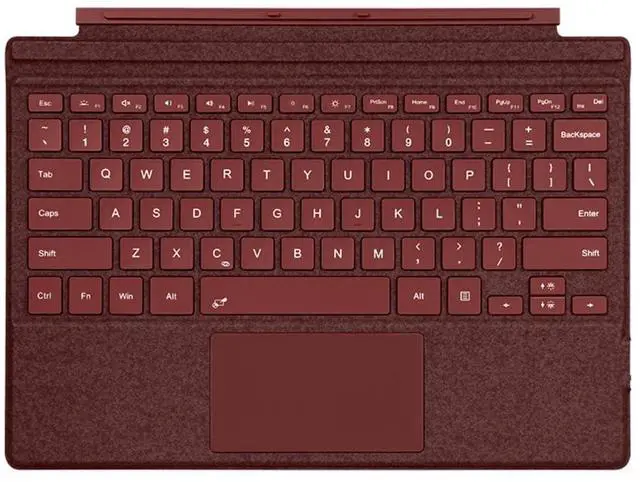
    NUWONAYA Keyboard for Surface Go 4/Go 3 /Go 2/Go, Portable Type Cover for Surface Go, 7-Color Backlit, Ultra-Slim Wireless Keyboard with Multi-Touch Trackpad,Wine Red

    • CompatibilityType Cover keyboard is designed for Surface Go 4 (2023), Surface Go 3 (2021), Surface Go 2 (2020), and Surface Go 1 (2018)
    • 7-Color BacklitThis keyboard features 7 colors of backlighting so you can choose your favorite light. it can meet the various needs in different light conditions.
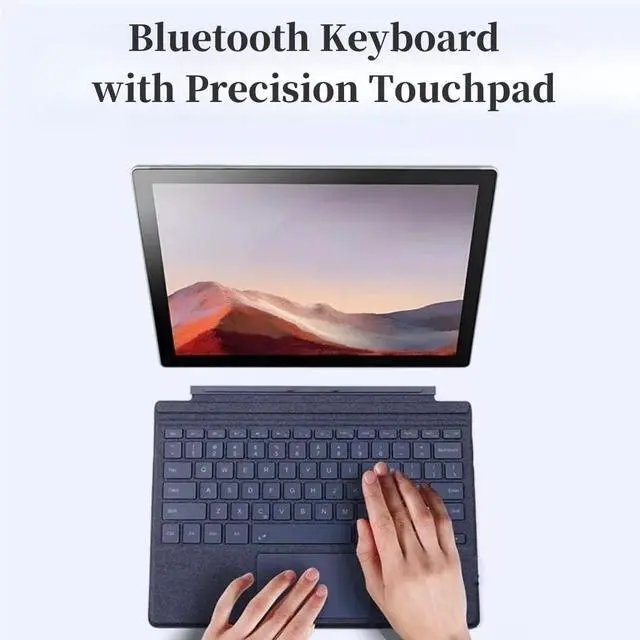
    • With Precise Touchpad Built-in with a responsive trackpad, scrolling & multi-touch gesture, conveniently using like a mouse, navigate and control your tablet precisely, gives you the touch screen experience, without having to take your hands off the keyboard.
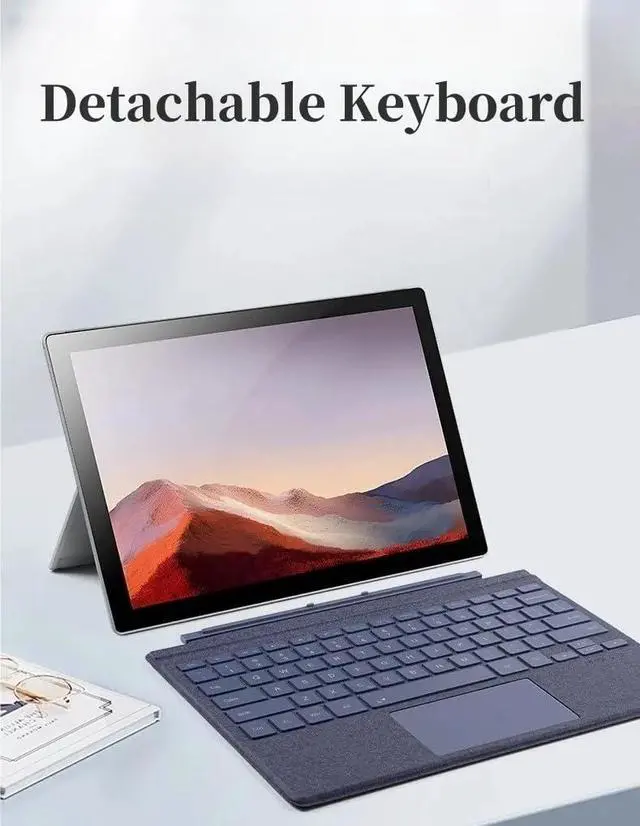
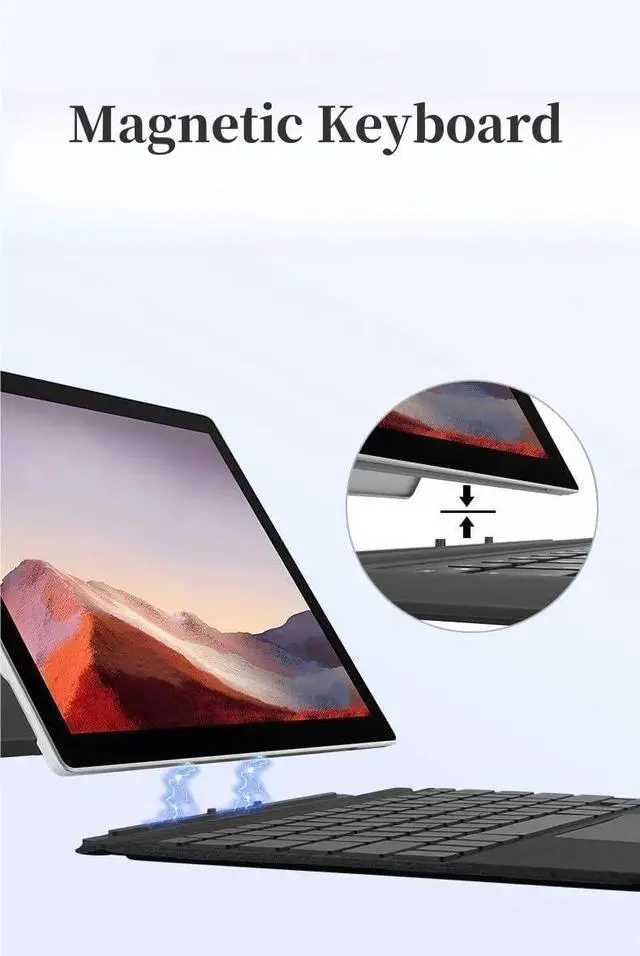
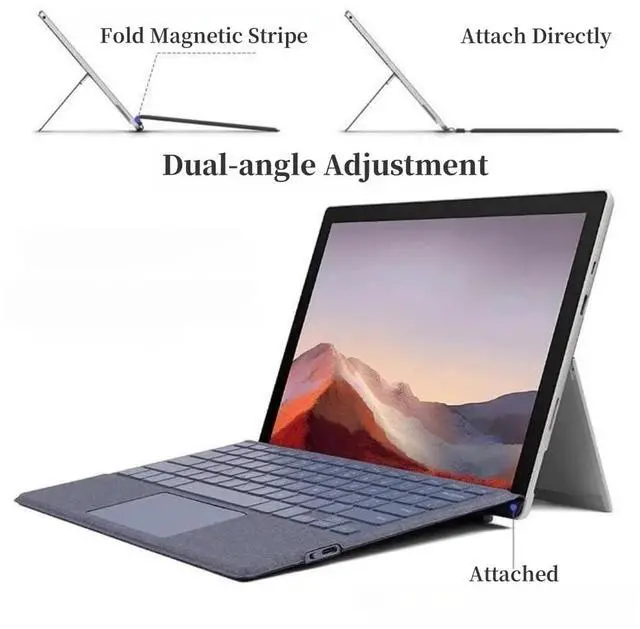
    • Adjustable AngleYou can adjust your microsoft keyboard at different angles for more comfortable typing and viewing. surface pro keyboard can detach or attach a more ergonomic typing angle through magnetic adsorption.
    • Ultra-Slim Bluetooth keyboardThis Surface Go keyboard support 10 meter Buetooth and compact size and light weight can be easily carried and packed in backpack, message bag or case. The Keyboar
    +
    +
    Overview
    Specs
    Reviews
    avatar

    Any questions? Our AI beta will help you find out quickly.

    Surface Pro Keyboard, Wireless Type Cover for Go 4/3 /2/1, Ultra-Slim Portable Magnetic Bluetooth Keyboard with 7 Color Backlit trackpad, Rechargeable Battery

    How to connect:
    Press "Fn"+"C" together for more than 3 seconds to turn on Pairing mode. Add keyboardin your Surface's Bluetooth settings [SettingsBluetooth].
    Please note: This product can only be used with Bluetooth connection, and it cannot be charged with Surface, it needs to be charged through Type-C

    How to adjust and switch lights:
    Change 7 light colorsPress FN+/ at the same time
    Adjust the three brightness and switch of lightPress Fn + F1
    To lock "Fn": Press the shortcut key Fn + Caps

    Warranty & Returns

    Warranty, Returns, And Additional Information

    Warranty

    • Please contact the Seller directly for warranty information. Warranty information may also be found on the Manufacturer's website.
    • CONTACT

    Return Policies

    • Return for refund within: 30 days
    • Return for replacement within: 30 days
    • This item is covered by Luhang Return Policy

    Manufacturer Contact Info

    LOADING...