*NO. 1 All-Around Protective
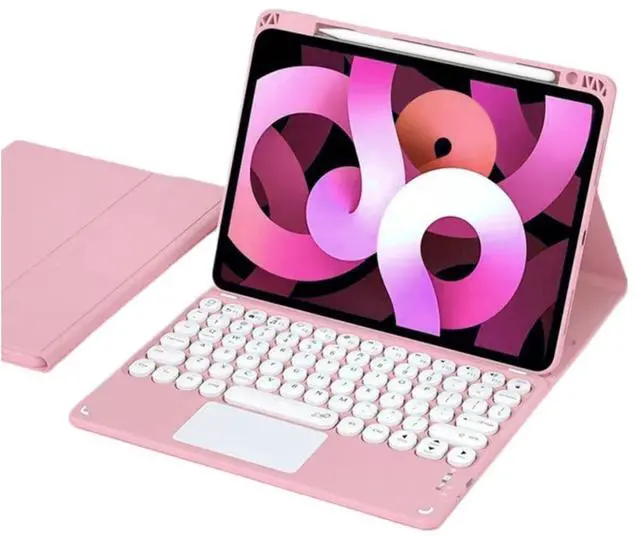
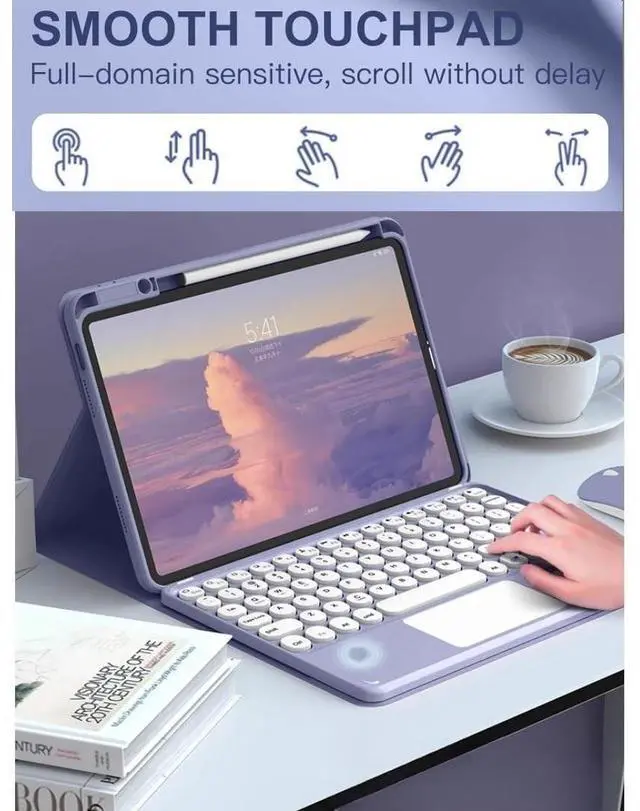
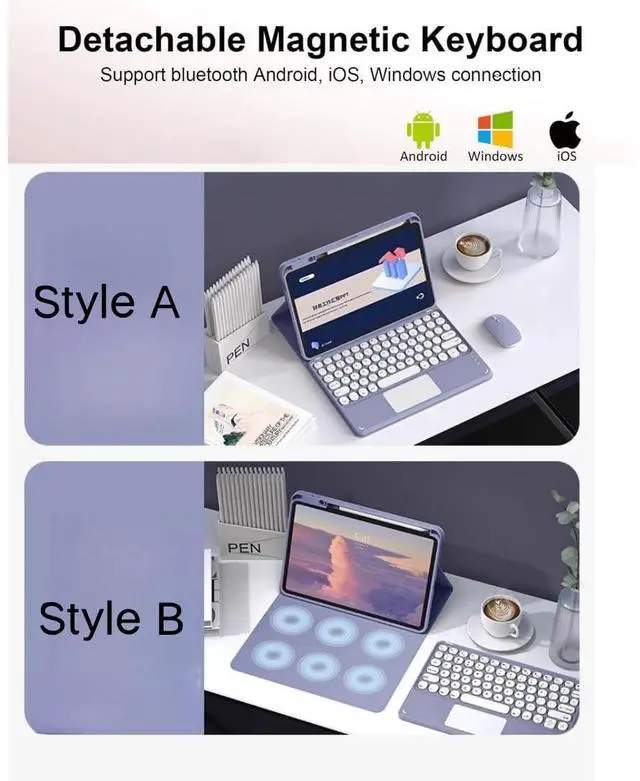
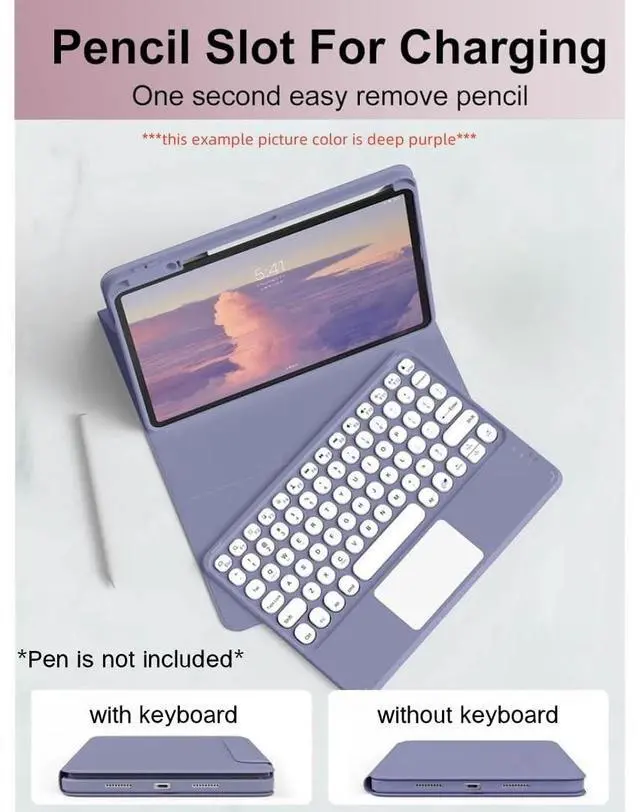
Keyboard Case: 1. Built-in Pen Holder (Pen not included) 2. Detachable Wireless Touchpad Keyboard3. Rechargeable Bluetooth Trackpad Keyboard4. Multiple Viewing Angles5. Precision Cutting6. Bluetooth Keyboard for 3 Systems*NO.
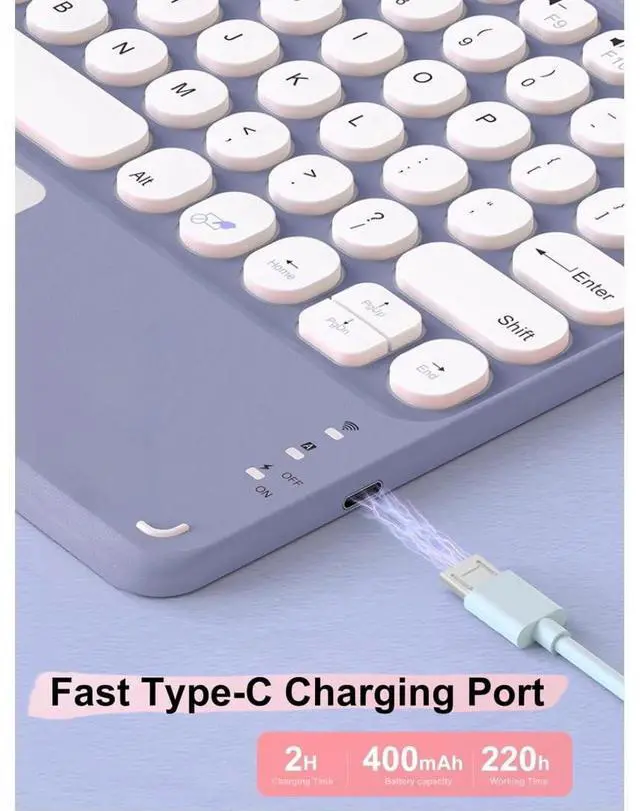
2 Packing List: 1 * Folding High-Grade Protective Case (iPad not included) 1 * Removable Wireless Keyboard with Touchpad1 * USB Charging Cable (ONLY for the keyboard, NOT for iPad)1 * User Manual*NO. 3 Wireless Keyboard Bluetooth Connection Method1, Set the power button to the "ON" position. 2, Long press the "FN+C" button on the keyboard, and the Bluetooth indicator will keep twinkling.
NOTE: press "Fn""C"together, it will opne keyboard bluetooth. 3, Click the "Settings" icon on your Pad. 4, Click"Bluetooth", and then turn on the Bluetooth. 5, Select"Bluetooth Keyboard" on your pad bluetooth interface. 6, If your touchpad can't work-----Please follow the steps: "Settings">"Accessibility">"Touch">"Auxiliary Touch">"Open". *NO. 4Last, The USB Charging Cable in the package, ONLY for the keyboard, NOT for iPad. 8, Charge the keyboard for about 3-4 hours before first use.





 here!
here!