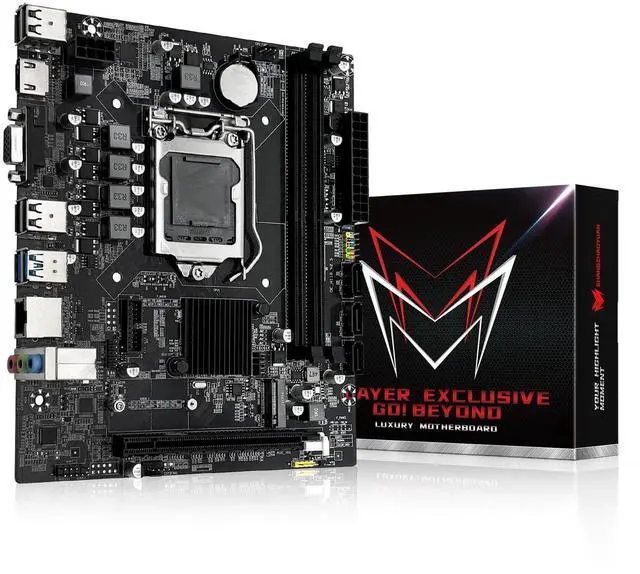
LGA 1151
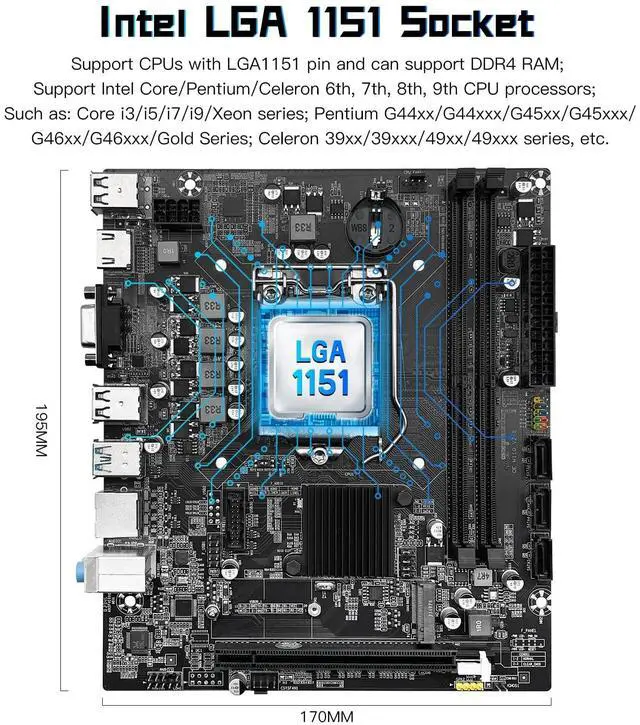
Socket: The Intel H110 Motherboard is compatible with Intel 6th/7th/8th/9th gen Core i3/i5, Pentium, Celeron Series processors. (Eg Core i3-6320, i3-7100, i3-7300, Core i5-6500, i5-6600, i5-7600, etc. )
Warm Tips: It may not be compatible with i7 processors, please confirm whether your processor model is compatible before purchasing ^^
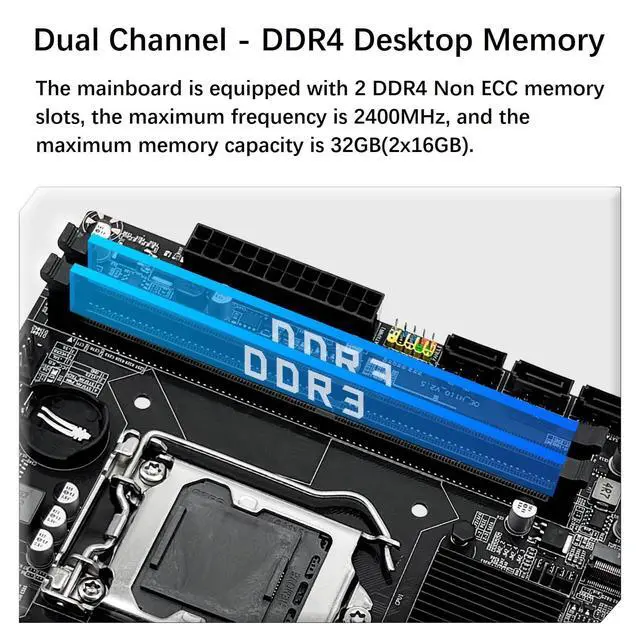
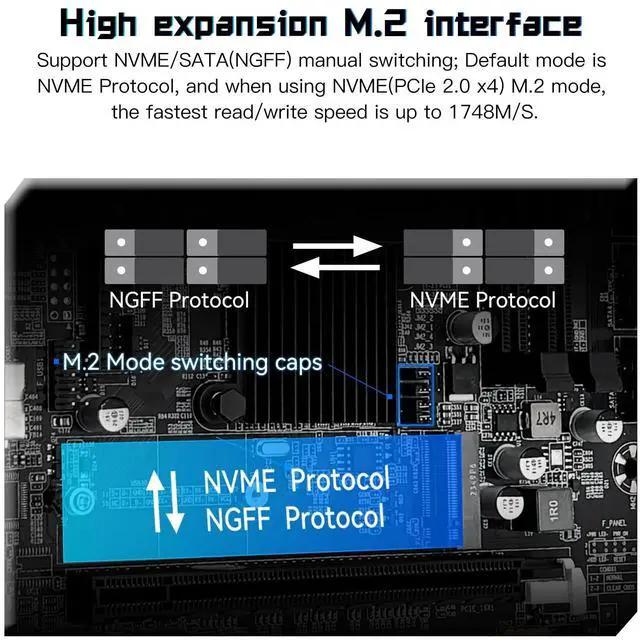
Dual-Channel DDR4 Slot: The LGA1151 Gaming Motherboard is equipped with 2 DDR4 RAM slots, supports Non-ECC memory and the maximum memory capacity is 32GB (2x16GB). And supports 2133/2400MHz memory clock speed ^^ NVME/NGFF M.
2 Interface: The NVME M. 2 and SATA M. 2 interfaces can be switched manually. The two slots use different lanes, the NVME M. 2 slot uses the PCIe 2.0 x4 lane and the NGFF M. 2 slot uses the SATA lane ^^
Video Interface: The Intel Motherboard is equipped with VGA and HDMI-compatible Interfaces, which can support 1080P high-definition video output without an external graphics card.
Note: To use these two interfaces, your CPU needs to support integrated graphics ^^
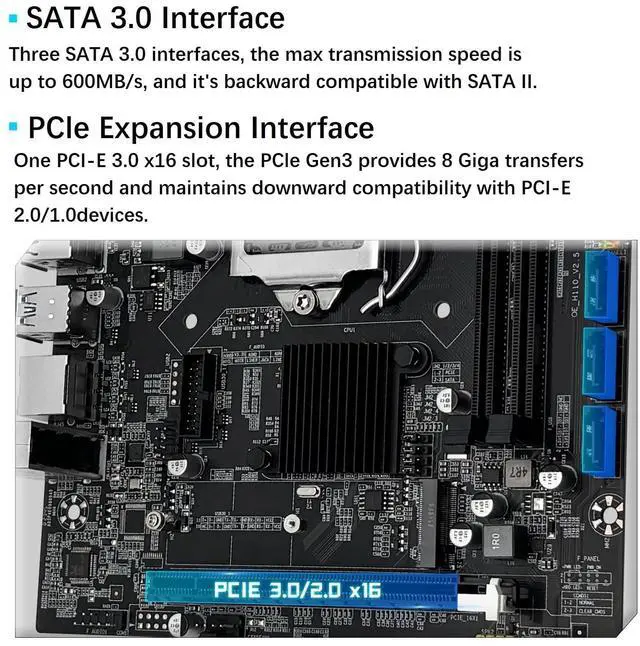
PCIe Slot: The computer motherboard provides 1 PCIe X16 slot. The PCIe standard is determined by the CPU, and under the PCIe 3.0 protocol, the X16 slot has a throughput of 128Gbps ^^
Package Includes: 1*SATA cable, 1*I/O baffle, 1*motherboard.
IMPORTANT: The package does not include the user manual. If you need the manual file, please download it from product description page or ask us on to get it. The motherboard does not include a CR2032L battery, you need to buy the CR2032L battery yourself.
^^ Tips 1: If the motherboard does not boot and the fan does not work, please check whether the motherboard power supply and CPU power supply are correctly connected, whether the CPU model and memory model are compatible or good, and whether the memory module is installed in the correct position. If it still does not start after eliminating the above problems, please clear CMOS ^^
Tips 2: If there is no display (the fan is working, the Caps Lock key on the keyboard is pressed, and the keyboard light is off), please check whether the motherboard power supply and CPU power supply are correctly connected, check whether the memory module is installed in the correct position, and check whether the CPU and memory models are compatible and good. If there is still no display after eliminating the above, please clear CMOS ^^
Tips 3: If there is no display (the fan is working, the Caps Lock key on the keyboard is pressed, and the keyboard light is on). Please check whether the monitor is turned on and whether the display data cable is connected properly. If no external graphics card is installed, please check whether the CPU supports integrated graphics. If an external graphics card is installed, please check whether the data cable is correctly connected to the interface of the external graphics card. Check whether the display data cable, graphics card and monitor are in good condition. If there is still no display after eliminating the above, please clear CMOS





 here!
here!