

Your Browsing History

Meet Your Seller


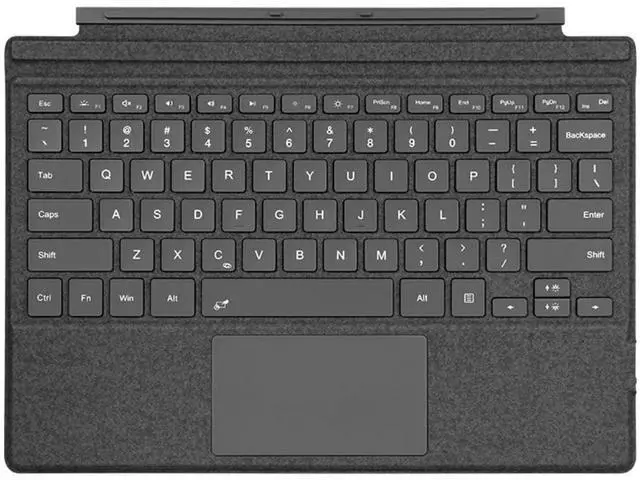
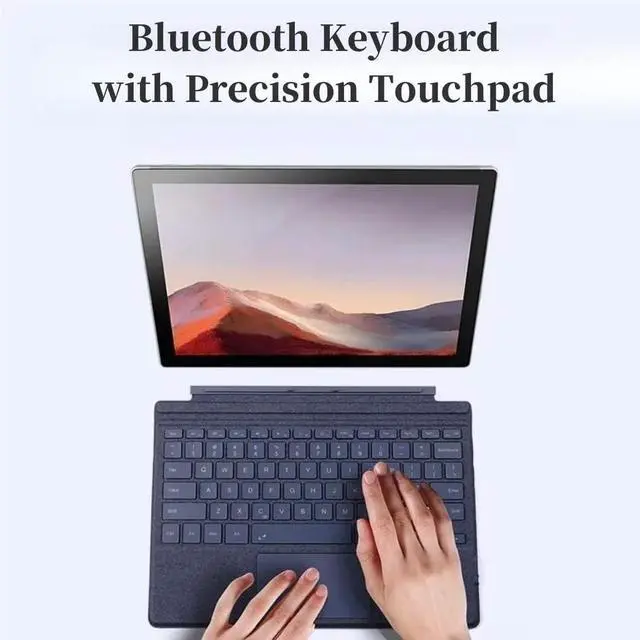



NUWONAYA Keyboard for Surface Go 4/Go 3 /Go 2/Go, Portable Type Cover for Surface Go, 7-Color Backlit, Ultra-Slim Wireless Keyboard with Multi-Touch Trackpad,Gray
- CompatibilityType Cover keyboard is designed for Surface Go 4 (2023), Surface Go 3 (2021), Surface Go 2 (2020), and Surface Go 1 (2018)
- 7-Color BacklitThis keyboard features 7 colors of backlighting so you can choose your favorite light. it can meet the various needs in different light conditions.
- With Precise Touchpad Built-in with a responsive trackpad, scrolling & multi-touch gesture, conveniently using like a mouse, navigate and control your tablet precisely, gives you the touch screen experience, without having to take your hands off the keyboard.
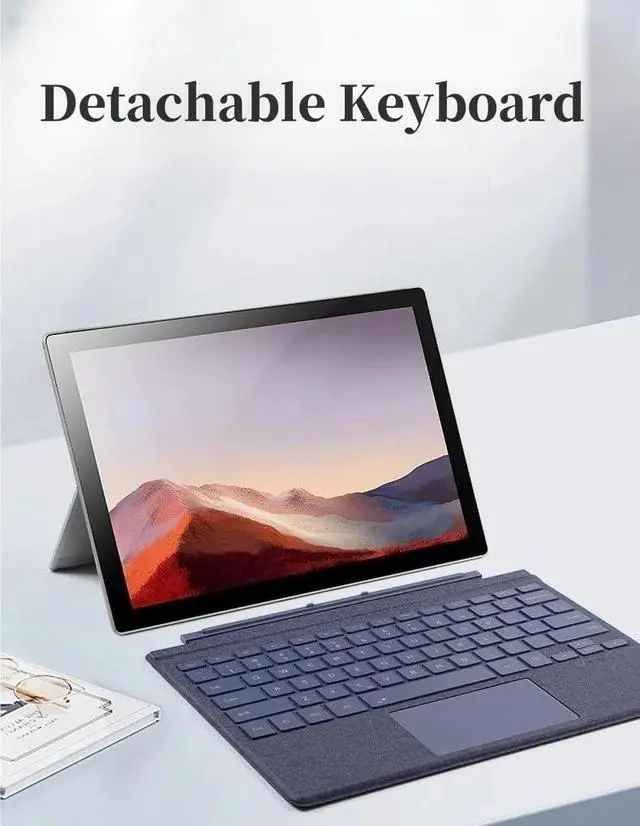
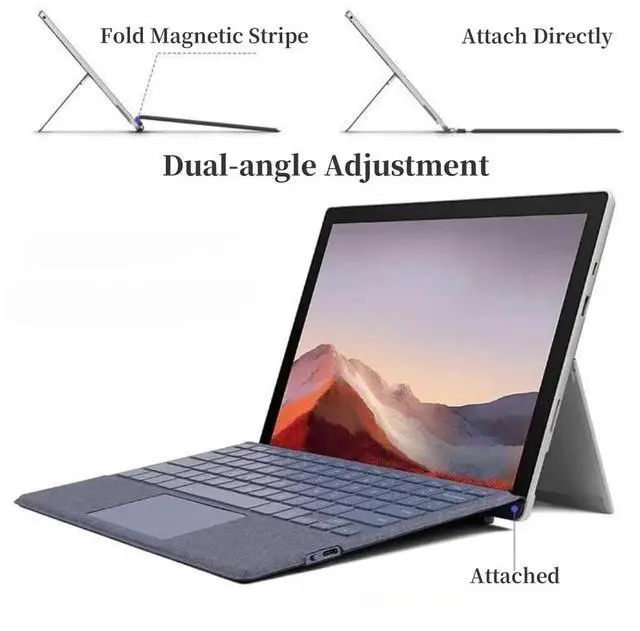
- Adjustable AngleYou can adjust your microsoft keyboard at different angles for more comfortable typing and viewing. surface pro keyboard can detach or attach a more ergonomic typing angle through magnetic adsorption.
- Ultra-Slim Bluetooth keyboardThis Surface Go keyboard support 10 meter Buetooth and compact size and light weight can be easily carried and packed in backpack, message bag or case. The Keyboard button is from ult
+
+
Overview
Specs
Reviews

Any questions? Our AI mode will help you find out quickly.
Try me now
Surface Pro Keyboard, Wireless Type Cover for Go 4/3 /2/1, Ultra-Slim Portable Magnetic Bluetooth Keyboard with 7 Color Backlit trackpad, Rechargeable
BatteryHow to connect: Press "Fn"+"C" together for more than 3 seconds to turn on Pairing mode. Add keyboardin your Surface's Bluetooth settings [SettingsBluetooth].
Please note: This product can only be used with Bluetooth connection, and it cannot be charged with Surface, it needs to be charged through Type-CHow to adjust and switch lights: Change 7 light colorsPress FN+/ at the same timeAdjust the three brightness and switch of lightPress Fn +
F1To lock "Fn": Press the shortcut key Fn + Caps
BatteryHow to connect: Press "Fn"+"C" together for more than 3 seconds to turn on Pairing mode. Add keyboardin your Surface's Bluetooth settings [SettingsBluetooth].
Please note: This product can only be used with Bluetooth connection, and it cannot be charged with Surface, it needs to be charged through Type-CHow to adjust and switch lights: Change 7 light colorsPress FN+/ at the same timeAdjust the three brightness and switch of lightPress Fn +
F1To lock "Fn": Press the shortcut key Fn + Caps
Warranty & Returns
Warranty, Returns, And Additional Information
Warranty
- Please contact the Seller directly for warranty information. Warranty information may also be found on the Manufacturer's website.
- CONTACT
Return Policies
- Return for refund within: 30 days
- Return for replacement within: 30 days
- This item is covered by LANMEll Return Policy
Manufacturer Contact Info
- For a directory of all our manufacturers, please click below.
- Manufacturers Directory
LOADING...