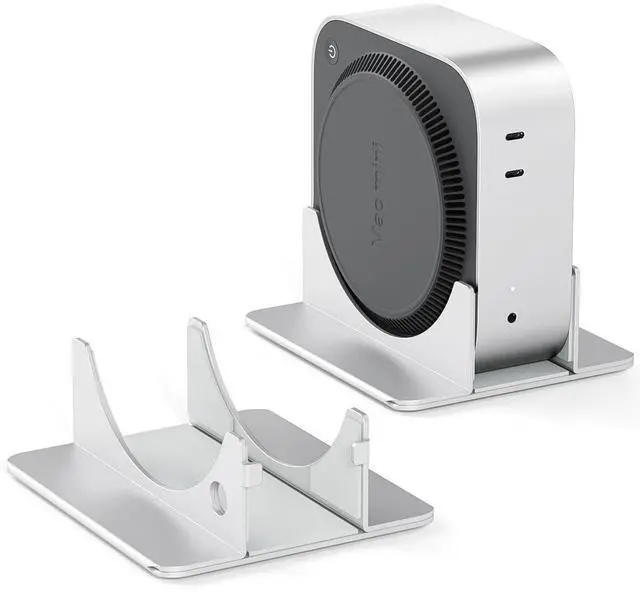
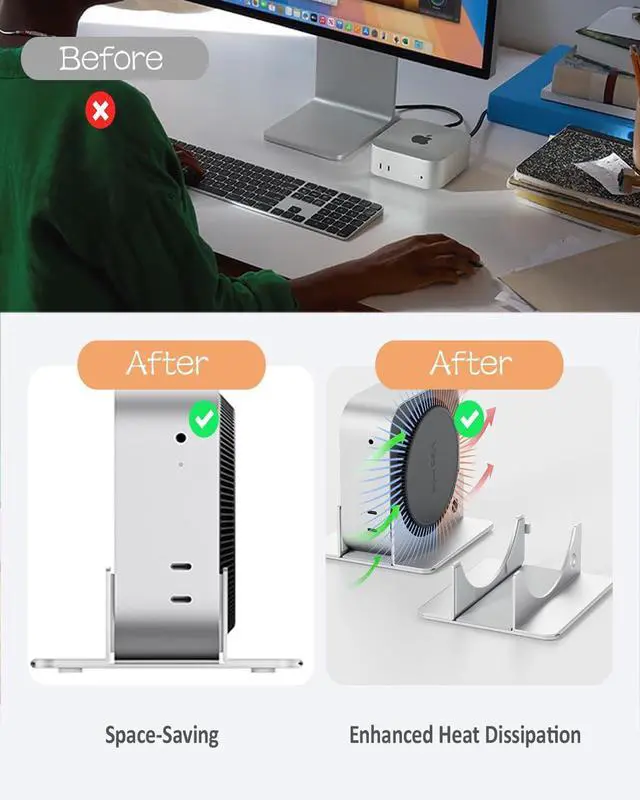
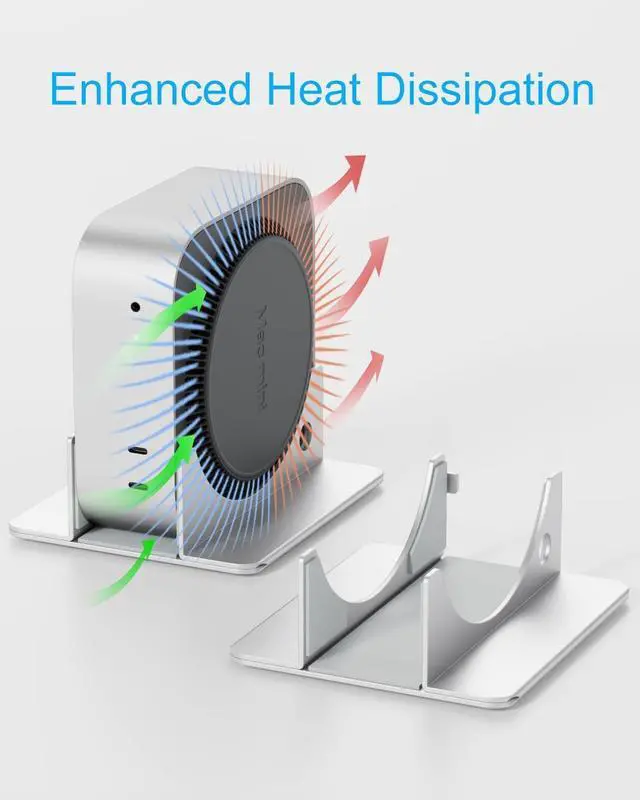
SNANSHI Heavy-Duty Metal Vertical Stand for Mac Mini M4 & M4 Pro (2024) The Ultimate Cooling Solution for Home Labs & AI WorkstationsUnlock the Full Potential of Your M4 ChipDesigned specifically for the 2024 Mac Mini M4 and M4 Pro, this isn't just a standits a performance booster. By vertically orienting your device, we expose the maximum surface area to ambient airflow, crucial for preventing thermal throttling during intensive tasks. Optimized for 24/7 AI & Server Workloads (for Clawdbot / Ollama / Plex)Are you running local LLMs, AI agents like Clawdbot, or hosting a media server that runs 24/7? Continuous NPU and CPU usage generates significant heat.
Our stand elevates your Mac Mini, allowing the bottom air intake to breathe freely. This ensures your Clawdbot or Home Assistant runs smoothly without crashing due to overheating, extending the lifespan of your device. Solves the "Power Button" ProblemWe know the strugglethe power button is on the bottom. Unlike flat placement or generic holders, our vertical design gives you hassle-free access to the power button. You can turn your device on or off without lifting, flipping, or risking a cable mess. Solid Heavy-Duty Metal ConstructionForget cheap plastic or lightweight aluminum.
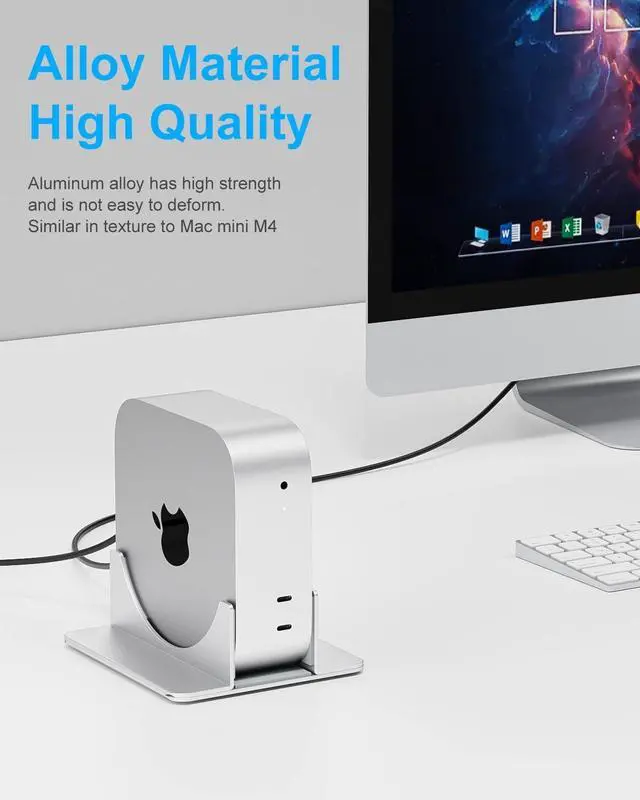
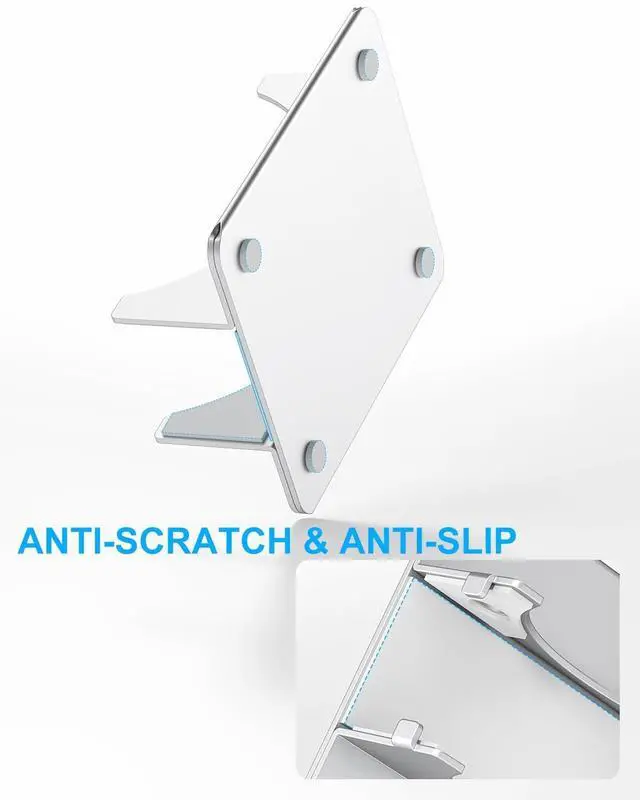
This stand is crafted from solid, heavy-duty metal to provide a low center of gravity. It stays planted on your desk, even with stiff Cat 8 Ethernet cables or heavy HDMI cords plugged in. It won't tip over. Scratch-Free Silicone ProtectionYour Mac Mini is an investment. That's why every contact point inside the slot is lined with premium soft silicone. It grips your device securely while ensuring zero scratches during insertion or removal. Key Features at a
Glance:
Material: Solid Heavy-Duty Metal (Weighted
Base) Compatibility: Mac Mini M4 & M4 Pro (2024
Release) Cooling: Max Airflow for 24/7
Stable Operation Best Use Case: Running Clawdbot, Home Lab, Personal
Servers Protection: Full Silicone Liner +
Anti-Slip PadsCommon Questions Solved Q: Will this help if I run my Mac Mini 24/7 for Clawdbot?
A: Yes. Vertical placement is physically superior for heat dissipation, which is essential for the stability of always-on AI bots and scripts.
Q: Is it compatible with the M4 Pro version?
A: Absolutely. It fits both the Mac Mini M4 and M4 Pro (2024 release) perfectly.
Q: Is the base stable enough for heavy cables?
A: Yes. The weighted metal base is designed to resist the pull of thick cables like Cat 8 ethernet or braided HDMI cords.





 here!
here!