• $93.99
  • Free 30-day Returns
  • Price alert
    Shop it at NeweggBusiness.

    Meet Your Seller

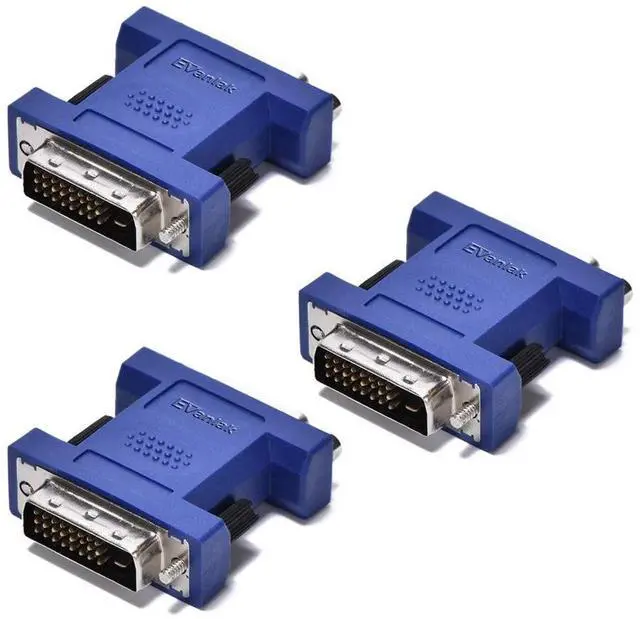
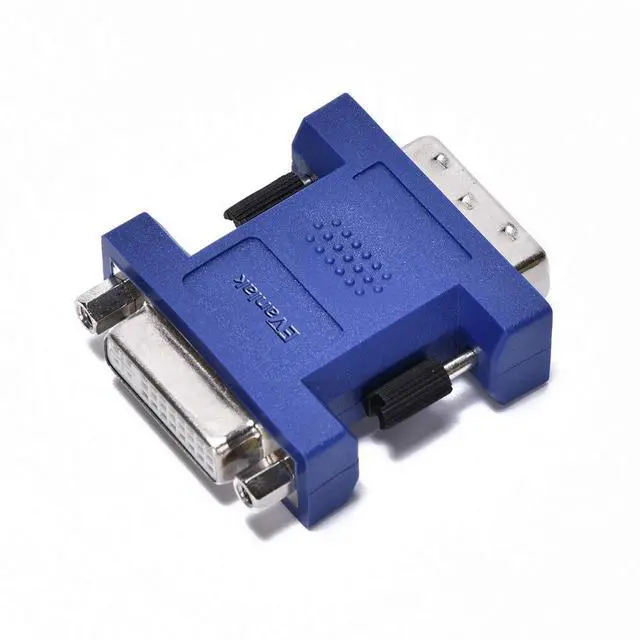
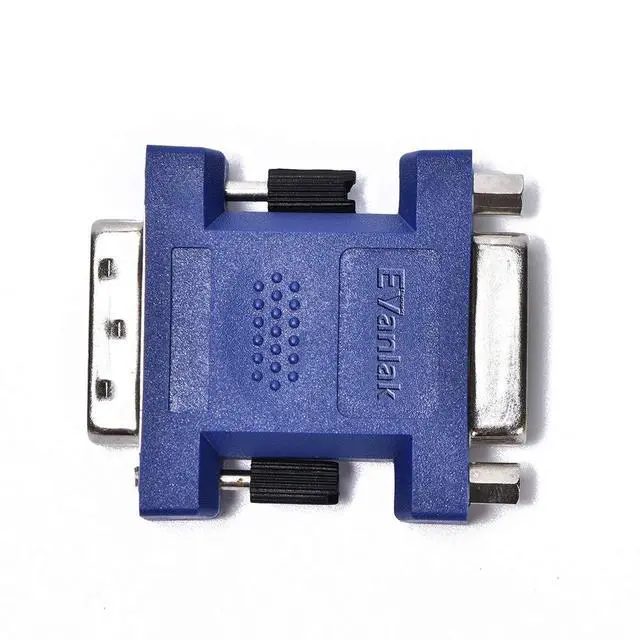
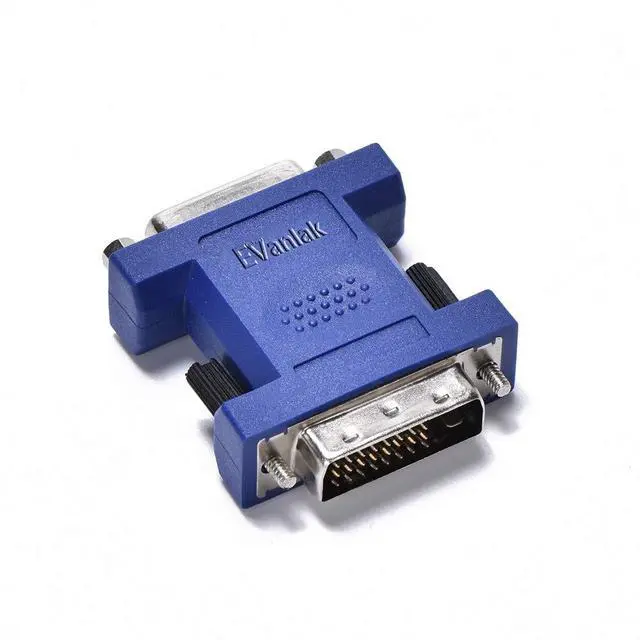
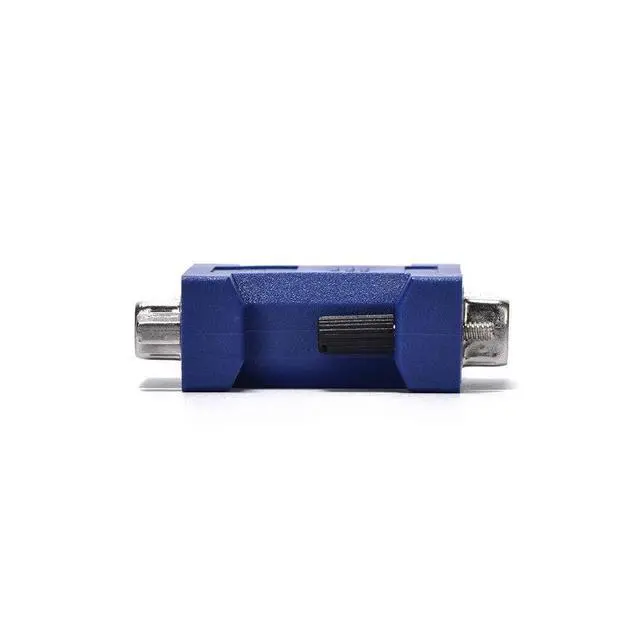
    Evanlak DVI edid Emulator passthrough,(Monitor Without Having My Desktop rearrange) Display Emulator use with KVM Switches/Video splittersand Extenders -2560X1600@60Hz 3pack

    • connected directly to the DVI output of the video card or to the Displayport-to-DVI converter for the second display output, turn off the monitor without having desktop rearranged
    • DVI KVM that did not have EDID plugged into the motherboard ,Solved an problem of when monitor would sleep, all the apps would move to a different screen!
    • This device solved the EDID problem With this device installed in-line. Windows no longer keeps searching for the monitor type when switched on a KVM(The true fix delete Windows and install Linux)
    • can be used stably at 4K@30Hz, and 1080@60Hz, and can serve as a virtual monitor when it is not used.Female head can be connected with external display.To achieve multi-frequency signal lock.Install EDID lock screen and remain the splicing state
    +
    +
    Overview
    Specs
    Reviews
    avatar

    Any questions? Our AI beta will help you find out quickly.

    connected directly to the DVI output of the video card or to the Displayport-to-DVI converter for the second display output, turn off the monitor without having desktop rearranged ^^ DVI KVM that did not have EDID plugged into the motherboard, Solved an problem of when monitor would sleep, all the apps would move to a different screen! ^^ This device solved the EDID problem With this device installed in-line. Windows no longer keeps searching for the monitor type when switched on a KVM (The true fix delete Windows and install Linux) ^^ can be used stably at 4K@30Hz, and 1080@60Hz, and can serve as a virtual monitor when it is not used.

    Female head can be connected with external display. To achieve multi-frequency signal lock. Install EDID lock screen and remain the splicing state

    Warranty & Returns

    Warranty, Returns, And Additional Information

    Warranty

    • Please contact the Seller directly for warranty information. Warranty information may also be found on the Manufacturer's website.
    • CONTACT

    Return Policies

    • Return for refund within: 30 days
    • Return for replacement within: 30 days
    • This item is covered by CloudBeast Return Policy

    Manufacturer Contact Info

    LOADING...