• $75.99
  • Free 30-day Returns
  • Price alert
    Sold by GoBeRotie
    Hot Seller
    4.7 (14 seller ratings)

    Shipped by GoBeRotie

    Shop it at NeweggBusiness.

    Meet Your Seller

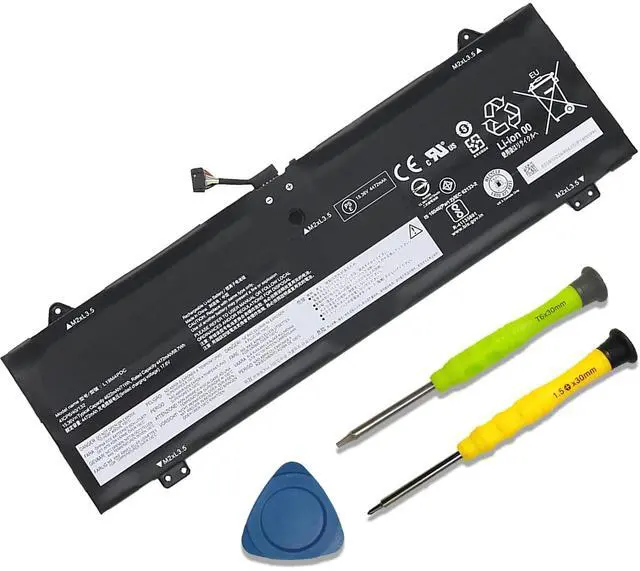
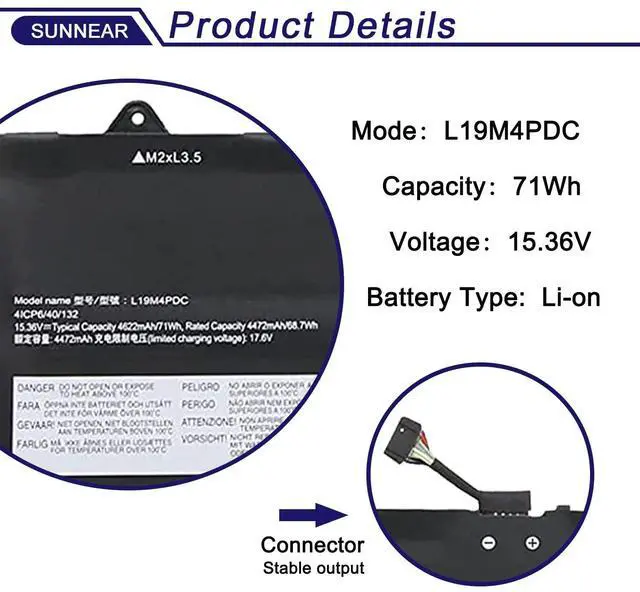
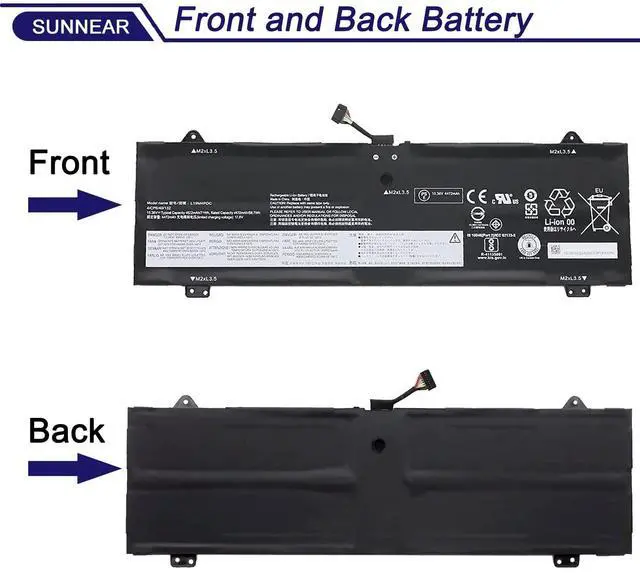
    SUNNEAR L19M4PDC Laptop Battery Compatible with Lenovo Ideapad Yoga 7-14ITL5 82BH 7-15ITL5 82BJ 7-14ACN6 82N7 Series L19C4PDC 5B10Z26482 SB10Z26481 L19L4PDC 5B10Z26485 5B10Z26479 SB10Z26486 71Wh

    • SpecificationsModel: L19M4PDC Voltage: 11.4V Capacity: 51Wh/4255mAh Battery type: Li-ion. Also comes with installation tools
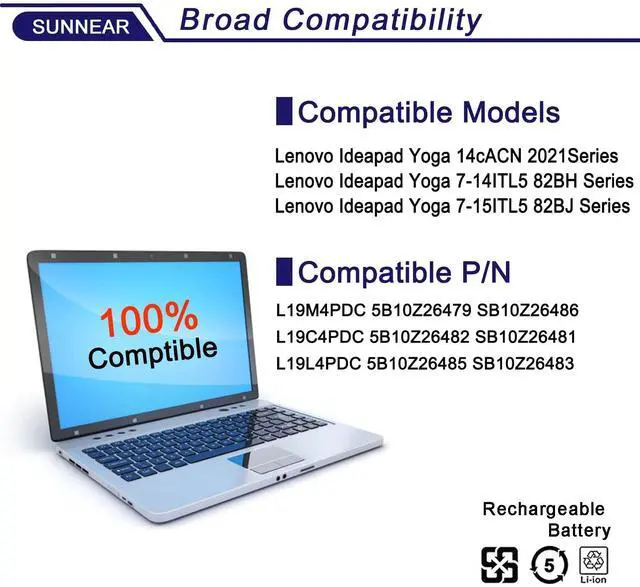
    • Compatible Laptop/Notebook Models for Replacement for Lenovo Ideapad Yoga 14cACN 2021Series Notebook.for Lenovo Ideapad Yoga 7-14ITL5 82BH Series Notebook.for Lenovo Ideapad Yoga 7-15ITL5 82BJ Series Notebook
    • Compatible Part Number L19M4PDC 5B10Z26479 SB10Z26486 L19C4PDC 5B10Z26482 SB10Z26481 L19L4PDC 5B10Z26485 SB10Z26483
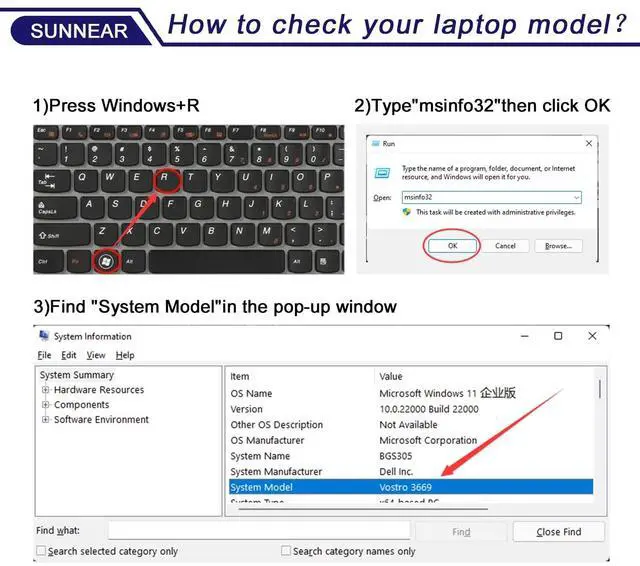
    • Purchasing Note: Due to the complexity of laptop battery models, you may not be able to accurately determine the model you need to purchase,Please open the back cover of the laptop to confirm the original battery model number
    • TipsIf the new battery is not recognized during the initial installation, please reinstall and check if the interface is fully connected. Run the new battery down to 5% (not 0%), then top up its power and complete 3-4 power cycles to wake up the new battery.

    +
    +
    Overview
    Specs
    Reviews
    SpecificationsModel: L19M4PDC
    Voltage: 11.4V
    Capacity: 51Wh/4255mAh
    Battery type: Li-ion. Also comes with installation tools ^^ Compatible Laptop/Notebook Models for Replacement for Lenovo Ideapad Yoga 14cACN 2021Series Notebook. for Lenovo Ideapad Yoga 7-14ITL5 82BH Series Notebook. for Lenovo Ideapad Yoga 7-15ITL5 82BJ Series Notebook ^^ Compatible Part Number L19M4PDC 5B10Z26479 SB10Z26486 L19C4PDC 5B10Z26482 SB10Z26481 L19L4PDC 5B10Z26485 SB10Z26483 ^^
    Purchasing Note: Due to the complexity of laptop battery models, you may not be able to accurately determine the model you need to purchase, Please open the back cover of the laptop to confirm the original battery model number ^^ TipsIf the new battery is not recognized during the initial installation, please reinstall and check if the interface is fully connected. Run the new battery down to 5% (not 0%), then top up its power and complete 3-4 power cycles to wake up the new battery.

    Warranty & Returns

    Warranty, Returns, And Additional Information

    Warranty

    • Please contact the Seller directly for warranty information. Warranty information may also be found on the Manufacturer's website.
    • CONTACT

    Return Policies

    • Return for refund within: 30 days
    • Return for replacement within: non-replaceable
    • This item is covered by GoBeRotie Return Policy

    Manufacturer Contact Info

    LOADING...