

Your Browsing History

Meet Your Seller

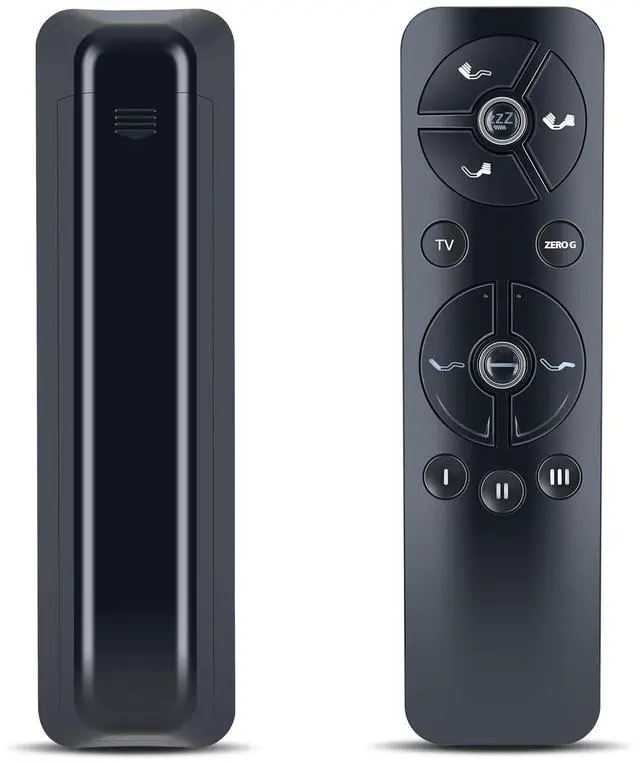
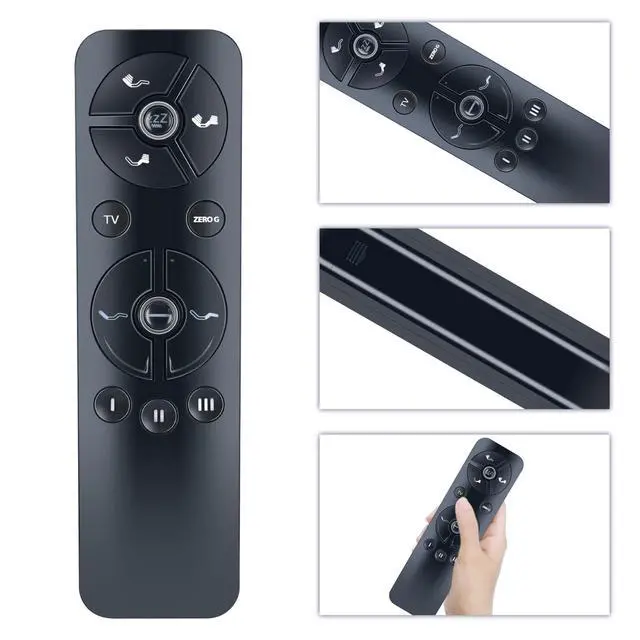
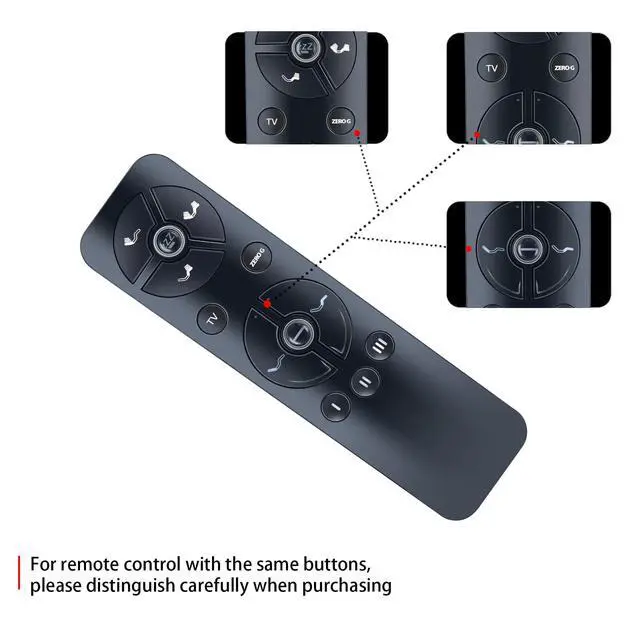
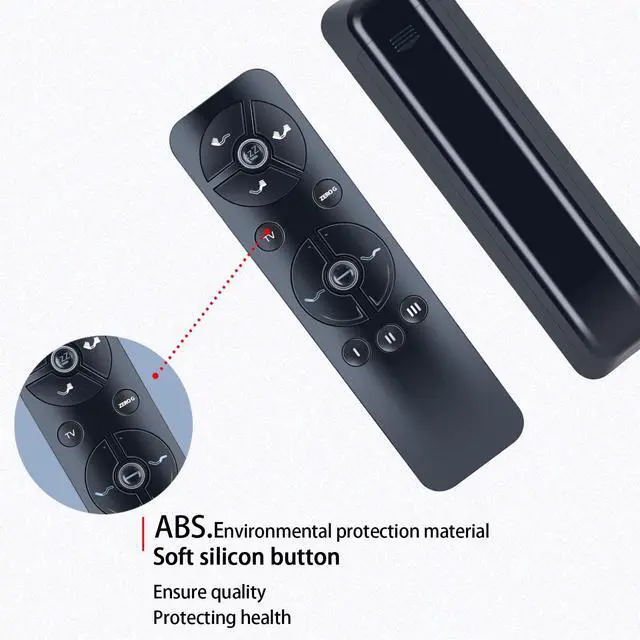


New Replacement Remote Control Compatible for Pemberly Row, Blissful Nights AM10BNV-TL/AMSBKDP-TL/AM10BNV-Q/AMSBKDP-Q, Sleep Science Q-Series Pro Adjustable Bed
- Perfect CompatibilityRemote Control Fit For AM10BNV-TL/AMSBKDP-TL/AM10BNV-Q/AMSBKDP-Q, Q-Series Pro Adjustable Bed
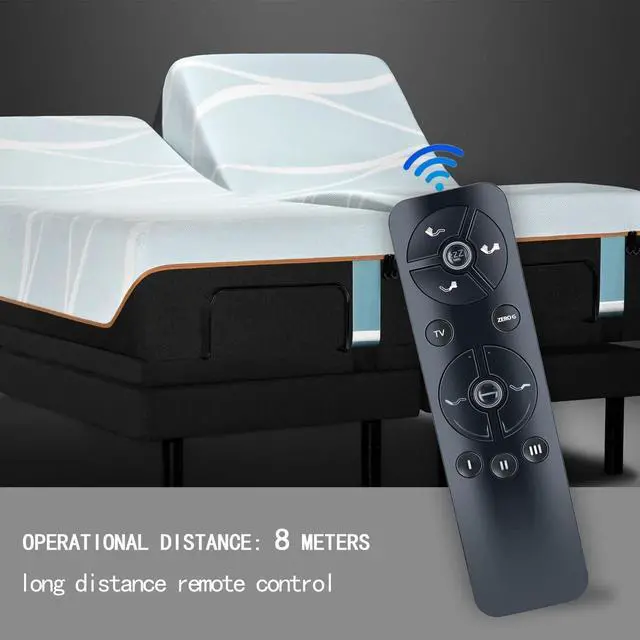
- Premium QualityWith infrared 3.0 technology and better craftsmanship, the remote control signal stays strong and responds fast to your every movement while it feel great to hold and touch.And its control distance covers 32 feet and an angle of more than 120 degrees, you'll have a great using experience
- How To PairPress the pairing button on the control box twice, and the greenlight will illuminate, indicating that it is ready for pairing.Alternatively, disconnect the power cord of the control box, waitfor 1 minute, and then re-insert it into the socket. At this point,the green LED light on the control box will illuminate, indicatingthat it is ready for pairing(usually within 10 seconds)Press and hold the pairing button. lf the LED light flashes, it indi-cates that pairing is in progressWhen the LED lights on the control box and remote control areoff, press and releas
+
+
Overview
Specs
Reviews

Any questions? Our AI mode will help you find out quickly.
Try me now
Perfect CompatibilityRemote Control Fit For AM10BNV-TL/AMSBKDP-TL/AM10BNV-Q/AMSBKDP-Q, Q-Series Pro Adjustable Bed ^^ Premium QualityWith infrared 3.0 technology and better craftsmanship, the remote control signal stays strong and responds fast to your every movement while it feel great to hold and touch. And its control distance covers 32 feet and an angle of more than 120 degrees, you'll have a great using experience ^^ How To PairPress the pairing button on the control box twice, and the greenlight will illuminate, indicating that it is ready for pairing. Alternatively, disconnect the power cord of the control box, waitfor 1 minute, and then re-insert it into the socket.
At this point, the green LED light on the control box will illuminate, indicatingthat it is ready for pairing (usually within 10 seconds) Press and hold the pairing button. lf the LED light flashes, it indi-cates that pairing is in progressWhen the LED lights on the control box and remote control areoff, press and release the pairing button on the remote controto complete pairing ^^ PackageNew Replacement Remote Control *1Batteries are Not Included ^^ SeviceBringing good products and services to customers has always been our pursuit. So if you have any questions about the remote control during purchase or use, please feel free to contact us and we will do our best to solve it for you, thanks!
At this point, the green LED light on the control box will illuminate, indicatingthat it is ready for pairing (usually within 10 seconds) Press and hold the pairing button. lf the LED light flashes, it indi-cates that pairing is in progressWhen the LED lights on the control box and remote control areoff, press and release the pairing button on the remote controto complete pairing ^^ PackageNew Replacement Remote Control *1Batteries are Not Included ^^ SeviceBringing good products and services to customers has always been our pursuit. So if you have any questions about the remote control during purchase or use, please feel free to contact us and we will do our best to solve it for you, thanks!
Warranty & Returns
Warranty, Returns, And Additional Information
Warranty
- Please contact the Seller directly for warranty information. Warranty information may also be found on the Manufacturer's website.
- CONTACT
Return Policies
- Return for refund within: 30 days
- Return for replacement within: non-replaceable
- This item is covered by VersaCom Return Policy
Manufacturer Contact Info
- For a directory of all our manufacturers, please click below.
- Manufacturers Directory
LOADING...