Out of stock
  • $56.99
  • Free 30-day Returns
Most customers receive within 7-9 days.
Sold by HyperCore
Top Rated
5 (2 seller ratings)

Shipped by HyperCore

Price alert
Shop it at NeweggBusiness.

Meet Your Seller

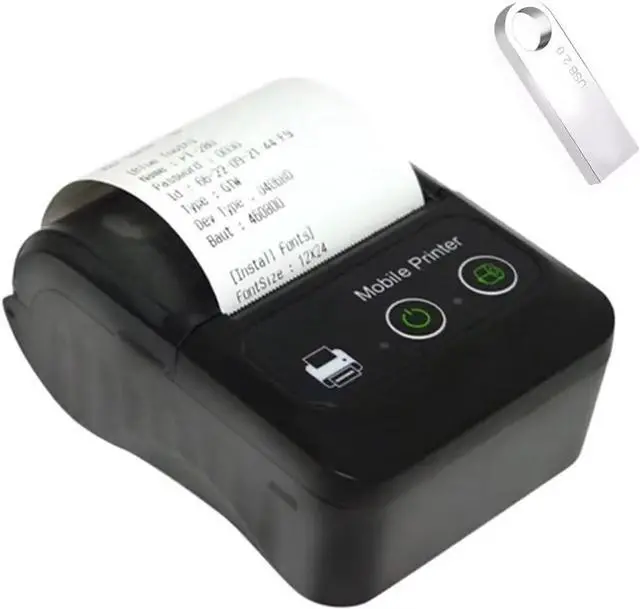
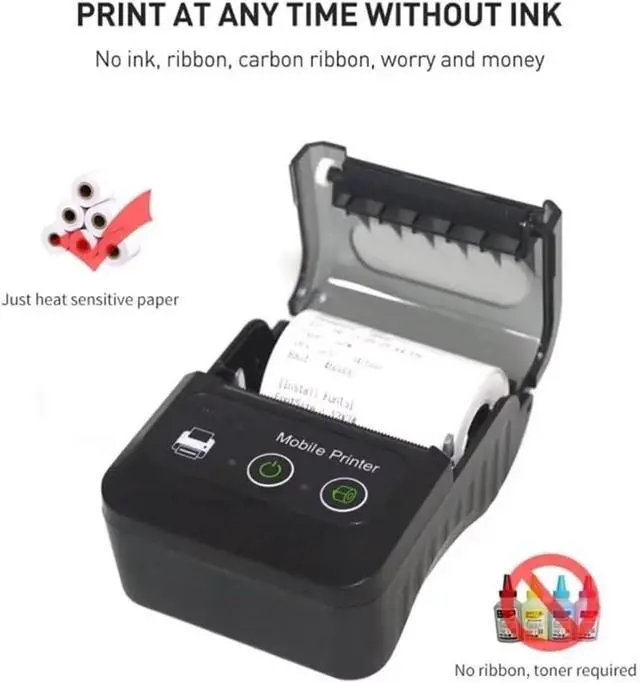
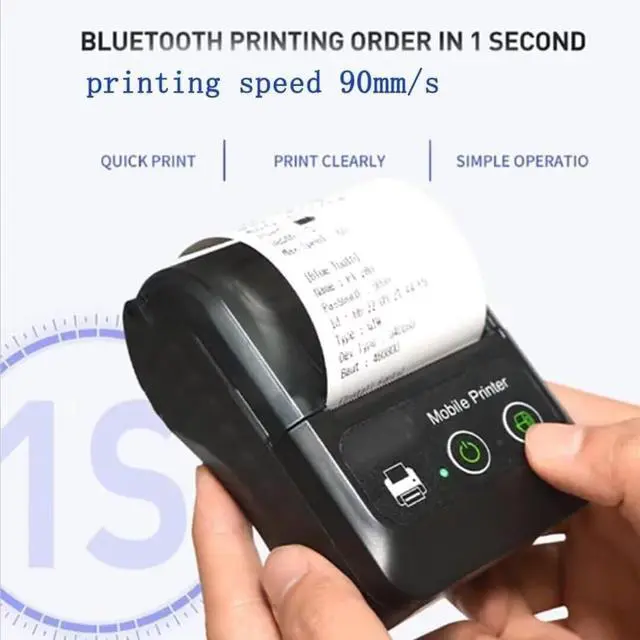
GZGYNADAST is NOT Compatible with iPhone iOS/IPAD/MAC,ONLY FIT Android/Windows,Bluetooth Thermal Receipt Printer 58mm,Wireless Portable mini Pocket Invoice Bill Ticket pos Printer for Small Business

  • 1.[TIPS] It's compatible with WINDOWS/LINUX by USB cable, it could conect android mobile phone by bluetooth. It is NOT compatible with ios/ipad/MAC /Square/DoorDash/Uber eat/Pay OS system/Zettle/Shopify POS/paypal/wifi/quebec MEV machine/grubhub/chromebook/ubereats/Doordash/postmates/clover pos
  • [ APP on android] Support APP on android mobile phone : Utak,Loyverse,iReap,CashSale POS,RawBTKyte,Receipt Generator
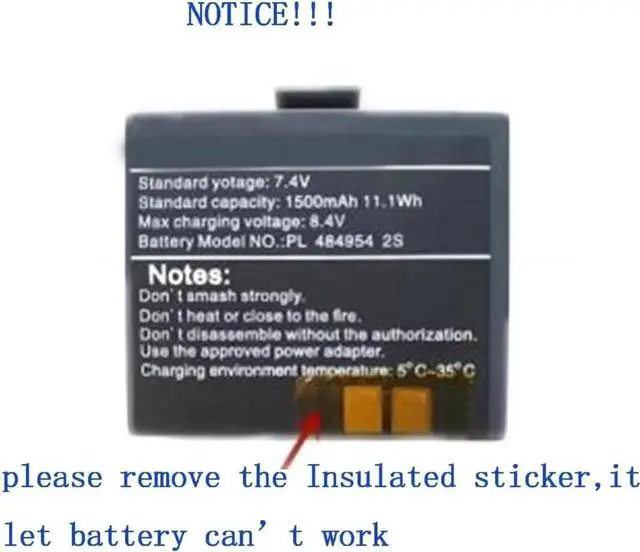
  • 3.[Battery tips]Please tear off insulation sticker on back of battery,it let battery can't charge
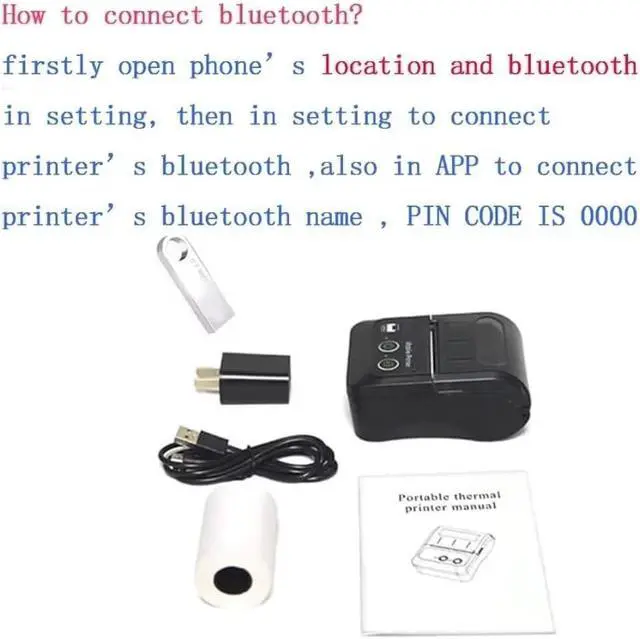
  • 4.[How to connect bluetooth with mobile phone ] 1, peel off insulation paste on battery, then turn on printer 2, download APP and open App on your mobile phone 3, open mobile phone's bluetooth and location in setting and connect printer's bluetooth, PIN code is 0000,also to connect bluetooth in APP, in APP search bluetooth name of printer and connect it, printer 's blueototh name is on self-test page,then could print receipt in APP
  • 5.[with U DISK] with U DISK (including dr
+
+
Overview
Specs
Reviews
avatar

Any questions? Our AI beta will help you find out quickly.

1. [TIPS] It's compatible with WINDOWS/LINUX by USB cable, it could conect android mobile phone by bluetooth. It is NOT compatible with ios/ipad/MAC /Square/DoorDash/Uber eat/Pay OS system/Zettle/Shopify POS/paypal/wifi/quebec MEV machine/grubhub/chromebook/ubereats/Doordash/postmates/clover pos ^^ [ APP on android] Support APP on android mobile phone: Utak, Loyverse, iReap, CashSale POS, RawBTKyte, Receipt Generator ^^ 3. [Battery tips]Please tear off insulation sticker on back of battery, it let battery can't charge ^^ 4. [How to connect bluetooth with mobile phone ] 1, peel off insulation paste on battery, then turn on printer 2, download APP and open App on your mobile phone 3, open mobile phone's bluetooth and location in setting and connect printer's bluetooth, PIN code is 0000, also to connect bluetooth in APP, in APP search bluetooth name of printer and connect it, printer 's blueototh name is on self-test page, then could print receipt in APP ^^ 5. [with U DISK] with U DISK (including driver, SDK, English using manual ) in package, bluetooth thermal receipt printer 58mm, android wireless portable mini pocket invoice bill ticket pos printer for small business, compatible with Android/WINDOWS/LINUX, NOT for ios/ipad/MAC

Warranty & Returns

Warranty, Returns, And Additional Information

Warranty

  • Please contact the Seller directly for warranty information. Warranty information may also be found on the Manufacturer's website.
  • CONTACT

Return Policies

  • Return for refund within: 30 days
  • Return for replacement within: 30 days
  • This item is covered by HyperCore Return Policy

Manufacturer Contact Info

LOADING...