• $51.99
  • Free 30-day Returns
  • Sold by HyperCore
    Top Rated
    5 (2 seller ratings)

    Shipped by HyperCore

    Price alert
    Shop it at NeweggBusiness.

    Meet Your Seller

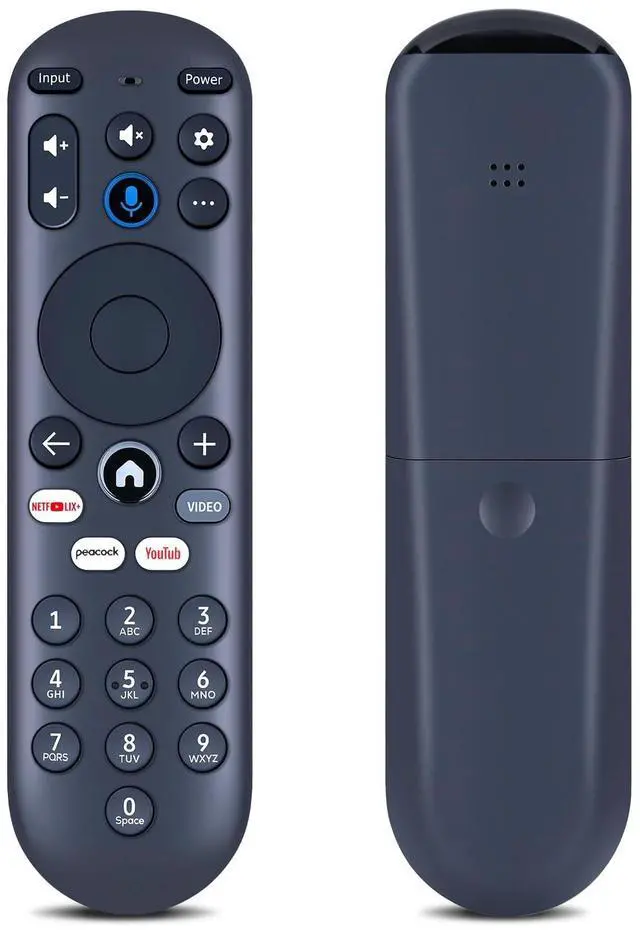
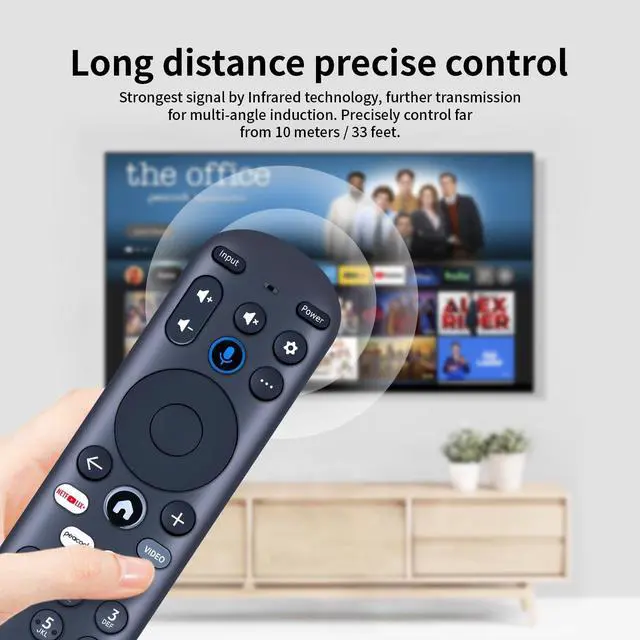
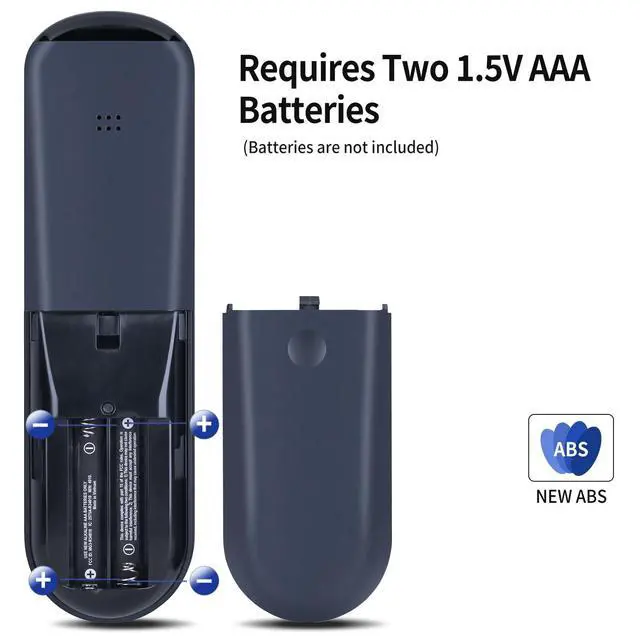
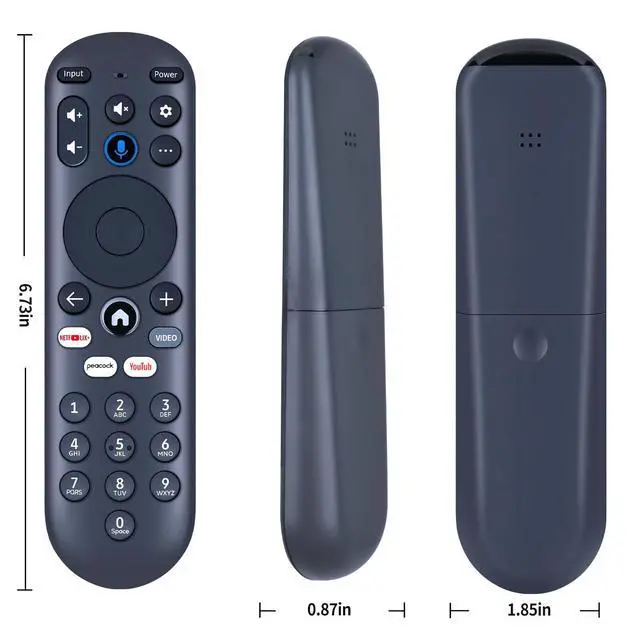
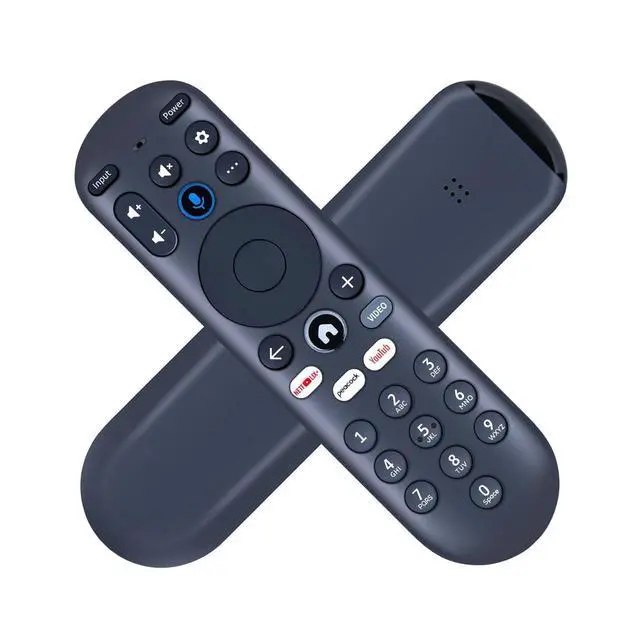
    SJUIF Replacement Remote Control for XUMO Stream Box Spectrum TV

    • Compatible Models: This New Replacement Remote Control Compatible with XUMO STREAM BOX Spectrum TVNOTENot compatible with other brands or types. Before ordering, please ensure your original remote control matches the buttons and appearance shown in the illustration. Otherwise, it may not function properly
    • How to pair your TV and Sound System: 1) Press the [Setting] button 2) Select RemotePair your remote to your TV/ Pair your remote and sound system 3) Follow the on-screen instructions [NOTE] Voice Control will not work untill you pair your remote. Voice commands only work when your TV is connected to the internet
    • How to reset your remote: 1) Hold the [] and [] buttons for 3 seconds until the light at the top of the remote turns solid green 2) Press [9], then [8], then [4] (the light will blink red a few times) 3) Hold the [] and [] buttons for 3 seconds again 4) Press [9], then [8], then [1] 5) Wait for the light at the top of the remote to flash red again 6) With your remote co
    +
    +
    Overview
    Specs
    Reviews
    avatar

    Any questions? Our AI beta will help you find out quickly.

    SJUIF Replacement Remote Control for XUMO STREAM BOX Spectrum TV

    Warranty & Returns

    Warranty, Returns, And Additional Information

    Warranty

    • Please contact the Seller directly for warranty information. Warranty information may also be found on the Manufacturer's website.
    • CONTACT

    Return Policies

    • Return for refund within: 30 days
    • Return for replacement within: 30 days
    • This item is covered by HyperCore Return Policy

    Manufacturer Contact Info

    LOADING...