WD_BLACK SN7100 M.2 2280 2TB PCI-Express 4.0 x4 TLC 3D NAND Internal Solid State Drive (SSD) WDS200T4X0E
  •  
  • $304.99 
  • Save: 12%
  • $86.99
  • Free 30-day Returns
  • Price alert
    Shop it at NeweggBusiness.

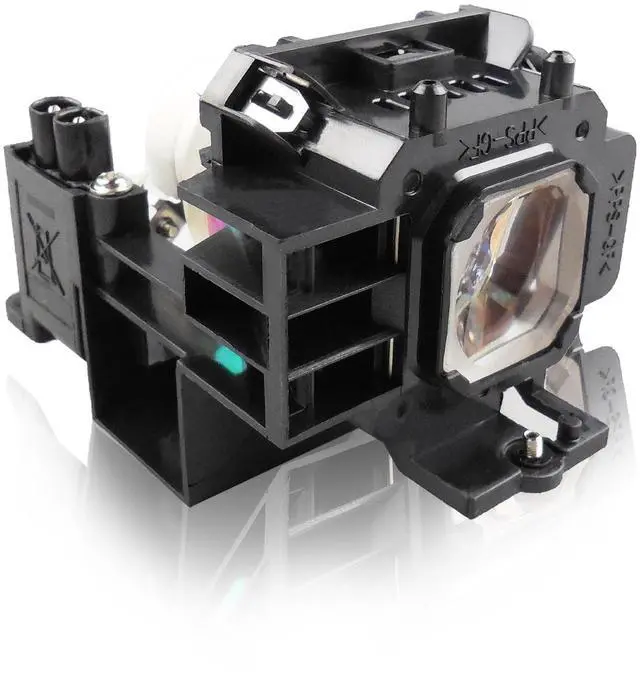
    Supermait NP07LP Replacement Projector Lamp Bulb with Housing Compatible with NEC NP400 NP500 NP500W NP600 NP300 NP410W NP510W NP510WS NP610 NP610S NP300+ NP300G NP300EDU NP400+ NP400G NP400W

    • Compatible part number: NP07LP / 60002447.
    • Compatible models: Compatible with NEC NP400 / NP500 / NP500W / NP600 / NP300 / NP410W / NP510W / NP510WS / NP610 / NP610S / NP300+ / NP300G / NP300EDU / NP400+ / NP400G / NP400W / NP400EDU / NP410WG / NP500+ / NP500G / NP500WSG / NP510WSG / NP500EDU / NP600+ / NP600G / NP600SG / NP600S / NP600W / NP600EDU / NP610+ / NP610G / NP610SG / NP410C / NP610EDU / NP610W / NP500WS / NP500WG projectors.
    • Lamp type: New replacement / compatible projector lamp bulb with housing.
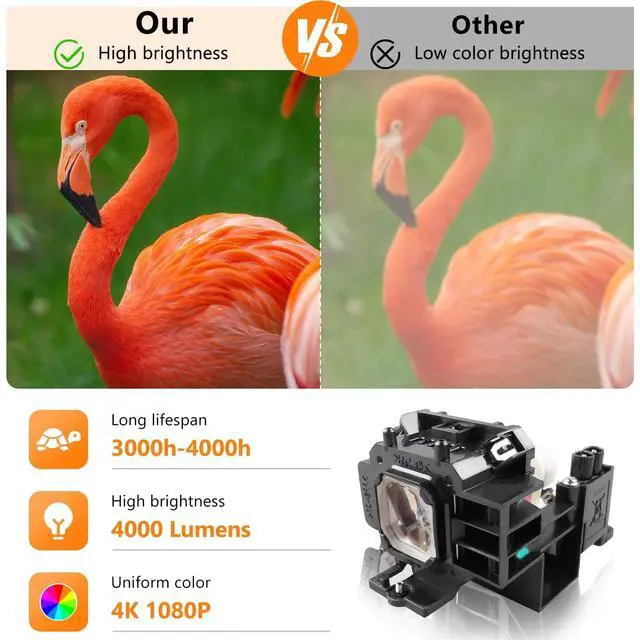
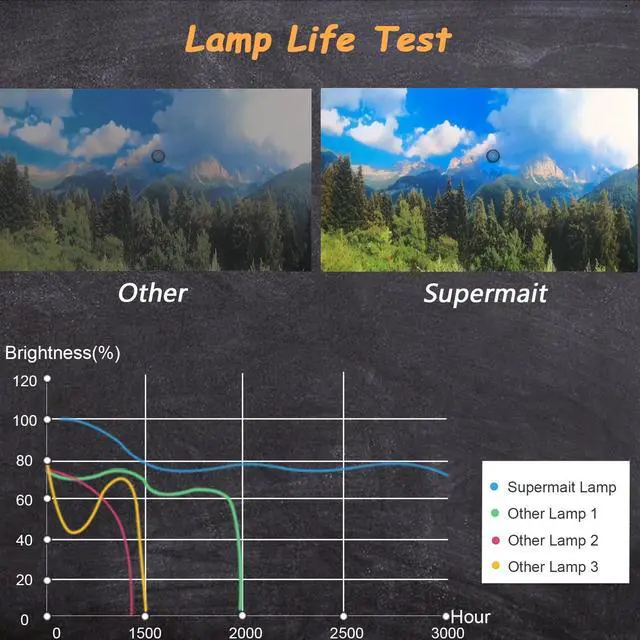
    • Lamp lifetime: 2000 (normal) / 3000 (economy) hours. Warranty: 150 Days warranty included.
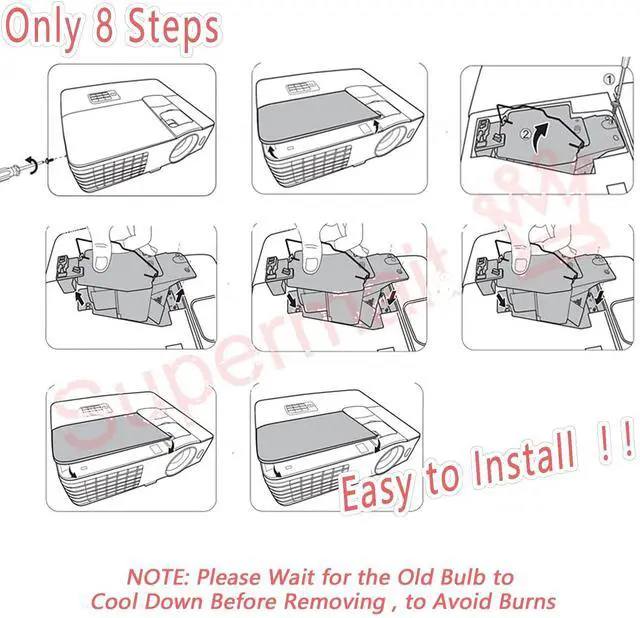
    • Easy install: Housing included, minimize installation time to make sure your device is back in action.
    +
    +
    Overview
    Specs
    Reviews
    avatar

    Any questions? Our AI beta will help you find out quickly.

    Supermait Replacement Projector Lamp Bulb with Housing.
    Item model number: NP07LP / 60002447.
    Compatible Models: Compatible with NEC NP400 / NP500 / NP500W / NP600 / NP300 / NP410W / NP510W / NP510WS / NP610 / NP610S / NP300+ / NP300G / NP300EDU / NP400+ / NP400G / NP400W / NP400EDU / NP410WG / NP500+ / NP500G / NP500WSG / NP510WSG / NP500EDU / NP600+ / NP600G / NP600SG / NP600S / NP600W / NP600EDU / NP610+ / NP610G / NP610SG / NP410C / NP610EDU / NP610W / NP500WS / NP500WG projectors.
    Please refer the following considerations: 1. Make sure the conditions of the room is clean and ventilation. 2. Change or clean your projector air filter monthly. 3. Better let your projector rest for 15minutes per 4 hours running. 4. Do not unplug the power line before the cooling fan stop working.

    Warranty & Returns

    Warranty, Returns, And Additional Information

    Warranty

    • Please contact the Seller directly for warranty information. Warranty information may also be found on the Manufacturer's website.
    • CONTACT

    Return Policies

    Manufacturer Contact Info

    LOADING...