Your Browsing History
Meet Your Seller
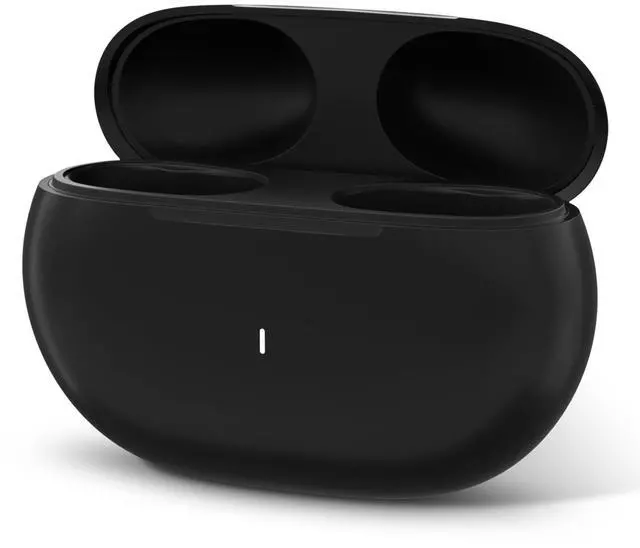
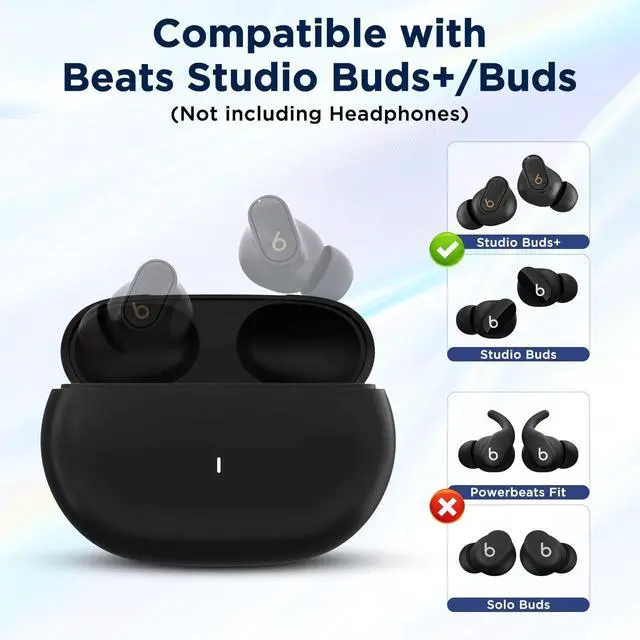
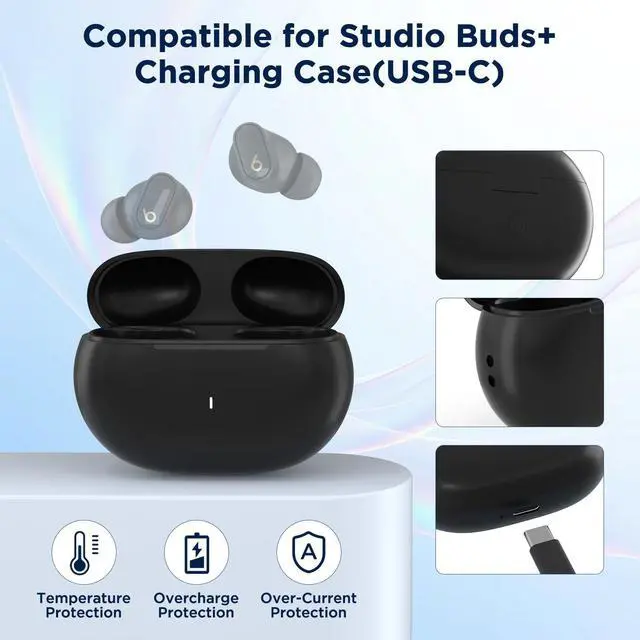
Replacement Charging Case for Beats Studio Buds & Studio Buds+
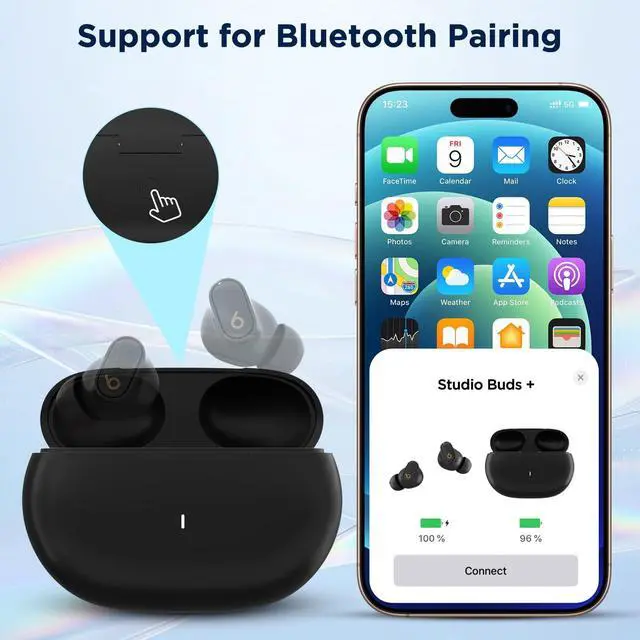
- Easy Bluetooth PairingThis replacement charging case is built with a dedicated Bluetooth pairing sync button, allowing you to pair your earbuds with your device in seconds. After the first connection, it will reconnect automatically for hassle-free daily use.
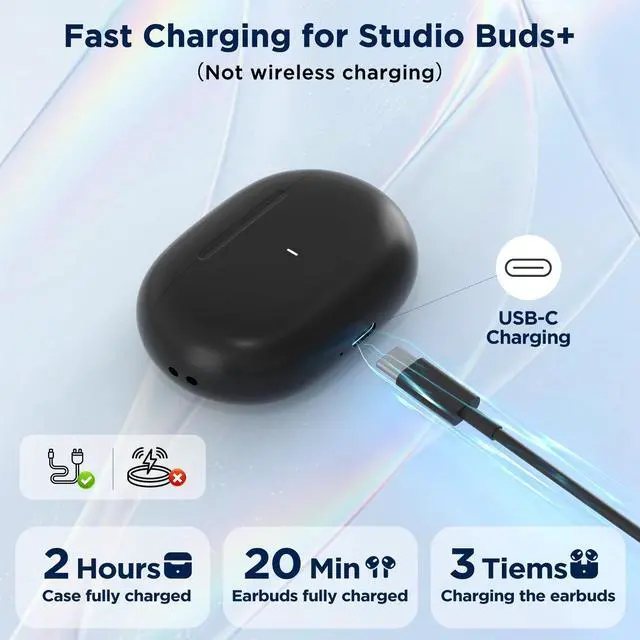
- Long-Lasting Charging SupplyEquipped with a 660mAh built-in battery, the case provides up to 2.5 full charges for your earbuds. It charges your earbuds quickly and supports convenient on-the-go charging anytime, anywhere.
- LED Indicator LightsThe LED indicator on the charging case clearly shows the remaining battery level with different light prompts. You can easily check the power status at a glance and avoid running out of power unexpectedly.
- Compact & Portable DesignLightweight and compact, this replacement case fits easily in your pocket or bag. It is sturdy and reliable, making it a perfect replacement for your lost, broken or damaged original charging case.
- Complete PackageYou will receive 1 charging case replacem
+
+
Overview
Specs
Reviews
Any questions? Our AI mode will help you find out quickly.
Try me now
Troubleshooting1. One of the earbud have no sound once paired. 1)Put the earbuds into charging case close the lid, and then open the cover. 2. Bluetooth pairing failed several times. 1) After the charging case is fully charged, put your earbuds into case for charging and then pair again. 2)Please take the earbuds out of the case, and waituntil the earbuds battery run out. Then put it back to the case to recharge about 10 minutes. The earbuds will restart, and now you can start syncing again with previous method.
3. The phone didn't pop up the pairing window for a long time1)Check whether the phone has Bluetooth enabled2)due to some abnormal functions caused by the long-running of the phone, please restart the phone. 3)lock the phone after the lock screen, remove the earbuds and put them back into the charging case, and then pair.
Package Include: 1* replacement charging case1*USB-C charging cable1* Operation instruction

3. The phone didn't pop up the pairing window for a long time1)Check whether the phone has Bluetooth enabled2)due to some abnormal functions caused by the long-running of the phone, please restart the phone. 3)lock the phone after the lock screen, remove the earbuds and put them back into the charging case, and then pair.
Package Include: 1* replacement charging case1*USB-C charging cable1* Operation instruction
Warranty & Returns
Warranty, Returns, And Additional Information
Warranty
- Please contact the Seller directly for warranty information. Warranty information may also be found on the Manufacturer's website.
- CONTACT
Return Policies
- Return for refund within: 30 days
- Return for replacement within: 30 days
- This item is covered by LANMEll Return Policy
Manufacturer Contact Info
- For a directory of all our manufacturers, please click below.
- Manufacturers Directory
LOADING...