

Your Browsing History
- Free 30-day Returns
$113.99

Meet Your Seller

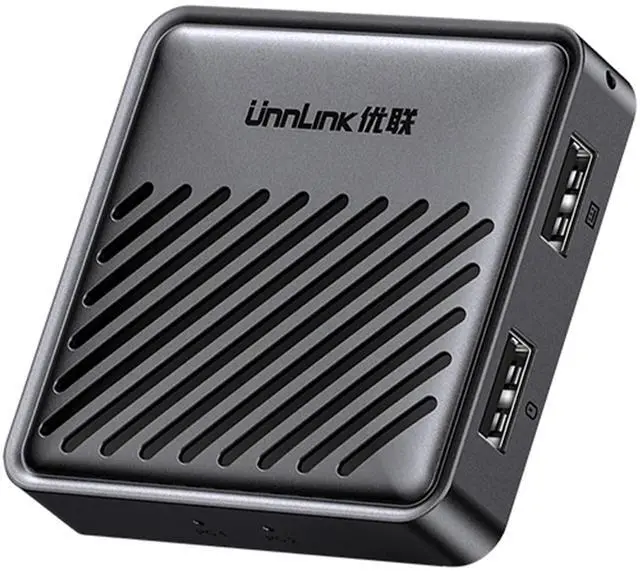


UnnLInk USB Switch for 1 Laptop and 1 Desktop Share Mouse & Keyboard, Driver Free, Cross Screen Switching, for Mac Windows Linux Cross System Switching
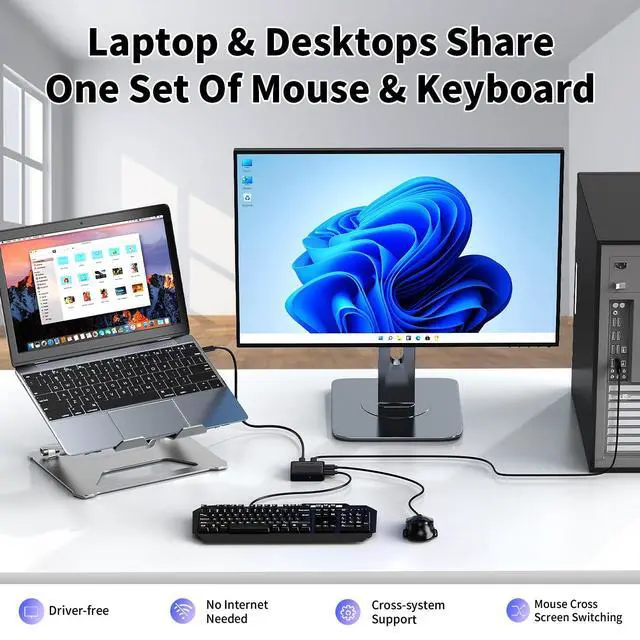
- Laptop & Desktop Share One Set of Mouse & Keyboard: The UnnLink USB-C Switch allows one laptop and one desktop to share a single set of mouse and keyboard, enabling seamless switching between work and personal computers to enhance productivity. (*This is not a KVM switch and does not support display or video transmission.*)
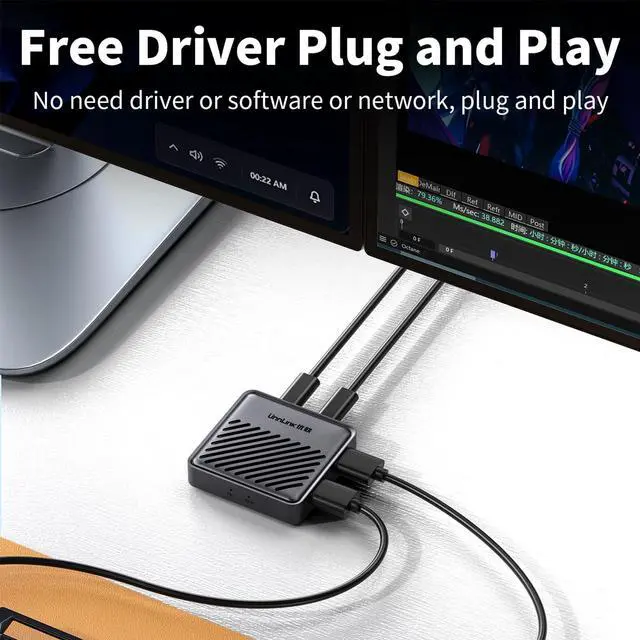
- Driver-Free Plug-and-Play Convenience: Purely hardware-based switching, no driver installation required. Save your time on setup and focus more on your work or study tasks.
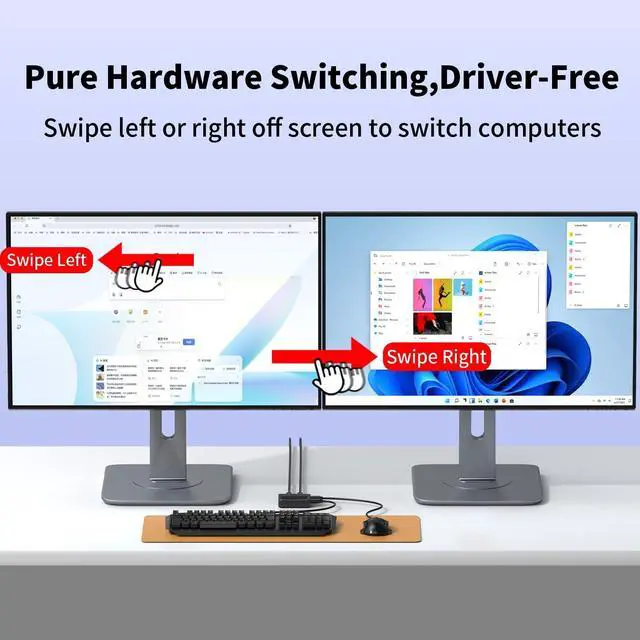
- Seamless Cross-Screen Switching: Simply move the cursor to the edge of the screen to switch to the other computer. It's straightforward and convenient to operate.
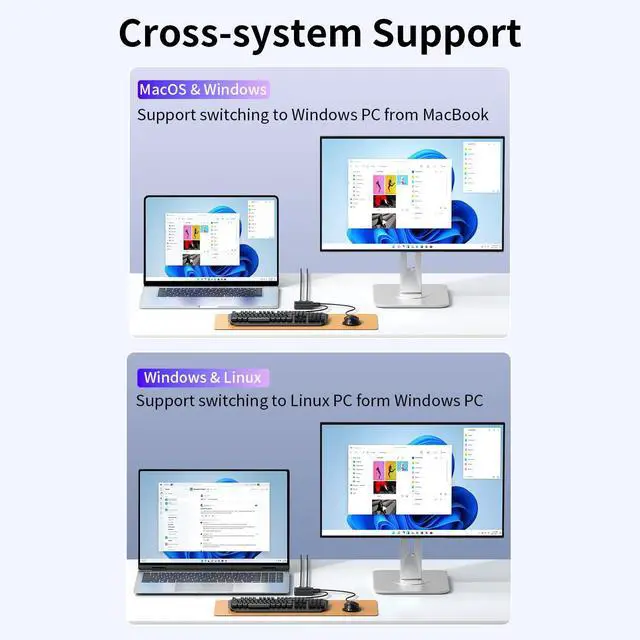
- Wide Compatibility Across Systems: Supports sharing one set of mouse and keyboard between two computers running different operating systems, such as macOS, Windows, Linux, HarmonyOS, and more.
- ESD Anti-Static Protection: Prevents host devices from suffering interface damage due to static electricity, and protects the USB-C S
+
+
Overview
Specs
Reviews

Any questions? Our AI mode will help you find out quickly.
Try me now
Laptop & Desktop Share One Set of
Mouse & Keyboard: The UnnLink USB-C Switch allows one laptop and one desktop to share a single set of mouse and keyboard, enabling seamless switching between work and personal computers to enhance productivity. (*This is not a KVM switch and does not support display or video transmission. *) ^^
Driver-Free Plug-and-Play Convenience: Purely hardware-based switching, no driver installation required. Save your time on setup and focus more on your work or study tasks.
^^ Seamless Cross-Screen Switching: Simply move the cursor to the edge of the screen to switch to the other computer. It's straightforward and convenient to operate. ^^ Wide
Compatibility Across Systems: Supports sharing one set of mouse and keyboard between two computers running different operating systems, such as macOS, Windows, Linux, HarmonyOS, and more.
^^ ESD Anti-Static Protection: Prevents host devices from suffering interface damage due to static electricity, and protects the USB-C Switch from chip or port failures caused by electrostatic discharge, thereby extending its service life.
^^ Cable Configuration: 1* USB-A to USB-C cable, 1* USB-C to USB-C cable. Only suitable if one of your two computers has a USB-A port and the other has a USB-C port. The computer ports must support data transfer.
(Note: The Unnlink USB-C Switch only shares the mouse and keyboard; it does not transfer files. )
Mouse & Keyboard: The UnnLink USB-C Switch allows one laptop and one desktop to share a single set of mouse and keyboard, enabling seamless switching between work and personal computers to enhance productivity. (*This is not a KVM switch and does not support display or video transmission. *) ^^
Driver-Free Plug-and-Play Convenience: Purely hardware-based switching, no driver installation required. Save your time on setup and focus more on your work or study tasks.
^^ Seamless Cross-Screen Switching: Simply move the cursor to the edge of the screen to switch to the other computer. It's straightforward and convenient to operate. ^^ Wide
Compatibility Across Systems: Supports sharing one set of mouse and keyboard between two computers running different operating systems, such as macOS, Windows, Linux, HarmonyOS, and more.
^^ ESD Anti-Static Protection: Prevents host devices from suffering interface damage due to static electricity, and protects the USB-C Switch from chip or port failures caused by electrostatic discharge, thereby extending its service life.
^^ Cable Configuration: 1* USB-A to USB-C cable, 1* USB-C to USB-C cable. Only suitable if one of your two computers has a USB-A port and the other has a USB-C port. The computer ports must support data transfer.
(Note: The Unnlink USB-C Switch only shares the mouse and keyboard; it does not transfer files. )
Warranty & Returns
Warranty, Returns, And Additional Information
Warranty
- Please contact the Seller directly for warranty information. Warranty information may also be found on the Manufacturer's website.
- CONTACT
Return Policies
- Return for refund within: 30 days
- Return for replacement within: 30 days
- This item is covered by StarDragon Return Policy
Manufacturer Contact Info
- For a directory of all our manufacturers, please click below.
- Manufacturers Directory
LOADING...