Your Browsing History
Meet Your Seller
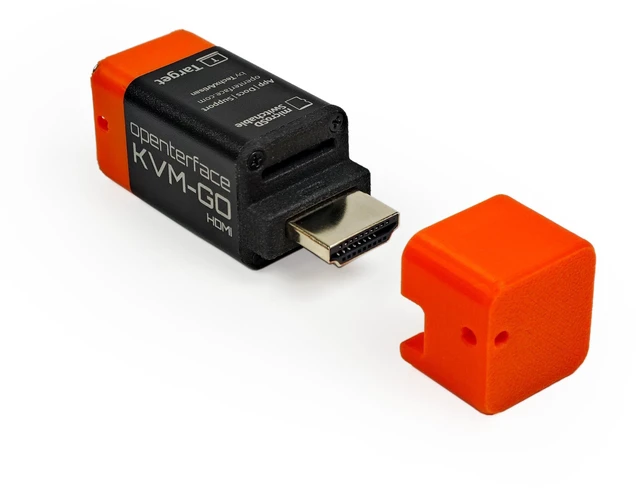
Openterface KVM-GO HDMI USB KVM Console Adapter for PCs and Servers
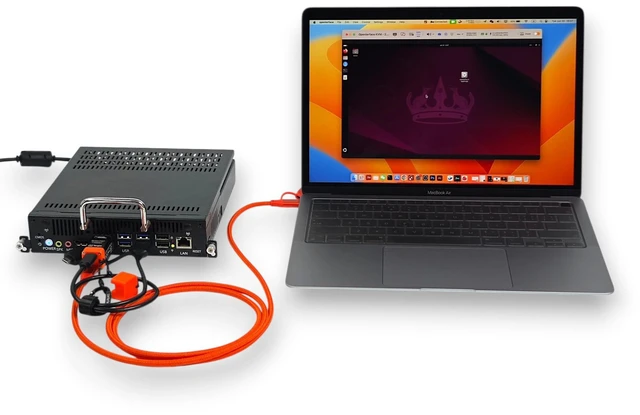
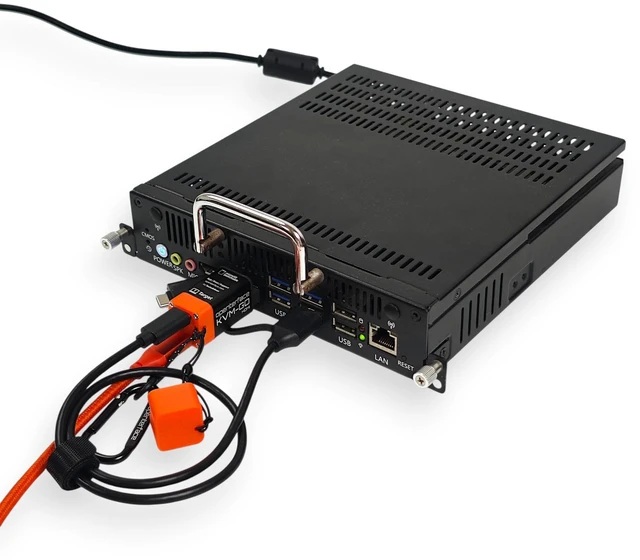
- HDMI LOCAL KVM ACCESS: Connect KVM-GO to the HDMI output of a computer, server, mini PC, or other target device for local viewing and control.
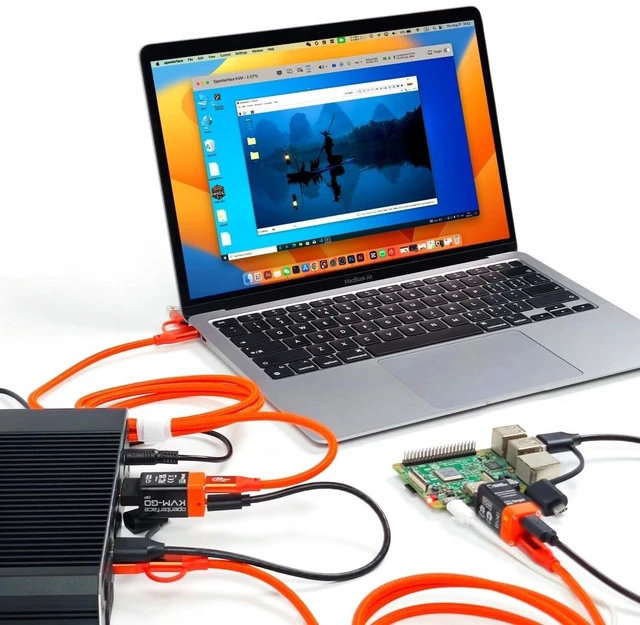
- FAST LOCAL CONTROL: Capture the target video and provide keyboard and mouse control through direct video and USB connections. Hardware startup takes less than one second.
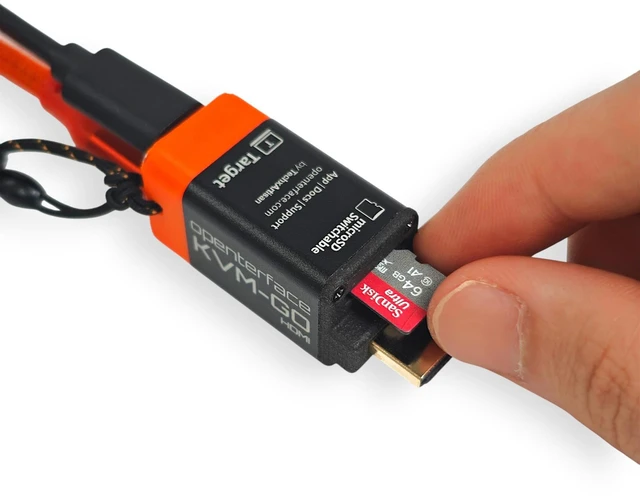
- SWITCHABLE microSD ACCESS: Mount the microSD card to either the host or target device, one side at a time. Safely eject before switching. The microSD card is not included.
- NO NETWORK REQUIRED: Works through direct HDMI and USB connections without Wi-Fi, Ethernet, cloud services, or remote desktop software.
- HOST APP AND TARGET SUPPORT: The host computer runs the compatible Openterface app. No software or drivers are required on the target device.
+
+
Overview
Specs
Reviews
Any questions? Ask CelesteSM will help you find out quickly.
Try me now
HDMI LOCAL KVM ACCESS: Connect KVM-GO to the HDMI output of a computer, server, mini PC, or other target device for local viewing and control.
^^ FAST LOCAL CONTROL: Capture the target video and provide keyboard and mouse control through direct video and USB connections. Hardware startup takes less than one second.
^^ SWITCHABLE microSD ACCESS: Mount the microSD card to either the host or target device, one side at a time. Safely eject before switching. The microSD card is not included.
^^ NO NETWORK REQUIRED: Works through direct HDMI and USB connections without Wi-Fi, Ethernet, cloud services, or remote desktop software. ^^
HOST APP AND TARGET SUPPORT: The host computer runs the compatible Openterface app. No software or drivers are required on the target device.
^^ FAST LOCAL CONTROL: Capture the target video and provide keyboard and mouse control through direct video and USB connections. Hardware startup takes less than one second.
^^ SWITCHABLE microSD ACCESS: Mount the microSD card to either the host or target device, one side at a time. Safely eject before switching. The microSD card is not included.
^^ NO NETWORK REQUIRED: Works through direct HDMI and USB connections without Wi-Fi, Ethernet, cloud services, or remote desktop software. ^^
HOST APP AND TARGET SUPPORT: The host computer runs the compatible Openterface app. No software or drivers are required on the target device.
Warranty & Returns
Warranty, Returns, And Additional Information
Warranty
- Please contact the Seller directly for warranty information. Warranty information may also be found on the Manufacturer's website.
- CONTACT
Return Policies
- Return for refund within: 30 days
- Return for replacement within: 30 days
- This item is covered by JMDesign Return Policy
Manufacturer Contact Info
- For a directory of all our manufacturers, please click below.
- Manufacturers Directory
LOADING...