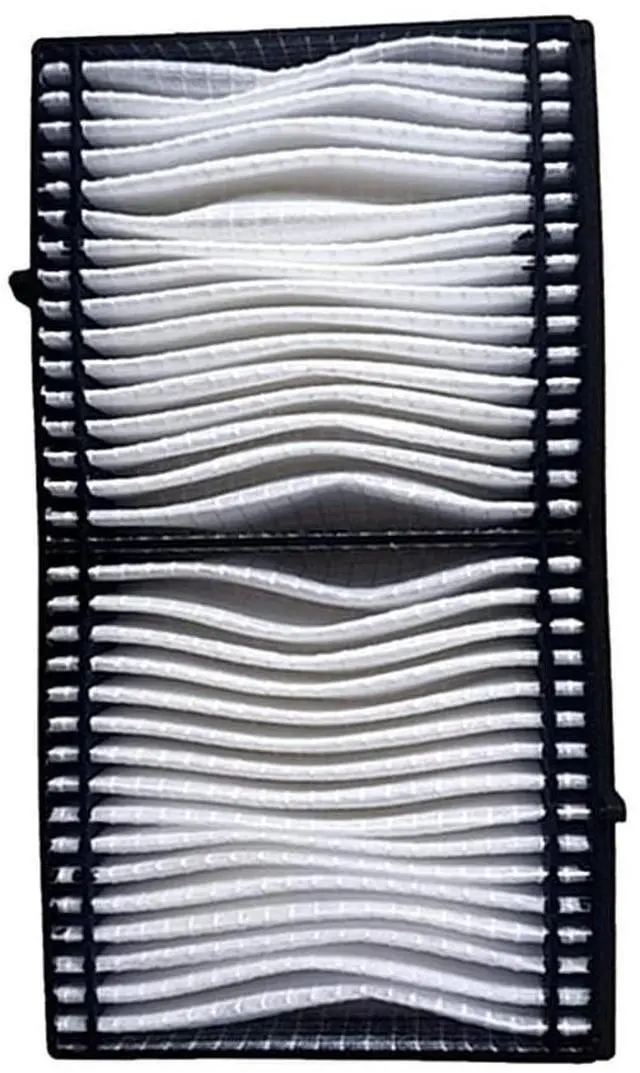
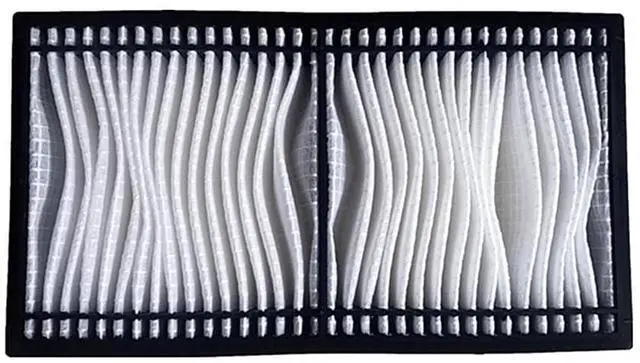
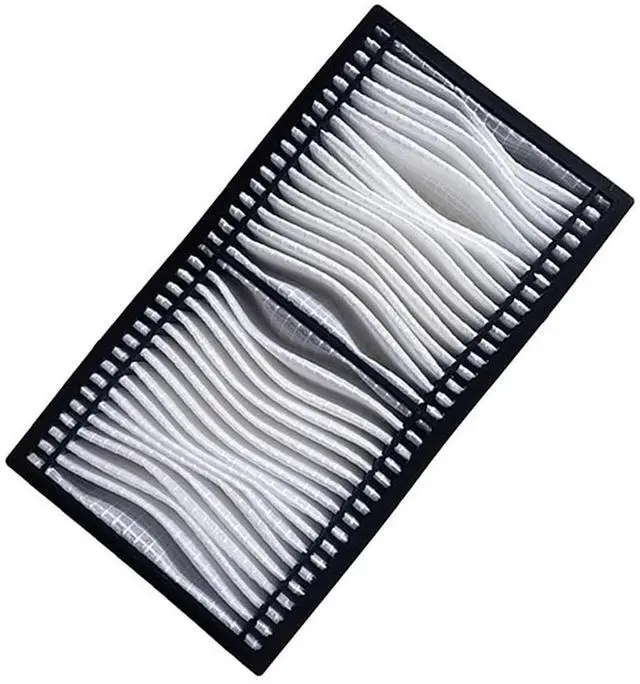
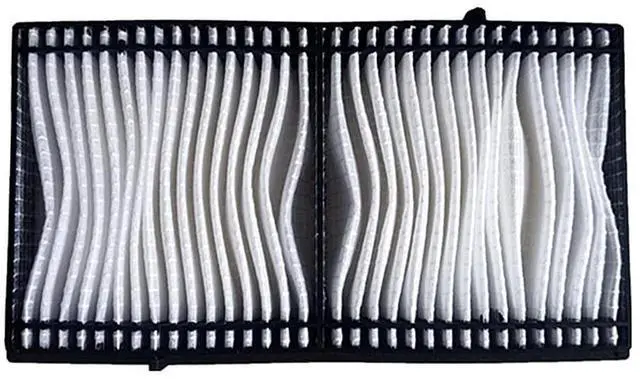
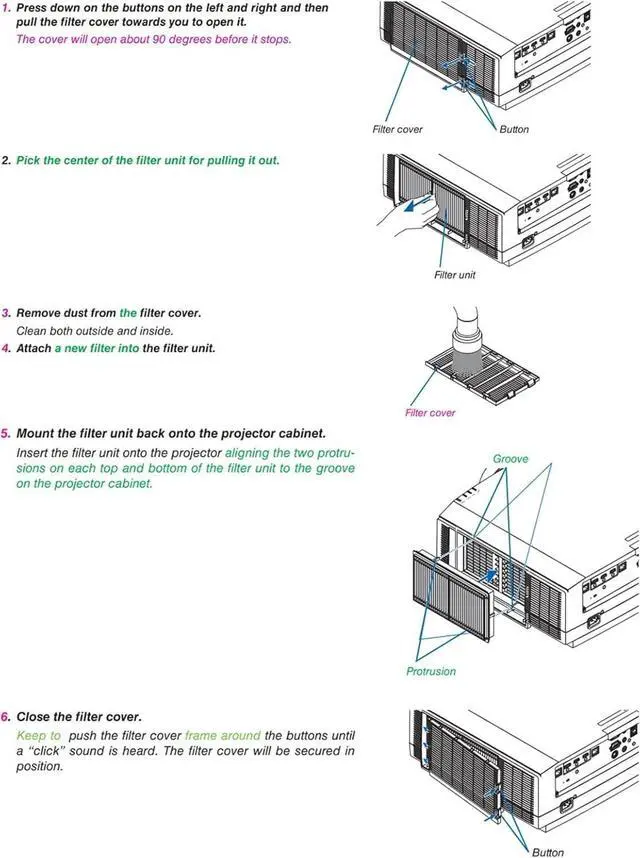
AWO Replacement Projector Air FilterPremium quality, long life replacement projector air filter, installed in your projector, so you appreciate the effect of the original lights. This will be your best choice at work, so you and your family to experience a better entertainment. When You Need Clean or Replace Your FilterIf dust has accumulated on the air filter you need to clean or when the following message is displayed. The projector is overheating, Make sure nothing is blocking the air vent, and clean or replace the air filterHow to Replace the Air Filter1.
After you turn off the projector's power and the confirmation buzzer beeps twice, disconnect the power cord. 2. Open the air filter cover, slide the air filter cover operation knob and open the air filter cover. 3. Remove the air filter, grip the tab in the center of the air filter and pull it straight out. 4. Install the new air filter, press until it clicks into place. 5. Close the air filter coverAir Filter ModelNP06FT / 100014501Compatible for Projector ModelNEC PA653U, PA703W, PA723U, PA803U, PA853W, PA903X Projectors





 here!
here!