

Your Browsing History

- Free 30-day Returns
$203.92



Meet Your Seller

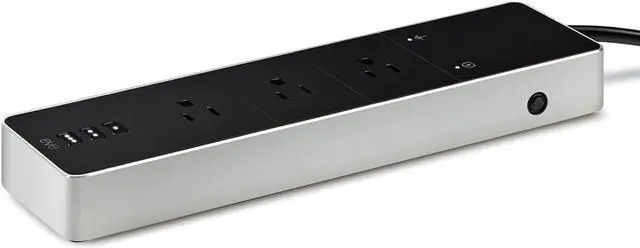
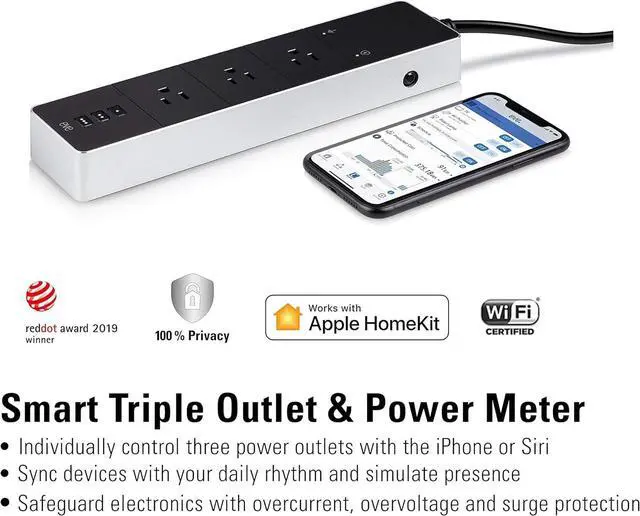


Smart Triple Outlet & Power Meter for Home, Built-in Schedules & Switches, Surge Protection, overcurrent Protection, overvoltage Protection, Energy metering
- Eve Energy Strip requires iPhone or iPad with the latest version of iOS/iPadOS.
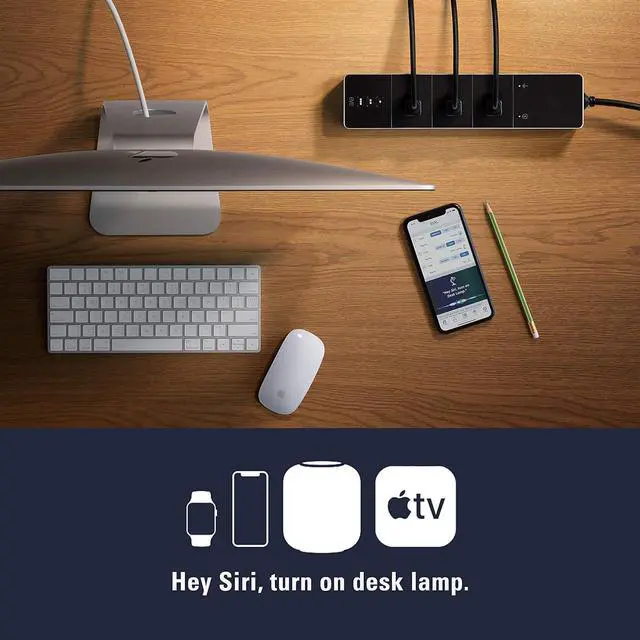
- Independently control 3 generously spaced power outlets - via Siri, the app on iPhone, iPad or Watch or onboard buttons.
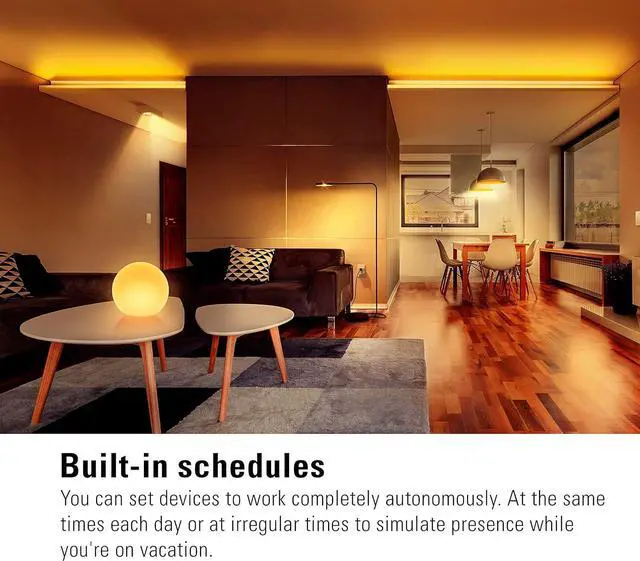
- Easily set up schedules to sync connected lights, fans and other devices with your daily rhythm. Or simulate, in combination with a home hub, presence while out or on vacation.
+
+
Overview
Specs
Reviews

Any questions? Our AI beta will help you find out quickly.
Try me now
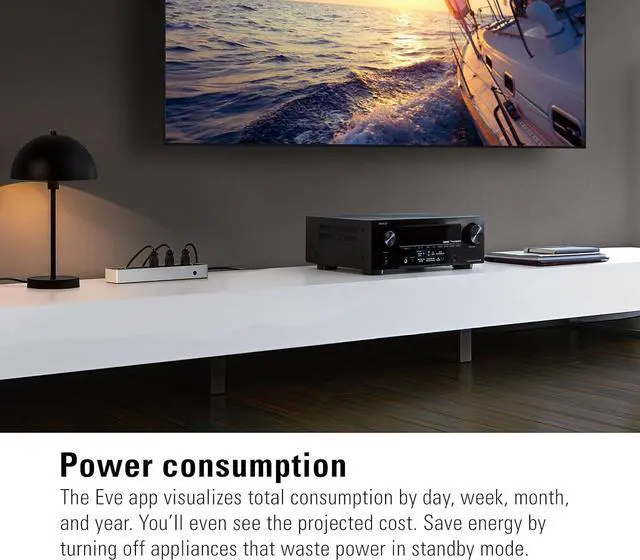
Track total power consumption and learn the projected cost, save energy by turning off appliances that waste power on standby mode.
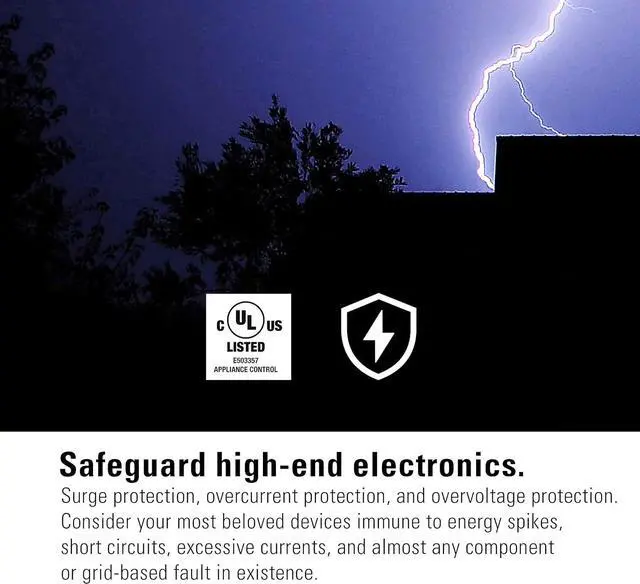
Surge protection, overcurrent protection, and overvoltage protection: consider your most beloved devices immune e.g. to energy spikes, short circuits and excessive currents, the HomeKit device for unparalleled ease of use, advanced data privacy and security.
Power users rejoice. With Eve Energy Strip, individually control three outlets with the app or Siri. Put devices on autopilot. Rest assured that your appliances are safeguarded by overcurrent, overvoltage, and surge protection. Plus track their combined power consumption.
Equipped with cutting-edge HomeKit technology, and crafted to absolute perfection, Eve Energy Strip connects to your Wi-Fi network without a bridge. And never sends your private data to a cloud. Make sure the 2.4 gigahertz band is enabled on your router and that your iPhone is using the band to add the Eve Energy Strip. Later, you may reconnect your iPhone using the 5 gigahertz band. The DHCP function must be activated on the router. Authentication via MAC addresses must be deactivated.
All WiFi-based devices with HomeKit support require the Bonjour protocol (Multicast) to work. Make sure that Bonjour and Multicast are enabled on the WiFi router and additional access points.
Network tools such as "Storm Control" and others, allow multicast to be restricted and therefore Bonjour. Disable this setting.
So-called Powerline/PowerLAN adapters also restrict Bonjour or do not allow it. These access points are not suitable for the use of HomeKit-based WiFi devices.
Surge protection, overcurrent protection, and overvoltage protection: consider your most beloved devices immune e.g. to energy spikes, short circuits and excessive currents, the HomeKit device for unparalleled ease of use, advanced data privacy and security.
Power users rejoice. With Eve Energy Strip, individually control three outlets with the app or Siri. Put devices on autopilot. Rest assured that your appliances are safeguarded by overcurrent, overvoltage, and surge protection. Plus track their combined power consumption.
Equipped with cutting-edge HomeKit technology, and crafted to absolute perfection, Eve Energy Strip connects to your Wi-Fi network without a bridge. And never sends your private data to a cloud. Make sure the 2.4 gigahertz band is enabled on your router and that your iPhone is using the band to add the Eve Energy Strip. Later, you may reconnect your iPhone using the 5 gigahertz band. The DHCP function must be activated on the router. Authentication via MAC addresses must be deactivated.
All WiFi-based devices with HomeKit support require the Bonjour protocol (Multicast) to work. Make sure that Bonjour and Multicast are enabled on the WiFi router and additional access points.
Network tools such as "Storm Control" and others, allow multicast to be restricted and therefore Bonjour. Disable this setting.
So-called Powerline/PowerLAN adapters also restrict Bonjour or do not allow it. These access points are not suitable for the use of HomeKit-based WiFi devices.
Warranty & Returns
Warranty, Returns, And Additional Information
Warranty
- Please contact the Seller directly for warranty information. Warranty information may also be found on the Manufacturer's website.
- CONTACT
Return Policies
- Return for refund within: 30 days
- Return for replacement within: 30 days
- This item is covered by Halo Electronics Return Policy
Manufacturer Contact Info
- For a directory of all our manufacturers, please click below.
- Manufacturers Directory
LOADING...