Your Browsing History
- Free 30-day Returns
$119.27
Meet Your Seller
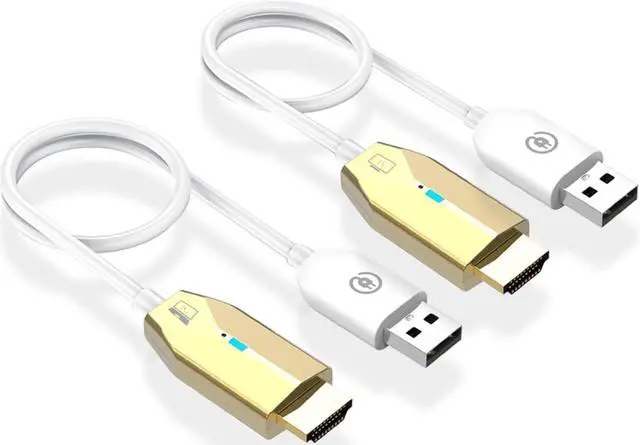
Wireless HDMI Transmitter and Receiver - for Laptops, TV Box, PS4/5, Cameras to Project to TV/Projector/Monitor Plug and Play, 165FT/50M, Portable 1080P@60Hz Wireless HDMI Extender.
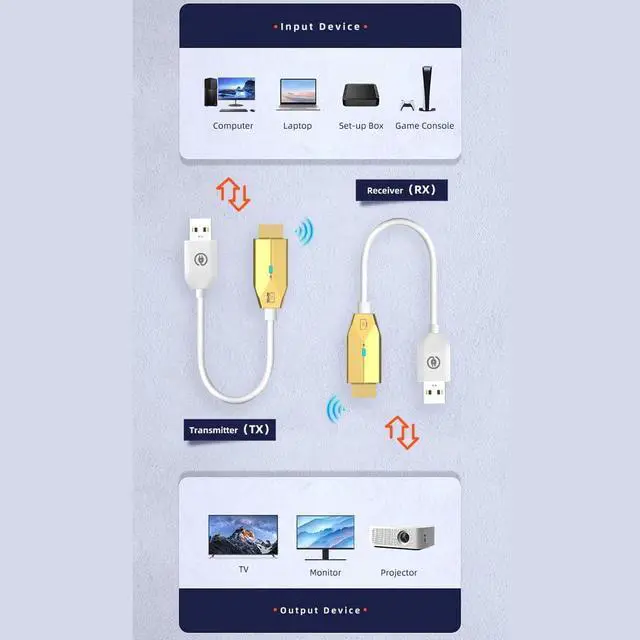
- Wireless HDMI Transmitter and ReceiverThis wireless hdmi transmitter and receiver allows you to wirelessly mirror or extend your laptop, desktop, TV, PS4/5 to your HDTV/Projector/Display up to 165 feet away, no cables required.
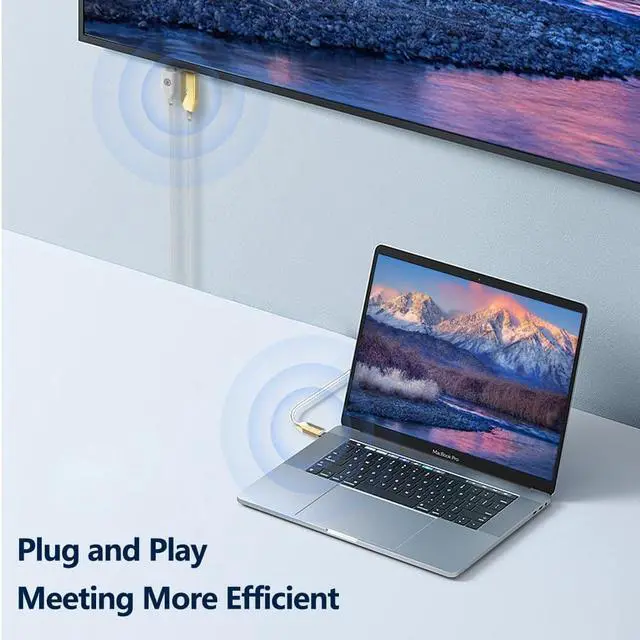
- Easy SetupThis wireless hdmi simply plugs the transmitter into the source device and the receiver into the display. It will automatically detect and connect for worry-free plug-and-play wireless viewing.
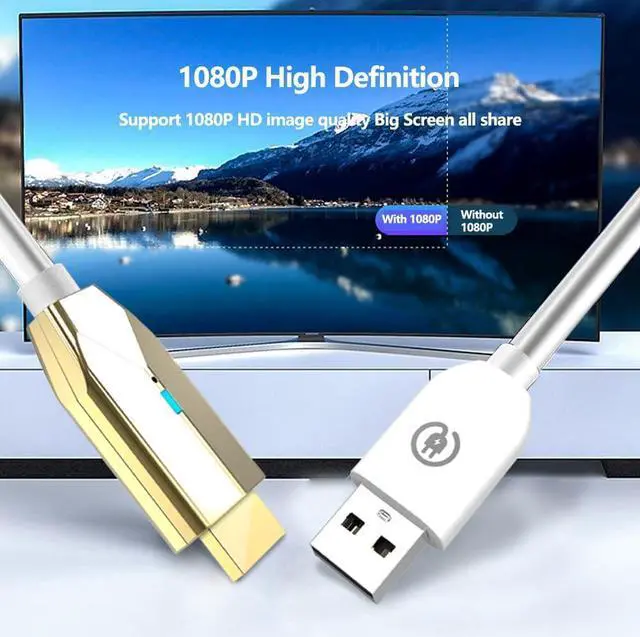
- Clear PictureThe hdmi wireless screen projector supports resolutions up to 1080P Full HD, enjoy almost zero-latency lag-free video and audio, and get the same experience as using an HDMI cable.
+
+
Overview
Specs
Reviews
Any questions? Our AI beta will help you find out quickly.
Try me now
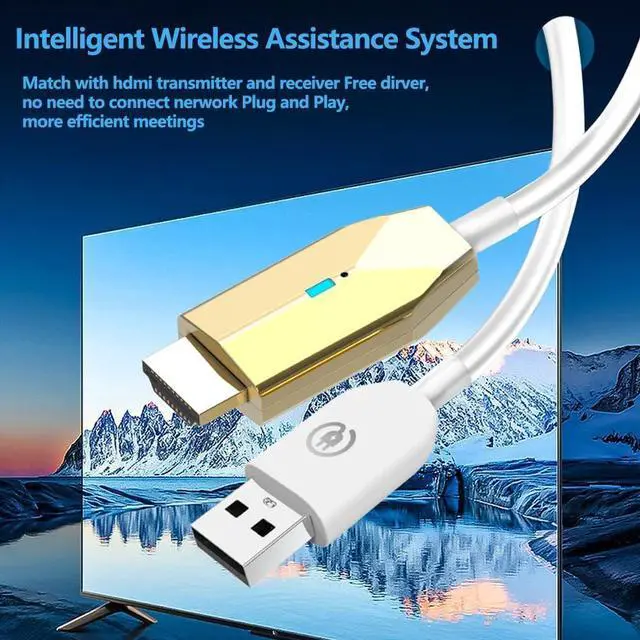
Durable DesignThe hdmi wireless transmitter and receiver are made of aviation-grade aluminum alloy metal casing, which is conducive to heat dissipation so that the performance can reach the best state and can withstand daily use and transportation.
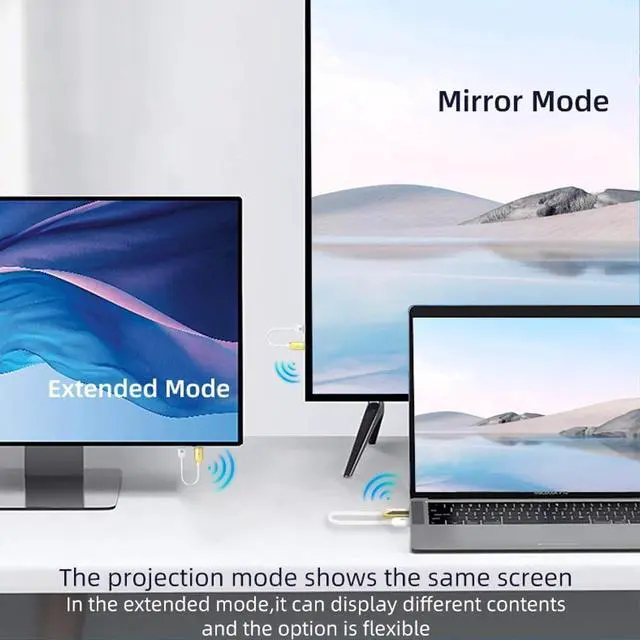
Multiple ApplicationsIn addition to mirroring, you can also use it for dual display to extend the desktop. It is perfect for presentations, games, meetings, video playback, watching competitions and other activities on a big screen.
Product Description
Installation steps
Step 1. Plug-in receiver to TV or
Monitor: Connect the wireless HDMI display receiver (RX) to your display device and power it on by plugging the USB male port into a USB power source.
Note: To power the receiver, you'll need an external USB-A power source with a minimum of 5V/ 0.5A output.
Step 2. Plug-in the transmitter to one of your any HDMI video sources, then connect the USB male port into a USB power source and wait for wireless screen mirroring/extension to establish automatically.
Step 3. Unplugging USB power port from the power source to stop screen mirroring/extension and plugging USB power back into the power source to restart.

Multiple ApplicationsIn addition to mirroring, you can also use it for dual display to extend the desktop. It is perfect for presentations, games, meetings, video playback, watching competitions and other activities on a big screen.
Product Description
Installation steps
Step 1. Plug-in receiver to TV or
Monitor: Connect the wireless HDMI display receiver (RX) to your display device and power it on by plugging the USB male port into a USB power source.
Note: To power the receiver, you'll need an external USB-A power source with a minimum of 5V/ 0.5A output.
Step 2. Plug-in the transmitter to one of your any HDMI video sources, then connect the USB male port into a USB power source and wait for wireless screen mirroring/extension to establish automatically.
Step 3. Unplugging USB power port from the power source to stop screen mirroring/extension and plugging USB power back into the power source to restart.
Warranty & Returns
Warranty, Returns, And Additional Information
Warranty
- Please contact the Seller directly for warranty information. Warranty information may also be found on the Manufacturer's website.
- CONTACT
Return Policies
- Return for refund within: 30 days
- Return for replacement within: 30 days
- This item is covered by Halo Electronics Return Policy
Manufacturer Contact Info
- For a directory of all our manufacturers, please click below.
- Manufacturers Directory
LOADING...