

Your Browsing History
- Free 30-day Returns
$127.99


Meet Your Seller

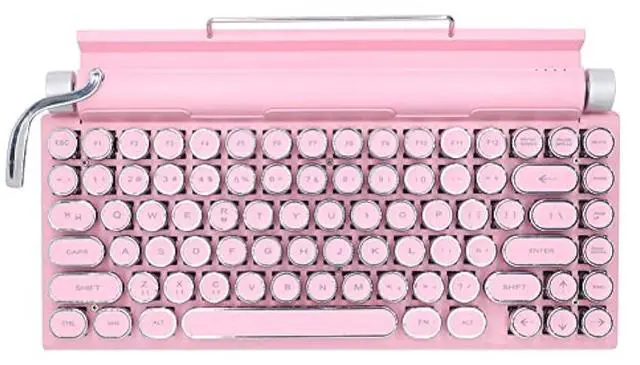
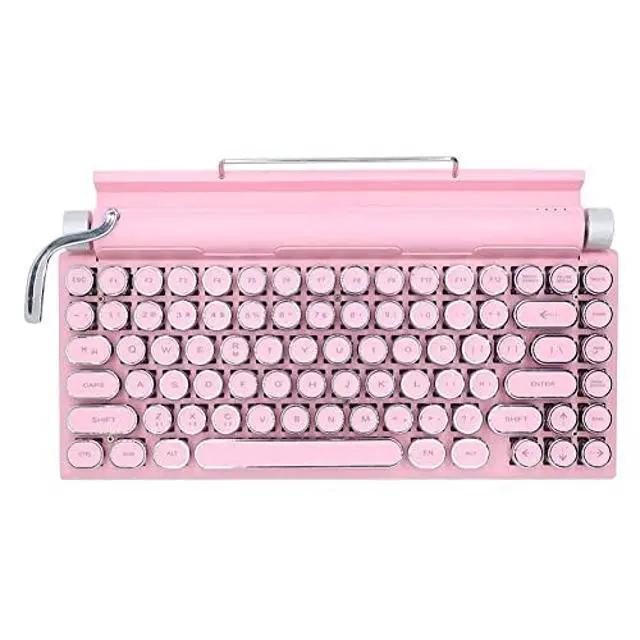


GUAZI STORE 83-Key Mechanical Keyboard - Retro Typewriter Wireless Bluetooth Gaming Keyboard, Anti-Ghosting Blue Switch (Pink)
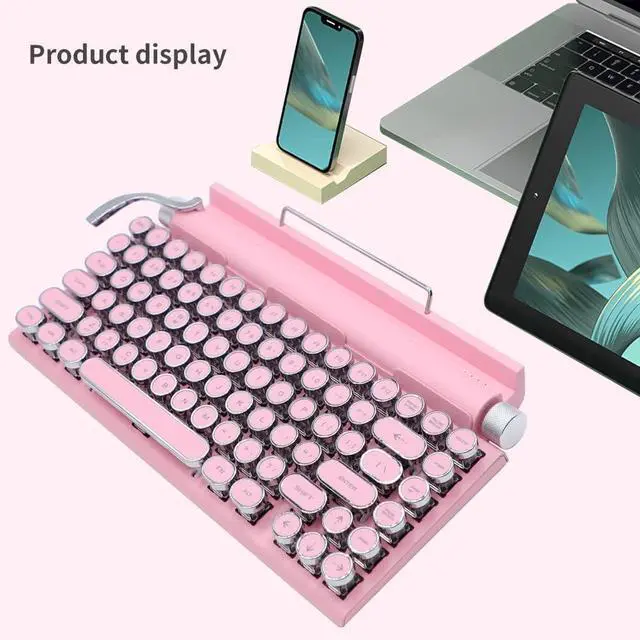
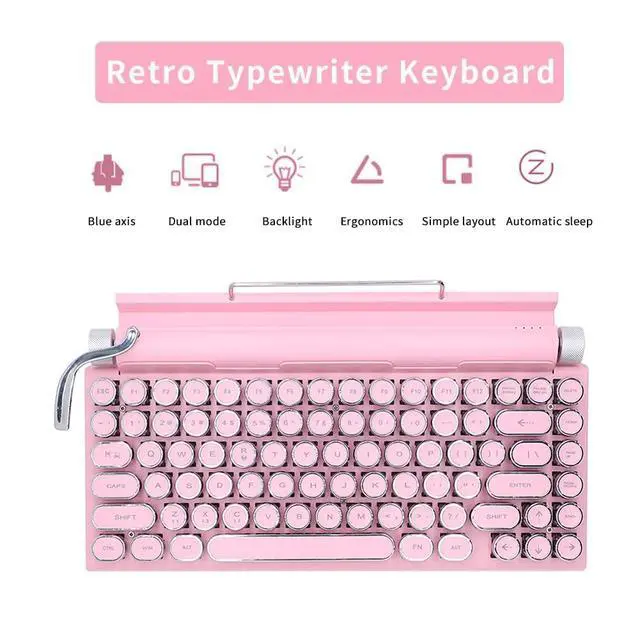
- Combination of fashion and retroContinuing the retro elements of the typewriter, there will be a clicking sound when typing, the left and right sides are set with stylish texture knobs, the left side adjusts the brightness of the backlight, and the right side scrolls the page.
- Multiple backlight modesThe backlight color of the keyboard is only white, and the joystick can be toggled to switch between various cool backlight modes, and the backlight brightness can be adjusted. A variety of backlight effects can meet the needs of game scenes.
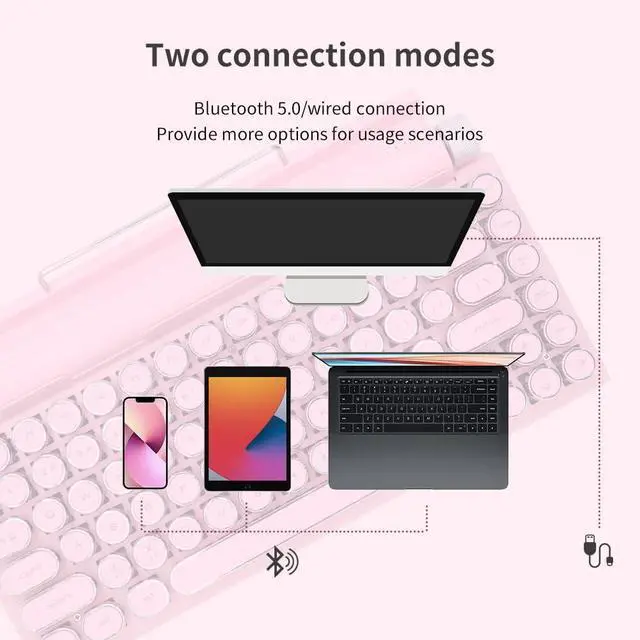
- Wide compatibilityIt can be connected to a limited number of computers, wirelessly connected to mobile phones, tablets, and notebooks, and supports simultaneous connection of three devices, compatible with multiple systems.
- outstanding qualityFull keyboard 83 keys are pressed without conflict, large spacing to prevent accidental touch, matte surface, key caps equipped with new color technology, wear-resistant and non-fading.
+
+
Overview
Specs
Reviews

Any questions? Our AI mode will help you find out quickly.
Try me now
Q: Why is there no response when I plug in the keyboard and I can't type?
A: The keyboard has two modes, wired and bluetooth mode. The switch key is "Fn+R". In wired mode, plug in the USB cable and press the switch key ("Fn+R") to type. In bluetooth mode, you need to turn on the power switch and bluetooth switch of the keyboard (the upper right of the keyboard), press the switch key ("Fn+R"), turn on the bluetooth of the mobile phone, search for "7KEYS TW1867", and you can type after the connection is successful.
A: The keyboard has two modes, wired and bluetooth mode. The switch key is "Fn+R". In wired mode, plug in the USB cable and press the switch key ("Fn+R") to type. In bluetooth mode, you need to turn on the power switch and bluetooth switch of the keyboard (the upper right of the keyboard), press the switch key ("Fn+R"), turn on the bluetooth of the mobile phone, search for "7KEYS TW1867", and you can type after the connection is successful.
Warranty & Returns
Warranty, Returns, And Additional Information
Warranty
- Please contact the Seller directly for warranty information. Warranty information may also be found on the Manufacturer's website.
- CONTACT
Return Policies
- Return for refund within: 30 days
- Return for replacement within: 30 days
- This item is covered by HAIZHILANSTORE Return Policy
Manufacturer Contact Info
- For a directory of all our manufacturers, please click below.
- Manufacturers Directory
LOADING...