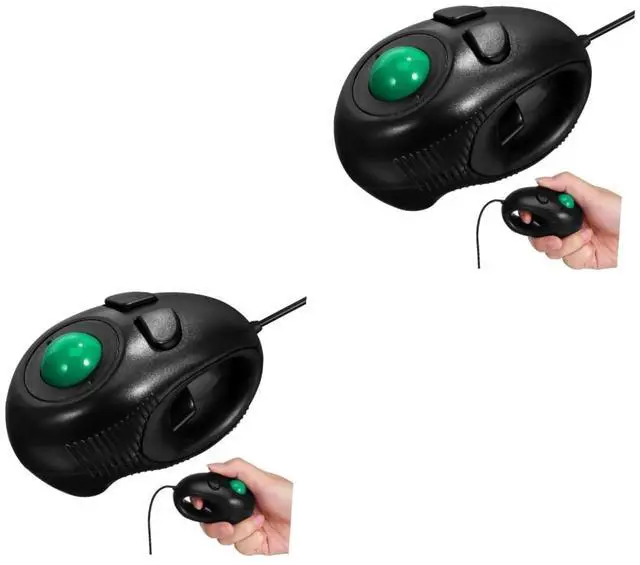
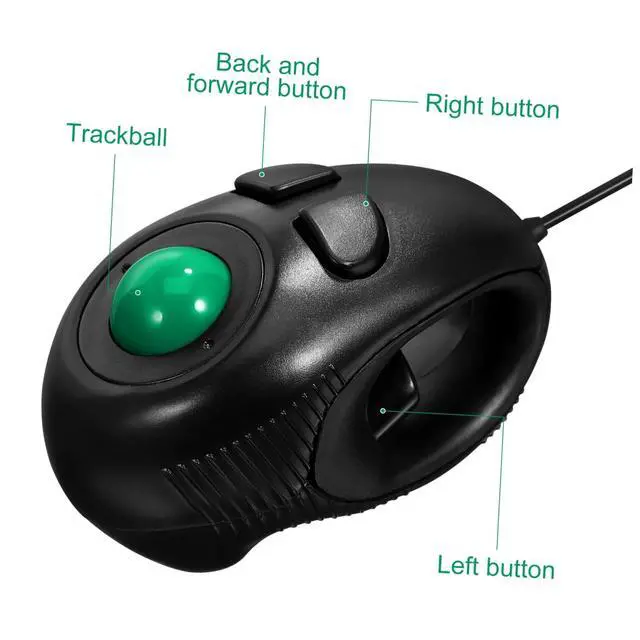
Package Include2 * Portable Finger Handheld 4D USB Powered Mini Trackball (Black)
Features- Easy to use: fit for left or right hand, or cradled between both USB mini. - Off-table design and without limitation of operational space, and comfortable operation ergonomic trackball. How to Use wired trackball mice-
Color: mainly black wired trackball. 2. Control the track ball for moving cursor and press the right and left button with your thumb 4D computer. - 4D page scrolling function can be controlled simply by your thumb Optical Travel DPI Mice. - and Portable Finger Handheld 4D USB Powered Mini Trackball roller ball. 4. Use the left button to lock the screen and then you can control the track ball to roll your screen freely Trackball wired.
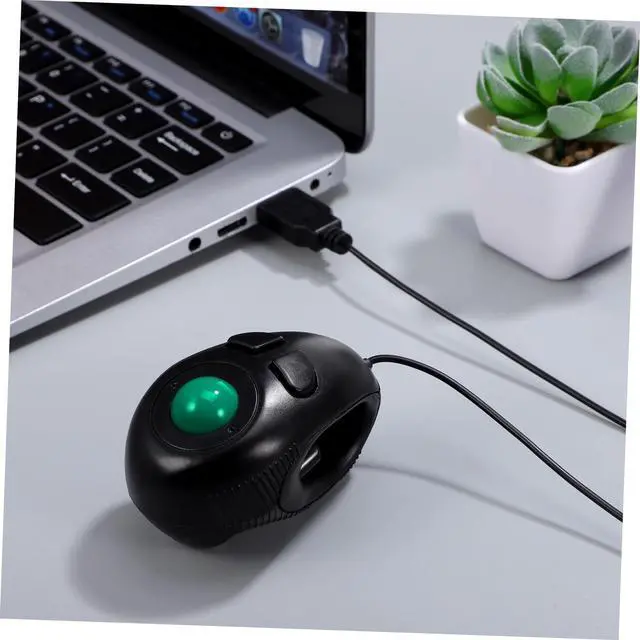
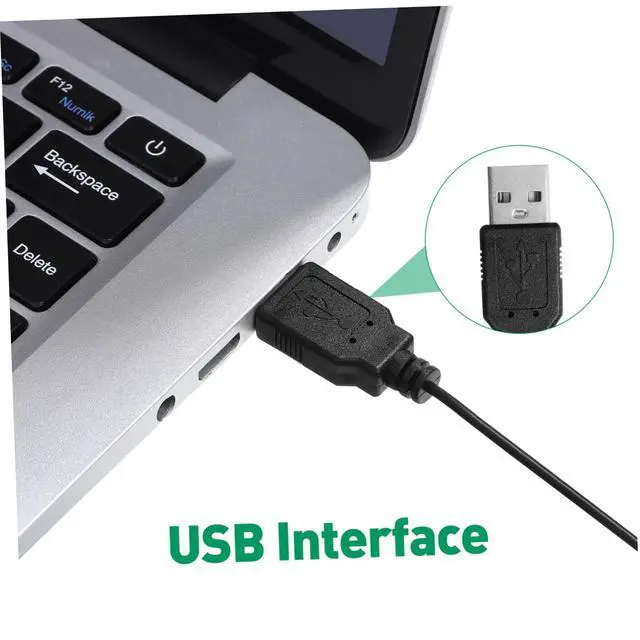
- Material: durable hard plastic Mini wired. - Features 3-button design with thumb-controlled trackball Mini wired. - Mini size, light weight and easy to carry Trackball Mice. - USB 2 Handheld Finger USB. 3. When using "Drag and Go" function, press the button in the hole of the that has the same function as the left button of the common trackball. - Compatible with Windows 95/ 98/ 2000/ ME/ XP/ NT 4D. 1. Put your index or middle finger into the hole of this USB trackball. - for laptop and desktop users Trackball. Goods DescriptionTrackball wired It supports plug and play, no software required. trackball The item is a portable finger hand-held 4D USB powered mini trackball, which is designed with off-table design and comfortable operation without limitation of operational space, and for laptop users. Trackball 4D page scrolling function can be controlled simply by your thumb. Mini trackball Therefore, it is really a wonderful 4D USB mini trackball for choice





 here!
here!