• $65.98
  • Free 30-day Returns
  • Price alert
    Sold by HyperCore

    Shipped by HyperCore

    Shop it at NeweggBusiness.

    Meet Your Seller

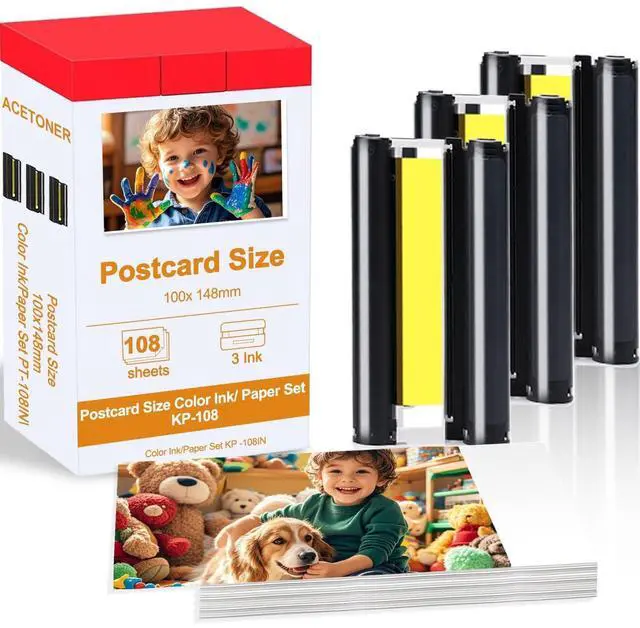
    Compatible for Canon Selphy CP1500 Ink and Paper KP-108IN 3 Color Ink Cartridges & 108 Sheets 4x6 Photo Paper Glossy for Canon Selphy CP1300,CP1500,CP1500,CP1000, CP910, CP900 Compact Photo Printers

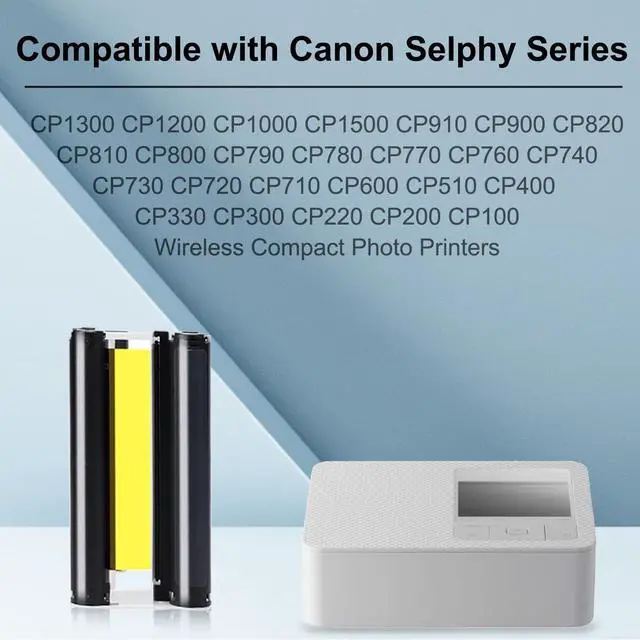
    • Compatible for: KP108IN Color Ink Cartridges Compatible for Canon Selphy Series CP1300 CP1200 CP1000 CP1500 CP910 CP900 CP820 CP810 CP800 CP790 CP780 CP770 CP760 CP740 CP730 CP720 CP710 CP600 CP510 CP400 CP330 CP300 CP220 CP200 CP100 Wireless Compact Photo Printers.
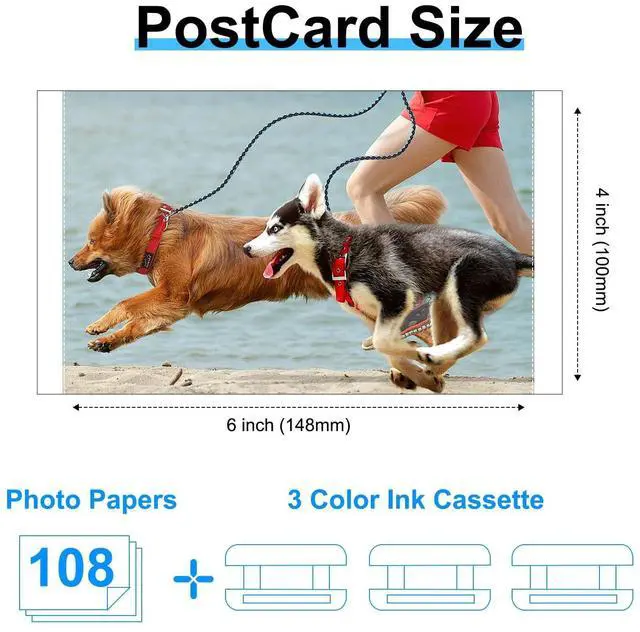
    • What You Can Get: 3 Color Ink Cartridges & 108 Sheets 4x6 Photo Paper Glossy (4 x 6",100 x148mm)
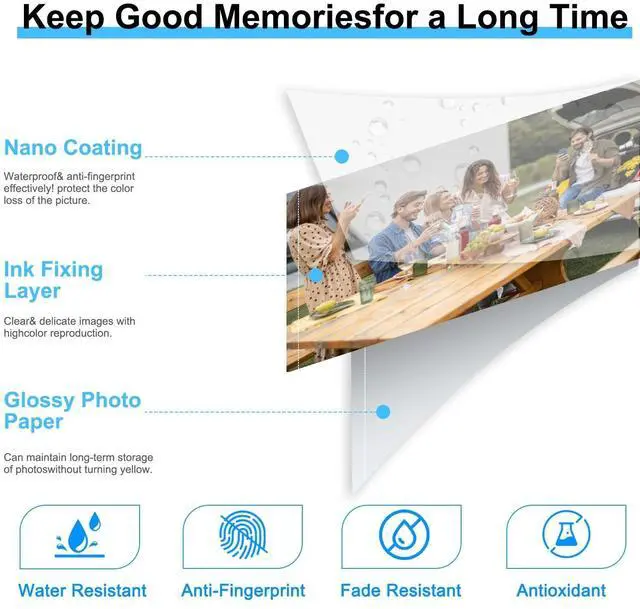
    • Quality Printouts: KP108 Color Ink Cartridge uses dye-sublimation technology for vibrant colors. Printed photos are waterproof, fingerprint-resistant, fade-resistant, not easy to tear, and can be stored for a long time.
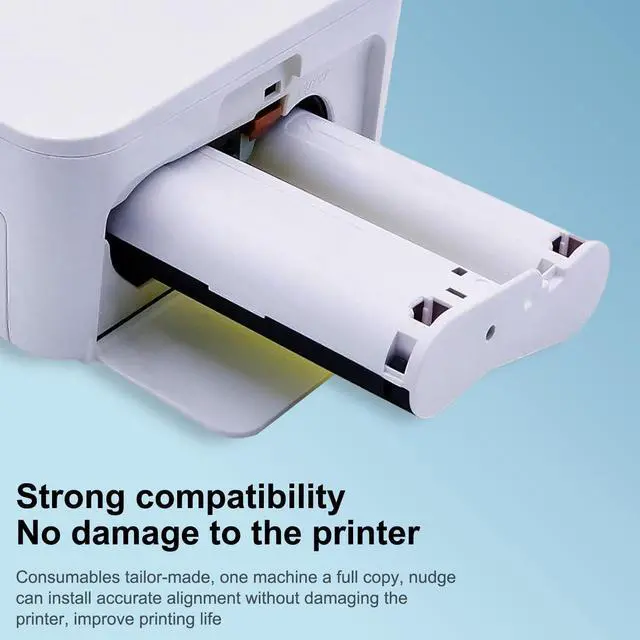
    • Installation Tips1. Tighten the ribbon rotating roller before use to make it flat, which can avoid the machine displaying the error message of Cartridge Empty and avoid paper jam when printing.2. Install the ribbon after turning on the printer, and then remove it after printing, which can effectively avoid ribbon waste.
    • Warm NoteBefore placing an order, please confirm the printer model for which the c
    +
    +
    Overview
    Specs
    Reviews
    avatar

    Any questions? Our AI beta will help you find out quickly.

    Compatible for: KP108IN Color Ink Cartridges Compatible for Canon Selphy Series CP1300 CP1200 CP1000 CP1500 CP910 CP900 CP820 CP810 CP800 CP790 CP780 CP770 CP760 CP740 CP730 CP720 CP710 CP600 CP510 CP400 CP330 CP300 CP220 CP200 CP100 Wireless Compact Photo Printers. ^^
    What You Can Get: 3 Color Ink Cartridges & 108 Sheets 4x6 Photo Paper Glossy (4 x 6", 100 x148mm) ^^
    Quality Printouts: KP108 Color Ink Cartridge uses dye-sublimation technology for vibrant colors. Printed photos are waterproof, fingerprint-resistant, fade-resistant, not easy to tear, and can be stored for a long time. ^^ Installation Tips1. Tighten the ribbon rotating roller before use to make it flat, which can avoid the machine displaying the error message of Cartridge Empty and avoid paper jam when printing. 2. Install the ribbon after turning on the printer, and then remove it after printing, which can effectively avoid ribbon waste. ^^ Warm NoteBefore placing an order, please confirm the printer model for which the cartridge is compatible and the specifications of the product you are ordering.


    Warranty & Returns

    Warranty, Returns, And Additional Information

    Warranty

    • Please contact the Seller directly for warranty information. Warranty information may also be found on the Manufacturer's website.
    • CONTACT

    Return Policies

    • Return for refund within: 30 days
    • Return for replacement within: 30 days
    • This item is covered by HyperCore Return Policy

    Manufacturer Contact Info

    LOADING...