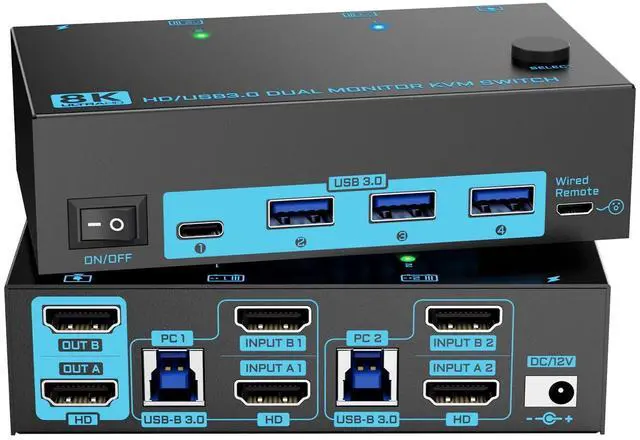
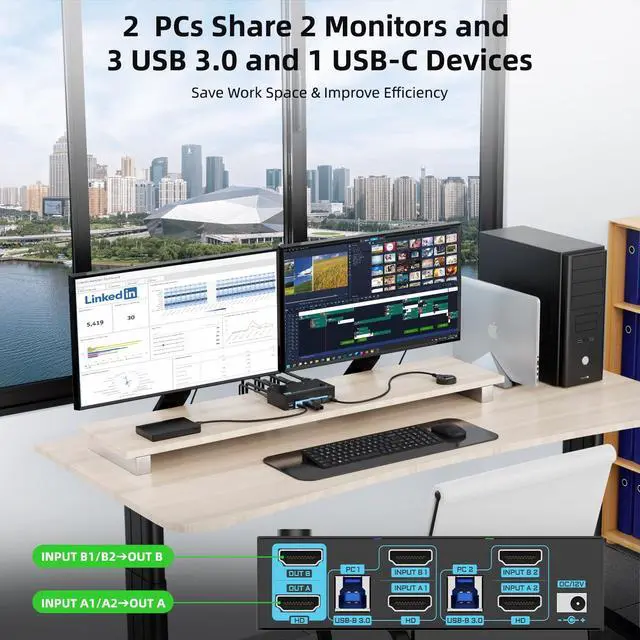
[Dual Monitor 8K
HDMI KVM Switch]: Dual HDMI 2.1 KVM switch is a great combination of 2 computers 2 monitors switch and 2 in 4 out USB 3.0 switch, which allows you freely switching between work computers and personal laptops to share 2 displays ( ) and 1 set of keyboard mouse. It is very applicable for home office, teaching room, business presentation or gaming ^^ [8K@60Hz/4K@120Hz
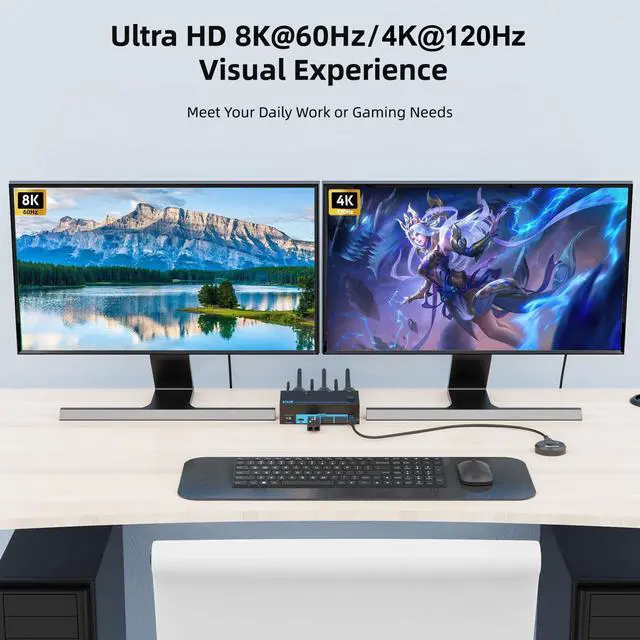
Ultra HD Enjoyment]: 8K 2 monitors KVM switch dual monitor supports resolutions up to 8K@60Hz/4K@120Hz for vivid and clear visuals. Just Plug and Play, No complex software or drivers required. It's perfect for Gaming player to enjoy smooth and lag-free gaming experience at 120Hz refresh rate.: Please use standard HDMI 2.1 cable within 1.5M to reach the max resolution ^^ [5Gbps USB 3.0 HDMI 2.1
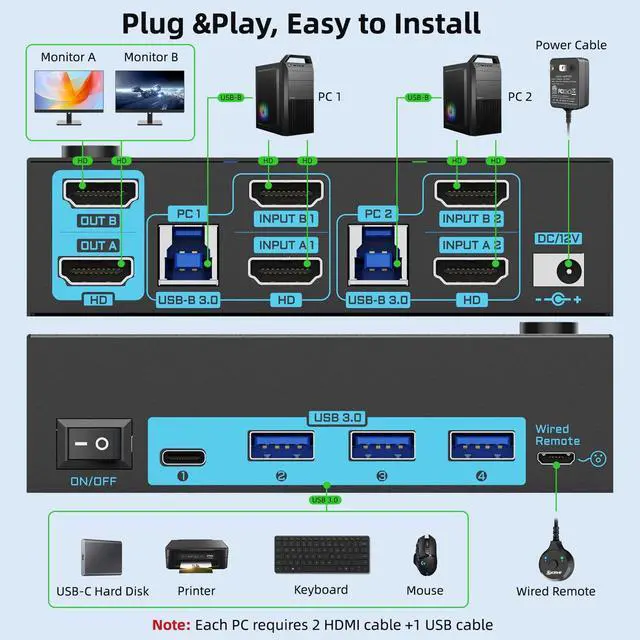
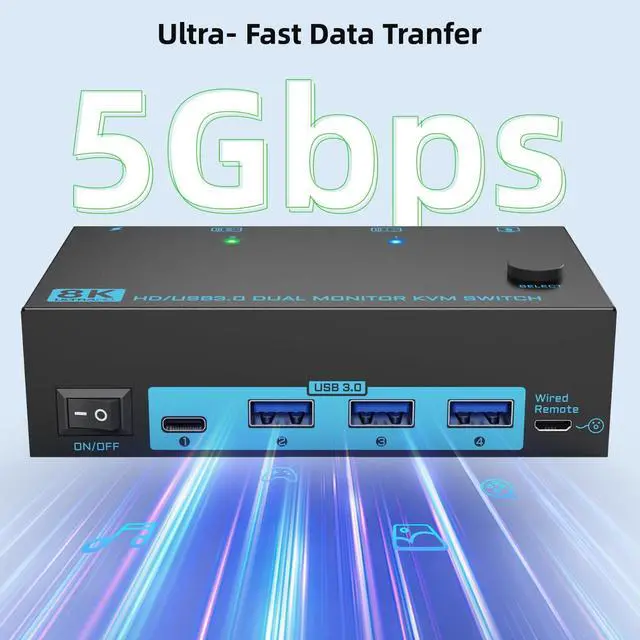
KVM Switch]: 2 PCs 2 monitors HDMI KVM switch Features 1 USB-C and 3 USB 3.0 ports for connecting peripherals such as keyboard, mouse, scanner, printer, USB camera, and hard drive ect. 5Gbps transfer rate is faster and more stable than
USB 2.0.: Please connect the USB cable from each PC to power the 8K KVM and transfer the USB data ^^ [Broad
Compatibility & Flexible Switching Ways]: 8K 2 computers 2 monitors hdmi KVM is compatible with most HDMI devices including PS5, PS4, TV Box, PC, and Laptop. It also supports various operating systems such as Windows, Vista, XP, Mac OS, Linux, and Unix. Enables swicthing via panel button or wired remote control, LED indicators showing which computer is working, making the desktop area neat and organized ^^ [External 12V Power Port & One-Key
Power OFF]: 2 in 2 out 2 monitors 2 computers KVM switch equipped with a 12V power port for high power USB devices and a separate power switch. Simply press the power switch to restart the HDMI 2.1 KVM when signal re-recognition is needed, eliminating the hassle of repetitive plug and unplug actions ^^ [Warm
Tips]: (1) Before Connecting the 2 monitor kvm switch, please connect the PCs/laptops to your 2 monitors directly to check if your computers support multi-display(2Each computer meeds 2 HDMI cable+ 1 USB cable connected to the dual HDMI kvm switch, for those laptops don't have 2 HDMI ports, please prepare a USB-C docking with 2 HDMI interfaces; (3) After connecting the dual HDMI KVM switcher, you could press Windows+P to choose the duplicate or extend output mode ^^ [Pakage List &
Warranty Period]: (1) 8K Dual Monitor KVM Switch*1; (2) USB-A to B Cable*2; (3) Wired Remote Controller *1; (4) 12 V Power Adapter*1. Besides this, we provide 12 months warranty and lifetime technical support for our products. Just feel free to contact the seller if you need any help, we will respond you as soon as we can