Your Browsing History
- Free 30-day Returns
$51.99
Meet Your Seller
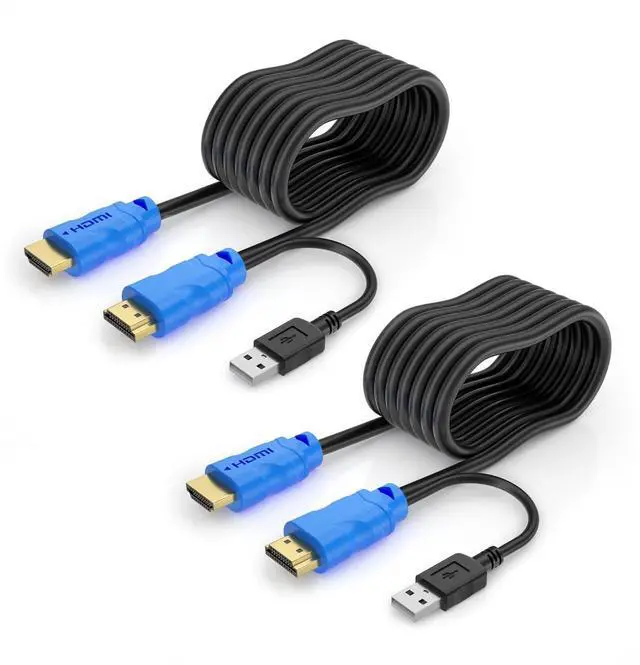
Yinker KVM Cable 16ft 2 Pack, USB HDMI KVM Cable for HDMI KVM Switch USB and HDMI 2in1 Integrated Cable (5m)
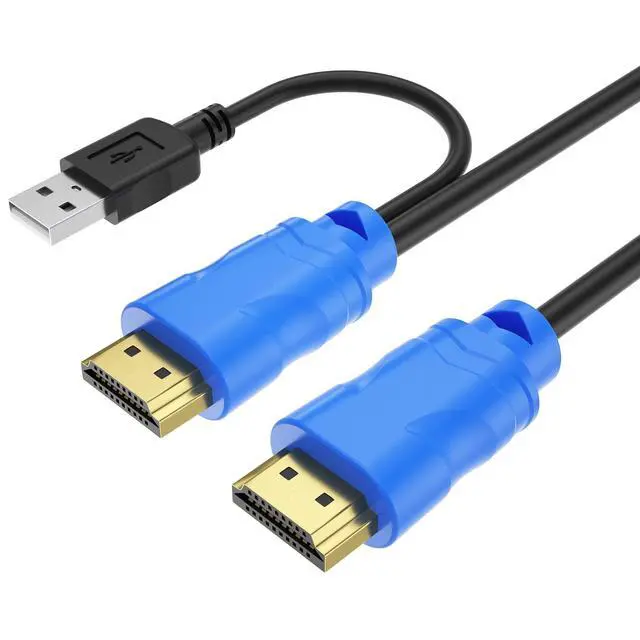
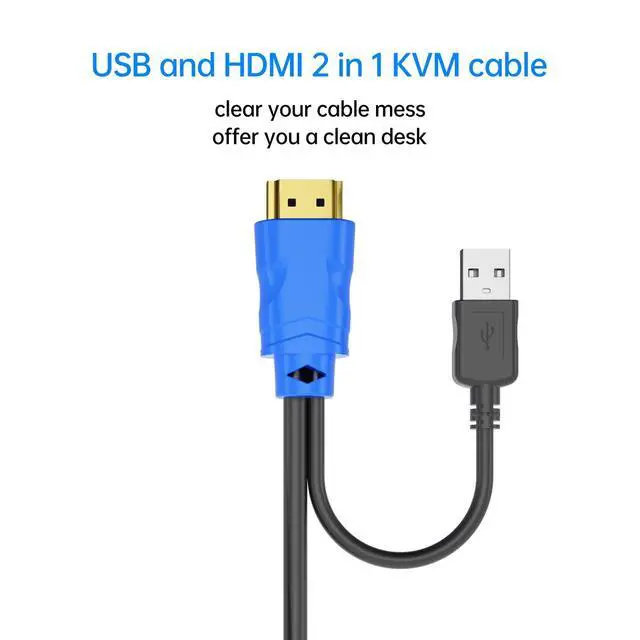
- HDMI KVM Cables integrated with HDMI & USB 2 in 1, is perfect solution for HDMI KVM Switch. Compatible with Yinker 4K30Hz HDMI KVM Switch and LCD KVM Switch
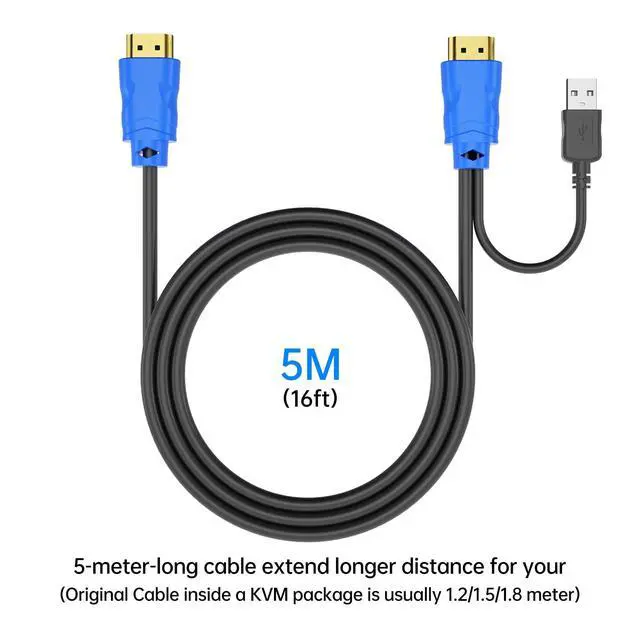
- Cable Length: 16 FT/ 5 Meter. Package: 2 pack. The normal kvm usually comes with 4ft kvm cable. Yinker KVM Cable is exactly for extending your connection. KVM cables in 10 FT and 16 FT are available in YinkerStore.
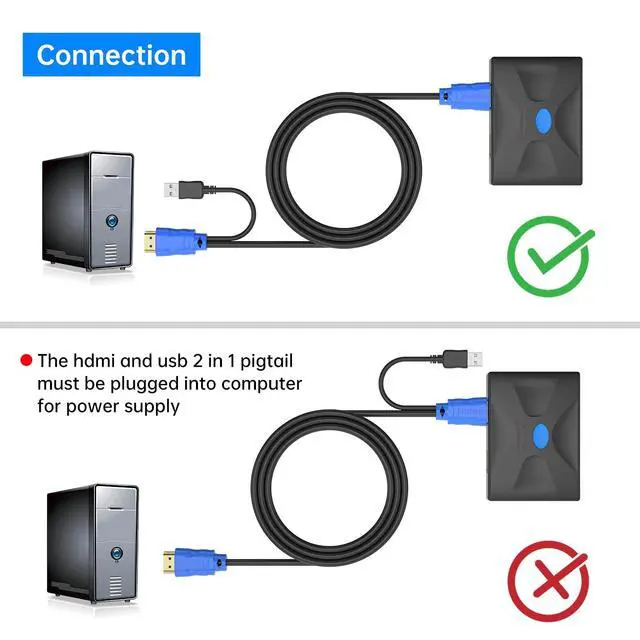
- The novel design of USB pigtail is used as electricity supply, keyboard and mouse data transmission. Please connect the USB end into Host computer or laptop.
- HDMI KVM Cable can also work as ordinary HDMI cable when not concerning a KVM. The USB end is no need to be connected when not used with a KVM.
- Any questions, Please contact Yinker Official for support.
+
+
Overview
Specs
Reviews
Any questions? Our AI beta will help you find out quickly.
Try me now
HDMI KVM Cables integrated with HDMI & USB 2 in 1, is perfect solution for HDMI KVM Switch. Compatible with Yinker 4K30Hz HDMI KVM Switch and LCD KVM Switch ^^
Cable Length: 16 FT/ 5 Meter.
Package: 2 pack. The normal kvm usually comes with 4ft kvm cable. Yinker KVM Cable is exactly for extending your connection. KVM cables in 10 FT and 16 FT are available in YinkerStore. ^^ The novel design of USB pigtail is used as electricity supply, keyboard and mouse data transmission. Please connect the USB end into Host computer or laptop. ^^ HDMI KVM Cable can also work as ordinary HDMI cable when not concerning a KVM. The USB end is no need to be connected when not used with a KVM. ^^ Any questions, Please contact Yinker Official for support.

Cable Length: 16 FT/ 5 Meter.
Package: 2 pack. The normal kvm usually comes with 4ft kvm cable. Yinker KVM Cable is exactly for extending your connection. KVM cables in 10 FT and 16 FT are available in YinkerStore. ^^ The novel design of USB pigtail is used as electricity supply, keyboard and mouse data transmission. Please connect the USB end into Host computer or laptop. ^^ HDMI KVM Cable can also work as ordinary HDMI cable when not concerning a KVM. The USB end is no need to be connected when not used with a KVM. ^^ Any questions, Please contact Yinker Official for support.
Warranty & Returns
Warranty, Returns, And Additional Information
Warranty
- Please contact the Seller directly for warranty information. Warranty information may also be found on the Manufacturer's website.
- CONTACT
Return Policies
- Return for refund within: 30 days
- Return for replacement within: 30 days
- This item is covered by GoBeRotie Return Policy
Manufacturer Contact Info
- For a directory of all our manufacturers, please click below.
- Manufacturers Directory
LOADING...
LOADING...