Your Browsing History
- Free 30-day Returns
$185.99
Meet Your Seller
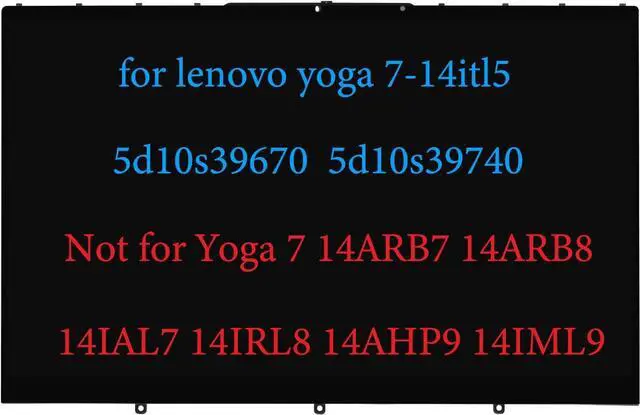
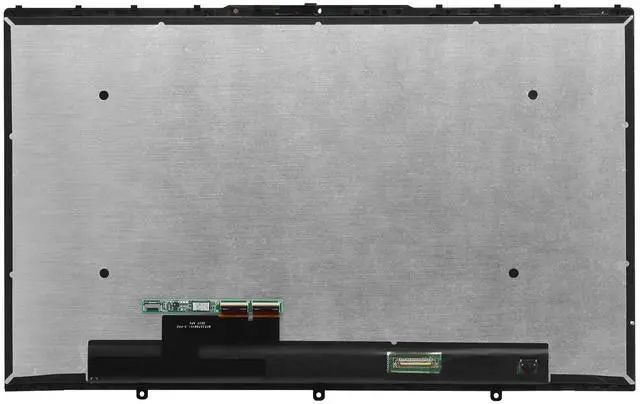
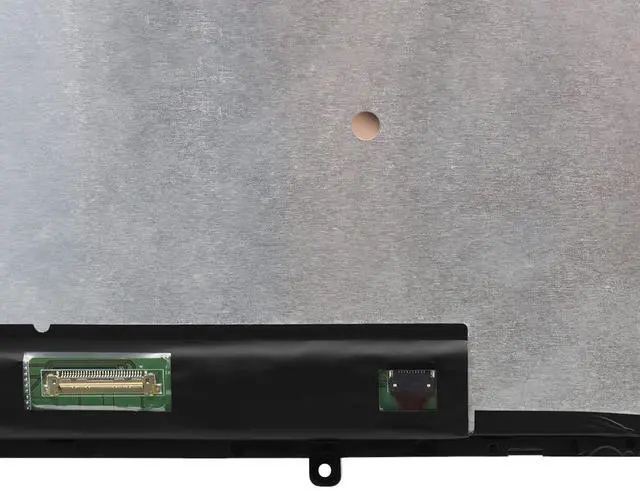
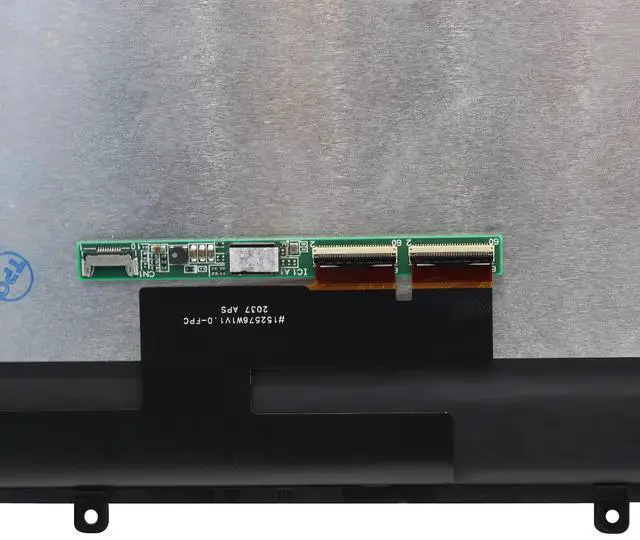
14" Replacement for Lenovo Yoga 7-14 7-14ITL5 7-14ACN6 7i-14ITL5 LCD 82N7 82LW 82BH 82BH0006US 5D10S39670 5D10S39740 5D10S39715 5D11C44453 5D10Y74820 Display Touch Screen Digitizer Assembly FHD
- Compatible Model : for Lenovo Yoga 7-14 7-14ITL5 7-14ACN6 7i-14ITL5 LCD 82N7 82LW 82BH 82BH0006US 5D10S39670 5D10S39740 5D10S39715 5D11C44453 5D10Y74820 lcd screen replacement display assembly
- If the following words appear at the bottom of your computer, it indicates that it is the correct model: 7-14 7-14ITL5 7-14ACN6 7i-14ITL5 LCD 82N7 82LW 82BH 82BH0006US
- Wrong Model : The product is not suitable for Yoga 7 14ARB7 14ARB8 14IAL7 14IRL8 14AHP9 14IML9 82QF 82QE 82YL 82DK 83DJ series
- Screen Resolution : FullHD 1920x1080; Screen Size : 14.0 inch
- It will be tested and packed carefully before shipping. Please turn off the power before assembly. And we provide a 3-month warranty for quality problems.
+
+
Overview
Specs
Reviews
Any questions? Our AI beta will help you find out quickly.
Try me now
Please install it Very Professionally, if Not, Please Do Not Try. (You need to Pull Off the Power Adapter & Battery Cable when install)Compatible
Model: for Lenovo Yoga 7-14 7-14ITL5 7-14ACN6 7i-14ITL5 LCD 82N7 82LW 82BH 82BH0006US 5D10S39670 5D10S39740 5D10S39715 5D11C44453 5D10Y74820 lcd screen replacement display assemblyWarranty: 3
monthsSize: 14.0
inchesResolution: FullHD 1920x1080Please keep your original parts. Professional installing skill required. IF THE TOUCH SCREEN DOES NOT WORK, PLEASE FOLL OW THE STEPS BEL OW (ORCONTACT
CUSTOMER SERVICE): 1. Right-click "My Notebook" on the desktop, and first open the properties. 2. Right click on "Device Manager"3. Right click on "Manual Input Device"4. Right click on "i2C HID Device"5. Click "Uninstall Device"6. Refresh

Model: for Lenovo Yoga 7-14 7-14ITL5 7-14ACN6 7i-14ITL5 LCD 82N7 82LW 82BH 82BH0006US 5D10S39670 5D10S39740 5D10S39715 5D11C44453 5D10Y74820 lcd screen replacement display assemblyWarranty: 3
monthsSize: 14.0
inchesResolution: FullHD 1920x1080Please keep your original parts. Professional installing skill required. IF THE TOUCH SCREEN DOES NOT WORK, PLEASE FOLL OW THE STEPS BEL OW (ORCONTACT
CUSTOMER SERVICE): 1. Right-click "My Notebook" on the desktop, and first open the properties. 2. Right click on "Device Manager"3. Right click on "Manual Input Device"4. Right click on "i2C HID Device"5. Click "Uninstall Device"6. Refresh
Warranty & Returns
Warranty, Returns, And Additional Information
Warranty
- Please contact the Seller directly for warranty information. Warranty information may also be found on the Manufacturer's website.
- CONTACT
Return Policies
- Return for refund within: 30 days
- Return for replacement within: 30 days
- This item is covered by GoBeRotie Return Policy
Manufacturer Contact Info
- For a directory of all our manufacturers, please click below.
- Manufacturers Directory
LOADING...