• $86.99
  • Price alert
    Sold by Aptly Tech

    Shipped by Aptly Tech

    Shop it at NeweggBusiness.

    Meet Your Seller

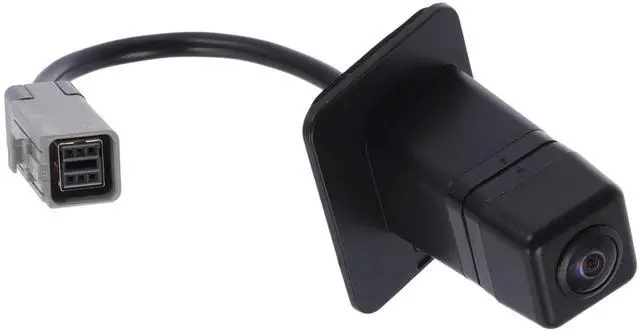
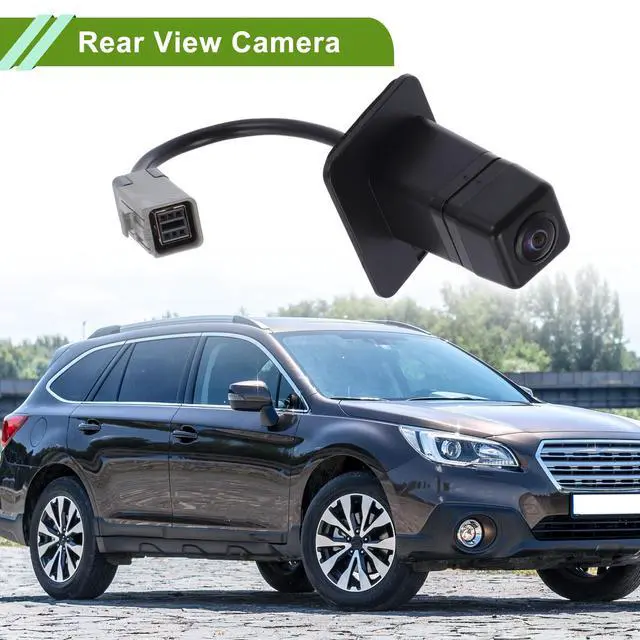
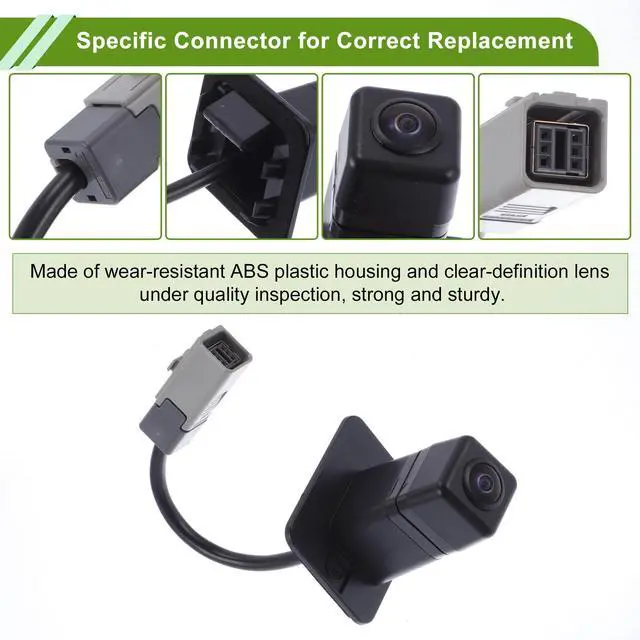
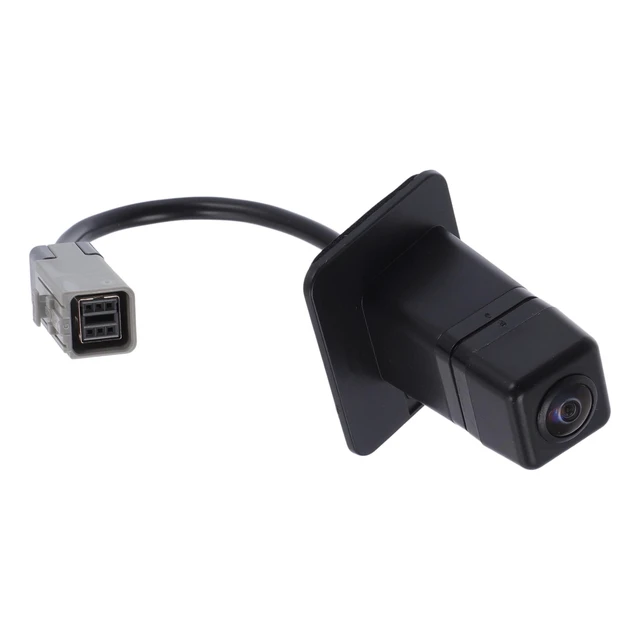
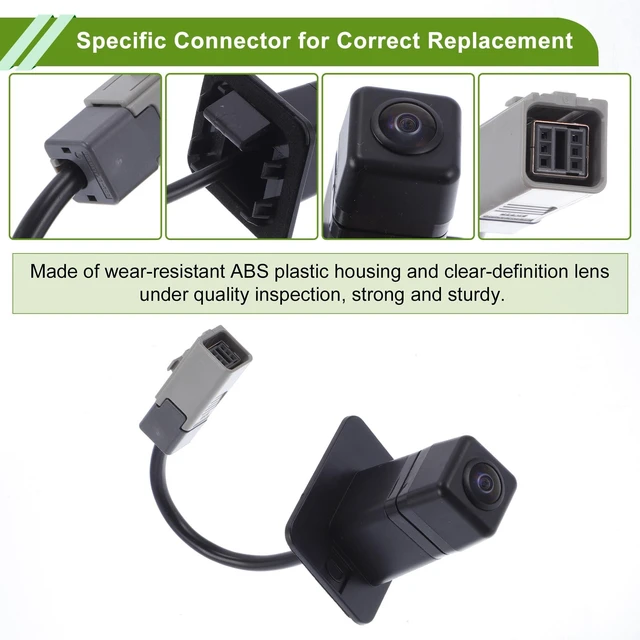
    HOPESPANNER No.86267AL50A Rear View Camera for Subaru Outback Legacy Wagon 2016 2017 License Plate Park Assist Backup Reverse Cam

    • OE Number:86267AL50A
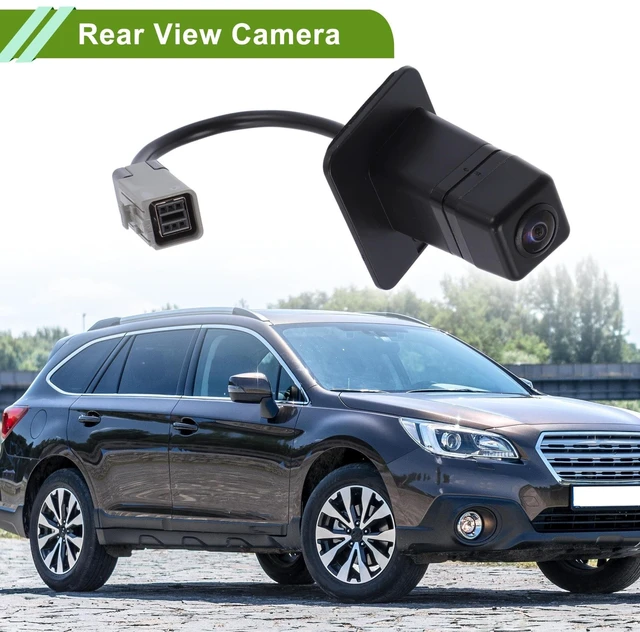
    • Model:for Subaru Outback Legacy Wagon 2016 2017
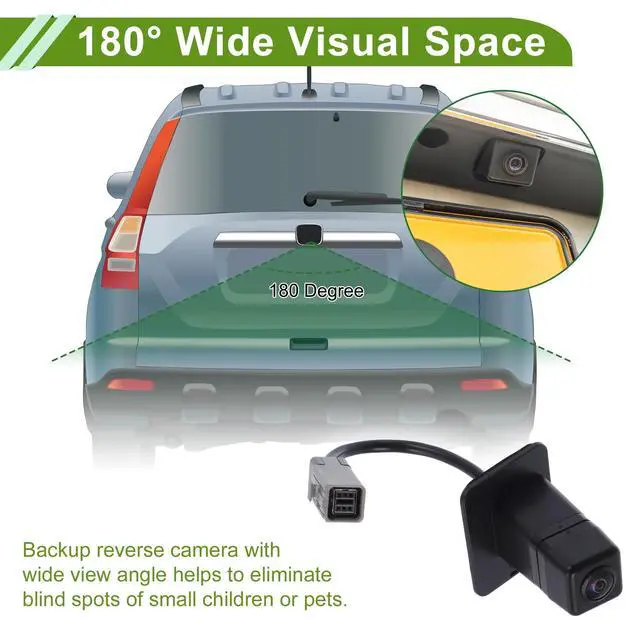
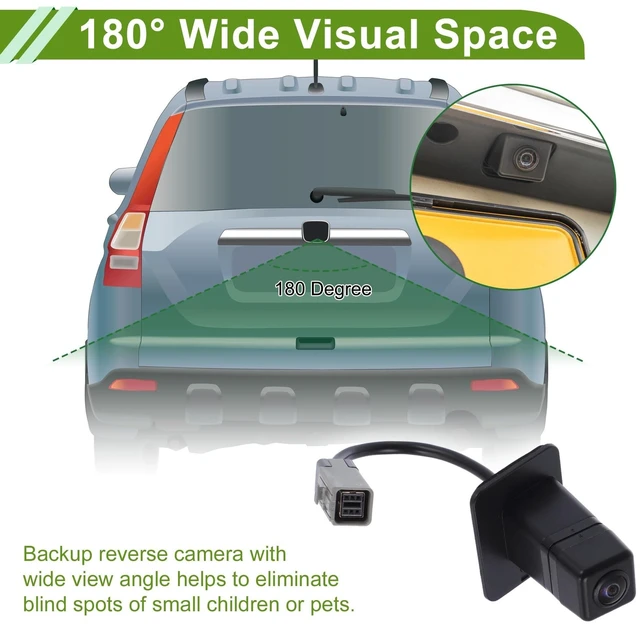
    • Application:There're anti-fog HD glass and color CMOS image sensors inside this rear view camera so as to provide satisfactory color reproduction and a clear view for car owners. The visual space is 120-180 Degree. It's waterproof for all weather.
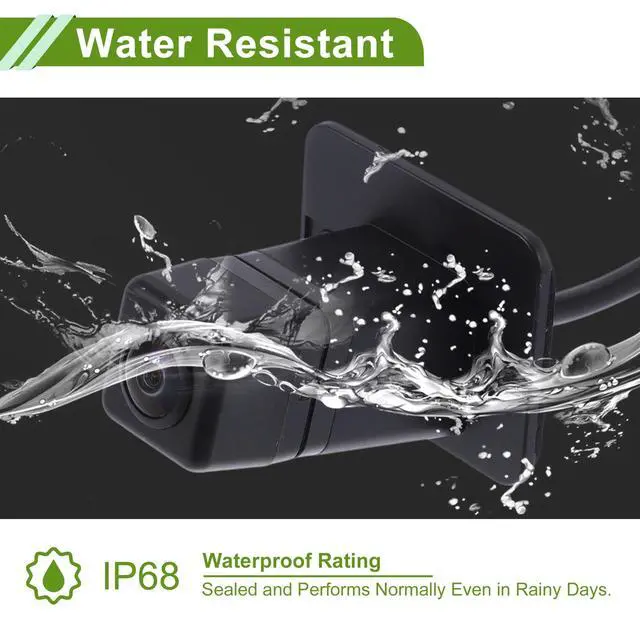
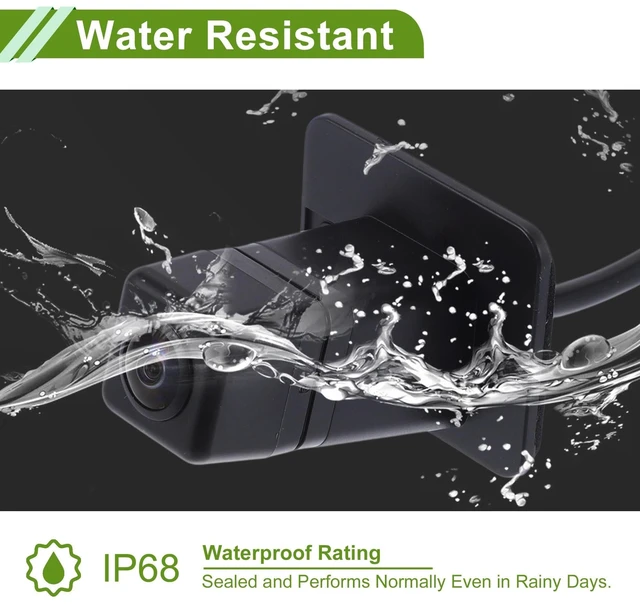
    • Product Characteristics:Performs normally also as night vision license plate camera, with 120-180 Degree wide view angle, even in the faint light like a dark underground garage. Our park assist backup reverse camera is sealed with a waterproof rating of IP68. So it will not be affected in harsh environments like rainy days.
    • Easy To Install:1. Mount the camera. usually in the licence plate area.2. Adjust the camera's lens to the proper position.3. Connect the power cable to the power system (red & black).4. Connect the camera's video output to display (yellow wire).
    +
    +
    Overview
    Specs
    Reviews
    avatar

    Any questions? Our AI beta will help you find out quickly.

    OE Number: 86267AL50A ^^
    Model: for Subaru Outback Legacy Wagon 2016 2017 ^^
    Application: There're anti-fog HD glass and color CMOS image sensors inside this rear view camera so as to provide satisfactory color reproduction and a clear view for car owners. The visual space is 120-180 Degree. It's waterproof for all weather.
    ^^ Product Characteristics: Performs normally also as night vision license plate camera, with 120-180 Degree wide view angle, even in the faint light like a dark underground garage. Our park assist backup reverse camera is sealed with a waterproof rating of IP68. So it will not be affected in harsh environments like rainy days.
    ^^ Easy To Install: 1. Mount the camera. usually in the licence plate area. 2. Adjust the camera's lens to the proper position. 3. Connect the power cable to the power system (red & black). 4. Connect the camera's video output to display (yellow wire).

    Warranty & Returns

    Warranty, Returns, And Additional Information

    Warranty

    • Please contact the Seller directly for warranty information. Warranty information may also be found on the Manufacturer's website.
    • CONTACT

    Return Policies

    Manufacturer Contact Info

    LOADING...