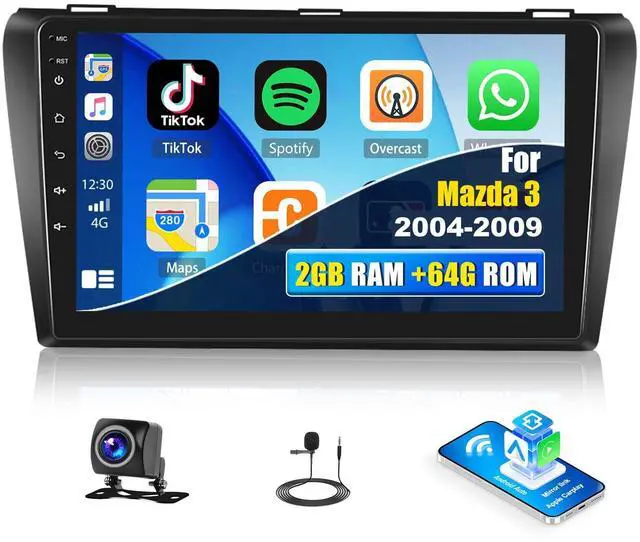
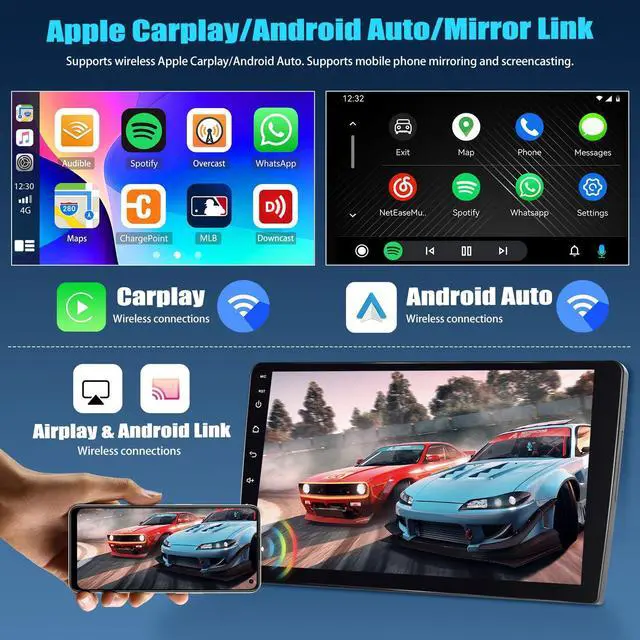
Apple Carplay, Android AutoThe android radio for Mazda 3 2004-2009 can synchronize the phonebook, email, notification, map navigation APP, music APP on the phone to the radio, and support call mobile phone voice assistant for voice control. Keep the mobile phone WiFi switch on. Connect Bluetooth, Open the "ZLINK5"APP to automatically connect. Or use a USB cable to connect the phone and then open the "ZLINK5"APP. ^^ Mirror Link, Split ScreenThrough the mirror link, the screen of the mobile phone can be transmitted to the touchscreen radio.
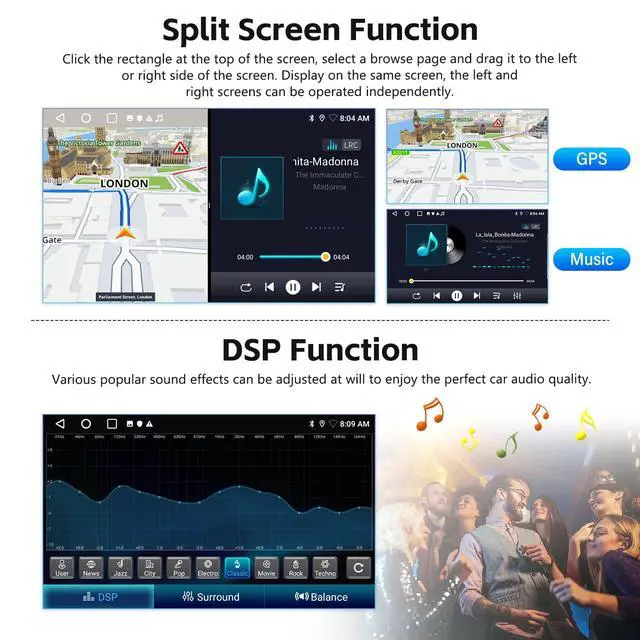
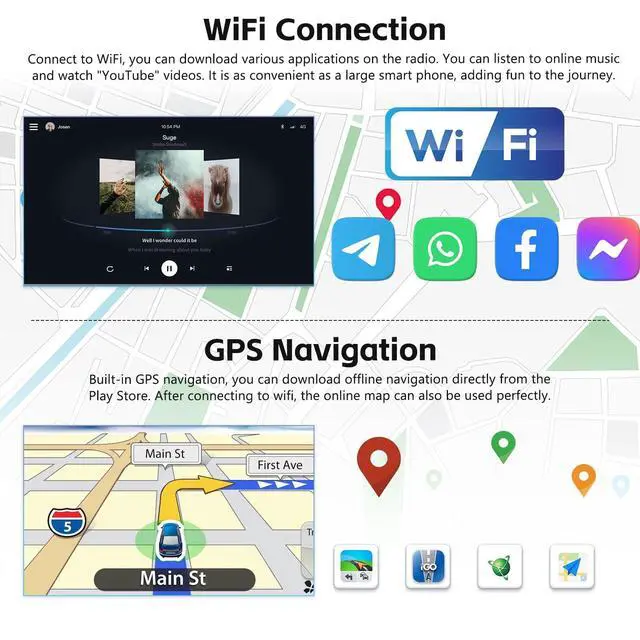
It is very suitable for projecting the downloaded video from the mobile phone to the radio for viewing. Select "ZLINK5" APP, Switch to the "Mirror Link" connection. Display on the same screen, the left and right screens can be operated independently. Click the rectangle at the top of the screen, select a browse page and drag it to the left or right side of the screen. ^^ WIFI, GPS NavigationConnect to WIFI, you can download various applications on the upgrade radio. You can listen to online music and watch "YouTube" videos.
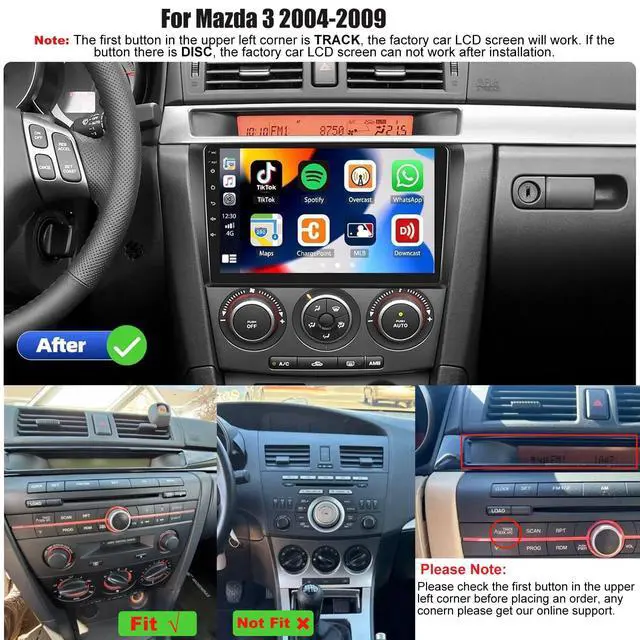
It is as convenient as a large smart phone, adding fun to the journey. Built-in GPS navigation, you can download offline navigation directly from the Play Store. After connecting to wifi, the online map can also be used perfectly. ^^ Compatible Car Model, 26 Radio ThemesThe upgraded radio for Mazda 3 2004 2005 2006 2007 2008 2009 with plug and play wire harness. The touchscreen radio can change 26 desktop themes. Different desktop themes can bring different visual experiences to your car. Long press the blank space of the homepage, you can change it to your favorite desktop theme at will.
^^ Bluetooth & FM/RDS RadioBluetooth support incoming and outgoing calls/synchronize address book/support mobile phone music playback. You can listen to news, music, weather forecast, traffic information. Support radio stations (FM 87.5 -108), add fun to the boring car journey. ^^ Steering Wheel Control Function, Backup CameraSupport use the original steering wheel buttons of the car to control the car audio, which is more convenient to operate and safer to drive. Waterproof night vision camera, reversing image is clearer. Please keep the two very short wires on the camera connected.
Note check the radio backup camera resolution. Set camera resolution to AHD/25 in Factory Settings.