• $102.99
  • Free 30-day Returns
  • Price alert
    Sold by UsaLogic

    Shipped by UsaLogic

    Shop it at NeweggBusiness.

    Meet Your Seller

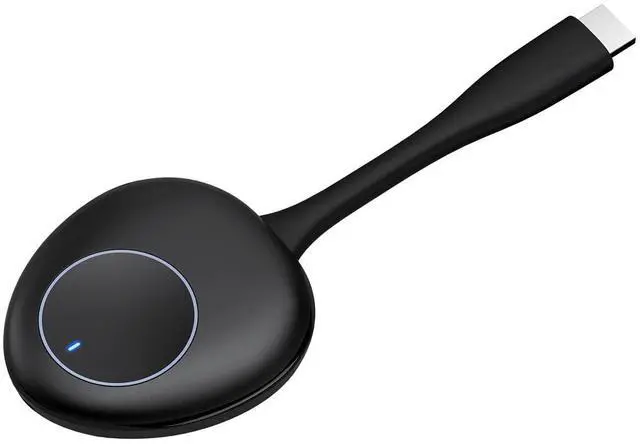
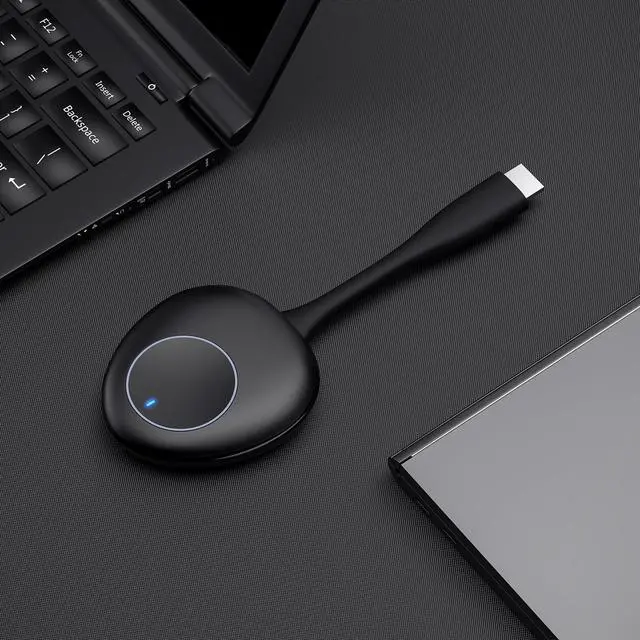
    Wireless HDMI Video Transmitter, Casting Devices Compatible with Most Wirelss Receiver for Streaming Audio and Video from PC, Laptop, Camera or Other HDMI Output Devices

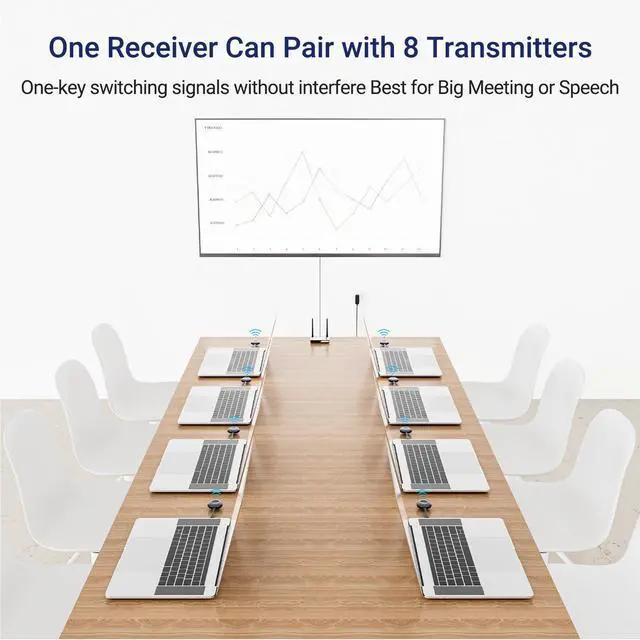
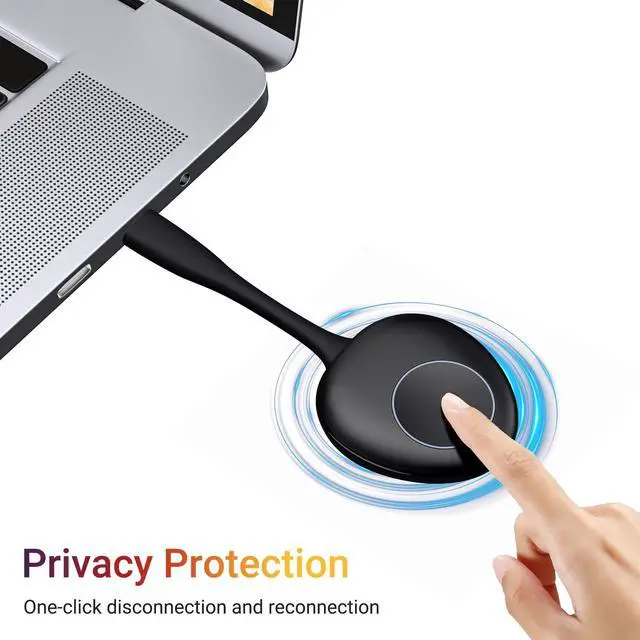
    • HDMI Wireless TransmitterThis wireless HDMI video transmitter is applicable to ASIN: B0C7VZLHS5. Its the best choice if you want to wirelessly share 1 monitor between multiple HDMI devices, one button click switch, easy and convenient.
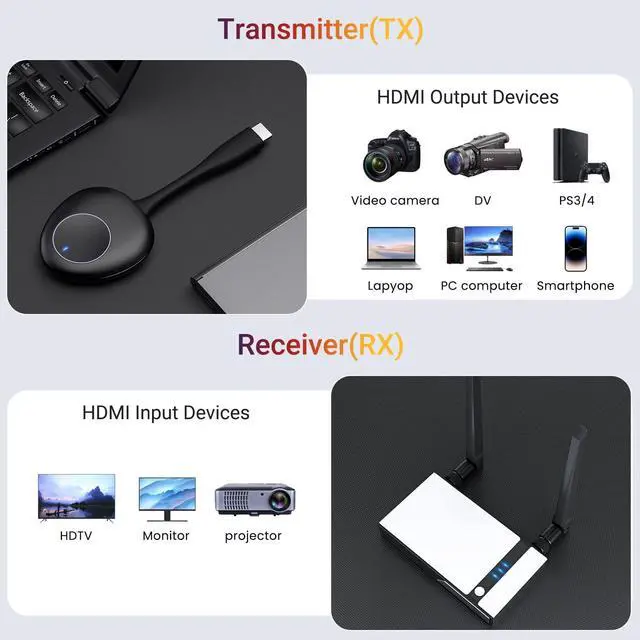
    • Wide CompatibilityThe HDMI wireless transmitter is compatible with most HDMI output devices, including laptop, PC, Blu-ray Player, Camera, DVD, DSLR, Set-top boxes, Cable/Satellite boxes, PS3/PS4 and more.
    • Pairing Step 1 Connect your receiver to your desired display and power it, then using the thimble press the "Reset" button on the bottom of the RX for 3-5s until the screen popup Release the button to pair with EZCAST TX, then it will entire pairing mode
    • Pairing Step 2 Power the transmitter using type-c power cable and 5V/2A power charger(not included), then press the button of the transmitter for 3-5S, the light status become fast flashing to be paring with the receiver.
    • Pairing Step 3Please kindly wait for about 15s, when the indicator of
    +
    +
    Overview
    Specs
    Reviews
    avatar

    Any questions? Our AI beta will help you find out quickly.

    HDMI Wireless TransmitterThis wireless HDMI video transmitter is applicable to
    ASIN: B0C7VZLHS5. Its the best choice if you want to wirelessly share 1 monitor between multiple HDMI devices, one button click switch, easy and convenient. ^^ Wide CompatibilityThe HDMI wireless transmitter is compatible with most HDMI output devices, including laptop, PC, Blu-ray Player, Camera, DVD, DSLR, Set-top boxes, Cable/Satellite boxes, PS3/PS4 and more. ^^ Pairing Step 1 Connect your receiver to your desired display and power it, then using the thimble press the "Reset" button on the bottom of the RX for 3-5s until the screen popup Release the button to pair with EZCAST TX, then it will entire pairing mode ^^ Pairing Step 2 Power the transmitter using type-c power cable and 5V/2A power charger (not included), then press the button of the transmitter for 3-5S, the light status become fast flashing to be paring with the receiver. ^^ Pairing Step 3Please kindly wait for about 15s, when the indicator of the transmitter is always on, it indicates that the wireless extender kit have been connected successfully.


    Warranty & Returns

    Warranty, Returns, And Additional Information

    Warranty

    • Please contact the Seller directly for warranty information. Warranty information may also be found on the Manufacturer's website.
    • CONTACT

    Return Policies

    • Return for refund within: 30 days
    • Return for replacement within: 30 days
    • This item is covered by UsaLogic Return Policy

    Manufacturer Contact Info

    LOADING...