be quiet! Power Zone 2 1000W ATX 12V 3.1 Power Supply | 80 Plus Platinum and Cybenetics Platinum Efficiency | BP008US
  •  
  • $149.90 
  • Save: 6%
  • $73.99
  • Sold by VersaCom

    Shipped by VersaCom

    Price alert
    Shop it at NeweggBusiness.

    Meet Your Seller

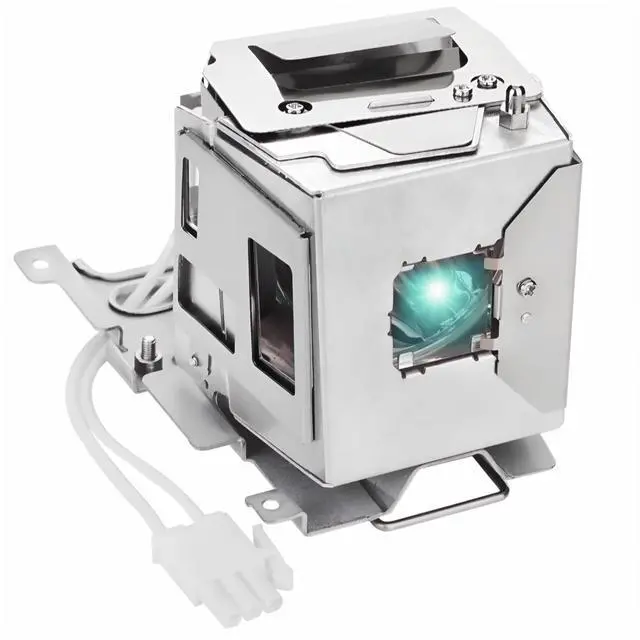
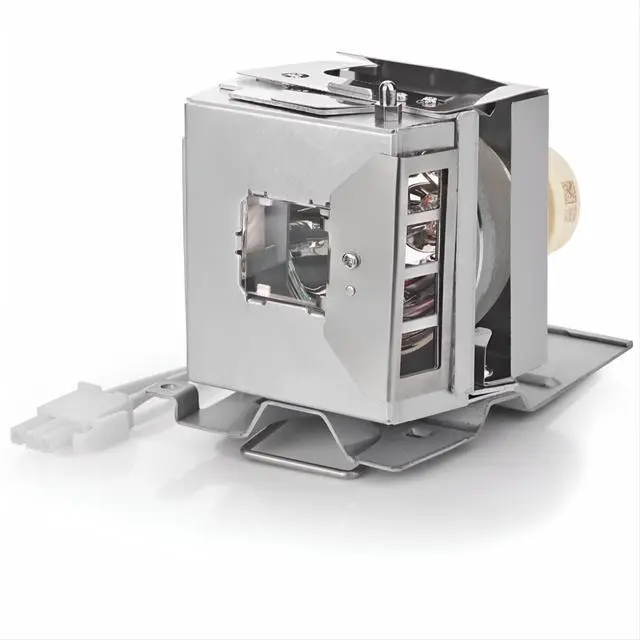
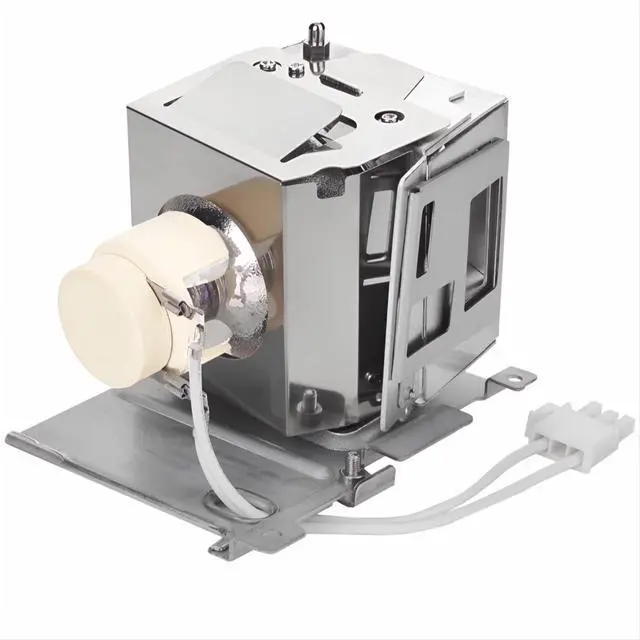
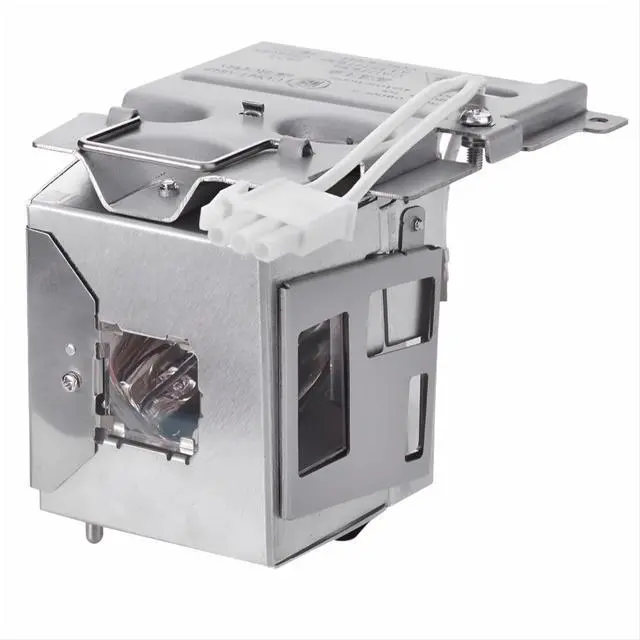
    CHNPOFNT 5J.JG705.001 P-VIP210W Replacement Projector Lamp Compatible with BENQ W1050 MW535 W1050S TW535 TH534 TH535 MX535 MX532 MW533 MW526AE MS535 MS534 MS531 MH535FHD MH535 MH534 MH530FHD

    • 1. NEW Projector Lamp for 5J.JG705.001 P-VIP210W, bulb with Housing.
    • 2. Compatible ModelsMH503FHD,MH530FHD,MH535FHD,MH534,MH535,MS531,MS535,MW526AE,MW533,MW535,MX532,MX535,TH534,TH535,TW533,TW535,W1050,W1050S,HT1070A for VIVITEK DS262,DX262,DH268,DW265,DW282ST,DX281ST,DX263
    • 3. In order to improve the brightness of the light bulb and extend its service life, our engineers have been continuously striving, and now we can provide customers with what they want
    • 4. Provides 180 days free replacement service. Any problem will be solved perfectly, and all emails will be replied within 12 hours.
    • 5. The packaging is sturdy and collision resistant.and Transport to your home by the safest and fastest express.
    +
    +
    Overview
    Specs
    Reviews
    avatar

    Any questions? Our AI beta will help you find out quickly.

    CHNPOFNT 5J. JG 705.001 Replacement Projector Lamp Compatible with BENQ W1050 MW535 W1050S TW535 TH534 TH535 MX535 MX532 MW533 MW526AE MS535 MS534 MS531 MH535FHD MH535 MH534 MH530FHD ProjectorsLamp ReplacementProjector
    Lamp Part Number: 5J. JG 705.001S uitable for projectors for Benq MH530FHD MH535FHD MH534 MH535 MS531 MS535 MW526AE MW533 MW535 MX532 MX535 TH534 TH535 TW533 TW535 W1050 W1050S HT1070A ProjectorsType: Compatible Bulb
    Lamp with HousingCondition:
    NewWarranty: 180
    days warrantyPackage: Durable, waterproof, and
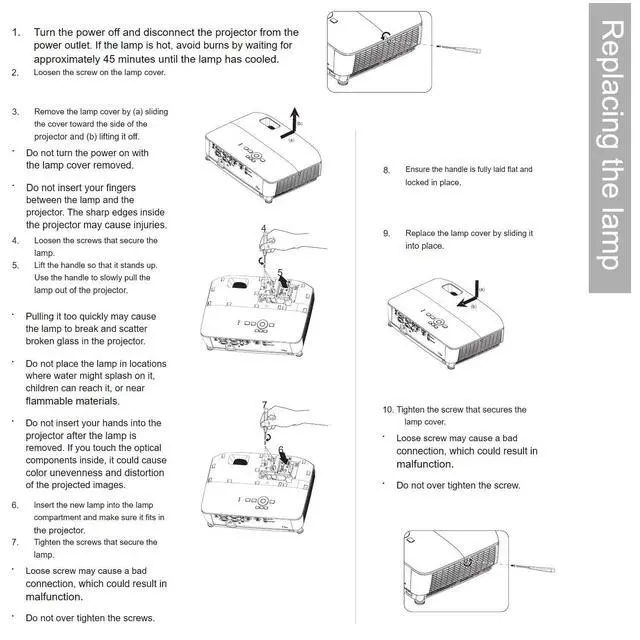
    shockproof solid boxApply to: For Home/School/Business PresentationSteps to
    Install Your Projector Lamps: To install a projector lamp with the housing, just follow the easy steps below: 1. Make sure the projector is unplugged and sitting on a flat surface2. Loosen the screw holding the projector lamp module cover in place and remove the panel3. Unplug the old projector lamp and remove it from the projector4. Plug the new projector lamp securely into place5. Attach the panel back onto the projector and tighten the screw

    Warranty & Returns

    Warranty, Returns, And Additional Information

    Warranty

    • Please contact the Seller directly for warranty information. Warranty information may also be found on the Manufacturer's website.
    • CONTACT

    Return Policies

    Manufacturer Contact Info

    LOADING...