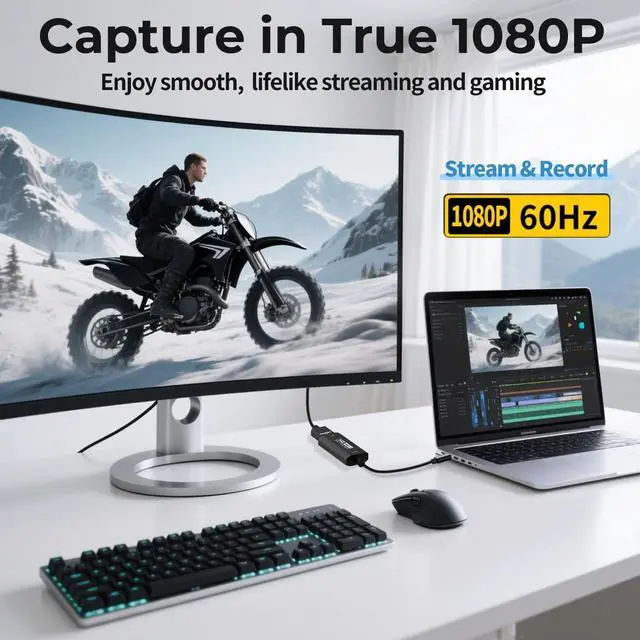
2K@30FPS, High-Speed Transmission This HDMI game capture card uses a newest chip technology, lower latency compared to the old model, faster transmission speed, better meet the needs of high frame rate video capture. USB 3.0 high-speed transmission interface, support 4K 30fps input, adapted to 1080P 60fps or 2K 30fps video output. Support MJPEG, YUV422, easily meet the online capture, real-time recording, online meetings, live games and other functions.
Note: For capture use only; requires capture software to function and is not intended for direct screen casting to a monitor or TV ^^ Strong Stability, Clearer Picture Quality The HDMI capture card is made of good quality aluminum alloy with strong heat dissipation, and the new cable layout design makes for greater stability and clearer picture quality to avoid blue screens and lag. This HDMI to USBC capture card supports easy recording of good quality audio or HD video and transferring it to your computer or streaming platform, allowing you to record 60 fps HD video directly on your hard drive and real-time preview ^^ Plug and Play, Easy to Carry This HDMI 1080P video capture card does not require any additional drivers or external power supply, just plug and play for fast capture. The capture card is small and lightweight, so you can put it in your bag for emergencies, making it very portable for outdoor live streaming. It's also a great way to share content in game recording, video conference and online teaching ^^ Wide Compatibility USB Capture Card Easily streams to Facebook, Youtube or Twitch.
With the connection, this HDMI to USB C/ 3.0 video capture devices can be working on several
Operating Systems and various software: Windows 7/ 8/ 10, Mac OS or above, Linux, Android, Laptop, Xbox One, PS3/PS4/PS5, Camera, Webcame, DSLR, Switch/Switch 2, Steam, TV BOX, HDTV, Potplayer/VLC, ZOOM, OBS Studio etc., also works with iPad, Quest 3/3s/2 ^^ Package Content & Note 1 x HD Video Capture Card, 1 x USB 3.0 to USB C Adapter (A-side 3.0, B-side 2.0, 1 x English user manual. Please note that you need to restart the OBS Studio software after the audio setup is complete, otherwise it will result in no sound output. When using an adapter, if the device is recognized as USB 2.0, try using the other side with the USB-C port. Simply flip the capture card and reconnect it to be recognized as USB 3.0 ^^ NoteThis capture card supports one-way transmission (HDMI to USB-C). Video input via USB-C to HDMI conversion may cause signal loss due to cable protocol differences. If the PS5 shows a black screen, please disable HDCP. Use a USB 3.0 port whenever possible to ensure bandwidth and resolution.
The capture card works through video decoding, which introduces millisecond-level latency, and different video formats (MJPEG, YUY2) support different resolutions. Signal loss may occur if the device disconnects; reconnect or restore default settings. To check if the capture card is functioning properly, connect the USB port to a computer or tablet and open your capture software to confirm detection





 here!
here!