

Your Browsing History

Meet Your Seller

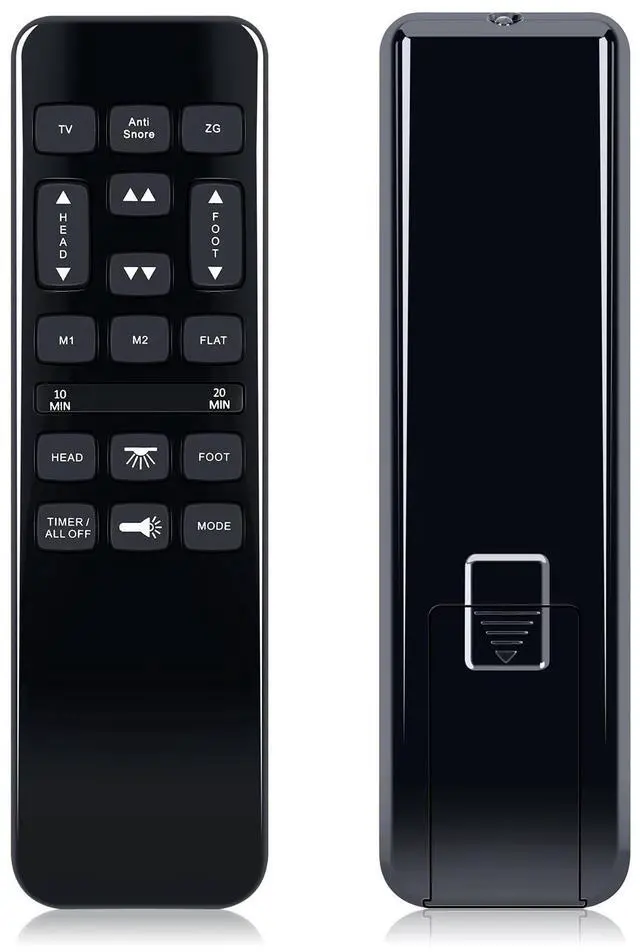
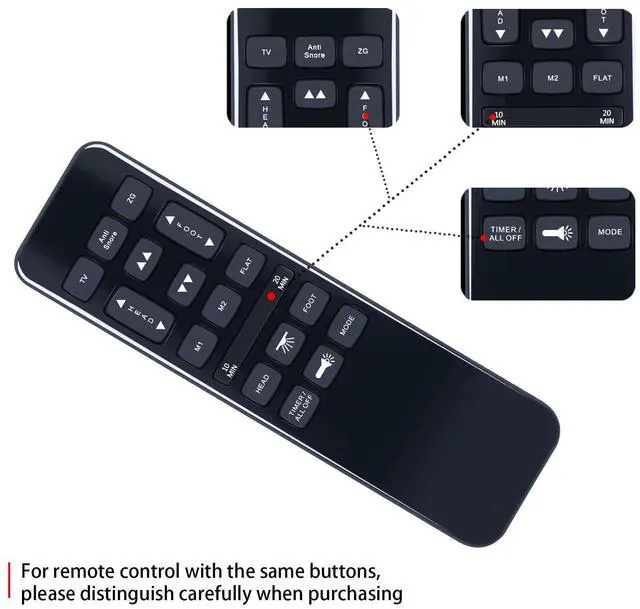
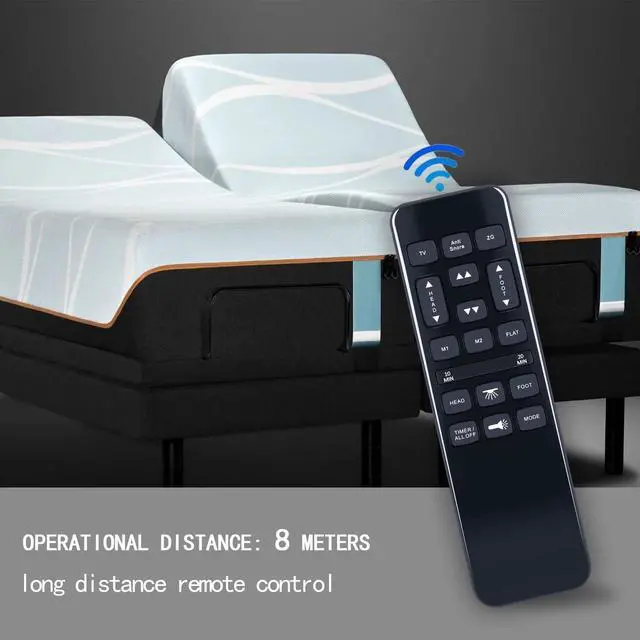
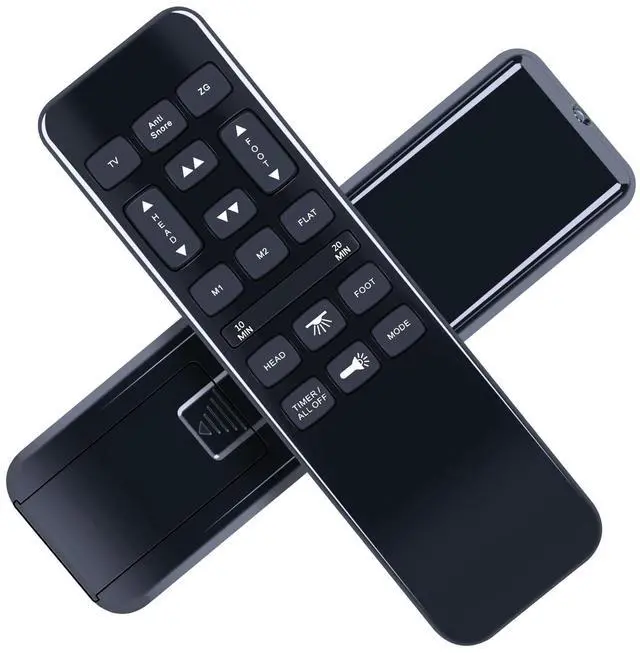


RYQIF Replacement Remote Control for Wayfair Sleep NU203 /Tech Bedtech BT-3000/ Richmat HJH55/ Ashley M9X842/ iFlex 470/TrueMotion 1000 TM1000/Mattress Firm 600 3000 Adjustable Bed Base
- Remote CompatibilityRYQIF Replacement Remote Control for Wayfair Sleep NU203 /Tech Bedtech BT-3000/ Richmat HJH55/ Ashley M9X842/ iFlex 470/TrueMotion 1000 TM1000/Mattress Firm 600 3000 Adjustable Bed Base
- Easy To UseProgram 1:Press and hold the remote's Head Down andFoot Up buttons for 10 seconds,At the same time, pressand hold the Reset Coding button on the side of the controlbox(Sometimes it's on the power cord) . You will hear abeep. That means it's paired
- Program 2:Press and hold the remote's Head up and FootUp buttons for 10 seconds,At the same time, press andhold the Reset Coding button on the side of the controlbox(Sometimes it's on the power cord) . You will heara beep. That means it's pairedProgram
- Program 3:Press and hold the remote's Head up and FootDown buttons for 10 seconds,At the same time, press andhold the Reset Coding button on the side of the control(Sometimes it's on the power cord) . You will hear aboxbeep. That means it's paired
- Excellent After- Sale
+
+
Overview
Specs
Reviews

Any questions? Our AI mode will help you find out quickly.
Try me now
Remote CompatibilityRYQIF Replacement Remote Control for Wayfair Sleep NU203 /Tech Bedtech BT-3000/ Richmat HJH55/ Ashley M9X842/ iFlex 470/TrueMotion 1000 TM1000/Mattress Firm 600 3000 Adjustable Bed Base ^^
Easy To UseProgram 1: Press and hold the remote's Head Down andFoot Up buttons for 10 seconds, At the same time, pressand hold the Reset Coding button on the side of the controlbox(Sometimes it's on the power cord). You will hear abeep. That means it's paired ^^
Program 2: Press and hold the remote's Head up and FootUp buttons for 10 seconds, At the same time, press andhold the Reset Coding button on the side of the controlbox(Sometimes it's on the power cord). You will heara beep. That means it's pairedProgram ^^
Program 3: Press and hold the remote's Head up and FootDown buttons for 10 seconds, At the same time, press andhold the Reset Coding button on the side of the control(Sometimes it's on the power cord). You will hear aboxbeep. That means it's paired ^^ Excellent After- Sale ServiceNo matter if you have any questions about product features, order details, or need any other assistance, simply contact our dedicated customer service team. We guarantee a rapid response within 12 hours on working days and strive to solve any problems efficiently.
Easy To UseProgram 1: Press and hold the remote's Head Down andFoot Up buttons for 10 seconds, At the same time, pressand hold the Reset Coding button on the side of the controlbox(Sometimes it's on the power cord). You will hear abeep. That means it's paired ^^
Program 2: Press and hold the remote's Head up and FootUp buttons for 10 seconds, At the same time, press andhold the Reset Coding button on the side of the controlbox(Sometimes it's on the power cord). You will heara beep. That means it's pairedProgram ^^
Program 3: Press and hold the remote's Head up and FootDown buttons for 10 seconds, At the same time, press andhold the Reset Coding button on the side of the control(Sometimes it's on the power cord). You will hear aboxbeep. That means it's paired ^^ Excellent After- Sale ServiceNo matter if you have any questions about product features, order details, or need any other assistance, simply contact our dedicated customer service team. We guarantee a rapid response within 12 hours on working days and strive to solve any problems efficiently.
Warranty & Returns
Warranty, Returns, And Additional Information
Warranty
- Please contact the Seller directly for warranty information. Warranty information may also be found on the Manufacturer's website.
- CONTACT
Return Policies
- Return for refund within: 30 days
- Return for replacement within: 30 days
- This item is covered by Qiangsheng kuajing (Hong Kong) Co., Limi Return Policy
Manufacturer Contact Info
- For a directory of all our manufacturers, please click below.
- Manufacturers Directory
LOADING...