

Your Browsing History
- Free 30-day Returns
$170.99


Meet Your Seller

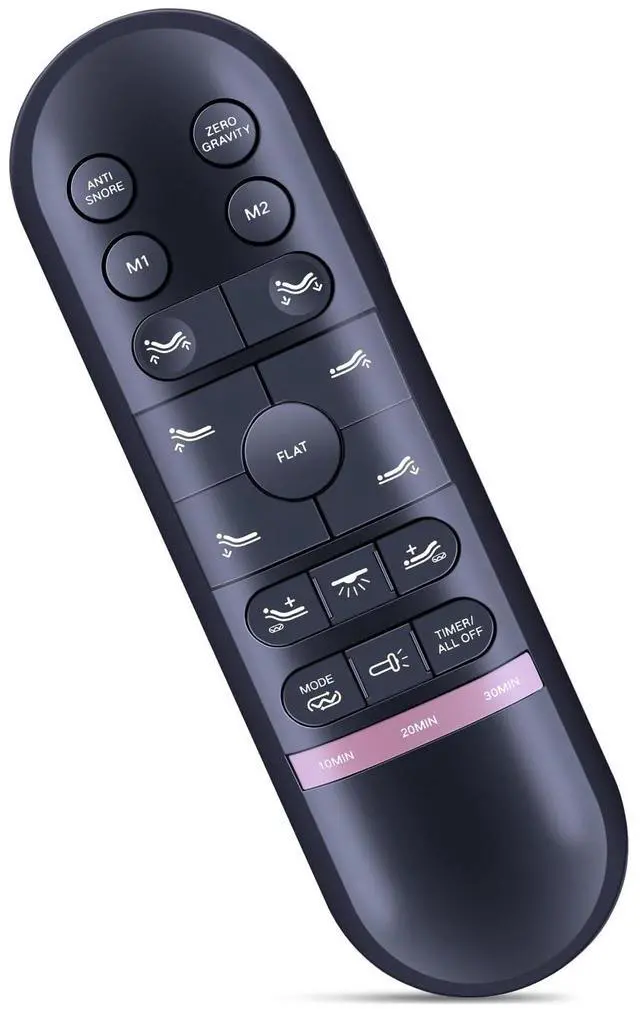

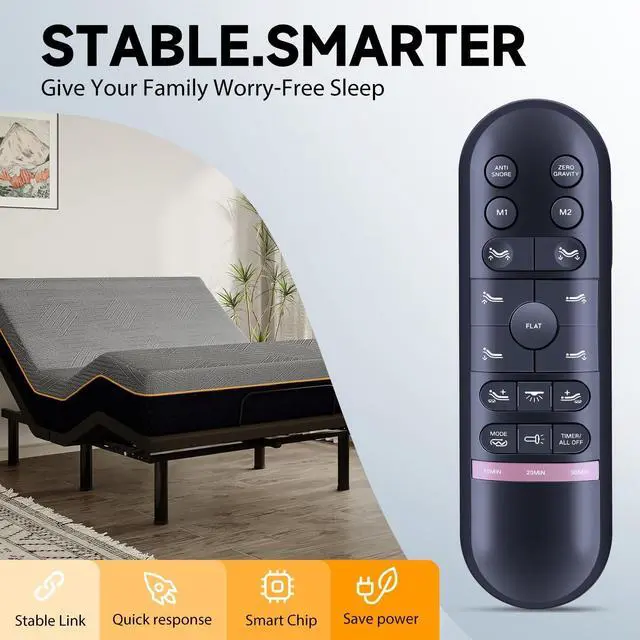
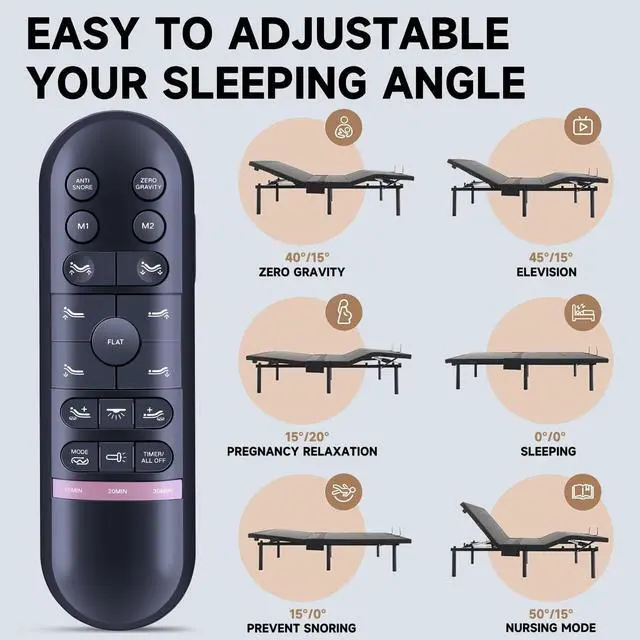


ZWP HJH82 Replacement Remote Control Compatible for RICHMAT Doctor Sleep LB4000, MLILY MS300, MUUEGM Adjustable Bed
- Compatible with RICHMAT HJH82 Doctor Sleep LB4000, MLILY MS300, MUUEGM Adjustable Bed
- PairingStep 1:Press and hold the "Head Up" and "Foot Up" buttons simultaneously for 3 seconds, Then also press and hold the blue button on the control box cord until you hear two beeps, Step 2:Once you hear a beep that will indicate that the remote is synced
- High QualityMade of High Quality ABS material, which is resistant to falling and has no peculiar smell, Built to Last for Long Lasting Use, and also keeps you and your children away from harm.
- Easy to useEasy to Pairing or setup, After inserting the battery(Not included), Simply follow the pairing steps until successful, and it will perfectly replace your original remote
- Premium After-saleWe provide a 1 year warranty return service. If you have any questions about your order, please feel free to contact us directly and we will get back to you within 12 hours.
+
+
Overview
Specs
Reviews

Any questions? Our AI mode will help you find out quickly.
Try me now
Pairing Step 1: Press and hold the "Head Up" and "Foot Up" buttons simultaneously for 3 seconds, Then also press and hold the blue button on the control box cord until you hear two beeps.
Step 2: Once you hear a beep that will indicate that the remote is synced SYNCING TWO SPLIT BASES Option 1 (REMOTE)
Step 1: Plug bed A and bed B and make sure A remote was already synced to bed A.
Step 2: Take the A remote and sync it to bed B as sync instruction.
Step 3: The both bases should now be controlled by A remote. Option 2 (SYNC
CABLE) Step 1: Plug bed A and bed B and maker sure bed was synced to its own remote.
Step 2: Plug Sync Cable (included with split bases only) into the "SYNC" input on the each of control boxes.
Step 3: The both bases should now be controlled by the one of remotes.
Step 2: Once you hear a beep that will indicate that the remote is synced SYNCING TWO SPLIT BASES Option 1 (REMOTE)
Step 1: Plug bed A and bed B and make sure A remote was already synced to bed A.
Step 2: Take the A remote and sync it to bed B as sync instruction.
Step 3: The both bases should now be controlled by A remote. Option 2 (SYNC
CABLE) Step 1: Plug bed A and bed B and maker sure bed was synced to its own remote.
Step 2: Plug Sync Cable (included with split bases only) into the "SYNC" input on the each of control boxes.
Step 3: The both bases should now be controlled by the one of remotes.
Warranty & Returns
Warranty, Returns, And Additional Information
Warranty
- Please contact the Seller directly for warranty information. Warranty information may also be found on the Manufacturer's website.
- CONTACT
Return Policies
- Return for refund within: 30 days
- Return for replacement within: 30 days
- This item is covered by FortressTek Return Policy
Manufacturer Contact Info
- For a directory of all our manufacturers, please click below.
- Manufacturers Directory
LOADING...