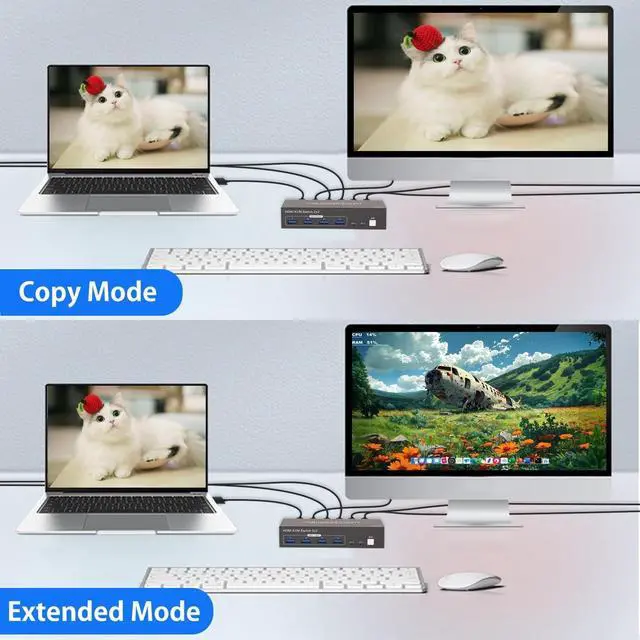
Dual Monitor
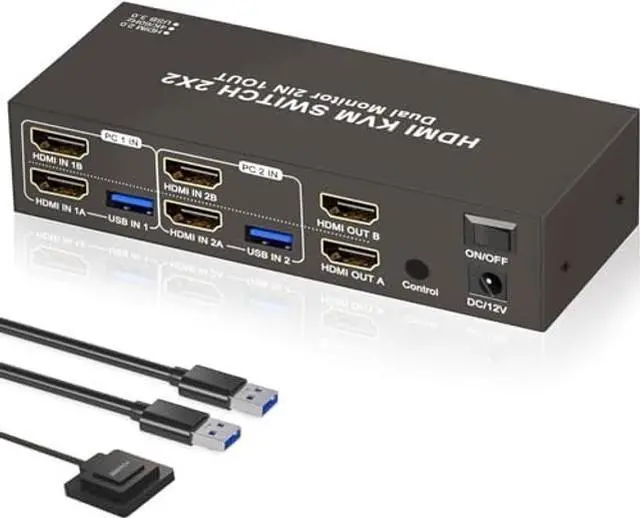
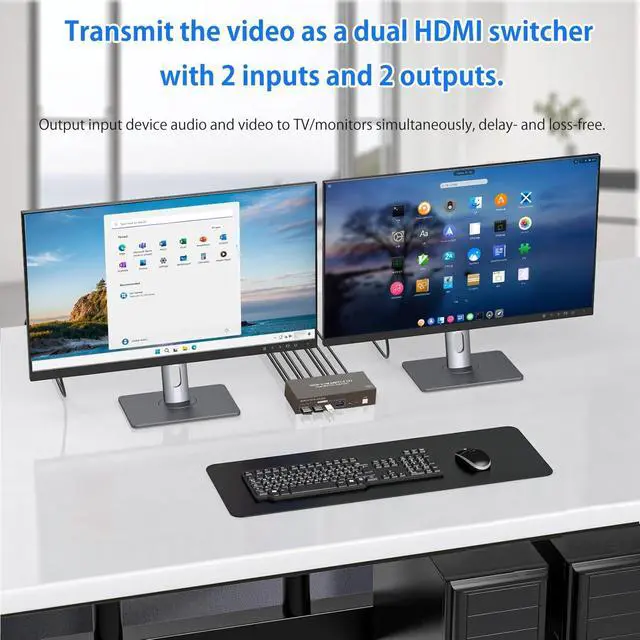
HDMI KVM Switch: Designed for easy work-from-home setups. To use 2 monitors at once, connect both HDMI ports from your desktop computer to the KVM
Switch. HDMI IN A goes to HDMI OUT A, and HDMI IN B goes to HDMI OUT B.
Note: For desktop PCs with HDMI output only. Laptops and tablets cannot be used. ^^ Space-Saving Vertical Design for
Tidy Workspaces: By distributing the HDMI input ports on upper and lower layers, it smartly optimises vertical desktop spaceperfect for IT professionals, day traders, or anyone managing a dual-PC desk.
Important Tip: To ensure your multi-computer workstation runs smoothly and reliably without any signal drops, please connect the included DC 12V power adapter to power the KVM switch. Experience a clutter-free desk and enhanced daily efficiency. ^^ Supports Extended & Copy
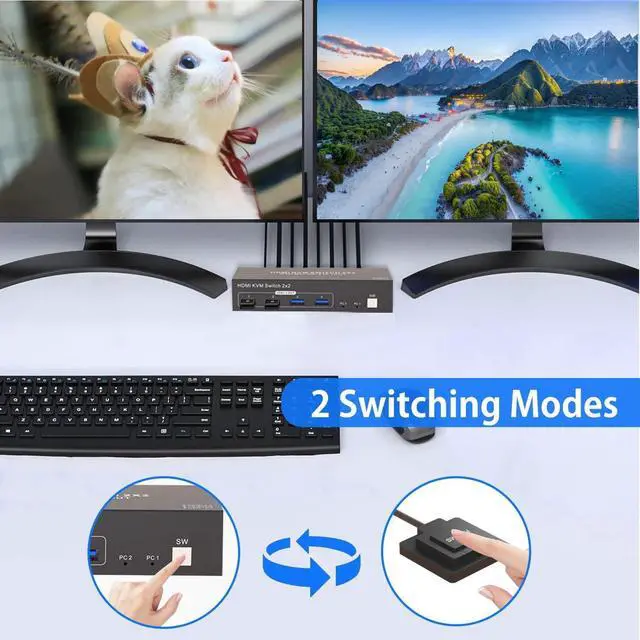
Modes for Professionals: Elevate your multitasking capabilities, whether you are a software developer coding across multiple screens or a video editor managing timelines. Extended Mode expands your desktop, providing a massive workspace to boost productivity. Alternatively, Copy Mode duplicates content on both connected displays, making it an ideal feature for office presentations, team collaborations, or client meetings. ^^ Effortless Switching Between Work & Gaming PCs: Gain instant control over your connected devices. Switch seamlessly between your corporate work desktop and personal gaming console with a single press.
Kindly note: This KVM switch is designed to route one active signal source at a time; you cannot display screens from two different computers simultaneously. It ensures 100% of your focus and peripherals are dedicated to the active task at hand. ^^ High-Speed 4x USB 3.0
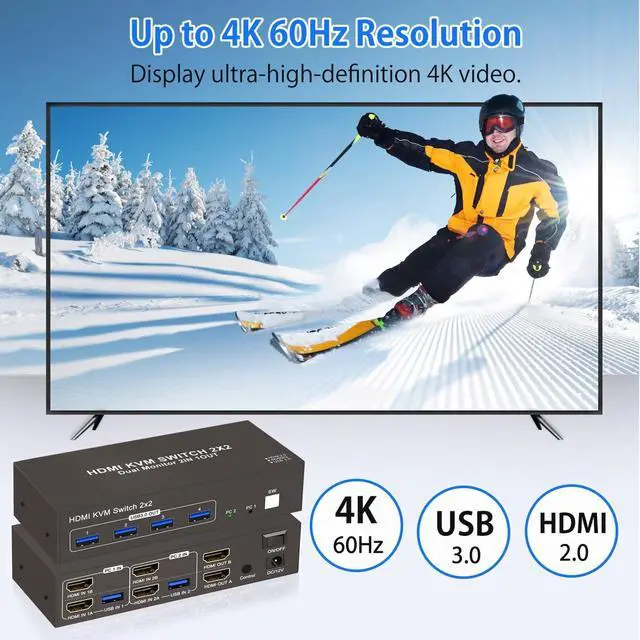
Hub for Peripherals: Setup
Requirement: You must connect the USB cables from your computers to the KVM's USB input ports to ensure these 4 output ports function correctly. Featuring 4 dedicated USB 3.0 output ports, content creators and streamers can effortlessly share keyboards, mice, and transfer massive files from USB drives between 2 desktop computers. Enjoy blazing-fast data transfer speeds without constantly plugging and unplugging your gear.