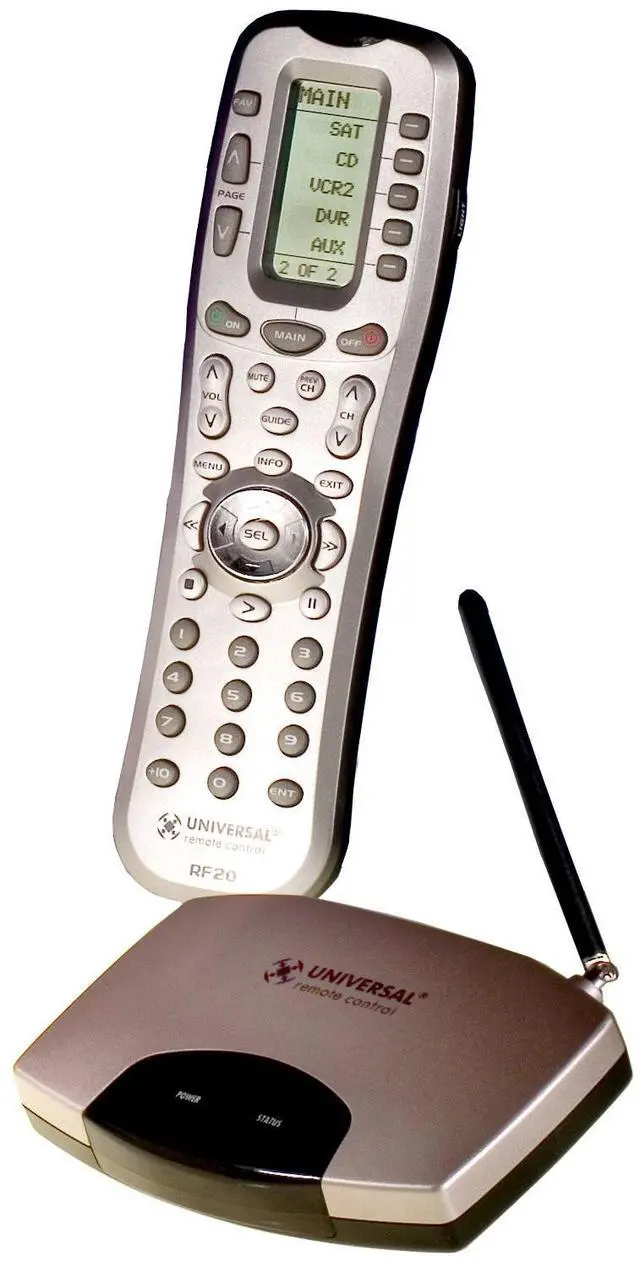
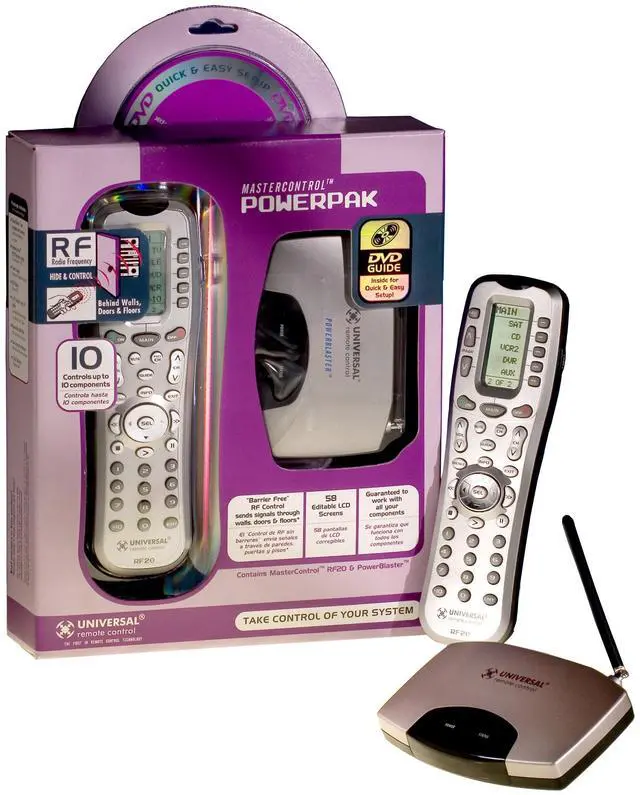
From the ManufacturerGuaranteed to control all your componentsThis is what the
Mastercontrol RF20 is all about: the RF20 is designed to operate up to 10 different AV components and is pre-programmed to operate virtually all brands of TV, VCR, DVD and CD players, cable set top boxes, satellite receivers, TiVo and other DVRs, audio components, tape decks, multimedia PCs, satellite radio, iPod, Xbox, lighting controls and other custom installation products. It also offers an impressive lineup of special features designed to provide you with many time-saving conveniences and enhance your overall entertainment experience. Pre-Programmed CodesThe RF20 is guaranteed to control all your components because of the extensive library of thousands of AV component codes pre-programmed into the remote. Learning CapabilityThe RF20 can actually "learn" commands from other remote controls (old or new), one button at a time, so it will always be up-to-date and never become obsolete. The RF20 is the last remote you'll ever need. MacroPower Single-Button ControlMacroPower is a unique feature that enables you to turn all of your components ON or OFF at the same time, simply with the press of one button. What would normally take multiple remotes and button pushes, the RF20 can accomplish with the press of one button.
In addition to the Power ON or OFF buttons, any of the Component buttons can be set to be "macro" buttons. SimpleSound Total Volume ControlSimpleSound is a dynamic feature that gives you total volume control over all the components in your system, even those without their own built-in volume control such as TiVo, DVD and VCR, thus saving you the hassle and inconvenience of constantly needing to switch between Component modes on the remote. With SimpleSound you can set the RF20's volume control buttons to always control the sound in your system, even when you're in VCR or DVD mode, without switching back to AUDIO or TV. Even more exciting, SimpleSound has what is called a 'Punch Through' feature and is not limited strictly to volume control.
PowerBlaster: An amazing remote control powerhousePowerBlaster Sets You FreeWhen used in combination with PowerBlaster, a MasterControl RF series remote control (RF10 and RF20) becomes an amazing remote control powerhouse that sends multi-directional RF (Radio Frequency) signals that pass through walls, doors and floors--both indoors and outdoors. It enables you to control components that are completely out-of-sight, up to 100' away. The PowerBlaster picks up RF remote control radio frequency signals from any direction, regardless of distance, so the remote doesn't need to be pointed directly at any component. Just imagine--no more pointing. Now you can close your entertainment center doors, hide your components, and still control them with ease. Control outdoor speakers on your patio. Control your components anywhere. Control your components through RF (Radio Frequency) and PowerBlasterRF Remotes are Ready to GoOne of the best things about this is--nothing has to be done to the remotes themselves for this feature to work. Every time you press a button on one of the MasterControl RF series remotes, it sends both a standard IR (Infrared Command) AND an RF (Radio Frequency) signal. When you install the PowerBlaster kit, it will automatically receive radio signals from RF series remotes and translate them into the infrared commands that control your components.
Quick Setup DVD Guide Makes Installation EasyThe Quick Setup DVD Guide will assist you in setting up PowerBlaster to work with your RF series remotes by guiding you through an easy step-by-step process. This Owner 's Manual is designed as a companion reference source to the DVD Setup Guide, should you need to refer back to a particular section, or review certain instruction detail not covered in the DVD. However, if you are unable to watch the DVD Guide for some reason, everything you need to know about setting up PowerBlaster is contained in the i





 here!
here!