

Your Browsing History
- Free 30-day Returns
$55.99


Meet Your Seller

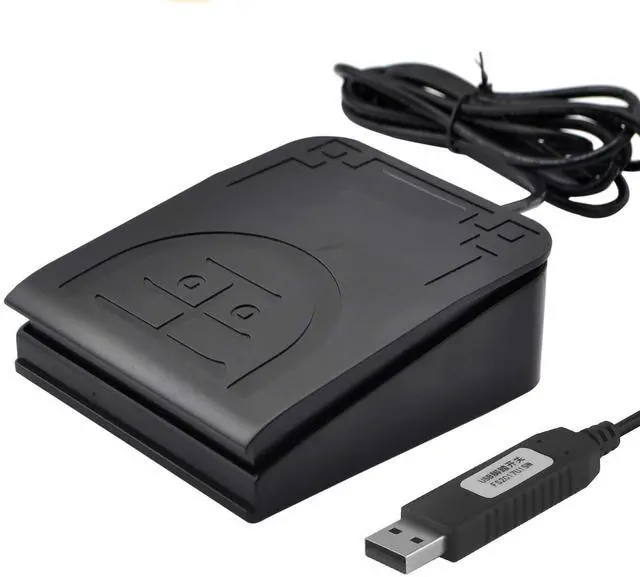
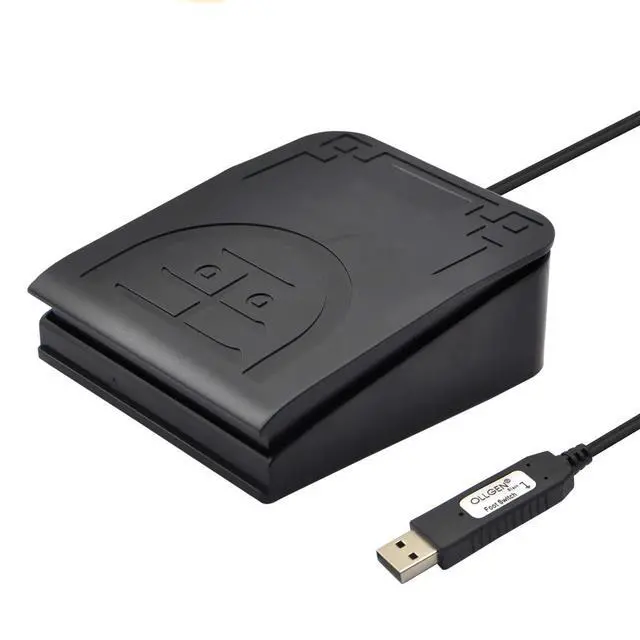
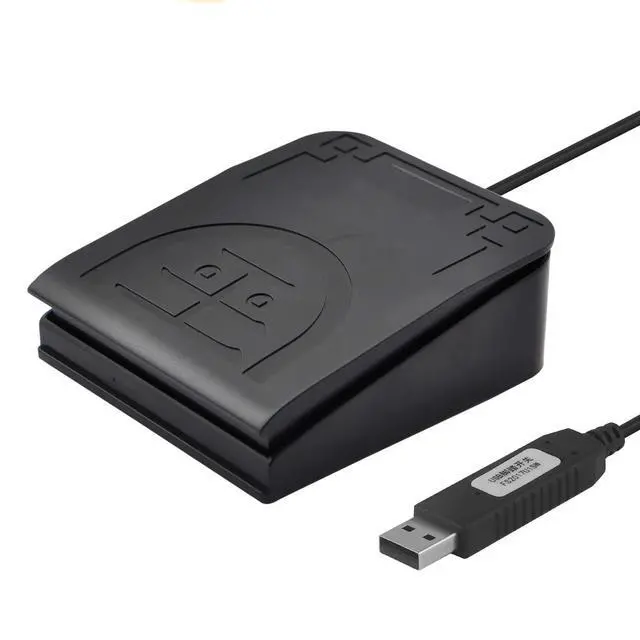
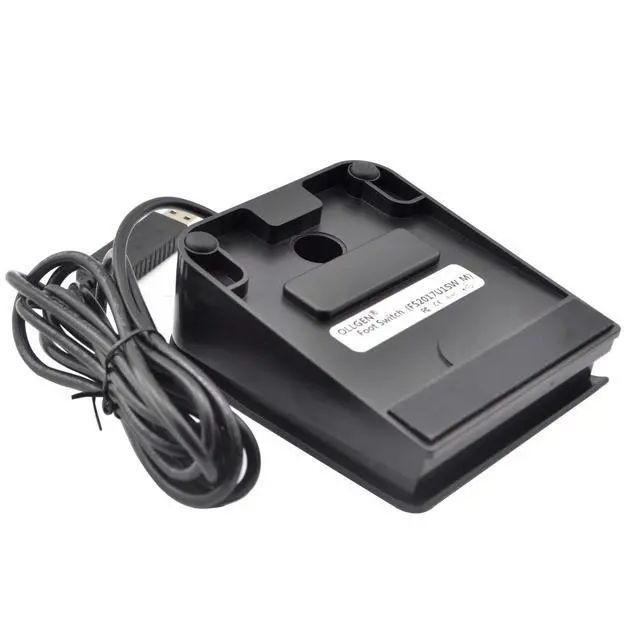
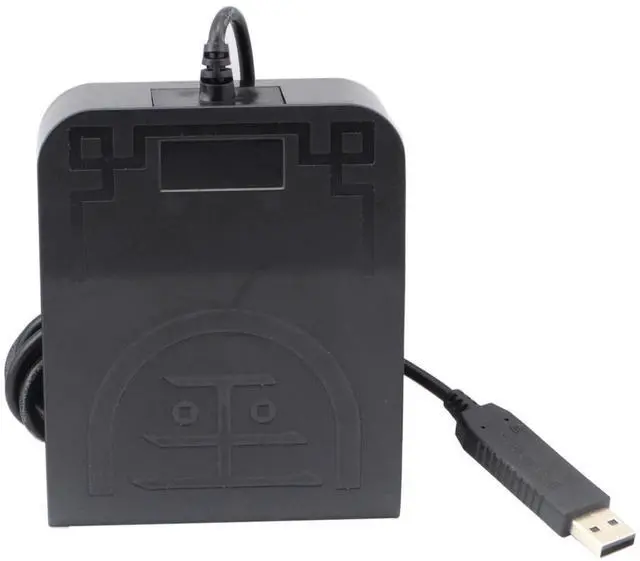


OLLGEN USB Foot Pedal Mechanical Switch Control One Key Program Computer Keyboard Mouse String Game Macro MIDI Cotroller Action HID (Single Pedal)
- This usb foot switch keyboard mouse control foot pedal is equivalent to a standard USB keyboard and mouse with one key, the key can be defined through the supporting software as keyboard,mouse,multimedia,game,string,macro definition and MIDI function.One PC can support more than one USB foot pedal, but you need program one by one, then plug in your PC.Once this switch is configured, can it be moved to a different computer and used without the software.
- Macro Function : Programmable Comand and customize the combination of keyboard and mouse movements.After pressing the pedal, the computer will automatically perform the steps that have been set through the software. For example, it can be set to be pressing F1 and then 10ms later pressing F2 etc..
- MIDI Cotroller User-defined Function : The MIDI function has three parts, command function, CC command function and PC command function.MIDI function enables guitarists to switch the types of musical instruments and control the sound info
+
+
Overview
Specs
Reviews

Any questions? Our AI beta will help you find out quickly.
Try me now
The USB foot switch is substitute for and assign a single keyboard function, shortcut key, hotkey, or combined key of medical facility, mouse click, String, multimedia, game, zoom etc and also good for foot control of dictation programs or other Macro MIDI Function and transcription work. It has a virtual keyboard within the software keyboard program, you can quit in use any timeMIDI has three functions: Musical note command functionClick the musical note to select the corresponding melodyDifferent types of musical instruments can be switched at the upper right cornerClick to select the range of intensity, and the greater the number is, the greater the intensity is. Click Save, and then the software can send out the corresponding melody with the help of relevant music software. CC Command FunctionThe CC instruction is a continuous parameter control instruction, and the control object is generally a continuous change, such as volume or wow. tone, or it can be an on/off state, such as a module switch. PC Command FunctionThe PC instruction is a tone switch instruction, which can be set to a number from 0 to
127. When the receiving device receives this number, it will switch the current tone to the corresponding tone.
Specification:
Model:
FS2017U1SW_MMaterial:
PlasticUSB:
5V@10mASize: 113*93*42mm / 4.4 x 3.6 x 1.6 inchesWeight: about 166gSwitch
Type: mechanical contact switchSoftware Installation1. Download software from use manual "FootSwitch 7.0. 5" or newest software2. Plug the USB Foot Pedal to your computer3. Install and Running software "FootSwitchV 7.05 "4. Select what you want the foot pedal to do from the list of available options. Once you have programmed the foot pedal, it will work in all programs as you programmed it. 5. Setting completed and click "Save" button
127. When the receiving device receives this number, it will switch the current tone to the corresponding tone.
Specification:
Model:
FS2017U1SW_MMaterial:
PlasticUSB:
5V@10mASize: 113*93*42mm / 4.4 x 3.6 x 1.6 inchesWeight: about 166gSwitch
Type: mechanical contact switchSoftware Installation1. Download software from use manual "FootSwitch 7.0. 5" or newest software2. Plug the USB Foot Pedal to your computer3. Install and Running software "FootSwitchV 7.05 "4. Select what you want the foot pedal to do from the list of available options. Once you have programmed the foot pedal, it will work in all programs as you programmed it. 5. Setting completed and click "Save" button
Warranty & Returns
Warranty, Returns, And Additional Information
Warranty
- Please contact the Seller directly for warranty information. Warranty information may also be found on the Manufacturer's website.
- CONTACT
Return Policies
- Return for refund within: 30 days
- Return for replacement within: 30 days
- This item is covered by CloudBeast Return Policy
Manufacturer Contact Info
- For a directory of all our manufacturers, please click below.
- Manufacturers Directory
LOADING...