Your Browsing History
Meet Your Seller
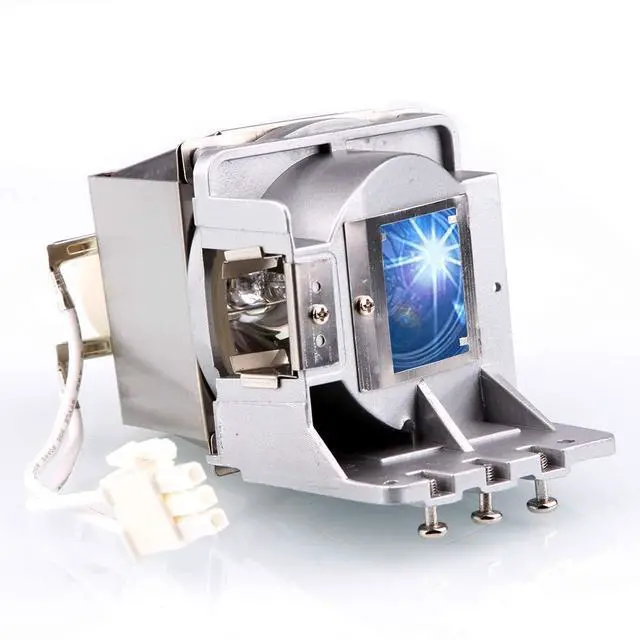
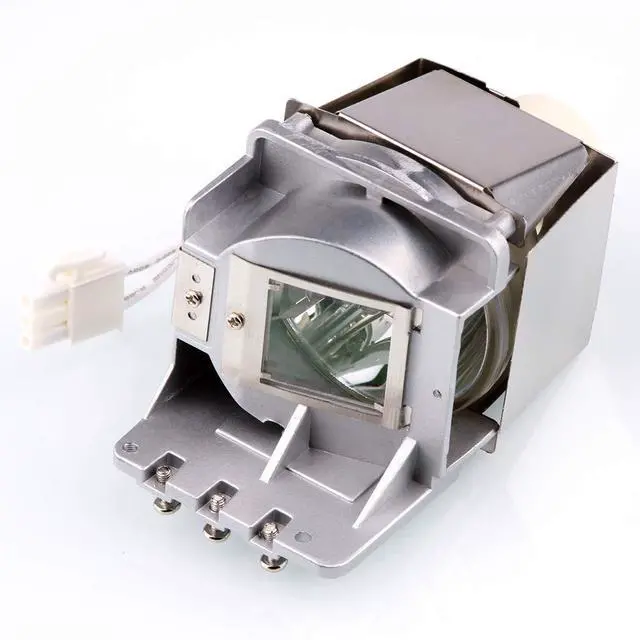
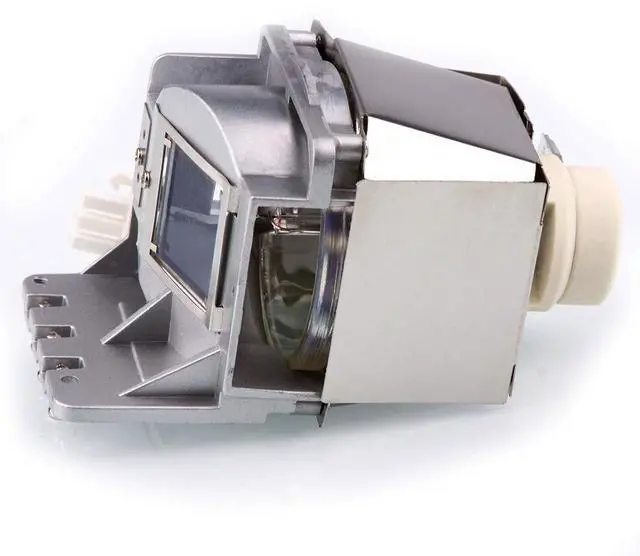
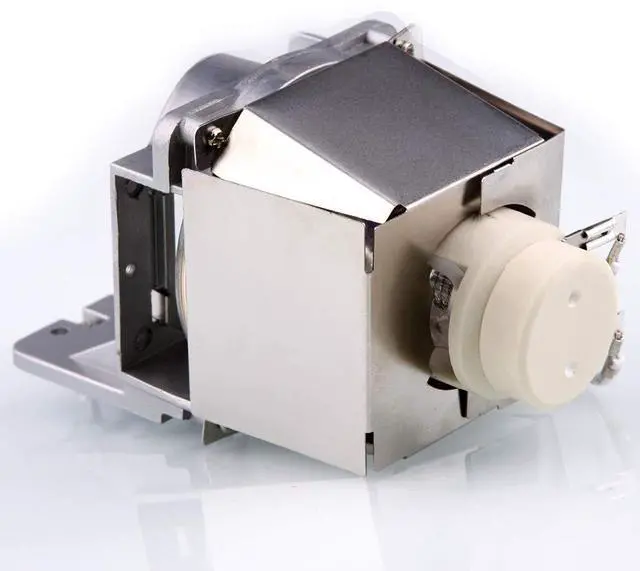
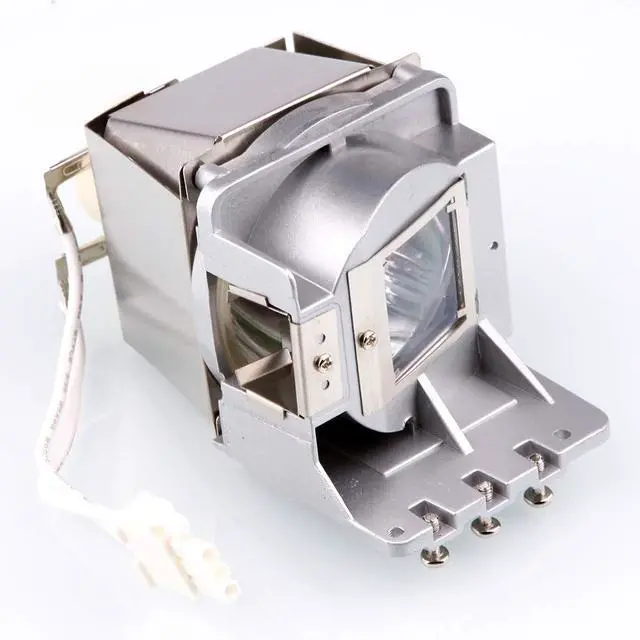
Huaute LAMP-087 Replacement Projector Lamp with Housing for Infocus SP-LAMP-087 IN120A IN120STA IN2120A IN122A IN124A IN124STA IN126A IN126STA IN2124A IN2126A Projectors
- 1.The lamp provides 240 watts of power and an average life of 3500 hours.
- 2.Our high quality replacement lamps last much longer than the imitations and provide a brighter, cleaner light source.
- 3.Easy for installation, no technician needed, It's an easy process that can be completed in just a few minutes!
- 5.Compatible ModelsFor Infocus IN120A IN120STA IN2120A IN122A IN124A IN124STA IN126A IN126STA IN2124A IN2126A Projectors
+
+
Overview
Specs
Reviews
Any questions? Our AI mode will help you find out quickly.
Try me now
Description: BRAND NEW replacement lamp with genuine bulb inside directly from our own factory.
Part Number: for
SP-LAMP-087Wattage: 240W LampProjector
Lamp Type: Projector lamp with
HousingAverage Life (hrs): 3500
hoursApplication:
Business&Education&Home&SchoolPackage: 1*bulb with housingCompatible with
Projector models: For Infocus IN120A IN120STA IN2120A IN122A IN124A IN124STA IN126A IN126STA IN2124A IN2126A ProjectorsInstalling a Projector LampTo install a projector lamp with the housing, just follow the easy steps below: 1. Make sure the projector is unplugged and sitting on a flat surface2. Loosen the screw holding the projector lamp module cover in place and remove the panel3. Unplug the old projector lamp and remove it from the projector4. Plug the new projector lamp securely into place5. Attach the panel back onto the projector and tighten the screw

Part Number: for
SP-LAMP-087Wattage: 240W LampProjector
Lamp Type: Projector lamp with
HousingAverage Life (hrs): 3500
hoursApplication:
Business&Education&Home&SchoolPackage: 1*bulb with housingCompatible with
Projector models: For Infocus IN120A IN120STA IN2120A IN122A IN124A IN124STA IN126A IN126STA IN2124A IN2126A ProjectorsInstalling a Projector LampTo install a projector lamp with the housing, just follow the easy steps below: 1. Make sure the projector is unplugged and sitting on a flat surface2. Loosen the screw holding the projector lamp module cover in place and remove the panel3. Unplug the old projector lamp and remove it from the projector4. Plug the new projector lamp securely into place5. Attach the panel back onto the projector and tighten the screw
Warranty & Returns
Warranty, Returns, And Additional Information
Warranty
- Please contact the Seller directly for warranty information. Warranty information may also be found on the Manufacturer's website.
- CONTACT
Return Policies
- Return for refund within: 30 days
- Return for replacement within: 30 days
- This item is covered by ApexDash Return Policy
Manufacturer Contact Info
- For a directory of all our manufacturers, please click below.
- Manufacturers Directory
LOADING...