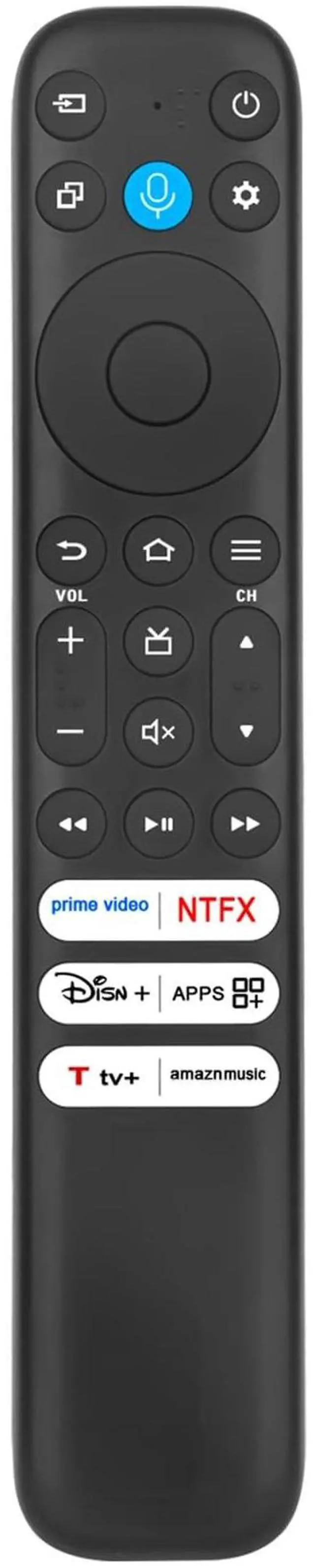
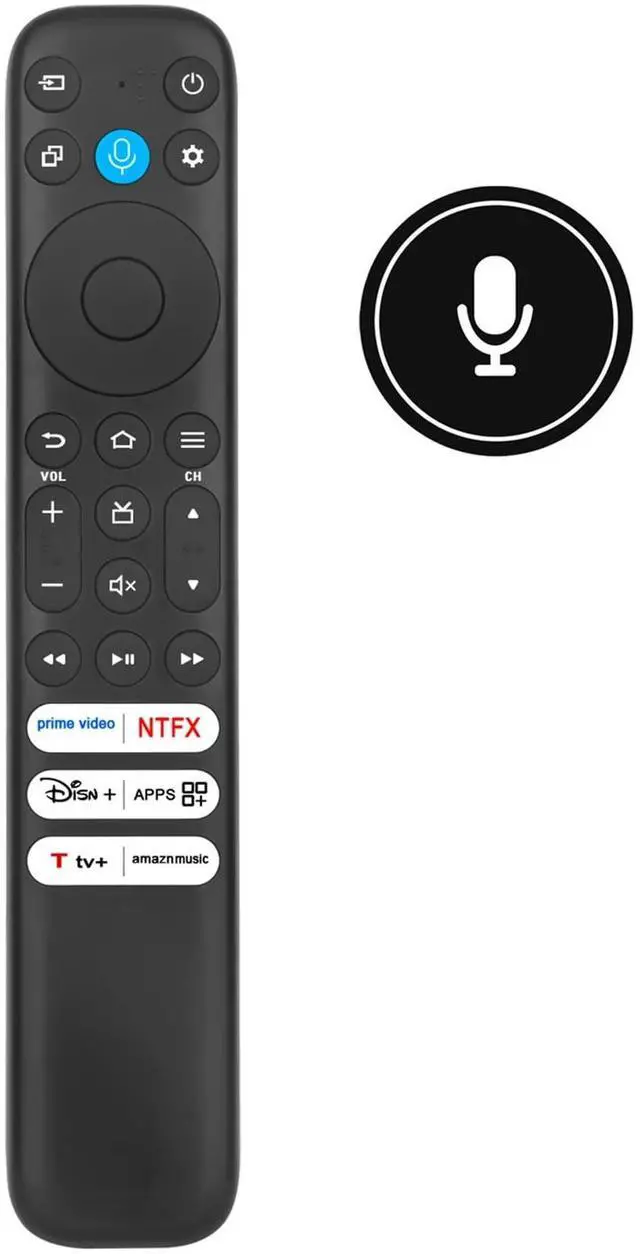
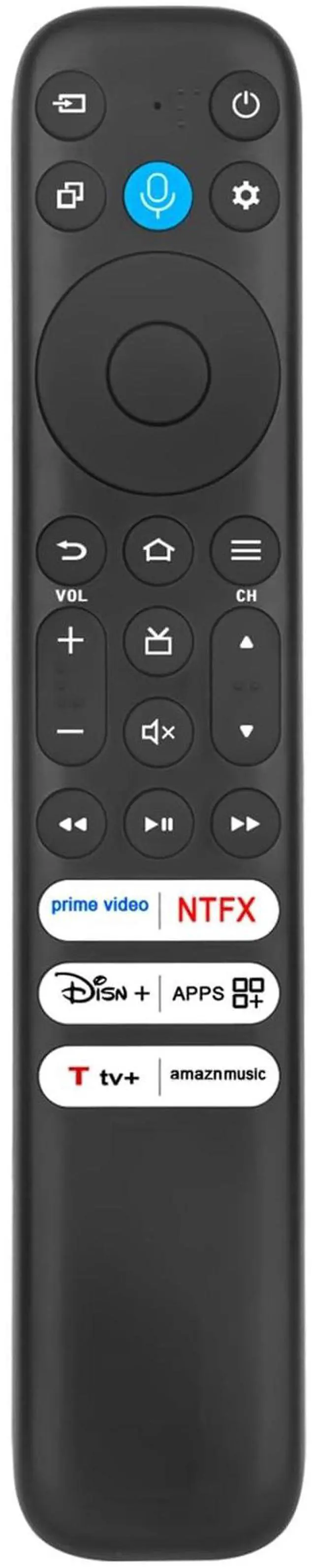
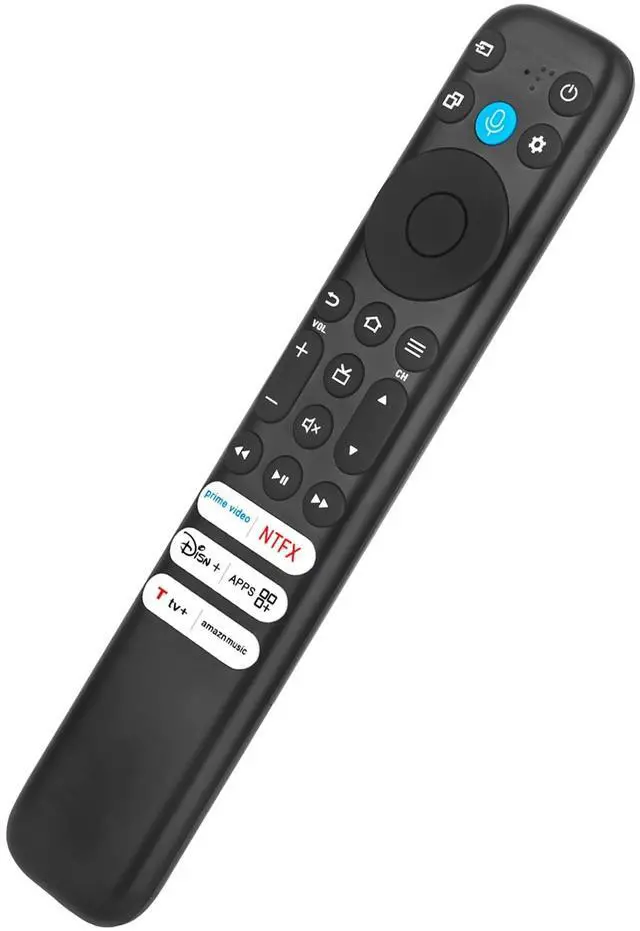
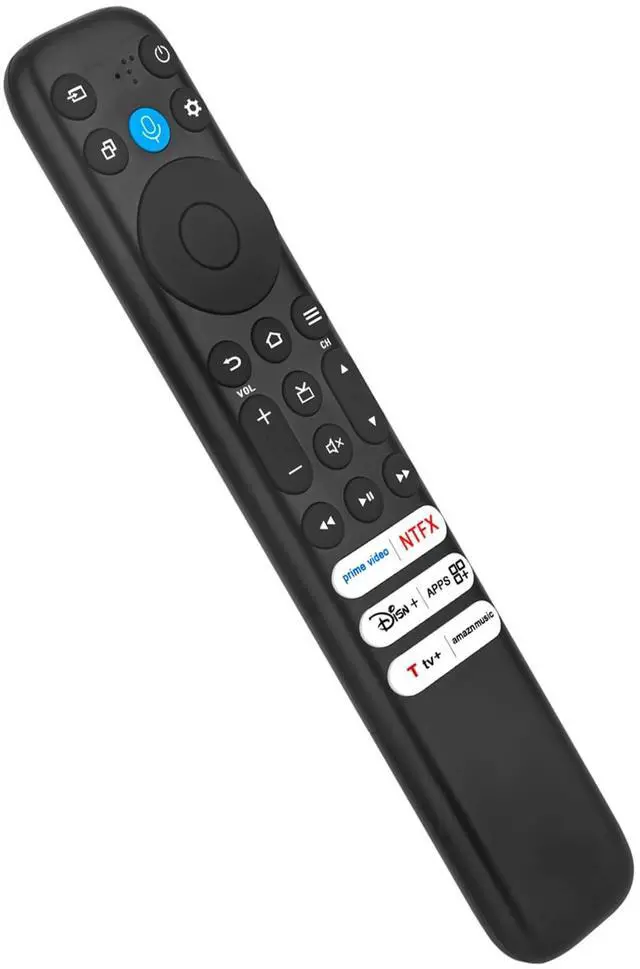
New RC813 CMB2 Voice Replace Remote Control Applicable for TCL Smart TVPlease pair the remote with your TV before use. 1. Install new alkaline batteries for the remote, unplug your TV device, and wait 60 seconds. 2. Plug your TV device back in, and wait for the Home Screen to display. 3. Hold the Home button on your remote for 40 seconds, then wait 60 seconds for setup to complete. Compatible with below
TCL TV models: 65Q651F 55Q651F 75Q651F 40SF35 32S350F 40S350F 40S35F 55Q650F 32SF540K 85Q550F 65Q650F 65S551F 43S551F 75Q650F55F35 65Q550F 58S571F 50S551F 75Q550F 75Q681F 55S551F 75S551F 55Q550F 50Q550FPower
Supply: 2X 1.5V AAA Alkaline Battery (Not Included)
Package Content: 1X Remote Control





 here!
here!