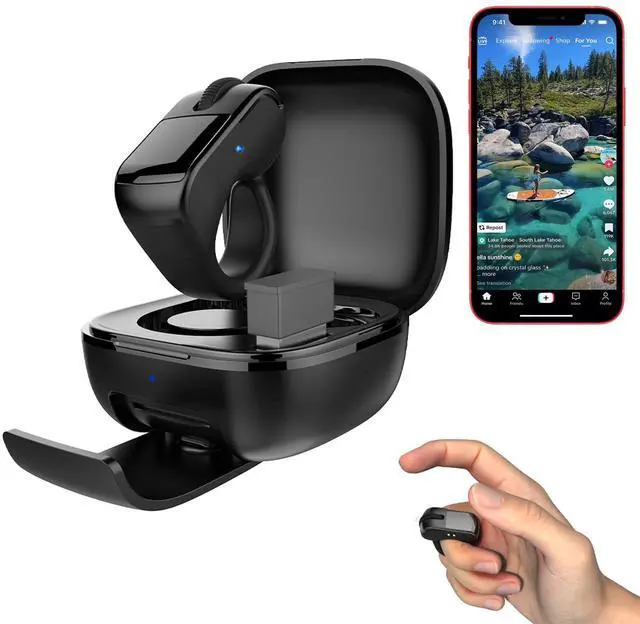
Technical data of the ring mouse with remote controlFunction: 2 in 1 remote control and mouse (Bluetooth + 2.4GH z dual mode + touchpad)Bluetooth version: Ver.
5.3B luetooth name: D06 or
D06 ProBluetooth range: 10
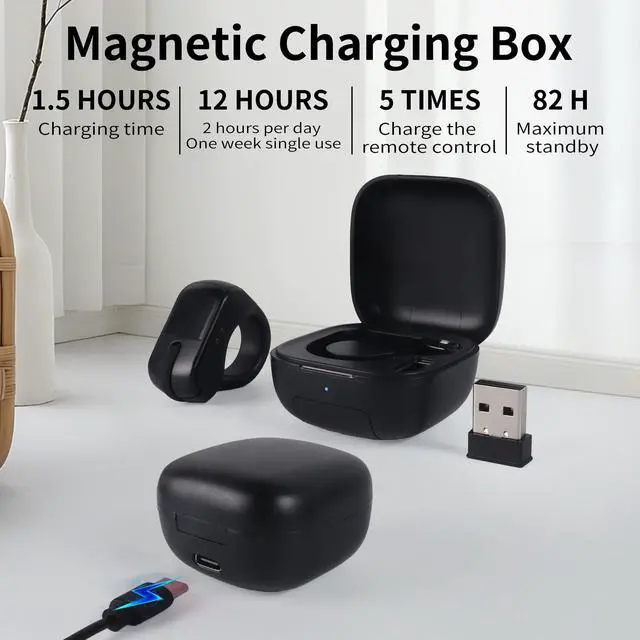
metersBattery capacity: 40mAhCharging
time: approx.
1.5 hoursCharging case: Battery
capacity: 250mAhCharging
time: approx.
1.5 hoursCharging port: USB-CRemove the ring mouse from the charging case and press and hold the scroll wheel for 1 second to turn it on. The blue LED flashes quickly.
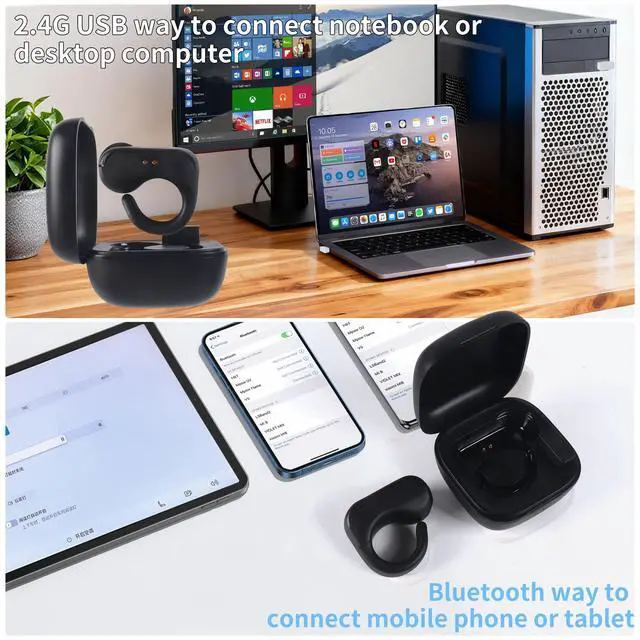
For Android systems: Simply connect via Bluetooth.
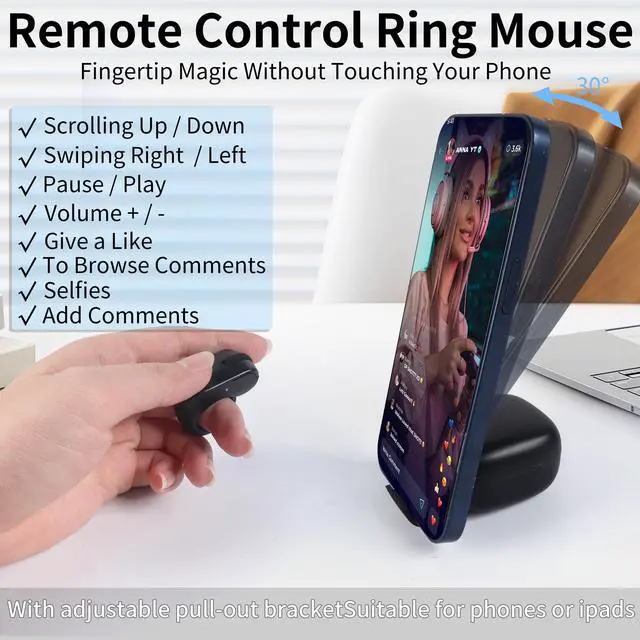
For App-le systems: AssistiveTouch must be activated and the iOS version must be at least 14.8. Scroll the wheel up and down to browse videos. Press and hold the left and right buttons to adjust the volume. Tap the right button to swipe right on the video. Tap the left button to swipe left on the video. Press and hold the left or right button to adjust the volume. Hover the cursor over the touchpad and open the comments section. Use your mouse wheel to scroll up and down in the comments section. You can also use the cursor to enter text. Double-tap the touchpad to leave a like. Tap the touchpad once to pause the video. You can also use it to turn e-book pages. If it doesn't work properly, please restart your phone. On Apple phones, tap the mouse wheel to return to the home screen. On Android devices, you will return to the previous menu. Move the cursor and tap to open applications. Press and hold the left and right buttons to take photos and film videos. You can use the charging case stand to adjust the angle of the phone as needed.
It can also be used on older computers without Bluetooth. Press and hold the left and right buttons simultaneously for one second; the red and blue LEDs flash alternately. Connect the 2.4GH z USB receiver to use the device as a mouse to control your computer. It can also be used to turn pages in PowerPoint presentations. It is more comfortable to wear on the middle finger. By pressing the left and right buttons simultaneously, the blue LED flashes quickly and the device returns to Bluetooth mode.





 here!
here!